


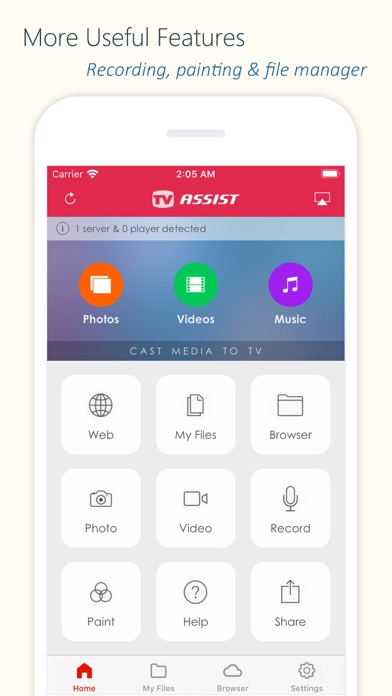
Description

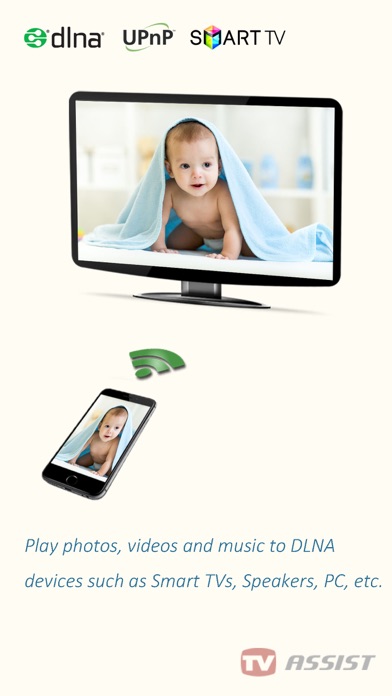
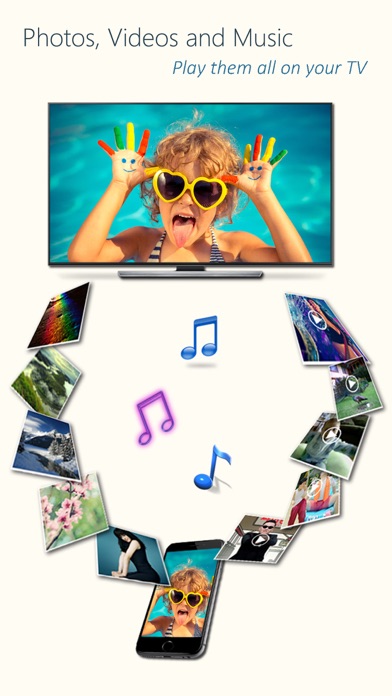
Play photos, videos, and music from your iPhone/iPad to DLNA-compatible devices such as smart TVs, AV systems, speakers, PCs, and other mobile devices.
Easy to use - Just pick your media and tap to play, only one single step to play it on your TV!
Anytime, anywhere, across devices - Enjoy sharing photos, videos, and music with friends and family. Stream content to a nearby TV or other devices for everyone to view or listen together.
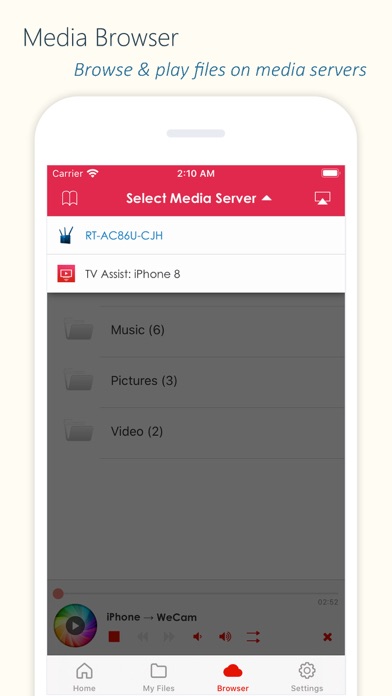
TV Assist also lets you browse media on other DLNA devices and play them directly on your iPhone/iPad or another compatible device.
Getting photos, videos and music from friends is easy - Use TV Assist as a media receiver (renderer) to accept media streamed from other DLNA devices (e.g., another iPhone/iPad running TV Assist).
Key Features:
- Display photos on other devices in multiple sizes for the best viewing experience;
- Play videos on other devices in all supported qualities;
- Play music on other devices with metadata;
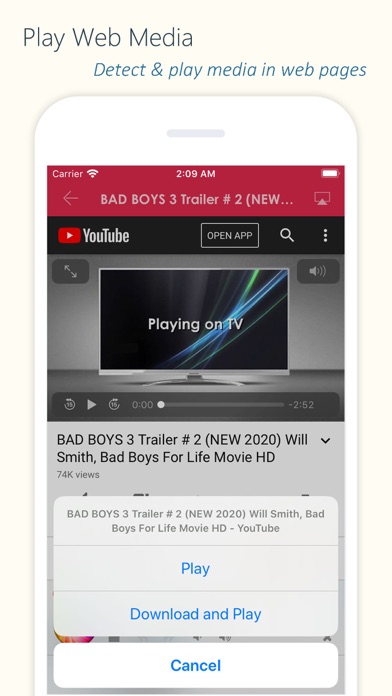
- Detect and play media content from web pages;
- Access and play media files stored on other DLNA devices;
- Upload files to your iPhone/iPad and play them;
- Draw on your TV screen interactively;
- Record videos or audio and stream them directly to TV;
- Work as a renderer: Receive media from other DLNA devices;
- Work as a server: Share your device's media with other DLNA devices.
Supported Devices:
- TVs from Samsung, LG, Sony, Panasonic, Sharp, Philips, Thomson and many others;
- AV systems from DENON, Onkyo, Marantz, Bose, Pioneer and many others;
- Game consoles such as Xbox 360, PlayStation 3;
- Media Players: Apple TV, Sony Blu-ray players, TV boxes and others;
- PCs/Mac: Twonky, Windows Media Player, Plex, and others;
- All DLNA/UPnP-certified devices.
Important Notes:
- TV Assist relies on DLNA technology and requires a WiFi connection;
- Ensure your TV/device is DLNA-compatible and connected to the same local network;
- Some iPhone/iPad media formats may not be supported by your TV/device;
- TV Assist cannot access media from other iOS apps (e.g., the native Videos app). Upload files to TV Assist for playback.
Hide Show More...

In-Apps

Full Version
14.90 RM
Basic Features
9.90 RM
Unlimited Music
4.90 RM
Unlimited Photos
4.90 RM
Unlimited Videos
4.90 RM
Advanced Features
9.90 RM
Online Media Pack
4.90 RM

Screenshots

FAQ

  • Is 电视助手 free?

    Yes, 电视助手 is free to download, however it contains in-app purchases or subscription offerings.

  • Is 电视助手 legit?

    ‼️️ The 电视助手 app seems suspicious. Many reviews appear fake or manipulated. Exercise caution.

    Thanks for the vote

  • How much does 电视助手 cost?

    电视助手 has several in-app purchases/subscriptions, the average in-app price is 7.76 RM.

  • What is 电视助手 revenue?

    To get estimated revenue of 电视助手 app and other AppStore insights you can sign up to AppTail Mobile Analytics Platform.

User Rating

4.22 out of 5

171 ratings in Malaysia

5 star
107
4 star
30
3 star
14
2 star
4
1 star
16
Ratings History

Reviews

Hehe

Kuihdej on

Malaysia

Naish

Good

慕容文采 on

Malaysia

简单易懂!good~

can’t cast

sw010101 on

Malaysia

why always file not support?

Too bad

chutiya787 on

Malaysia

Too bad

7.0.6 every thing ok but

What the damn on

Malaysia

After update 7.2.0 video streaming randomly lag Same wifi phone and tv Iphone11promax

This app keep crashing.

[yun] on

Malaysia

Feel annoying use half way then it crashed. 😔

Works!

SirShaKma on

Malaysia

It works, can have a better UI but usable

We want subtitles

Fauzula on

Malaysia

Please add a feature to add our own subtitle files to the app and mirror it to the tv with subs.

Screen Mirroring

limaynee on

Malaysia

太方便了,帮助大,易操作。

HarshT

harsht18 on

Malaysia

Good

Store Rankings

Ranking History
App Ranking History not available yet
Category Rankings
Chart
Category
Rank
Top Free
140
Top Free
157
Top Free
308
Top Free
339
Top Free
461

Keywords

Competitors

电视助手 Installs

Last 30 days

电视助手 Revenue

Last 30 days

Revenue and Downloads

Gain valuable insights into 电视助手 performance with our analytics.
Sign up now to access downloads, revenue, and more.
This page includes copyrighted content from third parties, shared solely for commentary and research in accordance with fair use under applicable copyright laws. All trademarks, including product, service, and company names or logos, remain the property of their respective owners. Their use here falls under nominative fair use as outlined by trademark laws and does not suggest any affiliation with or endorsement by the trademark holders.




