Screen Mirroring: LetsView

Cast Screen & Stream Audio

Published by: Wangxu Technology Co

Description

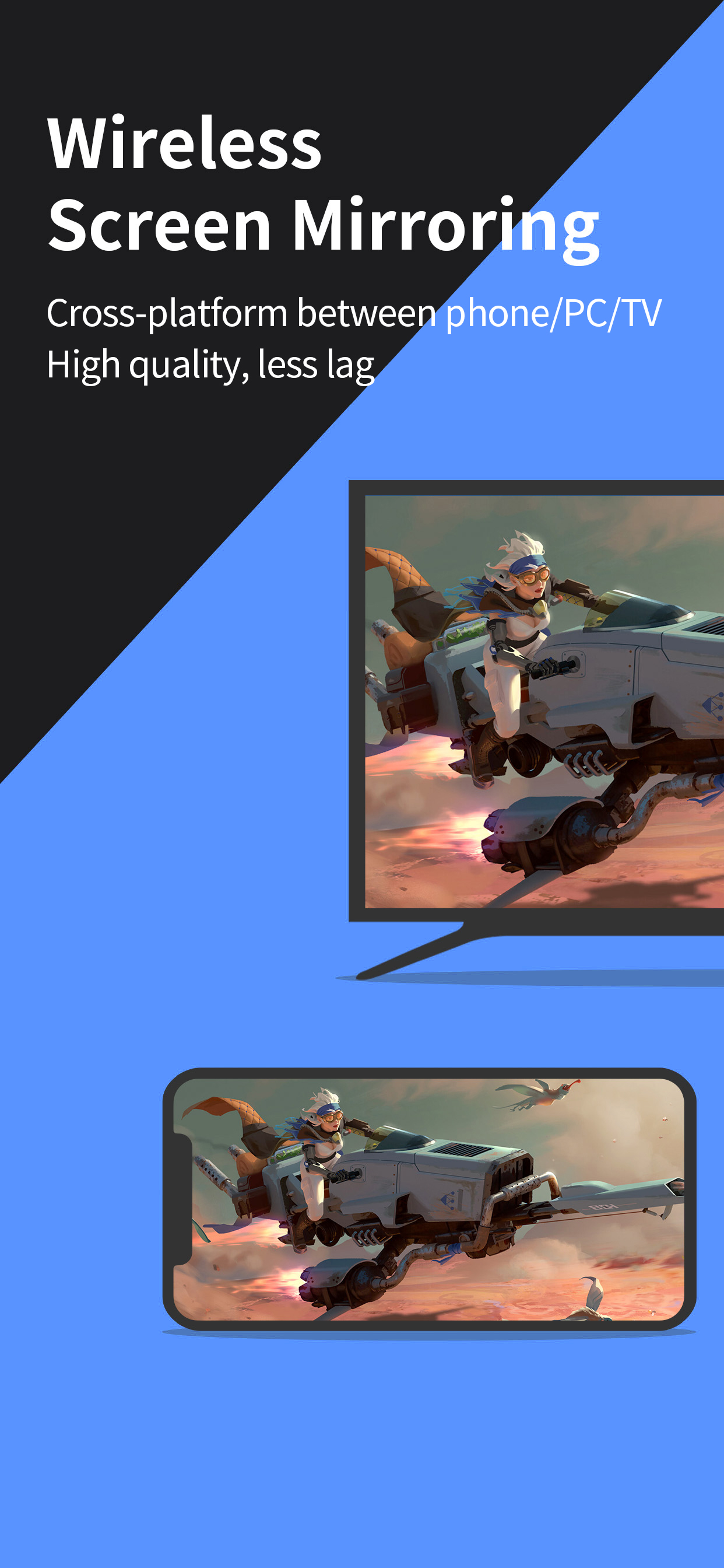
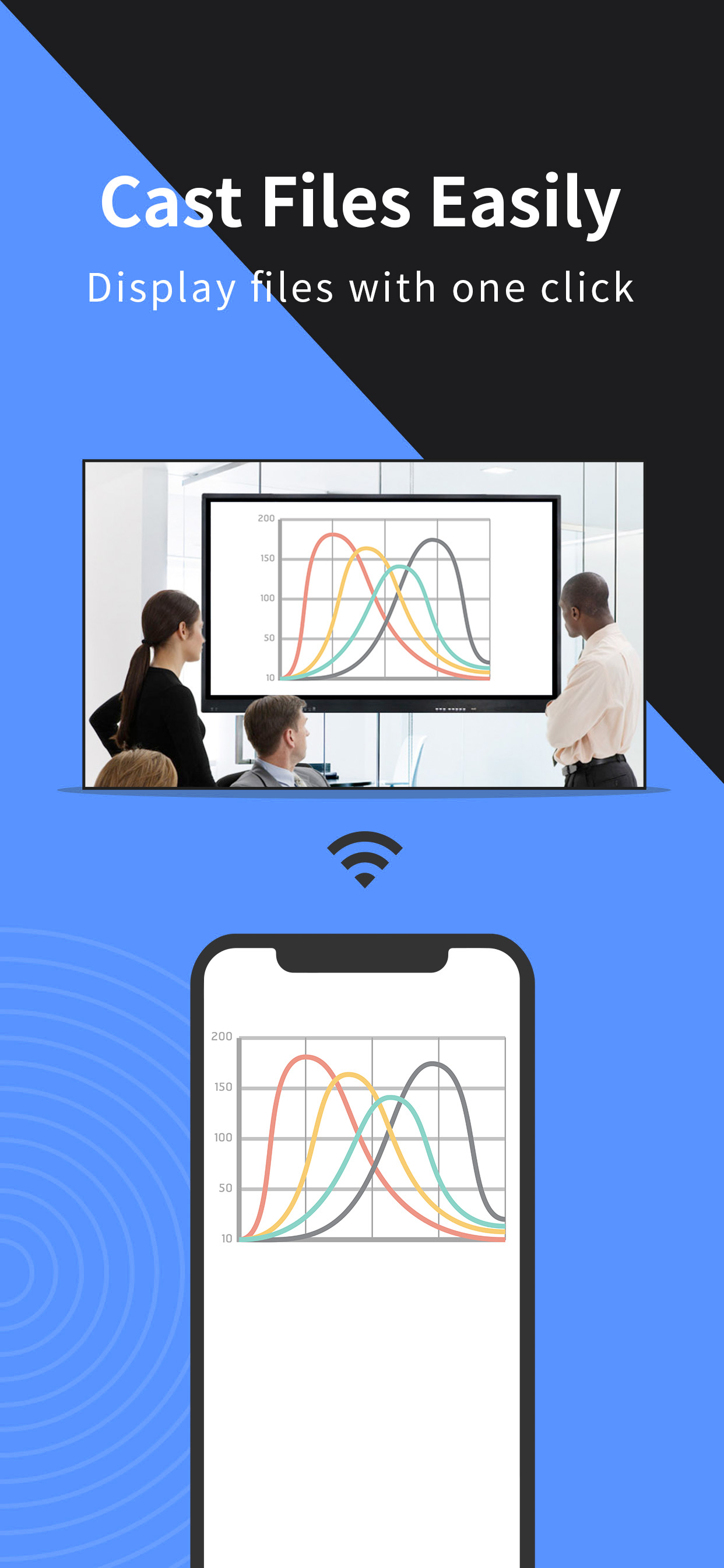
Looking for high-quality and free screen mirroring app? Look no further than LetsView! Easily mirror or cast your phone, tablet, or computer screen to your TV, PC, or Mac. With LetsView, you'll have endless possibilities for communication and entertainment in your daily life.

Key Features:
*Screen mirroring between mobile phones and PCs
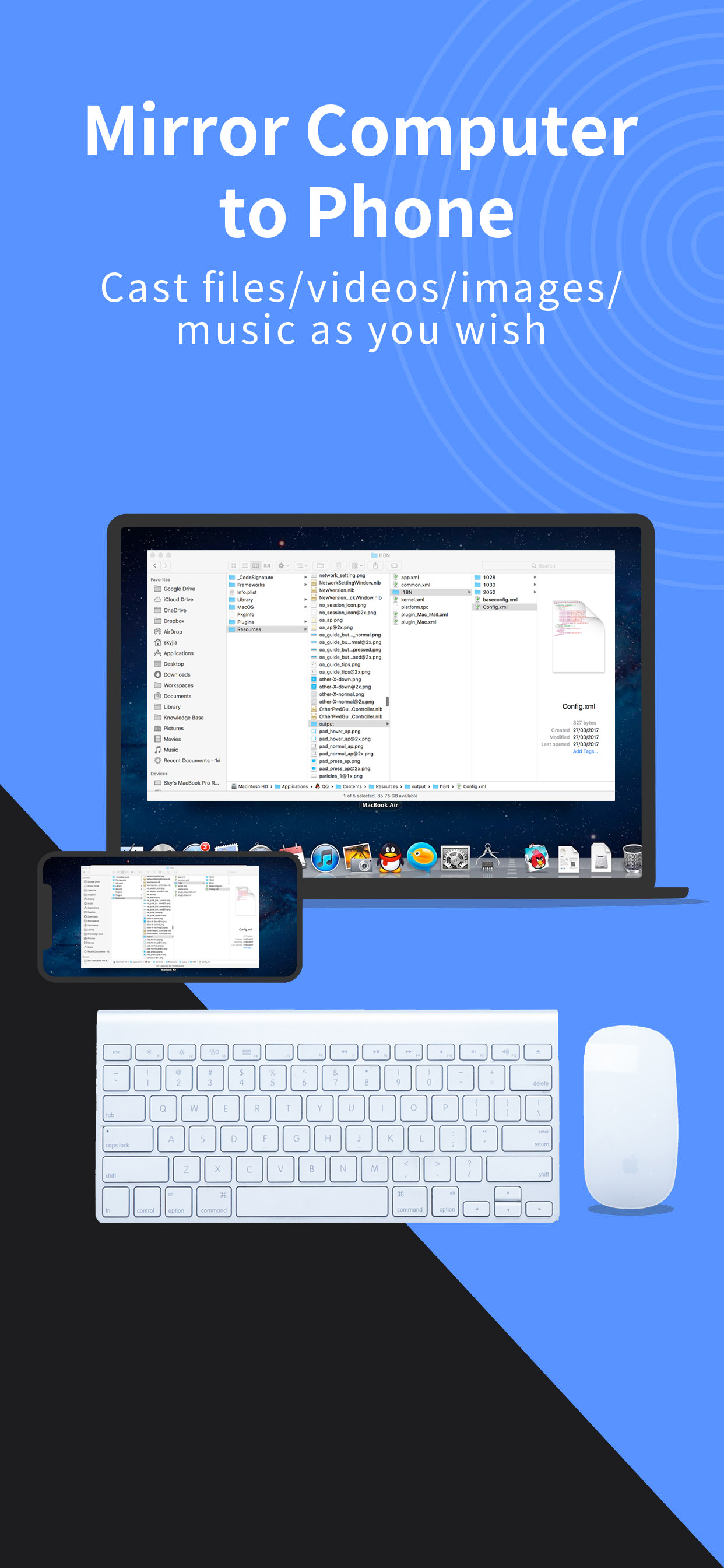
Mirror your phone screen to your Mac or Windows computer, enhance your favorite live stream viewing experience, or present content on a bigger screen without any limitations of your phone's screen size. You can even cast your phone screen to multiple devices.
*Control PC from a phone
Once your computer and smartphone are connected, the smartphone can act as a makeshift keyboard or mouse, allowing you full control over your computer screen with just your fingertips.
*Screen mirroring between mobile phone and TV
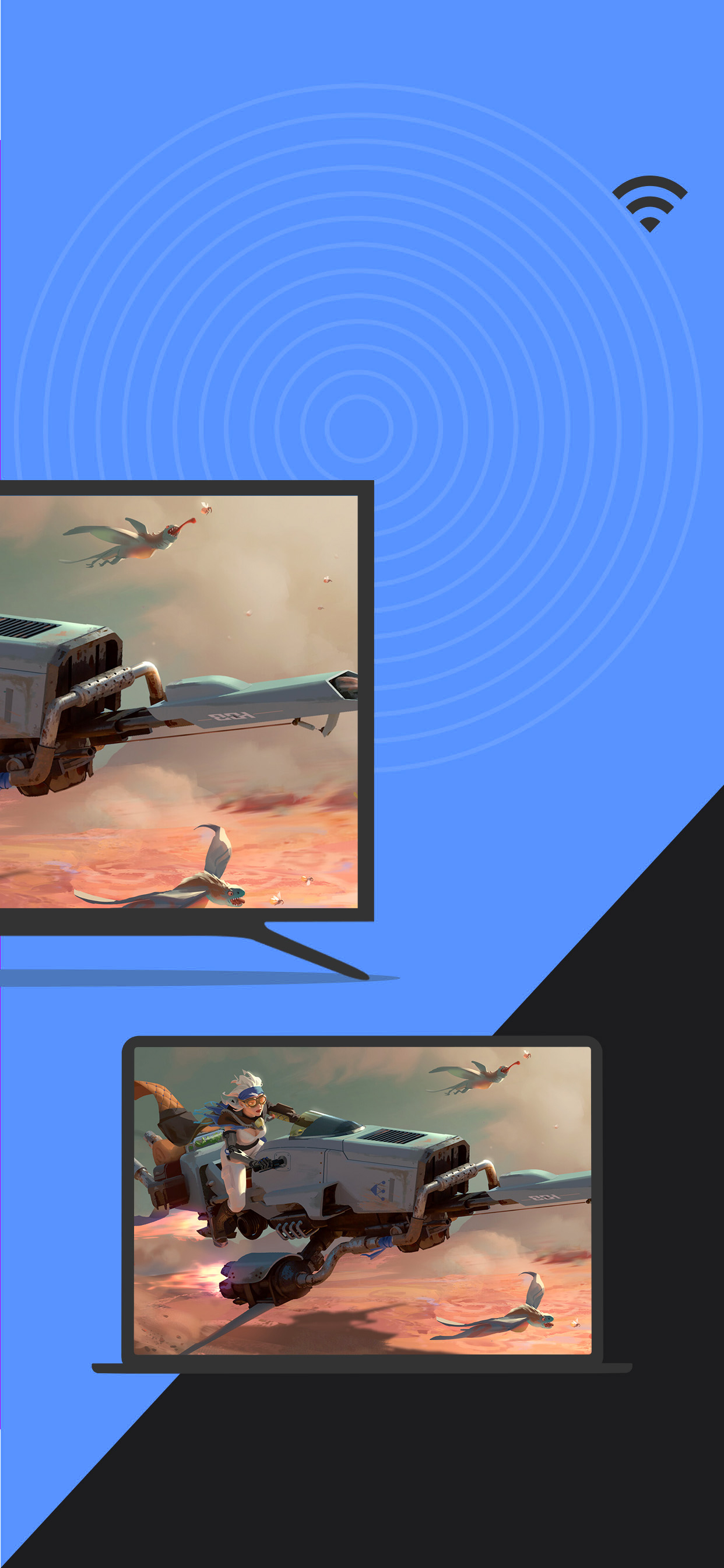
Whether you're watching a movie, watching a sporting event with the family, or giving a business presentation on TV, mirroring your phone's screen to a larger display has never been easier with LetsView. LetsView perfectly fit most of the TVs on the market.
*Screen mirroring between PC/tablet and TV
In addition to the mobile version, LetsView covers various platforms. Our desktop version also enables mirroring between PC to PC, and PC to TV.
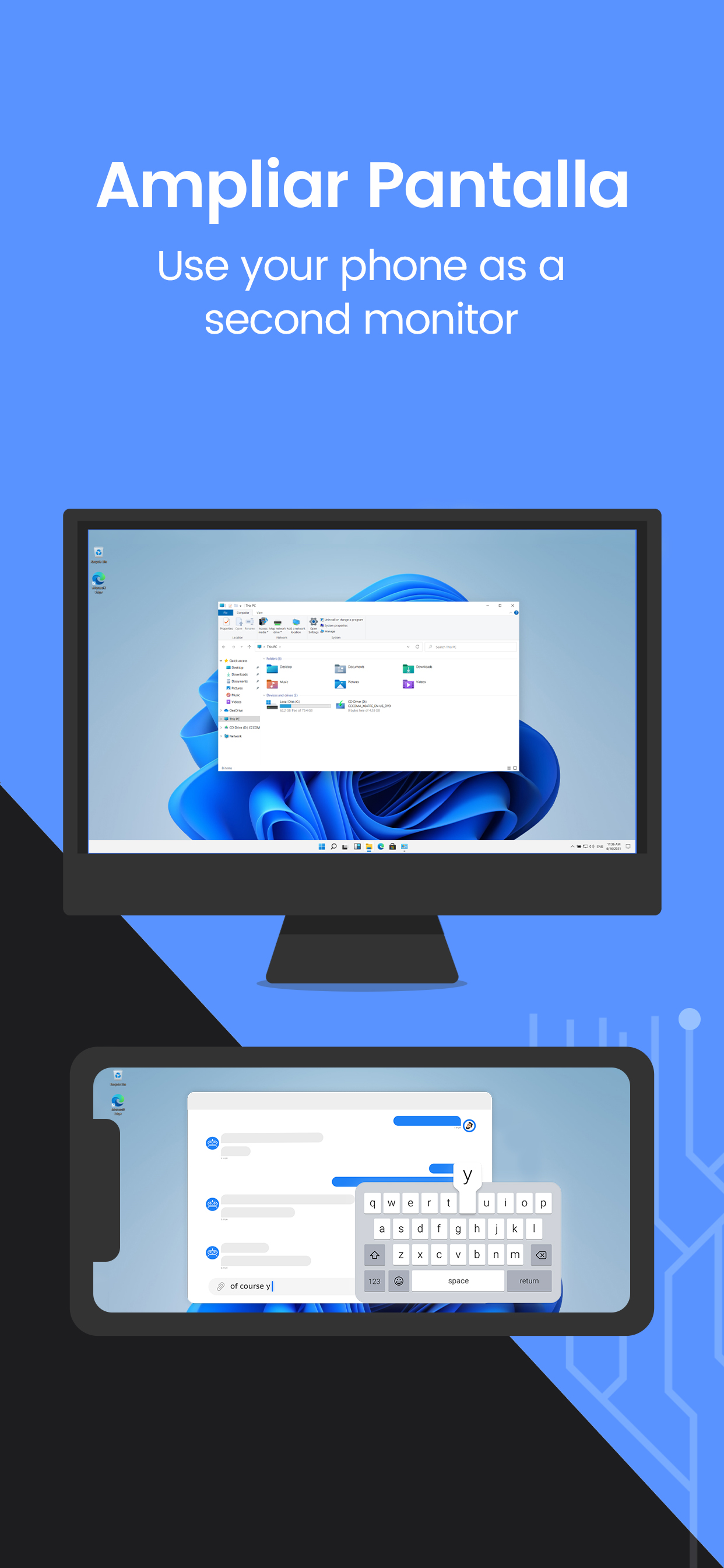
*Extend screen
Turn your phone into a secondary monitor for your computer, allowing you to focus on main tasks on the primary screen while simultaneously handling auxiliary activities on your phone's screen, thus significantly boosting your productivity.
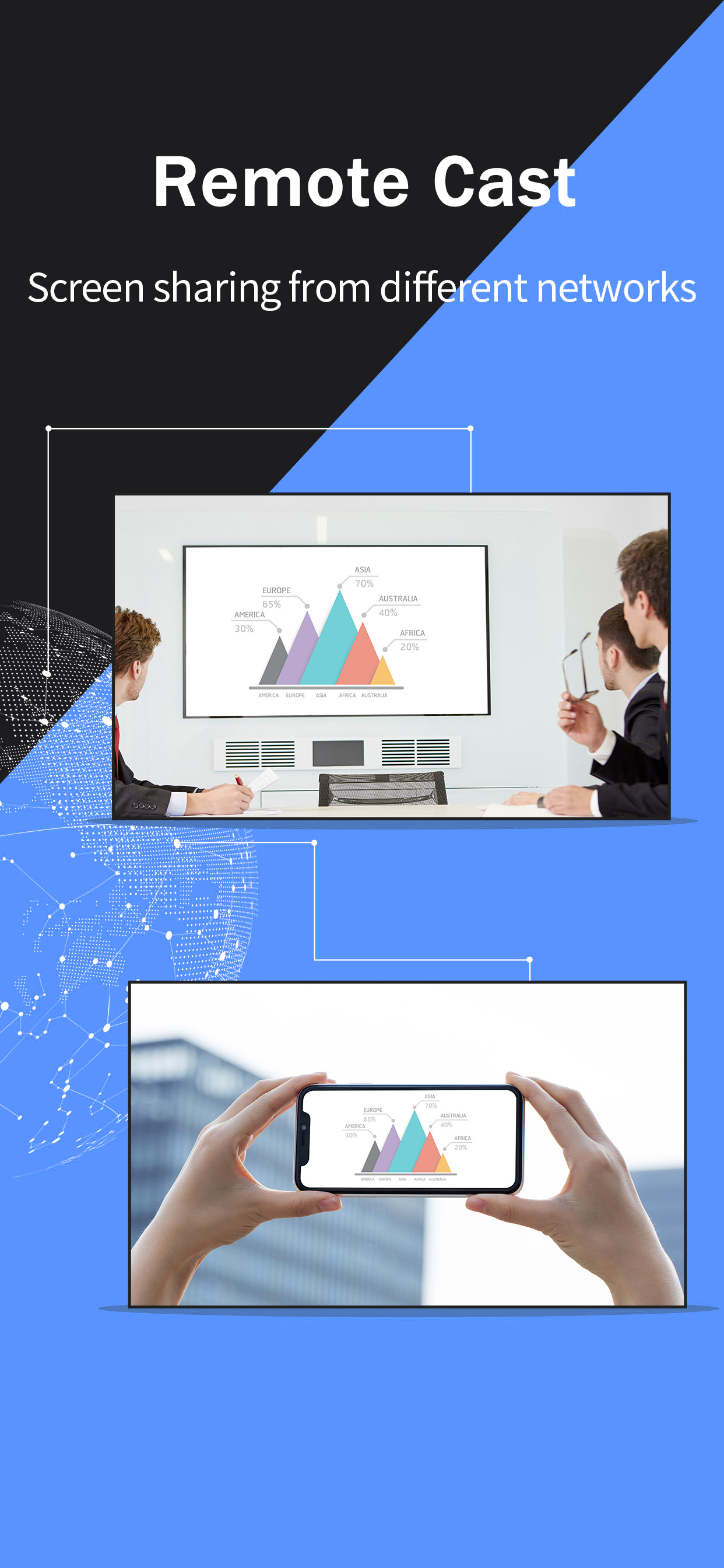
*Remote screen mirroring
Screen mirroring is also possible when you are on a different network. The remote screen mirroring feature will help you cross the network, just enter the remote cast code, and the two devices will share the screen over a distance.
*Additional features
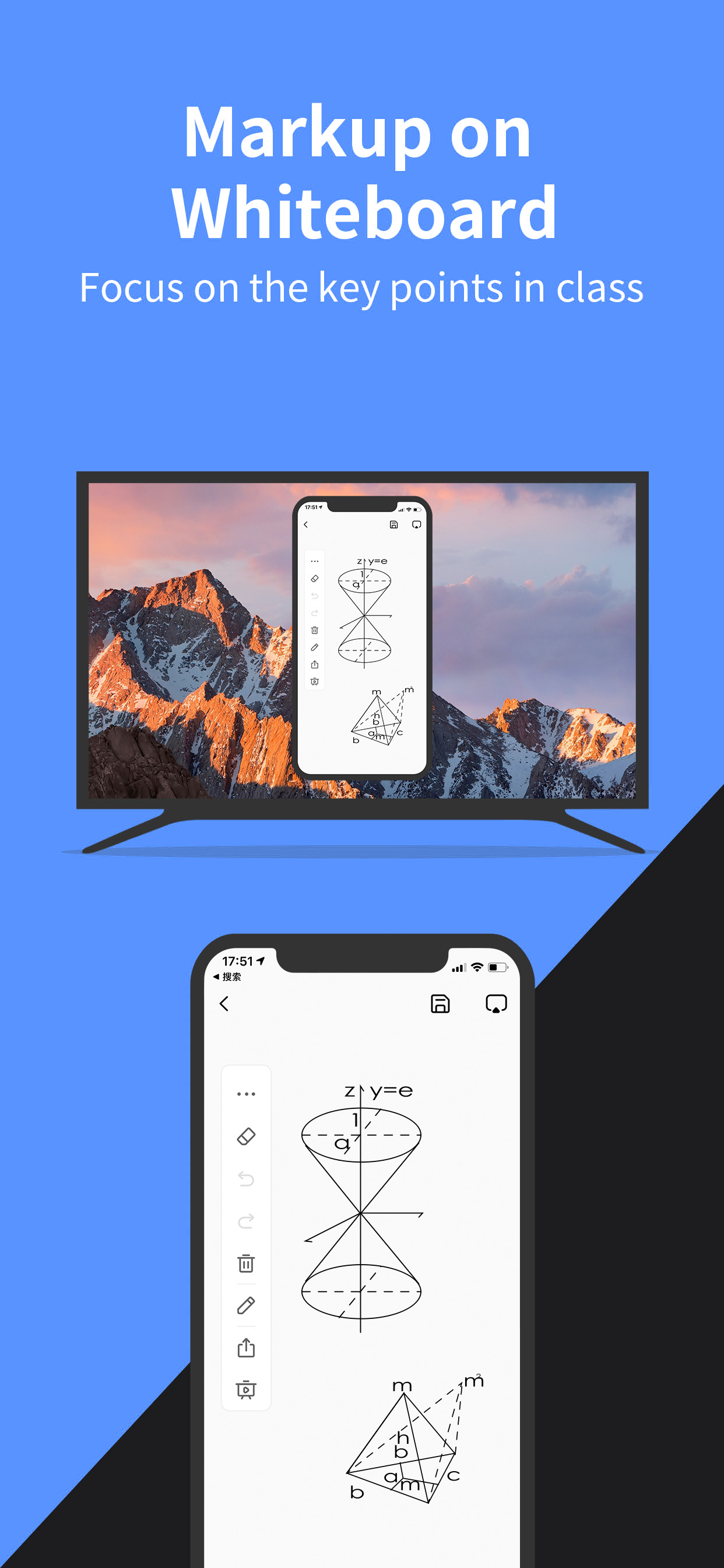
Drawing, whiteboard, document presentation, screen capture, and screen recording of a mobile phone screen are also available.
*Why LetsView?
● Ad-free.
● Uninterrupted and unlimited usage.
● HD screen mirroring.
● HD screen recording.

*Primary use cases:
1. Family Entertainment
Mirroring movies, games, photos, and more onto a larger screen for a better visual experience.
2. Business Presentations
Share your PC or mobile phone screen content onto a large screen for presentations or meetings, demonstrate your product to potential customers remotely.
3. Online teaching
Share the teacher's device screen and combine it with the whiteboard, enhancing the visual experience of your online classes.
4. Live stream gameplay
Broadcast gaming content on a big screen, share gameplay with followers, and keep wonderful moments.
*Easy to Connect:
Connecting your devices is easy with 3 available methods: direct connection, QR code connection, or passkey connection.
Ensure that all your devices are connected to the same Wi-Fi network, and your device will be automatically detected for easy connection. If your device isn't detected, simply scan the QR code or enter the passkey to establish the connection.

*Contact:
We appreciate all your feedback! Contact us at [email protected] or send feedback from Me > Feedback on the LetsView app for suggestions, comments, questions, or concerns.
Hide Show More...

In-Apps

15 minutes
39.99 ₺
Enjoy HD screens
199.99 ₺
3-Year Subscription
2,299.99 ₺
LetsView Pro (Lifetime)
2,299.99 ₺
Mac LetsView Pro(annual)
999.99 ₺
Annual Subscription (Pro)
699.99 ₺
Mac LetsView Pro(monthly)
249.99 ₺
Buy 3yr VIP, get +3yrs Free
2,299.99 ₺
Mac LetsView Business(annual)
1,299.99 ₺
Mac LetsView Business(monthly)
299.99 ₺

Screenshots

Screen Mirroring FAQ

  • Is Screen Mirroring free?

    Yes, Screen Mirroring is free to download, however it contains in-app purchases or subscription offerings.

  • Is Screen Mirroring legit?

    ⚠️ The Screen Mirroring app has poor ratings and negative feedback. Users seem unsatisfied with its performance or features.

    Thanks for the vote

  • How much does Screen Mirroring cost?

    Screen Mirroring has several in-app purchases/subscriptions, the average in-app price is 1,068.99 ₺.

  • What is Screen Mirroring revenue?

    To get estimated revenue of Screen Mirroring app and other AppStore insights you can sign up to AppTail Mobile Analytics Platform.

User Rating

3.03 out of 5

29 ratings in Türkiye

5 star
11
4 star
3
3 star
2
2 star
2
1 star
11
Ratings History

Screen Mirroring Reviews

Çalışmıyor

iboışık on

Türkiye

Telefonu yansıtmıyor pc yi telefona yansıtıyor sildim

Çalışmıyor

erdem Salih on

Türkiye

Yukledim indirdim ama uygulama çalışmıyor beş para etmez indirmeyin arkadaşlar boşuna. Çalışan diyenler yalan söylüyor

İphone 5 can't open

kermit ama mor on

Türkiye

İphone 5 startup crash.

Çalışmıyor diyenler için

Dero5_derin on

Türkiye

İpad ekranımı bilgisayara yansıtabildim işime de yarıyor arada kullanıyorum çalışmıyor diyenler için ; yansıtmak için bikaç detaya dikkat etmeniz gerekiyor (iki cihazın da ayı wifi a bağlı olması gerektiği gibi).Adamlar o kadar uğraşıp uygulama yapmışlar haklarının yenmemesi için yazıyorum bu yorumu.

İphone usb mirror

eren0 on

Türkiye

Telefonu usb ile yansıtılmıyor delay var

Bad

panicpointtt on

Türkiye

Doesn’t work... calismiyor indirmeyin.

İ cant open

Cant Opener on

Türkiye

İ cant open

What about in Turkish or English?

Zuhurat Baba on

Türkiye

Program directly has started as in Chinese! How can I set up in Turkish or English?

以前还能用,现在用不了了

笑熬浆糊741 on

China

停止维护了,但还在收钱,用苹果自带的屏幕镜像投不到安卓的幕连里,用幕连app投过去完全是糊的什么都看不见,去软件里反馈,写了半天结果发送失败,不能反馈,已经废了

从幕享到幕连都很喜欢

他人发发发禧 on

China

最近新出的手机控制电脑功能也不错,挺新奇,还能用手机键盘给电脑文件打字,有点意思

Store Rankings

Ranking History
Category Rankings
Chart
Category
Rank
Top Free
205
Top Free
215
Top Free
249
Top Free
255
Top Free
258

Keywords

Screen Mirroring Competitors

幕连-简单的投屏工具 Installs

Last 30 days

幕连-简单的投屏工具 Revenue

Last 30 days

Screen Mirroring Revenue and Downloads

Gain valuable insights into 幕连-简单的投屏工具 performance with our analytics.
Sign up now to access downloads, revenue, and more.
This page includes copyrighted content from third parties, shared solely for commentary and research in accordance with fair use under applicable copyright laws. All trademarks, including product, service, and company names or logos, remain the property of their respective owners. Their use here falls under nominative fair use as outlined by trademark laws and does not suggest any affiliation with or endorsement by the trademark holders.