Screen Mirroring: LetsView

Cast Screen & Stream Audio

Published by: Wangxu Technology Co

Description

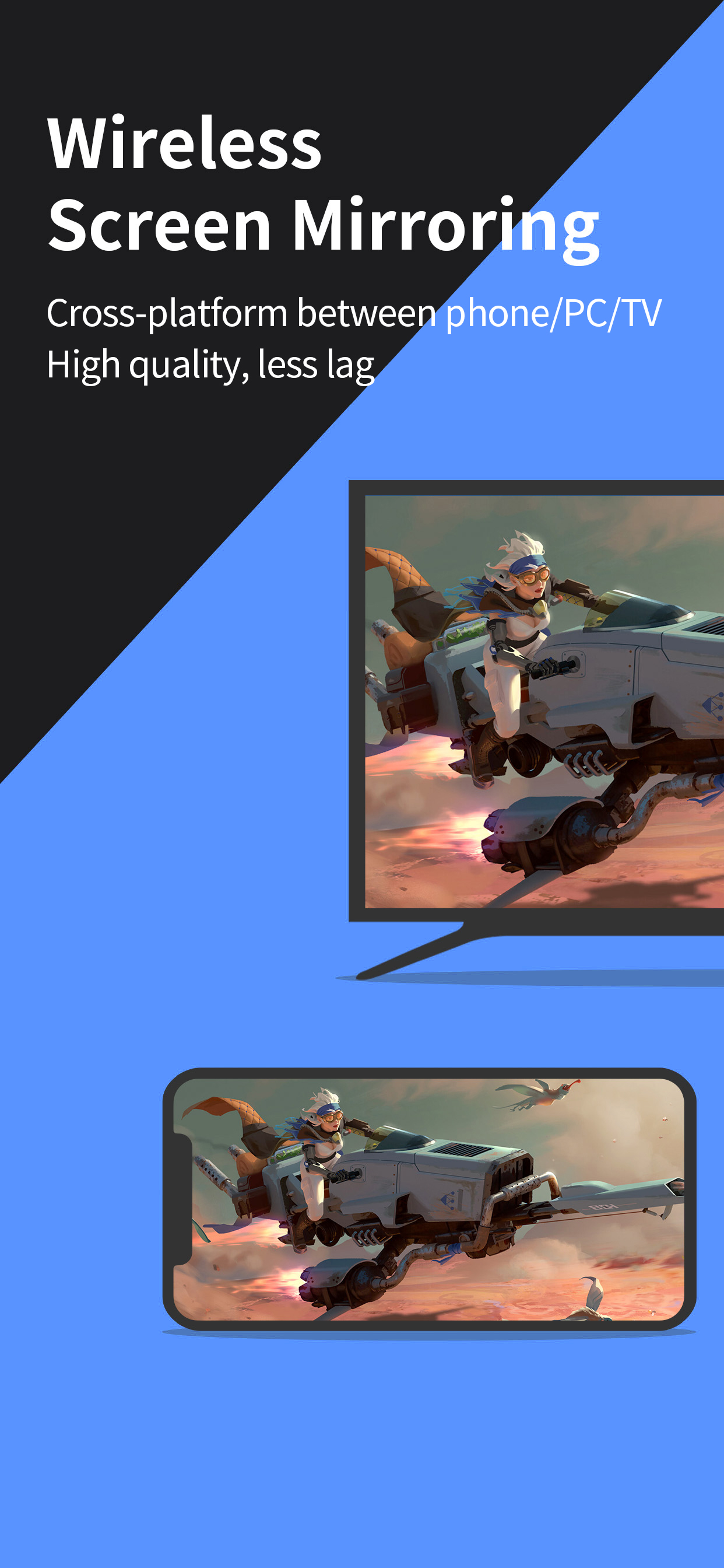
Looking for high-quality and free screen mirroring app? Look no further than LetsView! Easily mirror or cast your phone, tablet, or computer screen to your TV, PC, or Mac. With LetsView, you'll have endless possibilities for communication and entertainment in your daily life.

Key Features:
*Screen mirroring between mobile phones and PCs
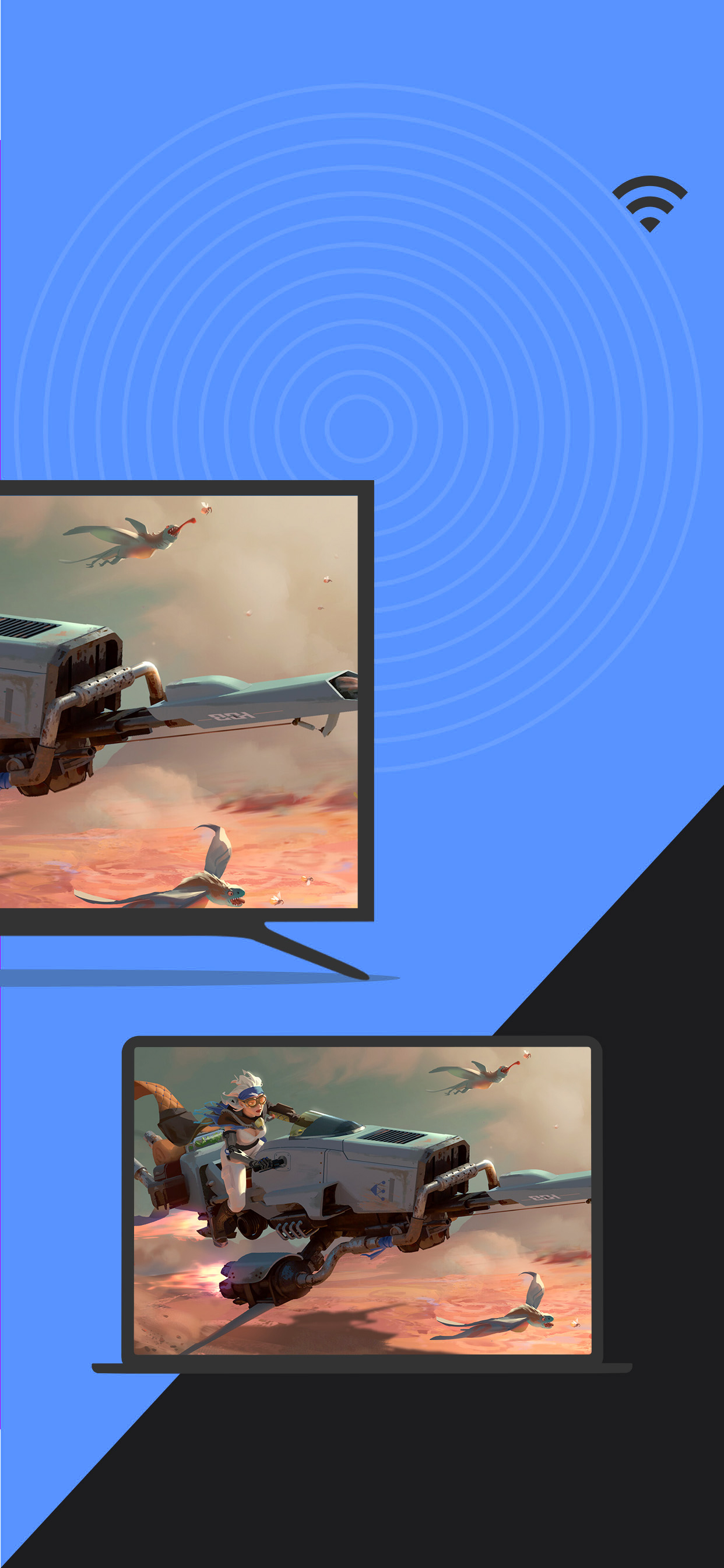
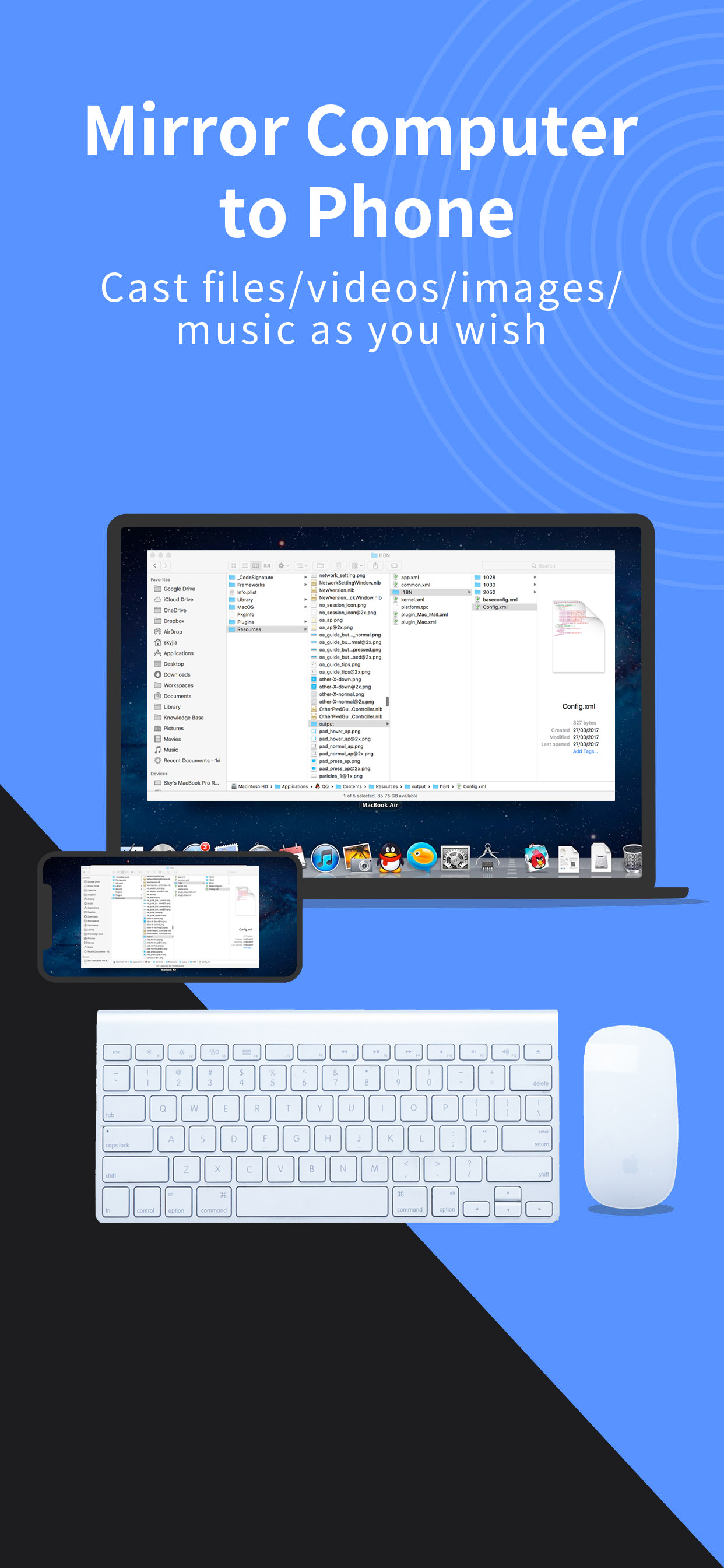
Mirror your phone screen to your Mac or Windows computer, enhance your favorite live stream viewing experience, or present content on a bigger screen without any limitations of your phone's screen size. You can even cast your phone screen to multiple devices.
*Control PC from a phone
Once your computer and smartphone are connected, the smartphone can act as a makeshift keyboard or mouse, allowing you full control over your computer screen with just your fingertips.
*Screen mirroring between mobile phone and TV
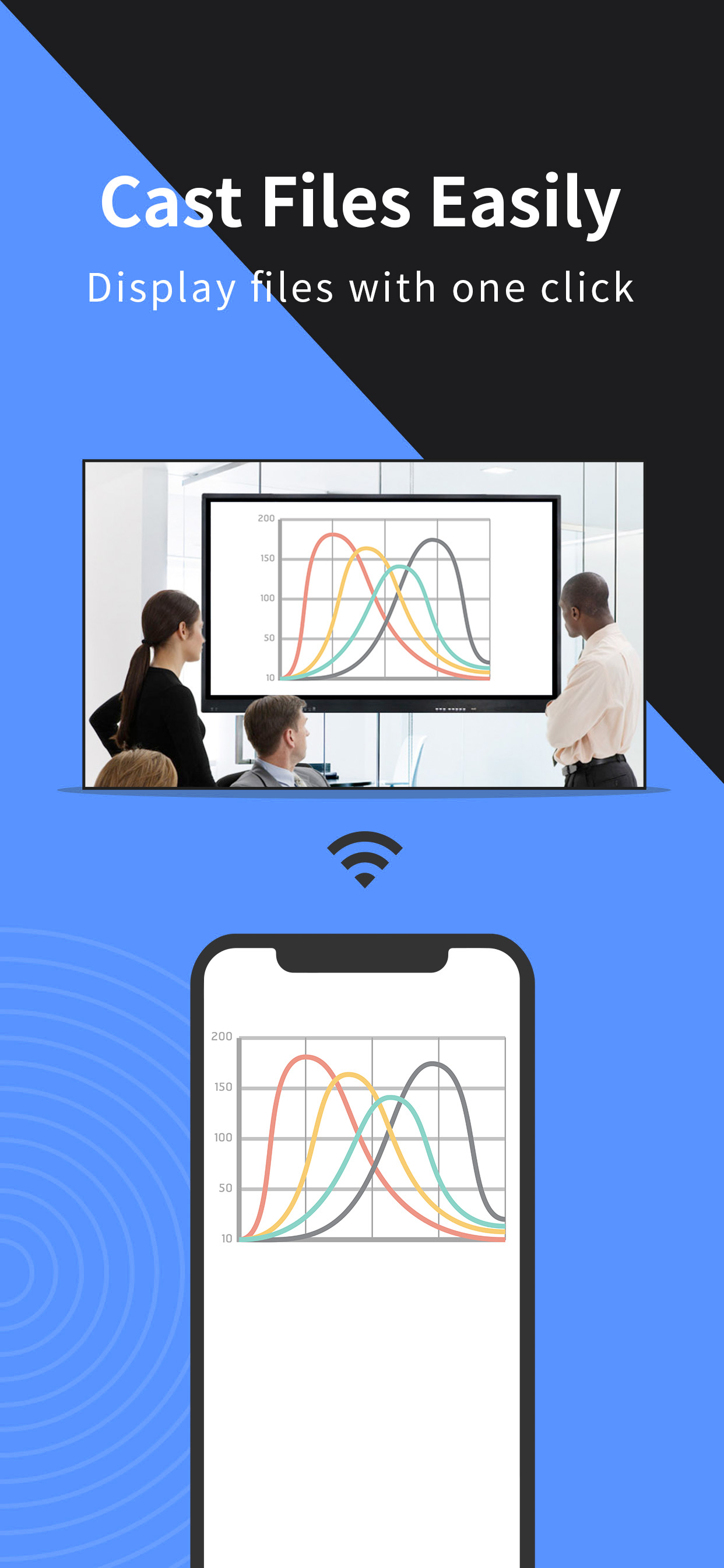
Whether you're watching a movie, watching a sporting event with the family, or giving a business presentation on TV, mirroring your phone's screen to a larger display has never been easier with LetsView. LetsView perfectly fit most of the TVs on the market.
*Screen mirroring between PC/tablet and TV
In addition to the mobile version, LetsView covers various platforms. Our desktop version also enables mirroring between PC to PC, and PC to TV.
*Extend screen
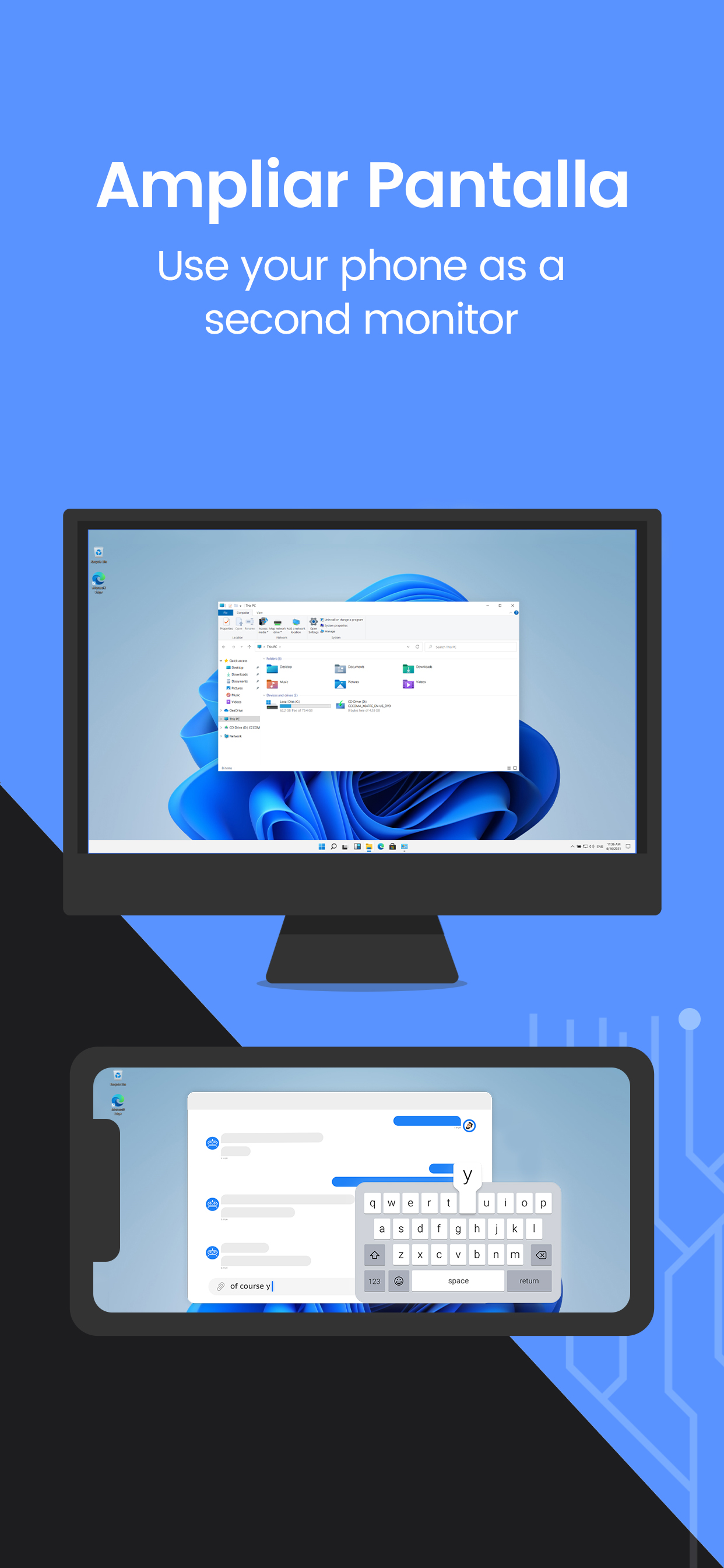
Turn your phone into a secondary monitor for your computer, allowing you to focus on main tasks on the primary screen while simultaneously handling auxiliary activities on your phone's screen, thus significantly boosting your productivity.
*Remote screen mirroring
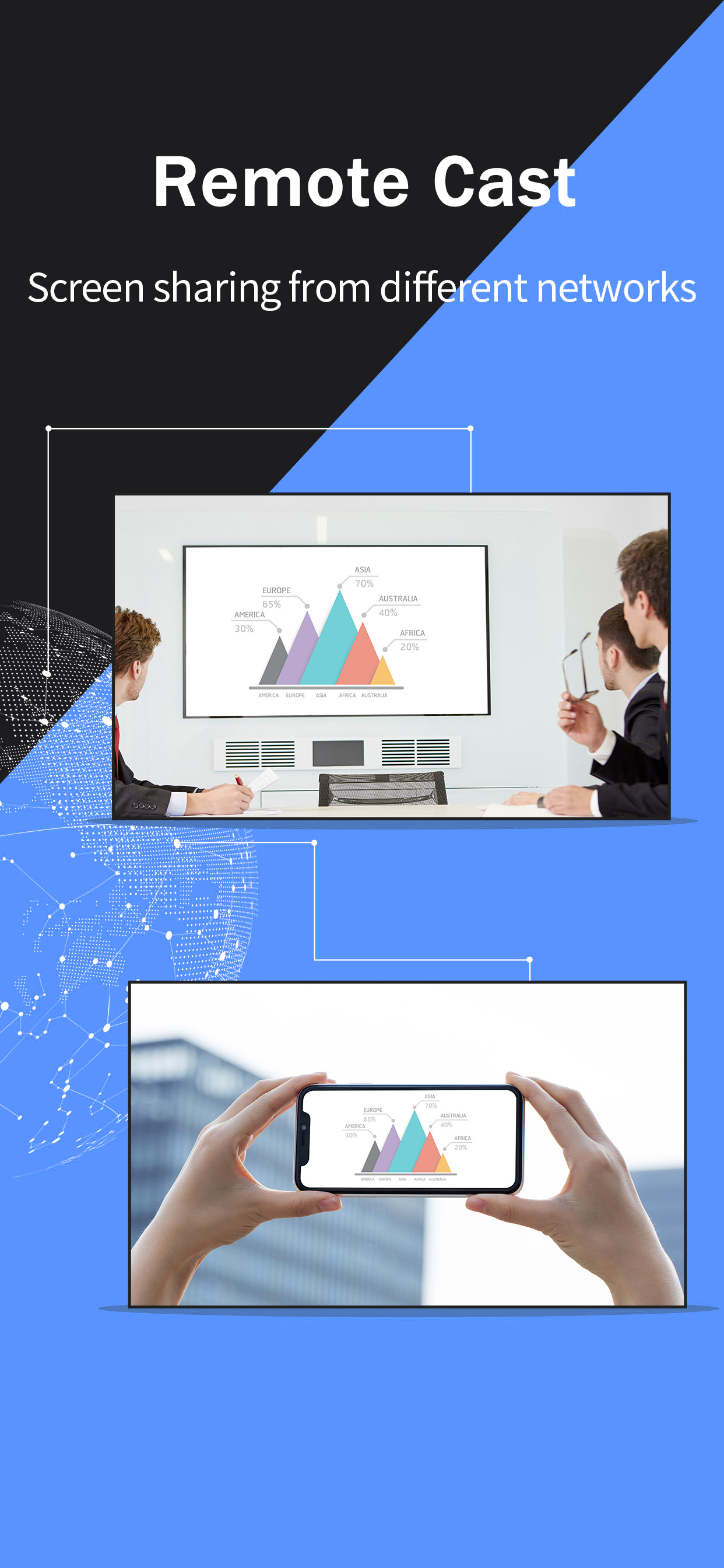
Screen mirroring is also possible when you are on a different network. The remote screen mirroring feature will help you cross the network, just enter the remote cast code, and the two devices will share the screen over a distance.
*Additional features
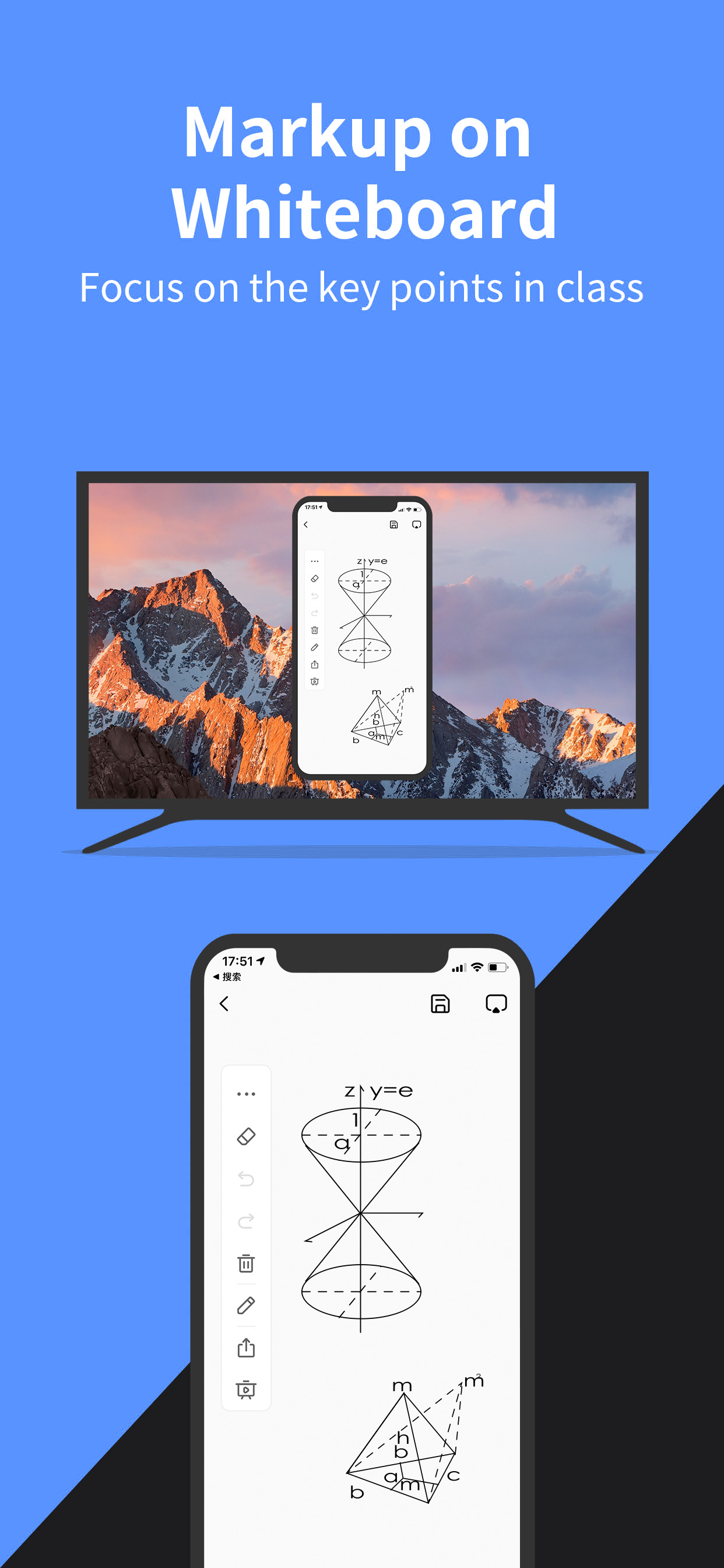
Drawing, whiteboard, document presentation, screen capture, and screen recording of a mobile phone screen are also available.
*Why LetsView?
● Ad-free.
● Uninterrupted and unlimited usage.
● HD screen mirroring.
● HD screen recording.

*Primary use cases:
1. Family Entertainment
Mirroring movies, games, photos, and more onto a larger screen for a better visual experience.
2. Business Presentations
Share your PC or mobile phone screen content onto a large screen for presentations or meetings, demonstrate your product to potential customers remotely.
3. Online teaching
Share the teacher's device screen and combine it with the whiteboard, enhancing the visual experience of your online classes.
4. Live stream gameplay
Broadcast gaming content on a big screen, share gameplay with followers, and keep wonderful moments.
*Easy to Connect:
Connecting your devices is easy with 3 available methods: direct connection, QR code connection, or passkey connection.
Ensure that all your devices are connected to the same Wi-Fi network, and your device will be automatically detected for easy connection. If your device isn't detected, simply scan the QR code or enter the passkey to establish the connection.

*Contact:
We appreciate all your feedback! Contact us at [email protected] or send feedback from Me > Feedback on the LetsView app for suggestions, comments, questions, or concerns.
Hide Show More...

In-Apps

15 minutes
£0.49
360 minutes
£3.99
900 minutes
£7.99
1800 minutes
£12.99

Screenshots

Screen Mirroring FAQ

  • Is Screen Mirroring free?

    Yes, Screen Mirroring is free to download, however it contains in-app purchases or subscription offerings.

  • Is Screen Mirroring legit?

    🤔 The Screen Mirroring app's quality is mixed. Some users are satisfied, while others report issues. Consider reading individual reviews for more context.

    Thanks for the vote

  • How much does Screen Mirroring cost?

    Screen Mirroring has several in-app purchases/subscriptions, the average in-app price is £6.37.

  • What is Screen Mirroring revenue?

    To get estimated revenue of Screen Mirroring app and other AppStore insights you can sign up to AppTail Mobile Analytics Platform.

User Rating

2.96 out of 5

109 ratings in United Kingdom

5 star
39
4 star
12
3 star
9
2 star
4
1 star
45
Ratings History

Screen Mirroring Reviews

App not needed on Mac

YoGinny on

United Kingdom

You can just use the AirPlay option and it connects to the app on the TV or other device

Not much good but okay

MRROBIYT on

United Kingdom

Yeah you are right, this app isn’t the best one but still its great. screen mirroring

great

AlbertEinstein5389 on

United Kingdom

great overall app for screen mirroring

They don't have any cancellation option

asamsmith on

United Kingdom

They don't have any cancellation option after subscription you email to them for cancellation monthly subscription but they don't reply scam bag

No landscape mode

Tonimining on

United Kingdom

I can only share in portrait mode. Wanted to use my iPad as monitor while shooting videos but it’s impossible. The screen doesn’t rotate horizontally

Decent

Esthersiy on

United Kingdom

It works but disconnects randomly. Sometimes after 6 minutes, sometimes after 2 minutes, and sometimes after 5 seconds. Very inconsistent. If it wasn’t or the random disconnecting, i would gibe the app a 5/5. The disconnecting makes it very frustrating

No Ads will distract you

Moss Runnallspvec on

United Kingdom

I love this free screen mirroring app, no pop-up ads. And when i screen mirror my iPhone to our TV it works really smoothly. But as i tried it on my desktop, it doesn't work well better to try it again.

amazing experience

Gracyn Cosserjxah on

United Kingdom

You need to occasionally update the app on your iPhone to experience its up-to-date features. Other than that the app will give you an amazing experience in screen mirroring your iPhone to a larger screen device.

i thought its not working

Jammie Tramelxxdo on

United Kingdom

I got this app to my iPhone so that i can enjoy the movies that i like here at my TV wirelessly. However, it didn't connect successfully but i used my lightning cable and everything became fine.

my working body

Daviette Kaemenahzmc on

United Kingdom

I am working with my desktop computer and i got easily distracted with the messages that i am receiving on my iPhone. That is why, I screen share my iPhone with my desktop and use this app. Super thankful with the developers and its free.

Store Rankings

Ranking History
Category Rankings
Chart
Category
Rank
Top Free
212
Top Free
268
Top Free
276
Top Free
298
Top Free
298

Keywords

Screen Mirroring Competitors

幕连-简单的投屏工具 Installs

Last 30 days

幕连-简单的投屏工具 Revenue

Last 30 days

Screen Mirroring Revenue and Downloads

Gain valuable insights into 幕连-简单的投屏工具 performance with our analytics.
Sign up now to access downloads, revenue, and more.
This page includes copyrighted content from third parties, shared solely for commentary and research in accordance with fair use under applicable copyright laws. All trademarks, including product, service, and company names or logos, remain the property of their respective owners. Their use here falls under nominative fair use as outlined by trademark laws and does not suggest any affiliation with or endorsement by the trademark holders.