DSPhoto Backup

Published by: Thomas Le gravier

Description

Automatically backup all your photos and videos to your Synology NAS. DSPhoto Backup is the complete solution to secure your memories on your Diskstation while managing and freeing up local storage.
SECURE & PRIVATE BACKUP
• End-to-end encryption for your credentials
• Your data never leaves your device
• No tracking, no ads, complete privacy guaranteed
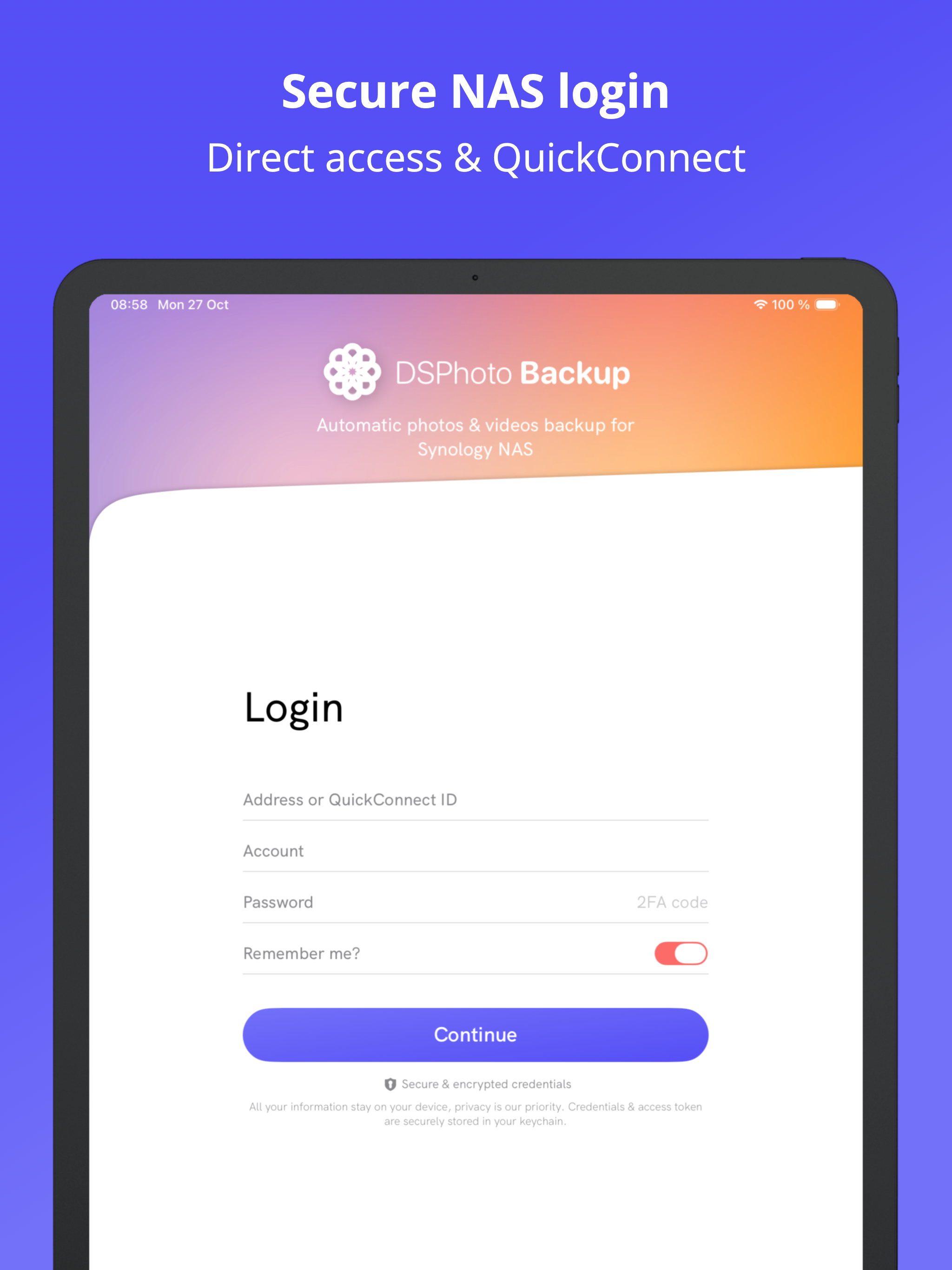
• Works on local network & remotely via QuickConnect
• SSL/TLS encryption & 2FA authentication support
AUTOMATIC PHOTO & VIDEO BACKUP
• Smart background sync without user action
• Compatible with DSM 6.0 & DSM 7.0+
• All formats supported: HEIC, RAW, JPEG, MP4, MOV
• Preserves EXIF metadata & GPS location data
• Intelligent duplicate detection
• Advanced filtering by date, size, and album
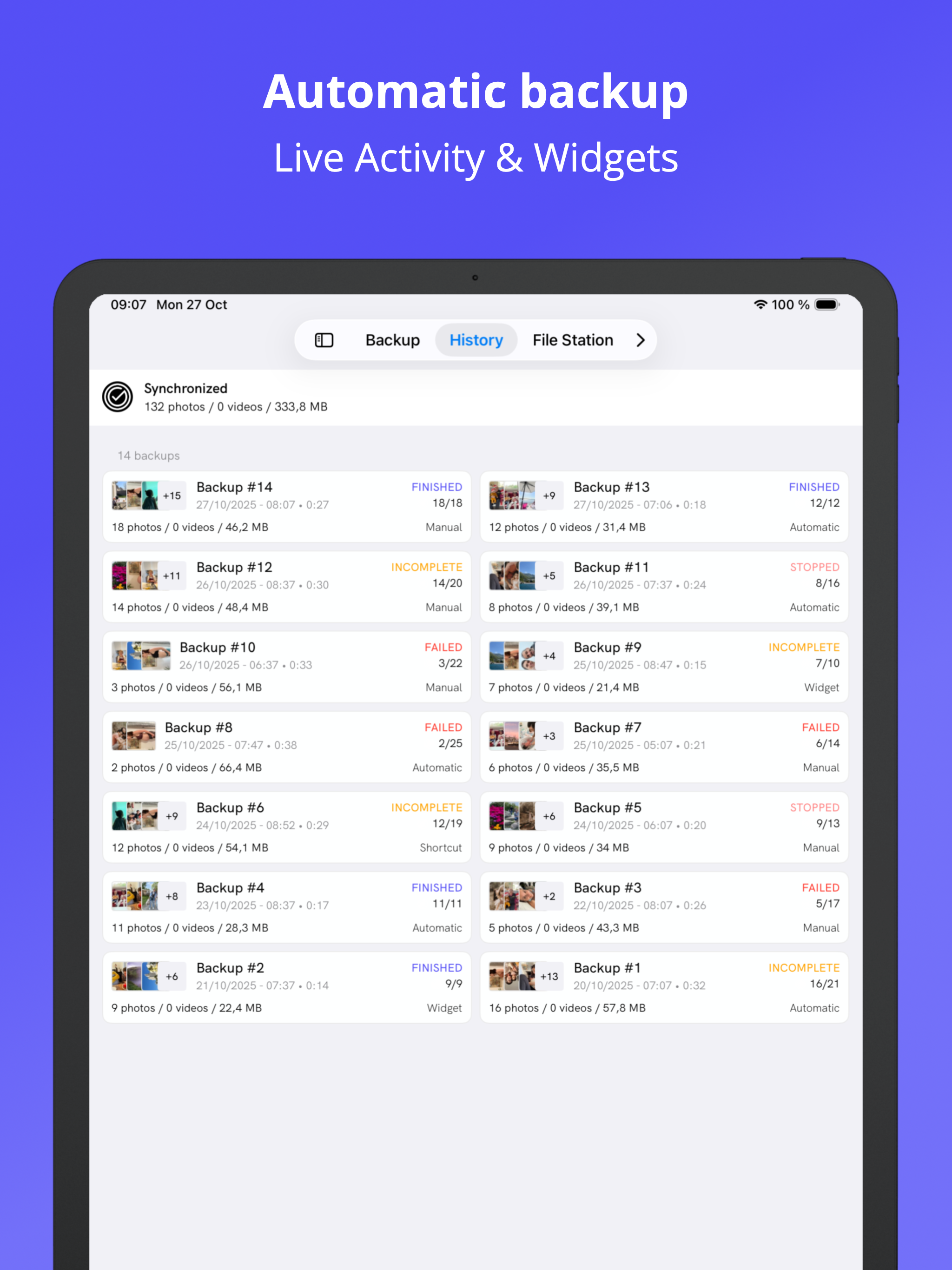
• Detailed backup history with task tracking
BROWSE & MANAGE NAS FILES
• Navigate through your Synology Diskstation files
• Preview photos, videos, and documents directly
• Download files from your NAS to iPhone
• Upload any files from your device
• Multi-selection and batch operations
• Search and organize your NAS content
LOCAL STORAGE CLEANER
• Identify large photos and videos consuming space
• Detect and remove similar/duplicate photos
• Find screenshots and optimize library
• Clean contacts, events, and reminders
• Battery optimization tips and guides
• Free up iPhone storage after backup
EASY TO USE
• Quick setup in minutes - no technical knowledge required
• Monitor backup with iOS widgets & live activities
• Dark mode support for comfortable viewing
• Background notifications for status updates
• Intuitive interface for all features
FLEXIBLE CONNECTIVITY
• QuickConnect: connect from anywhere
• Direct IP/Host connection
• Custom DDNS support
• Automatic reconnection after network issues
Perfect alternative to Google Photos or iCloud if you own a Synology NAS or Diskstation. Keep full control of your photo library and manage your device storage efficiently.
Works seamlessly with DS File, DS Photo, and other Synology mobile apps.
Made by the Synology community for Synology users.
Need help? Any suggestion or feature request for the app? Email me at [email protected]!
---
Some features require a subscription (monthly/annual) or lifetime purchase. Free trial available.
DSPhoto Backup is not affiliated with Synology Inc.
Terms: https://dsphotobackup.app/resources/terms.html
Hide Show More...

In-Apps

Pro version - Month
99.00 ฿
Pro version - Lifetime
1,290.00 ฿
Pro version - Year
499.00 ฿

Screenshots

DSPhoto Backup FAQ

  • Is DSPhoto Backup free?

    Yes, DSPhoto Backup is free to download, however it contains in-app purchases or subscription offerings.

  • Is DSPhoto Backup legit?

    🤔 The DSPhoto Backup app's quality is mixed. Some users are satisfied, while others report issues. Consider reading individual reviews for more context.

    Thanks for the vote

  • How much does DSPhoto Backup cost?

    DSPhoto Backup has several in-app purchases/subscriptions, the average in-app price is 629.33 ฿.

  • What is DSPhoto Backup revenue?

    To get estimated revenue of DSPhoto Backup app and other AppStore insights you can sign up to AppTail Mobile Analytics Platform.

User Rating

4.69 out of 5

59 ratings in Thailand

5 star
49
4 star
3
3 star
6
2 star
1
1 star
0
Ratings History

DSPhoto Backup Reviews

App DS photo backup

Nut0162 on

Thailand

ใช่ง่าย สะดวกสบาย ไม่ต้องเสียเวลา copy file มาวาง

Funktioniert leider nicht zuverlässig

Olegxl on

Germany

Multitasking nicht funktioniert. Es hängt sehr oft. Filters nicht funktioniert. Und es ist dazu noch kostenpflichtig.

Sichert nur wenige Fotos

Bert9912 on

Germany

Es ist nicht möglich, eine Auswahl der Fotos vorzunehmen; es wurden lediglich ein paar Fotos gesichert; so etwas macht keinen Sinn aus meiner Sicht. Werde die App wieder löschen und auf klassische Weise die Fotos sichern.

Mega

Youmamobile on

Germany

Endlich eine tolle Lösung um auf die Synology die Bilder vom IPhone zu kopieren! Ihr seid Helden! Mega. Es benennt in JPG um und lässt gute Ordnerstruktureb beim kopieren zu. Top! Danke euch allen!

Verbesserungswürdig trotzdem gut

marco0 on

Germany

Generell Dankeschön für die App. Was nicht so gut ist sind folgende zwei Punkte. 1) trotz aller Berechtigungen wird keine automatische Sicherung ausgelöst. Die Einstellungen sind auch alle konfiguriert aber es passier nichts ohne das man manuell startet (eventuell wegen Nord VPN ? Sollte aber bitte trotzdem funktionieren) 2) Leider keine Löschenfunktion wie in der originalen App der bereits gesicherten Fotos & Videos die auf dem Smartphone sind. Diese Funktion fand ich immer super und vermisse diese Für 30€ sollte das doch eigentlich selbstverständlich funktionieren

Great app (also on Mac!!!)

soesoe on

Germany

Many Thanks for this great app, Also that it runs on M1 mac, so my backup is fast

Lizenz auf allen Geräten

PaUl 12345! on

Germany

Entweder bin ich zu blöd oder bei mir ist was schief gelaufen. Ich kann meine Lizenz nicht auf meine anderen Geräte übertragen würde am liebsten mein Geld zurück bekommen vielleicht ist diese App Nix für mich

Familien Freigabe funktioniert nicht

Max77-7 on

Germany

Obwohl beim kauf Familien Freigabe stand, funktionierte aber nicht. Ich habe lebenslange Lizenz gekauft dass ich den App auch mit mein iPad verwenden kann. Und was sehe ich - ich muss nochmal 40€ blättern :-( Hätte ich gewusst hätte meiner Finger weg vom App 3 Sterne weil der App funktioniert gut mit mein Handy

Vergiss es

malfjwkaö on

Germany

Ich habe mir mal eine NAS gekauft weil ich unter anderem kein Abomodell für die Datensicherung will. Jetzt soll ich dafür zahlen das meine Bilder bei mir abgelegt werden? Niemals! Eher Kauf ich mir ein anderes System.

Abo für etwas das kostenlos war

Metrotraveller on

Germany

Vorab: ich habe die App bisher nicht benutz(en können). Bisher nutzte ich die normale DS photo. Diese funktioniert nun irgendwie nicht mehr für den Login und iPhone Photo Backup. Offenbar muss man hier für ein Abo bezahlen für etwas, das vorher inkludiert war. Für jemanden ohne intensive PC Administration Erfahrung war eine NAS grundsätzlich immer schon eine kleine Hürde mit vielen Zeitaufwand. Mit einem solchen kostenpflichtigen Abomodell Modell gräbt sich Synology meiner Meinung nach sein eigenes Grab, und die Leute wechseln noch eher zu einer Cloud von Microsoft, Google, Apple wenn das NAS Equipment langsam veraltet.

Store Rankings

Ranking History
App Ranking History not available yet
Category Rankings
App is not ranked yet

DSPhoto Backup Competitors

DSPhoto Backup Installs

Last 30 days

DSPhoto Backup Revenue

Last 30 days

DSPhoto Backup Revenue and Downloads

Gain valuable insights into DSPhoto Backup performance with our analytics.
Sign up now to access downloads, revenue, and more.
This page includes copyrighted content from third parties, shared solely for commentary and research in accordance with fair use under applicable copyright laws. All trademarks, including product, service, and company names or logos, remain the property of their respective owners. Their use here falls under nominative fair use as outlined by trademark laws and does not suggest any affiliation with or endorsement by the trademark holders.