



Files - File Manager & Browser

Published by: Hian Zin Jong

Description

Files App (formerly known as Downloads Lite) features a Web browser that lets you save documents to your iPhone or iPod touch so that you can work with them offline. It has a built-in file manager, with robust viewer for all iOS supported document types, powerful photo browser, advanced PDF reader, full Dropbox support, and more.
NOTE: This app does not support downloading of audio or video content.
FEATURES
√ Full portrait & landscape mode support
√ Passcode lock
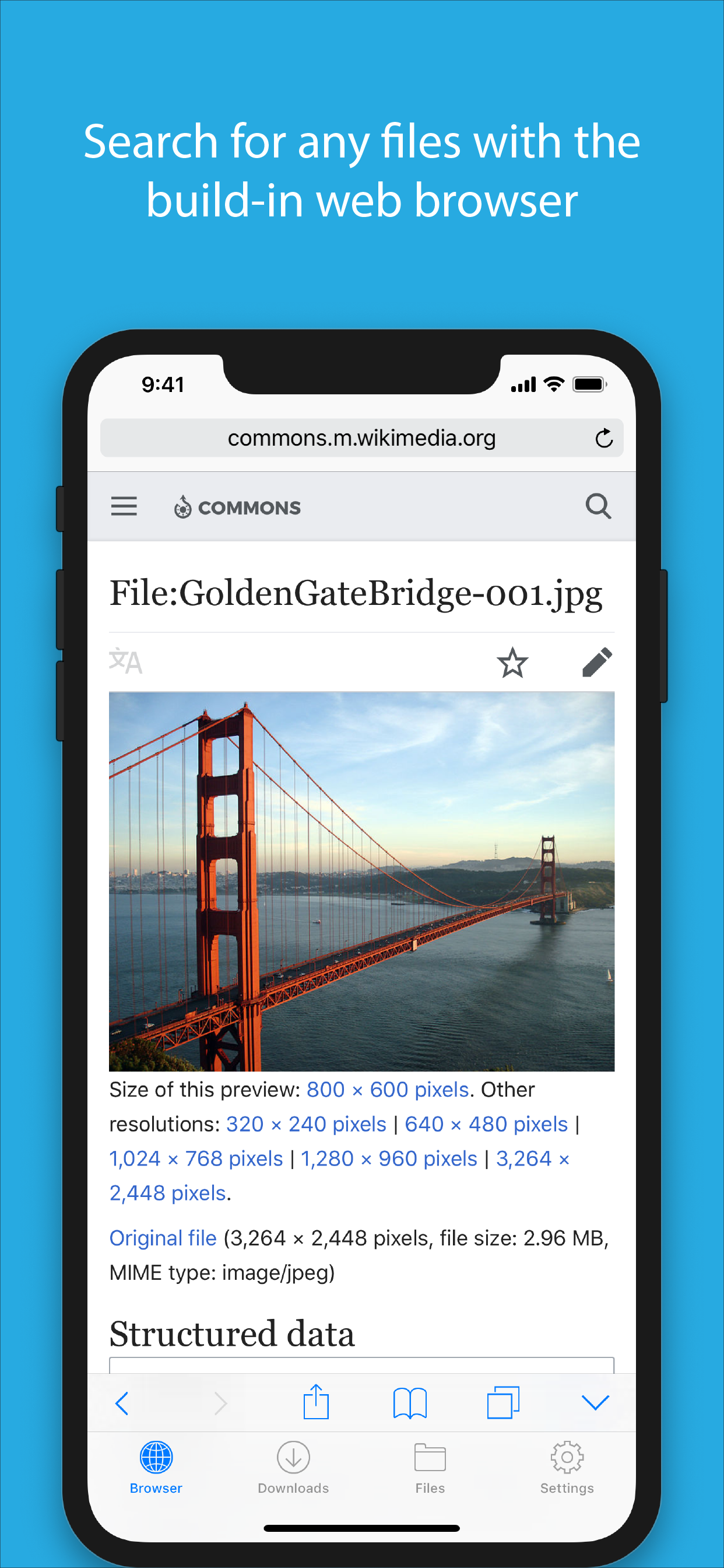
√ Web browser
- Provides a user experience very similar to Mobile Safari
- Tabbed browsing
- Tap and hold on an image to download it
- Tap and hold to force download
- Save web pages with images for offline viewing
- Full screen mode
- Bookmark manager
- History support
- Address bar auto-completion
- HTTP basic authentication
- Form-based authentication
- Integrated Google or Yahoo! search
- Ability to spoof browser's User-Agent string to display web pages like Firefox
- Unified smart search field. Type a URL or search term in the unified smart search field, the browser automatically suggests the closest match to what you’re looking for.
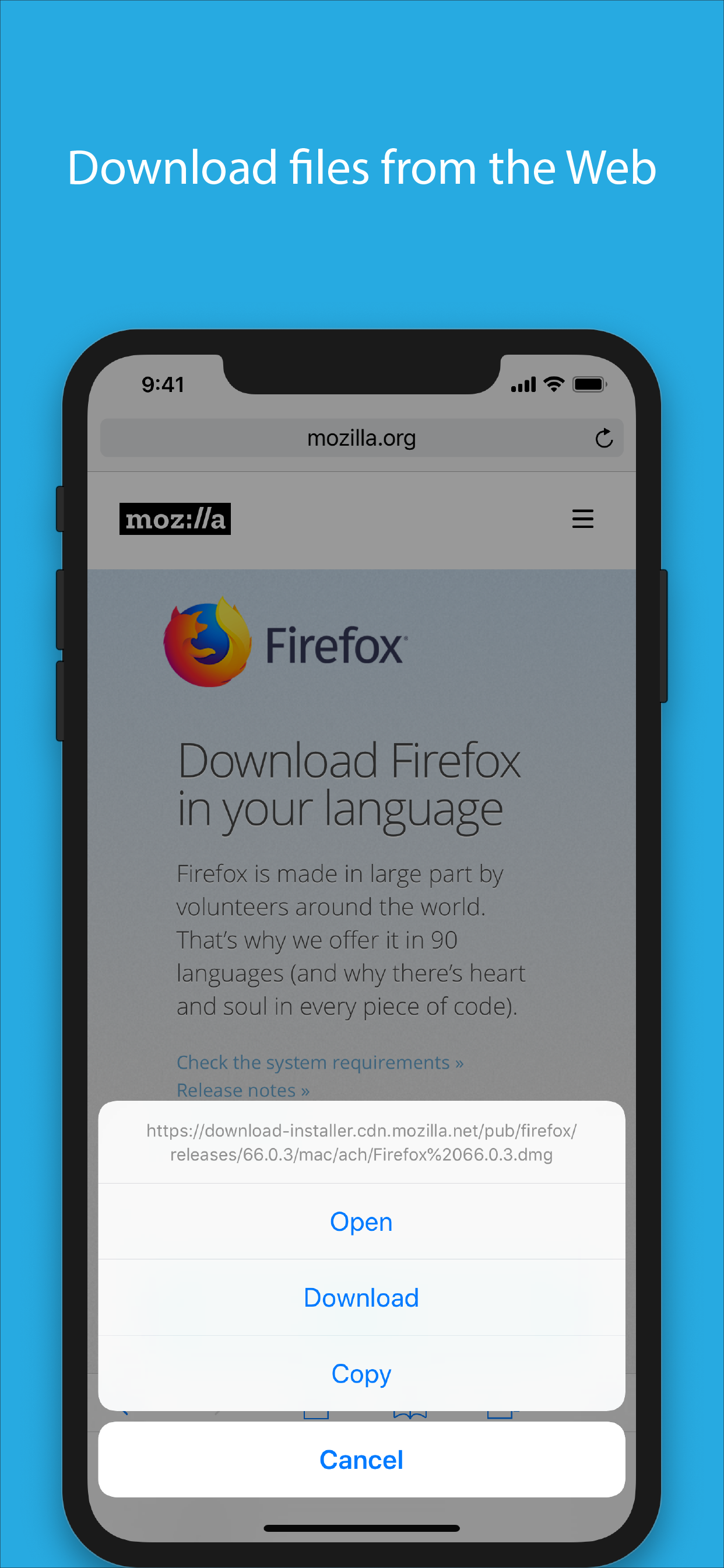
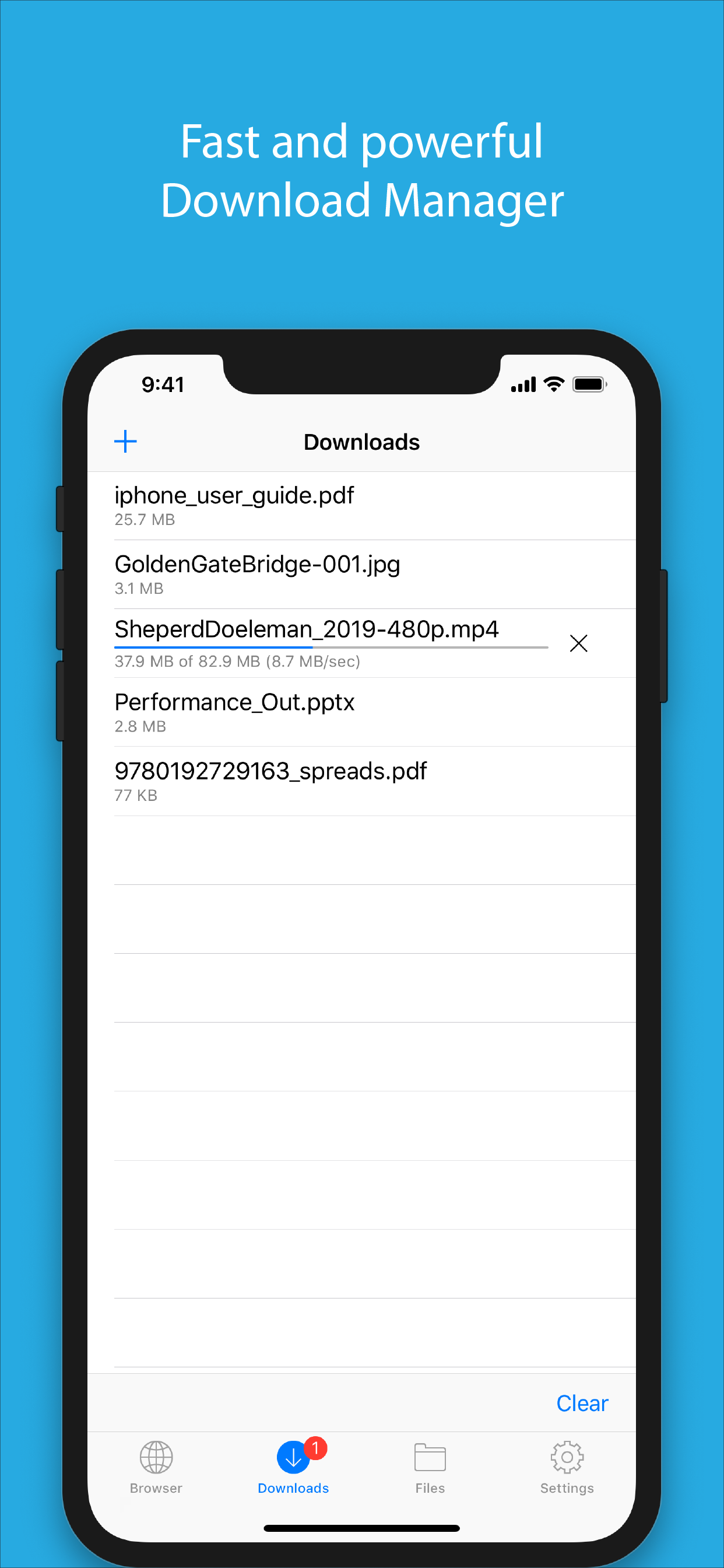
√ Download manager
- Fast downloading speed
- Supports resuming of interrupted downloads reliably
- Live download progress bar and speed indicator
- Active downloads badge number
- Add arbitrary download link
- Always download with correct filename
√ File manager
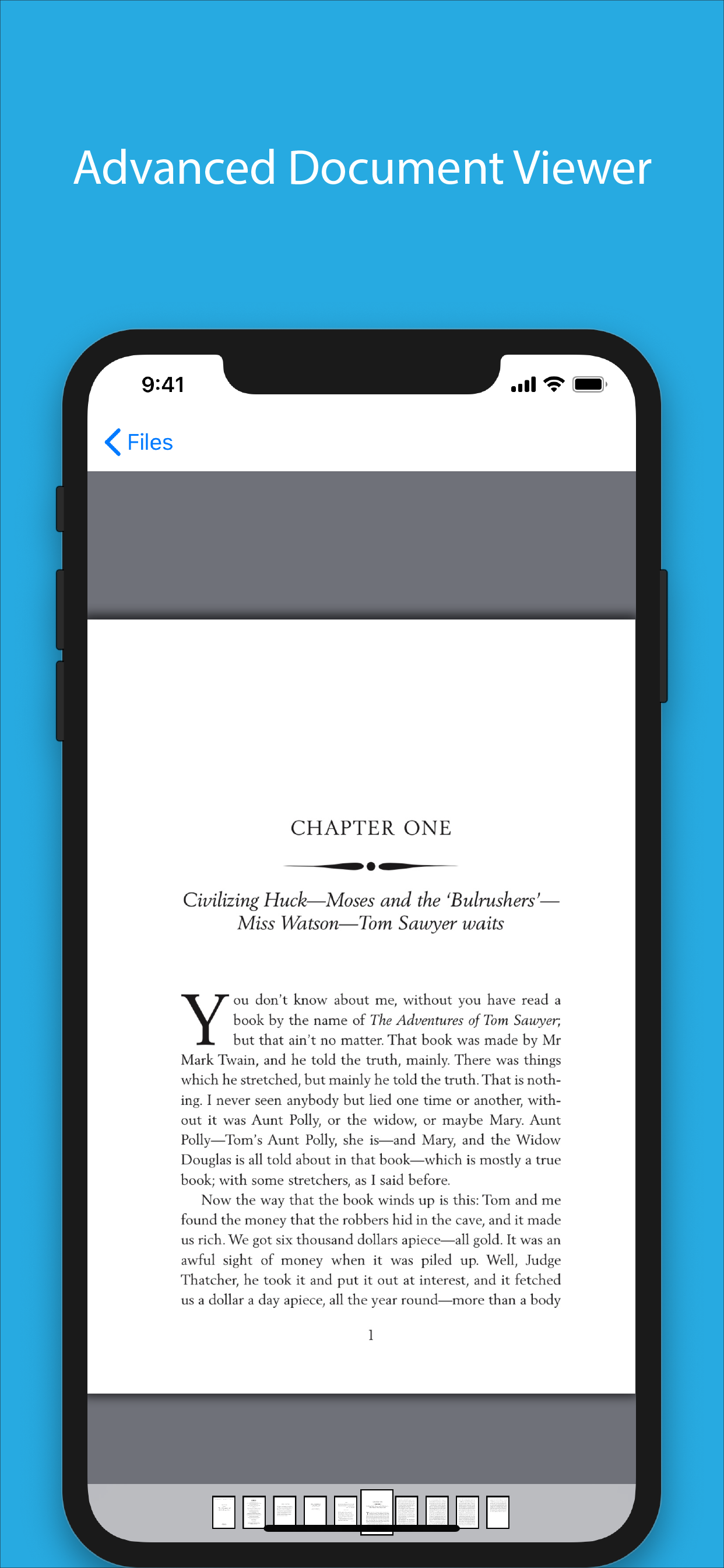
- Full screen document viewer that supports .pdf, .doc, .xls, .ppt, .txt, .html and .rtf file formats
- Folders support
- Move, rename and delete files
- Search by file name
- Extract RAR archives
- Unzip ZIP files
- Remember document scroll position
- Attempt to open file of unrecognized format
- Import photos from camera roll
√ Dropbox integration
- Upload, download and manage files
- Sync what you want, keep files on your device
√ Advanced PDF viewer
- Huge PDF files work flawlessly
- Text search
- Tap PDF links to jump across the file
√ Photo viewer
- Tap or swipe to move between images in a folder
- Zoom in and out with pinch gesture
- Ability to save images to photo album
- Thumbnails view
√ File transfer
- Supports HTTP and FTP protocols
- Supports iTunes USB File Sharing
- Transfer files to and from computer in Wi-Fi network
- Send files as email attachments (size under 15MB)
√ Mobile Safari Integration
- Bookmarklet for Mobile Safari that lets you open any link in Files app
√ Multitasking
- Background downloading
√ Inter-app document interchange
- Other apps can save their files to Files app (e.g. Email app can save attachments to Files app)
√ Recovery Mode
- If the browser caught in an endless loop of pop-up alerts, go to the iOS built-in "Settings" app, find "Files App", turn on "Recovery Mode", then force-quit and relaunch the app.
Terms of Use: https://downloadsapp.info/terms
Privacy Policy: https://downloadsapp.info/privacy
Hide Show More...

Screenshots

Files FAQ

  • Is Files free?

    Yes, Files is completely free and it doesn't have any in-app purchases or subscriptions.

  • Is Files legit?

    🤔 The Files app's quality is mixed. Some users are satisfied, while others report issues. Consider reading individual reviews for more context.

    Thanks for the vote

  • How much does Files cost?

    Files is free.

  • What is Files revenue?

    To get estimated revenue of Files app and other AppStore insights you can sign up to AppTail Mobile Analytics Platform.

User Rating

4.66 out of 5

79 ratings in Hong Kong SAR China

5 star
64
4 star
7
3 star
5
2 star
2
1 star
1
Ratings History

Files Reviews

perfectestestestest

井村大 on

Hong Kong SAR China

It’s perfect. You can download linked videos and use it as a player. Not only that, it can play games in the background, listen to music while playing games, and it will still play when you turn off the screen. This is simply the app I dream of.


Cannot restore purchase

Abc141 on

Hong Kong SAR China

I have brought the permanent version before, but now change to monthly renewal and no record for my previous purchase. 🙁

Noice

Tuny 11 on

Hong Kong SAR China

Woah , this app is great , good for file management , hope this app doesn’t have ads In the future (no ads and no need to pay yay!)

Excellent

ipdcwhnc on

Hong Kong SAR China

No ads is the best

Good

Susanna Lau on

Hong Kong SAR China

User friendly, very good apps

Crash for add photo

Fiesta123456 on

Hong Kong SAR China

It still crash when a downloaded video or photo want to ‘add to photos’ to iPhoneX for 11.3.1. Plz fix and it will be perfect.

Worst app ever

Jaymeiam on

Hong Kong SAR China

Cannot download any video in lite as well as pro version .

Finally

sunnykongjl on

Hong Kong SAR China

It's ridiculous that iOS do not have a native download manager

Very useful

John Yan on

Hong Kong SAR China

Very useful app

Excellent App

User8769 on

Hong Kong SAR China

This is the BEST for downloading documents from the browser on mobile! Very convenient!

Store Rankings

Ranking History
App Ranking History not available yet
Category Rankings
Chart
Category
Rank
Top Free
289
Top Free
346
Top Free
348
Top Free
349
Top Free
351

Keywords

Files Installs

Last 30 days

Files Revenue

Last 30 days

Files Revenue and Downloads

Gain valuable insights into Files performance with our analytics.
Sign up now to access downloads, revenue, and more.
This page includes copyrighted content from third parties, shared solely for commentary and research in accordance with fair use under applicable copyright laws. All trademarks, including product, service, and company names or logos, remain the property of their respective owners. Their use here falls under nominative fair use as outlined by trademark laws and does not suggest any affiliation with or endorsement by the trademark holders.



