KineMaster- Video Editor

Vlog & Video Editing Tool

Published by: KineMaster

Description

[ AI Tools for Your Next Video ]
Complex videos can be made quickly with these AI features.
• AI Auto Captions: Add subtitles instantly from video or audio
• AI Text-to-Speech: Create spoken audio from text with one tap
• AI Voice: Make your audio unique when you apply AI Voices
• AI Music Match: Get song recommendations fast
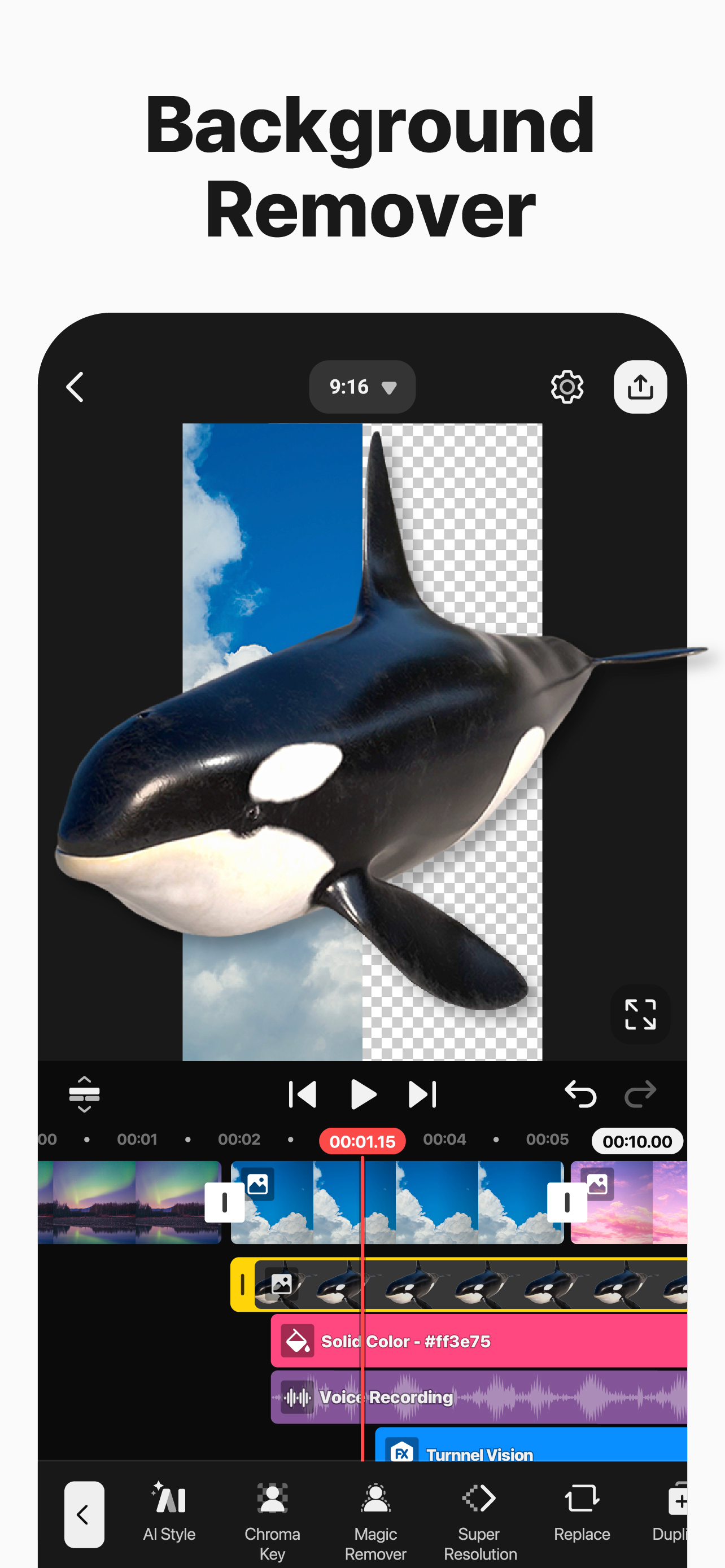
• AI Magic Removal: Cut out the background around people and faces
• AI Noise Removal: Zap distracting sounds in your video or audio
• AI Vocal Separator: Split a song into its vocals and music
• AI Tracking: Make your text and stickers follow moving objects
• AI Upscaling: Boost the size of low-resolution media
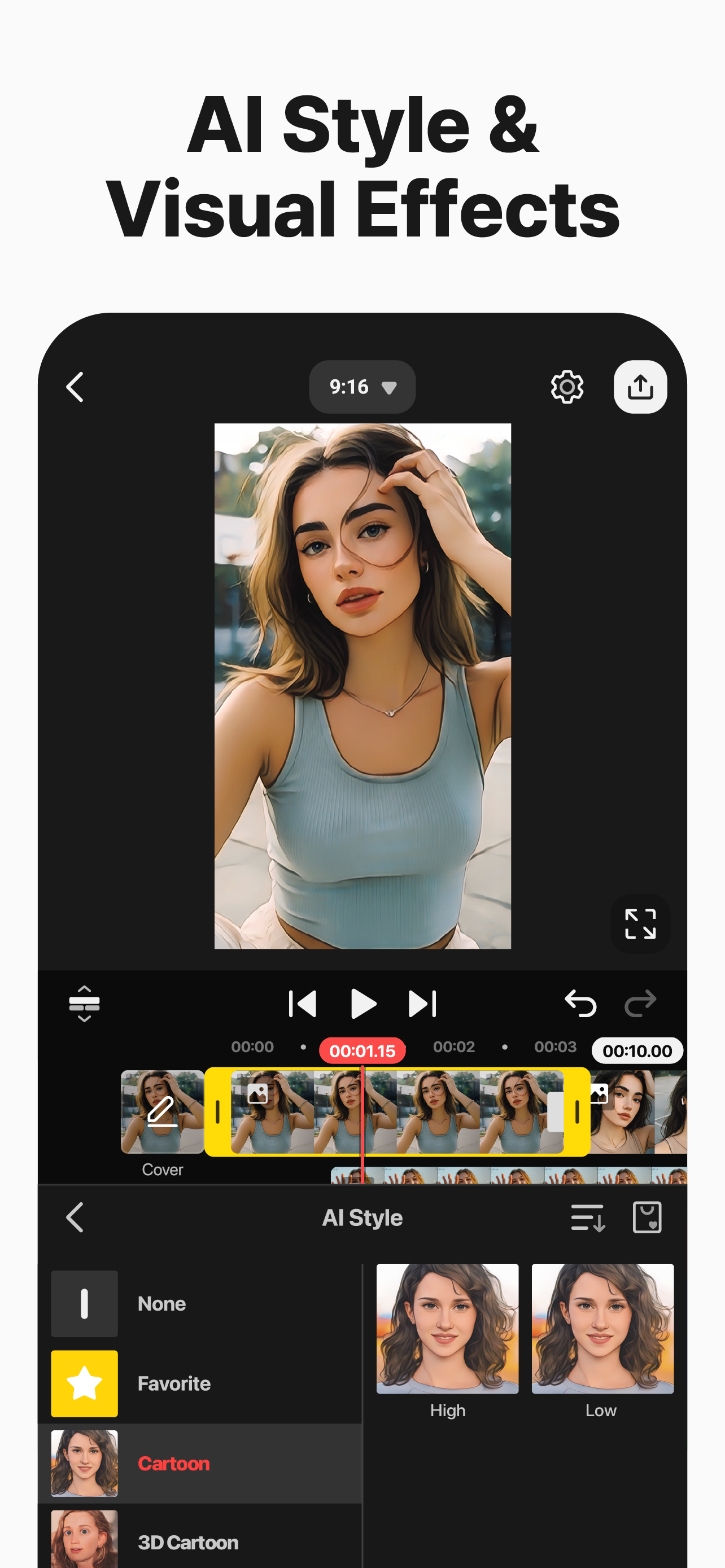
• AI Style: Add artistic effects to your videos and images
[ Professional Video Editing for Everyone ]
KineMaster makes advanced tools easy to use.
• Keyframe Animation: Adjust the size, position, and rotation of every layer
• Chroma Key (Green Screen): Remove backgrounds and combine videos like the pros
• Speed Control: Reverse, slow down, or turn your videos into time-lapse masterpieces
[ Jumpstart Your Creativity ]
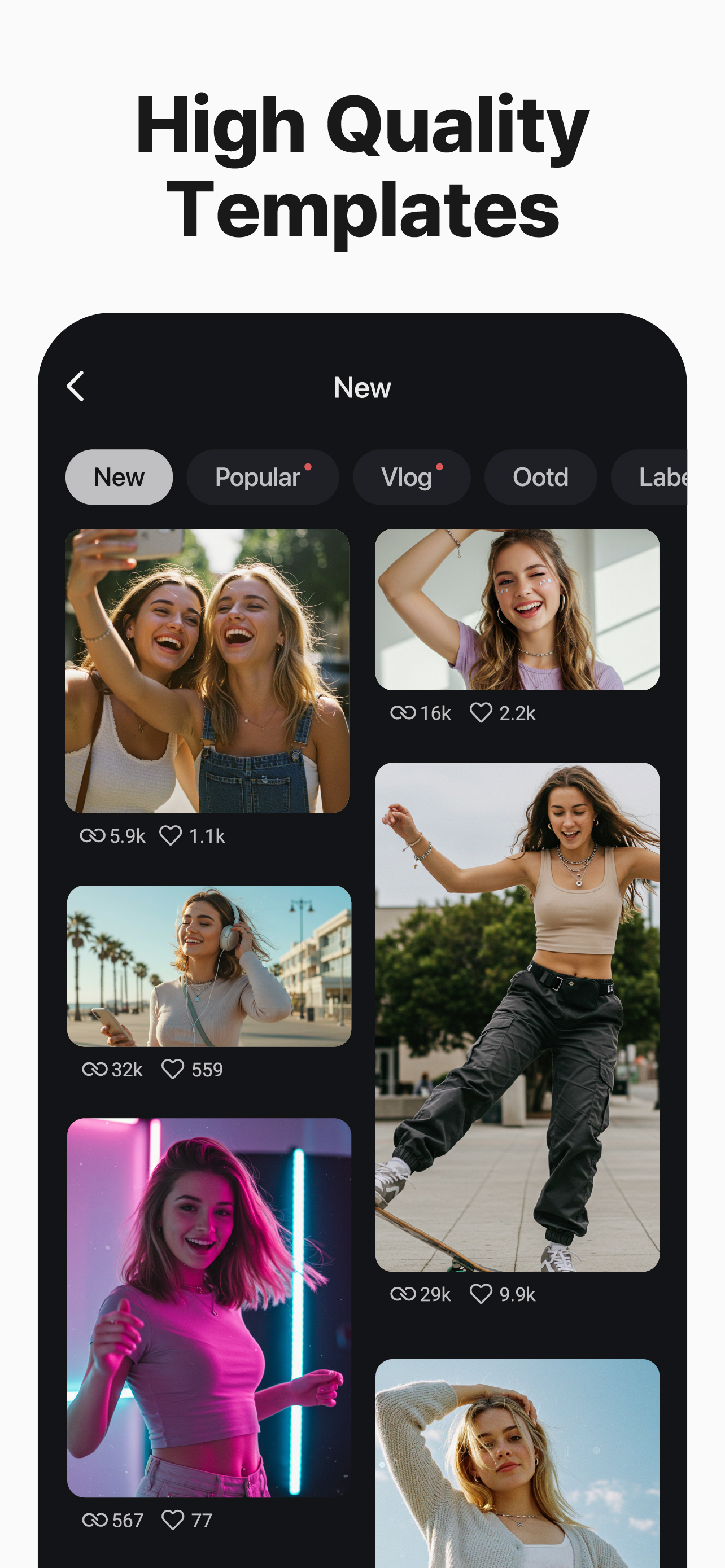
Pick a template, replace its photos and videos, and you’re done!
• Thousands of Templates: Build your own from pre-made video projects
• Mix: Save your video project as a template to share with KineMaster editors everywhere
• KineCloud: Back up personal projects to the cloud to continue editing on another day or another device
[ Make Your Video Stand Out with Assets ]
The KineMaster Asset Store has tens of thousands of resources to make your next video amazing! Effects, stickers, to music and fonts, transitions, and VFX: everything is ready to use.
• Effects & Transitions: Enhance your videos with amazing visuals
• Stickers & Clip Graphics: Add graphic animations and design elements
• Music & SFX: Make a video that sounds as good as it looks
• Stock Videos & Images: Get pre-made green screen effects, free stock footage, and tons of video backgrounds
• Variety of Fonts: Apply design-ready stylish fonts
• Color Filters: Choose from a huge variety of color filters for the perfect look
[ High-Quality Output or Optimized Video: You Decide ]
Save your edited videos in high resolution or dial the quality to make them load fast on social media.
Incredible 4K 60 FPS: Produce videos in 4K and 60 frames per second
Optimized for Social Media Sharing: Save videos that are ready to upload to YouTube, TikTok, Instagram, and more
Transparent Background Support: Make videos ready for compositing for use with other videos
[ The Best Tools for Fast, Precise Editing ]
KineMaster is loaded with tools that make editing fun and easy.
• Offers both portrait and landscape editing, the best of both worlds
• Lots of layers: Add and stack photos, videos, and GIFs to all play at once
• Multiple Undo (and Redo): Revert or reapply your editing history
• Magnetic Guides: Align elements to guides and snap layers in place on the timeline
• Full-Screen Previews: See your edits full screen before saving
KineMaster & Asset Store Terms of Service:
https://resource.kinemaster.com/document/tos.html
Contact: [email protected]
Hide Show More...

In-Apps

Premium (Monthly)
USD 6.99
Premium (Annual)
USD 49.99
KineMaster's Premium (Annual)
USD 144.99
KineMaster's Premium(Monthly)
USD 14.49

Screenshots

KineMaster FAQ

  • Is KineMaster free?

    Yes, KineMaster is free to download, however it contains in-app purchases or subscription offerings.

  • Is KineMaster legit?

    🤔 The KineMaster app's quality is mixed. Some users are satisfied, while others report issues. Consider reading individual reviews for more context.

    Thanks for the vote

  • How much does KineMaster cost?

    KineMaster has several in-app purchases/subscriptions, the average in-app price is USD 54.12.

  • What is KineMaster revenue?

    To get estimated revenue of KineMaster app and other AppStore insights you can sign up to AppTail Mobile Analytics Platform.

User Rating

4.76 out of 5

645 ratings in Ukraine

5 star
560
4 star
49
3 star
15
2 star
9
1 star
12
Ratings History

KineMaster Reviews

SCREEN SIZE FOR MAC

jinuushi on

Ukraine

Please, guys, resize your app for MacOs for full screen using, please

.

CoolDavid253 on

Ukraine

What do I have to do if I can’t upload a template, because it says “Server is not responding, please try again later” it happens every time.

Зробіть щоб в функцію chroma key для видалення фону додали інші кольори

Зрозуміли? on

Ukraine

Будь ласка зробіть так, щоб в функцію chroma key додали інші кольори для видалення фону крім зеленого і синього! Навіть так щоб всі assets були безкоштовними і можна було видалити водяний знак безкоштовно! Ще додайте українську мову! Чекаю це завтра

Классно

Verka18072016 on

Ukraine

Класс!

Fix bugs

Steve9286 on

Ukraine

Your application has an issue when I try to render a video in high quality. If I have a 0.2-second clip and attempt to render it, the application begins the rendering process but eventually crashes and fails to complete it. It took me a lot of time, as I have a large video, to identify this issue in high quality. If the clip is 0.2 seconds long—a very short clip—your application cannot render the entire video

Kennan’s

Hsbsbudhd on

Ukraine

Msndndnen

Dear developers! This is very good video editing app!

Тимофій Мойсей on

Ukraine

It is a very good video editing app, can you please add Ukrainian language🇺🇦🇺🇦

Прочтите пожалуйста

Комент_важно on

Ukraine

Здравствуйте, да я понимаю что разработчики зарабатывают на рекламе но не на такой же рекламе, есть рекламы по 5 сек по 15 сек но не по минуте, надеюсь вы поменяете рекламу на более короткую, спасибо за ответ на мой отзыв. Я продолжу использовать KineMaster и надеюсь на то что вы уменьшите логотип KineMaster на видео и уменьшите длительность рекламы

..

Wolfi_Error1 on

Ukraine

Очень хорошее приложение, спасибо!)

Пж ответьте

Мэрия89 on

Ukraine

Приложение отличное но мне кажется без водяного знака было бы лучше если уберете водяной знак поставлю 5 а та приложение отличное и хорошое

Store Rankings

Ranking History
Category Rankings
Chart
Category
Rank
Top Grossing
27
Top Free
36
Top Grossing
44
Top Grossing
53
Top Grossing
54

Keywords

KineMaster Competitors

KineMaster Installs

Last 30 days

KineMaster Revenue

Last 30 days

KineMaster Revenue and Downloads

Gain valuable insights into KineMaster performance with our analytics.
Sign up now to access downloads, revenue, and more.
This page includes copyrighted content from third parties, shared solely for commentary and research in accordance with fair use under applicable copyright laws. All trademarks, including product, service, and company names or logos, remain the property of their respective owners. Their use here falls under nominative fair use as outlined by trademark laws and does not suggest any affiliation with or endorsement by the trademark holders.