La Crosse View

Published by: La Crosse Technology

Description

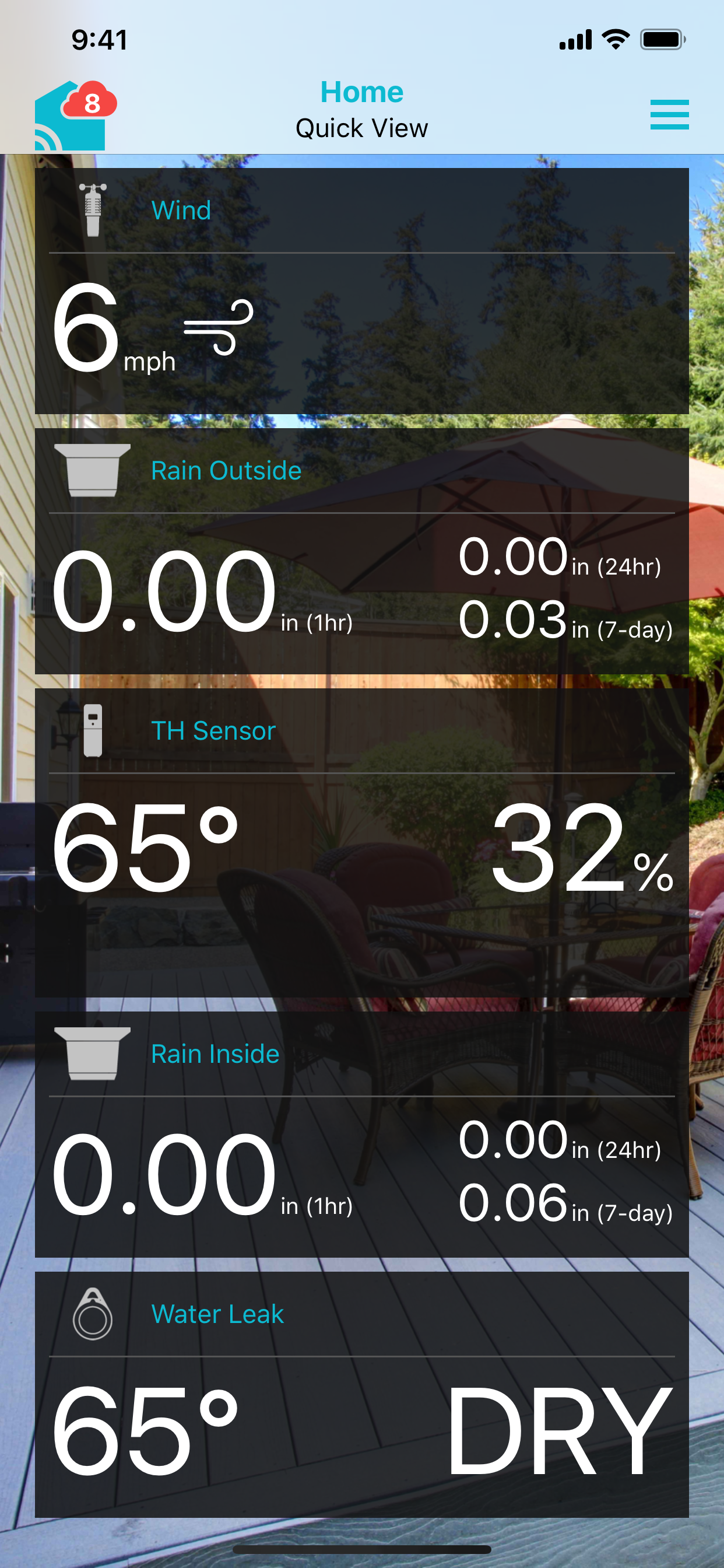
La Crosse View is the companion app for La Crosse Technology Wi-Fi Weather Stations and Alert & Monitoring Systems. Stay connected to your environment—both outdoors and throughout your home—with real-time data and custom alerts sent directly to your mobile devices.
PRIMARY FEATURES
• Remote Sensor Monitoring
• Custom Push Notification Alerts
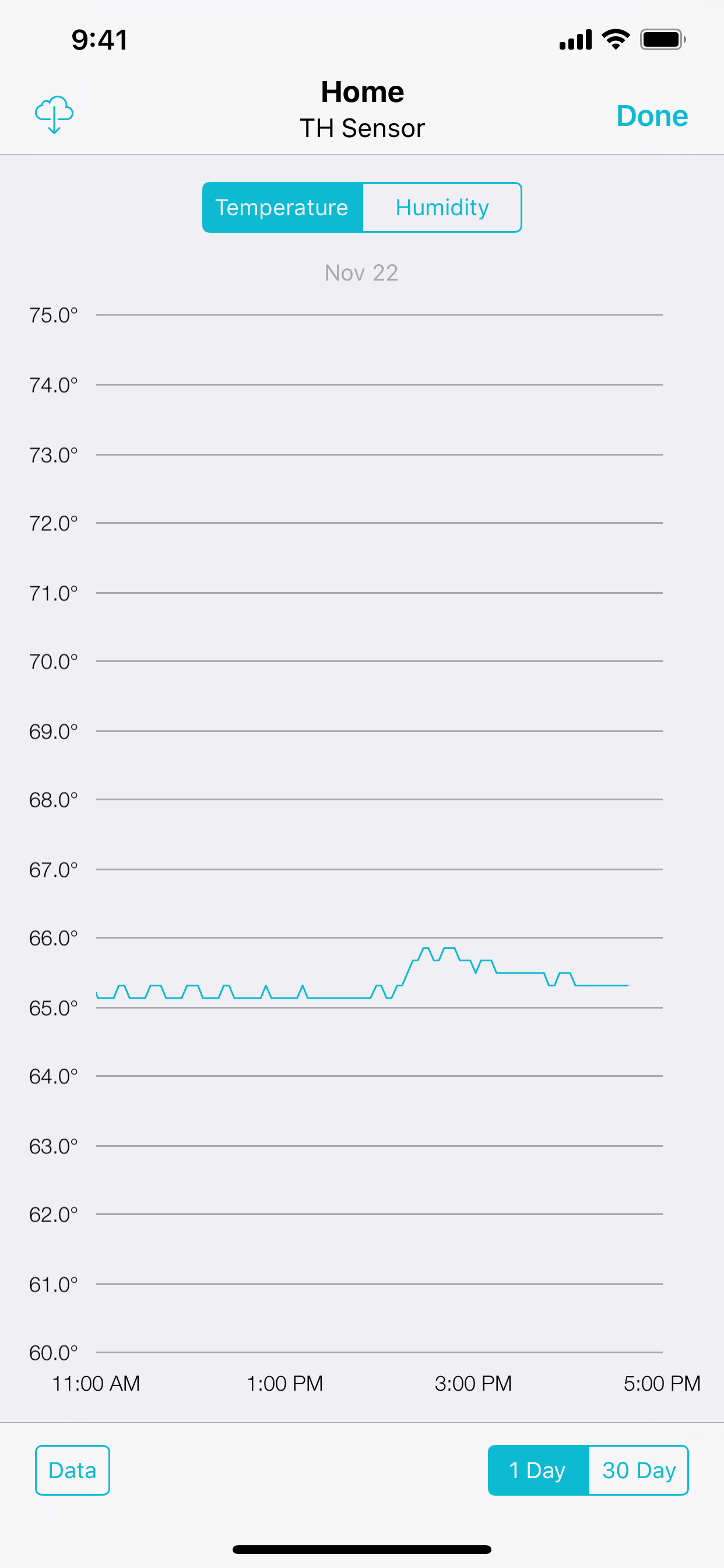
• Data Graphs for Daily Trends
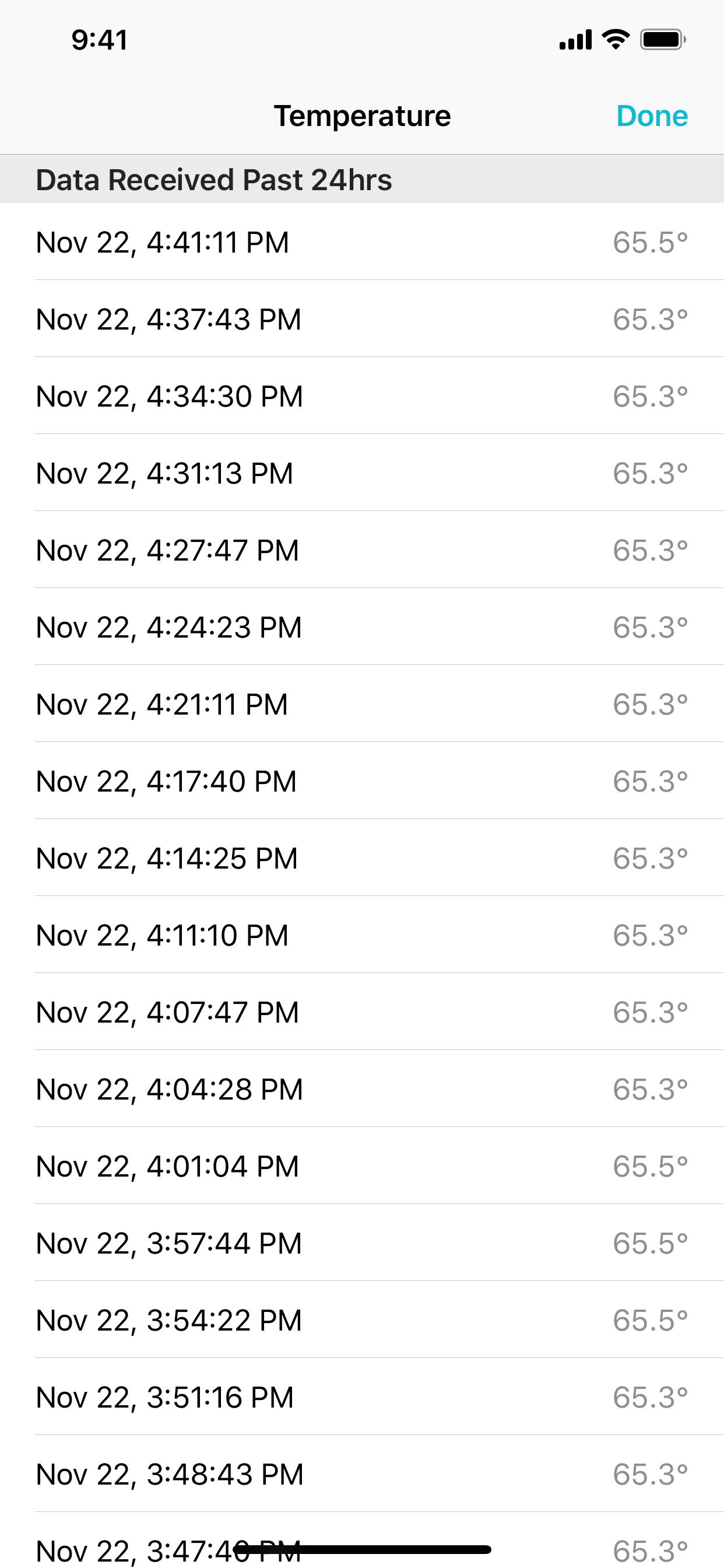
• Data Exports for Historical Tracking
• Personalized App Experience
[Custom Images, Naming, Device Order]
• Ability to Share Devices
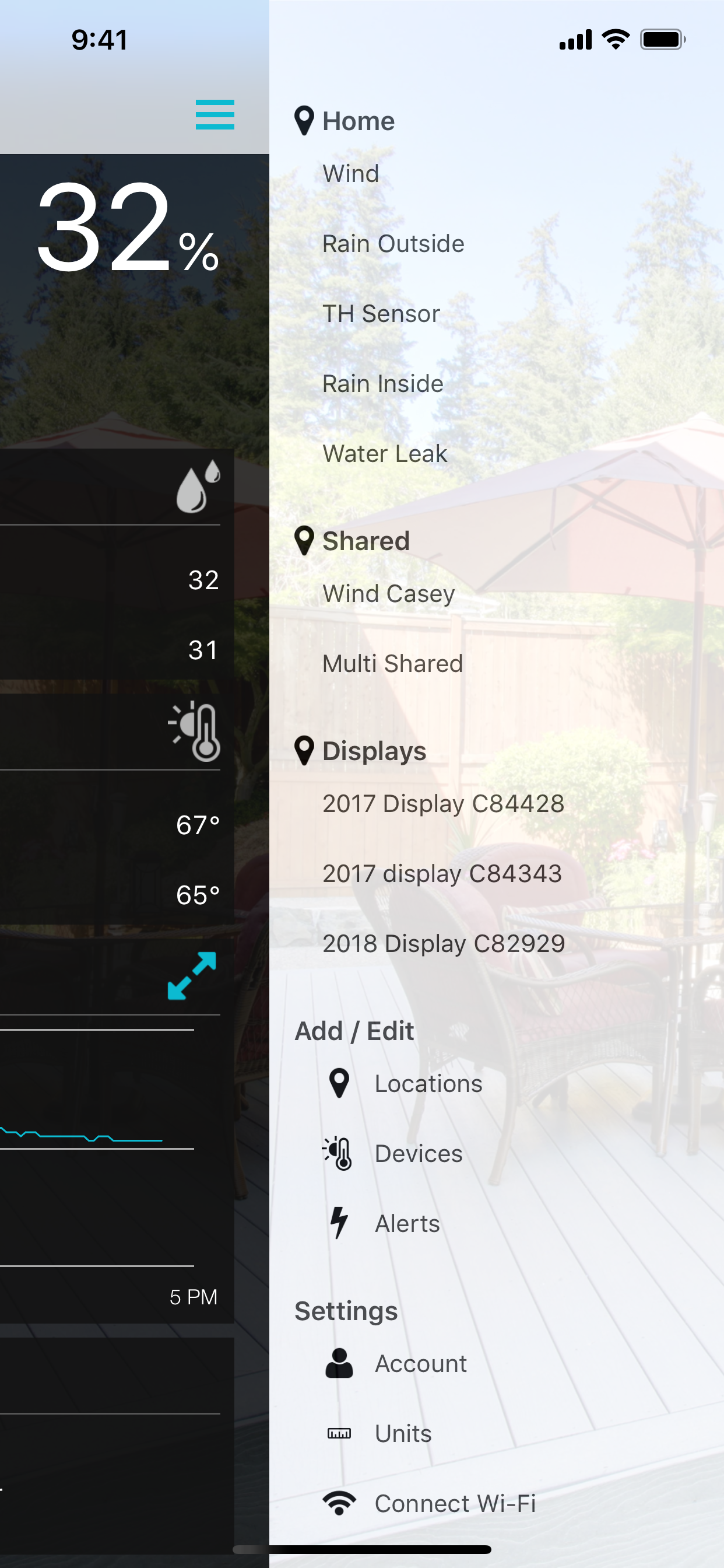
• Manage Numerous Locations/Devices with One Account
• Connects Weather Stations/Gateways to Wi-Fi
• Controls Forecast Settings Unique to Wi-Fi Weather Stations
WI-FI WEATHER STATIONS
La Crosse View allows you to remotely track weather conditions such as temperature, humidity, wind, rain, and more, giving you access to hyperlocal data from sensors right in your backyard. The app is required to connect weather station displays to Wi-Fi, program location settings to receive local Internet weather forecasts on the stations, and set up Data Streams for custom messaging and weather updates.
ALERT & MONITORING SYSTEMS
Monitor water detection for basements, sinks, and appliances, temperature throughout your home (or in the freezer), humidity in various spaces, open/closed status of doors and gates, pool conditions, food temps, and more. La Crosse View is required to connect Bridge Gateways (sensor relays) to Wi-Fi, set and receive custom app alerts, and view data remotely, anytime, anywhere.
EASY SETUP & MANAGEMENT
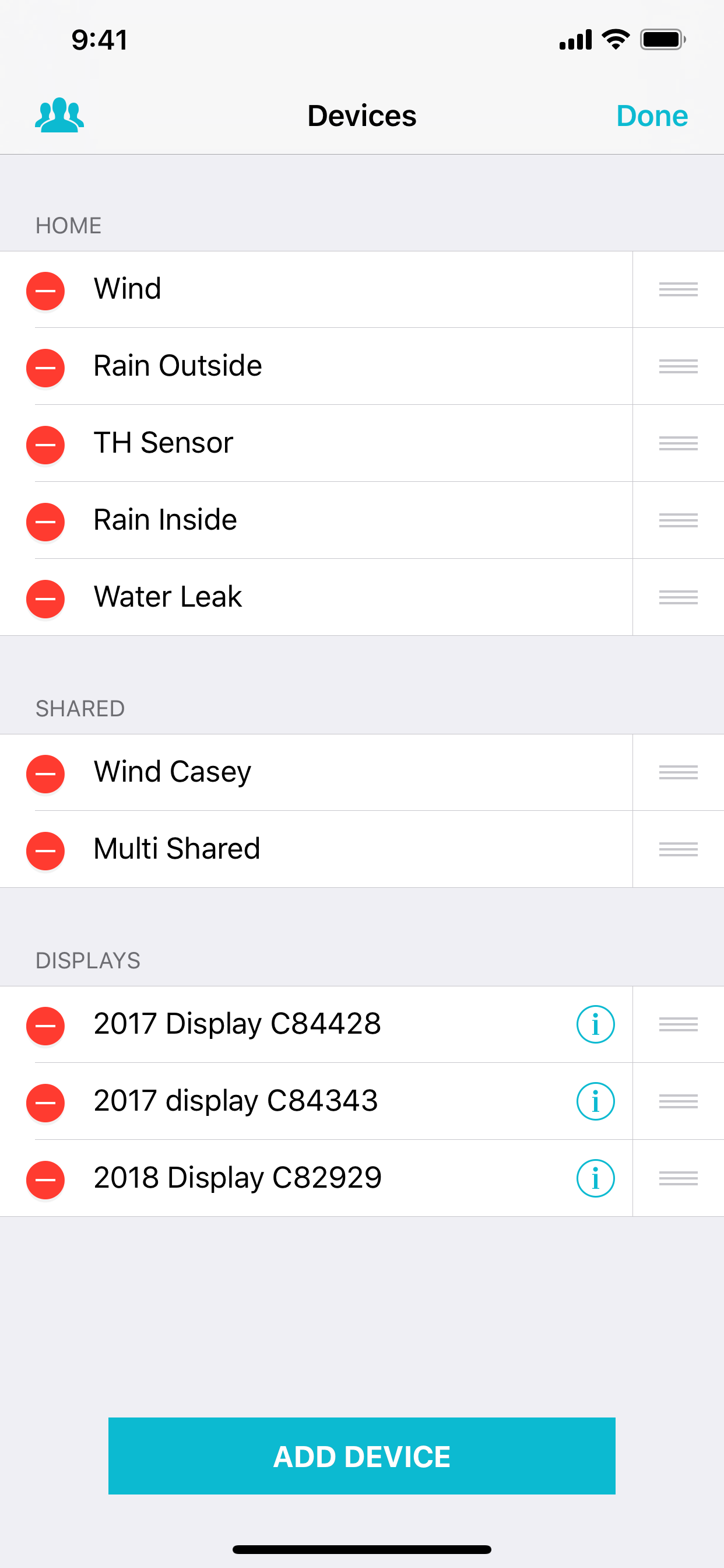
La Crosse View features a guided walkthrough that ensures Weather Stations and Bridge Gateways sync with your Wi-Fi network, and wireless sensors are easily paired with your app. From there, customize sensor locations with personal images for easy reference, view detailed graphs to study trends over time, manage multiple locations and devices from one application, and share access with family members as needed. Whether you're setting up your first sensor or expanding a system as your needs grow, La Crosse View supports your journey—from first home to dream home.
POPULAR USE CASES
Indoor Monitoring
• Basement temp & humidity
• Freezer or refrigerator temperature alerts
• Nursery or bedroom comfort monitoring
• Wine cellar or storage room conditions
Outdoor Monitoring
• Backyard weather conditions
• Pool and hot tub temperature
• Garden and greenhouse environments
Appliance & Utility Areas
• Water heater monitoring
• Washing machine area leak detection
• Sump pump area conditions
• Garage and basement freeze warnings
Outbuildings & Unconditioned Spaces
• Barns and sheds
• Detached garages
• Pavilions and event spaces
• Ice shanties and seasonal shelters
Hobby & Specialty Uses
• BBQ and smoker temperature tracking
• Musical instrument protection
• Home brewing climate
• Pet habitat monitoring
• Humidor conditions
• Vehicle storage temperature
Entry Points & Security-Adjacent
• Door and window contact status
• Cabinets or mailbox open/closed status
• Gate position monitoring
• Workshop or storage access
HARDWARE REQUIREMENTS
To receive data, the La Crosse View app requires a La Crosse Technology Wi-Fi Weather Station or Bridge Gateway with at least one compatible sensor. Visit www.lacrossetechnology.com/pages/la-crosse-view for more details and to explore available systems and sensors.
ABOUT LA CROSSE TECHNOLOGY
Family-owned and operated out of La Crosse, WI, since 1983, we strive to create innovative products that inform, inspire, and enhance everyday life. Harnessing the power of monitoring, time, and weather, with a deep focus on reliability, we assure accurate information and lasting value.
Hide Show More...

In-Apps

Enhanced 1 Month Service Plan
$2.99
Advanced 1 Month Service Plan
$4.49
Plus 1 Month Service Plan
$7.99
Plus 1 Year Service Plan
$49.99
Advanced 1 Year Service Plan
$36.99
Enhanced 1 Year Service Plan
$17.49

Screenshots

La Crosse View FAQ

  • Is La Crosse View free?

    Yes, La Crosse View is free to download, however it contains in-app purchases or subscription offerings.

  • Is La Crosse View legit?

    ⚠️ The La Crosse View app has poor ratings and negative feedback. Users seem unsatisfied with its performance or features.

    Thanks for the vote

  • How much does La Crosse View cost?

    La Crosse View has several in-app purchases/subscriptions, the average in-app price is $19.99.

  • What is La Crosse View revenue?

    To get estimated revenue of La Crosse View app and other AppStore insights you can sign up to AppTail Mobile Analytics Platform.

User Rating

4.07 out of 5

1,471 ratings in Australia

5 star
896
4 star
234
3 star
93
2 star
45
1 star
203
Ratings History

La Crosse View Reviews

This is utterly useless !

Sunshine Coast, Qld on

Australia

I’ve had the unit and app for several months now and have had more frustration from them than useful information. It sporadically updates info to the app, very regularly drops wifi and often loses its remote sensor. ALL the technicals for these things are set up correctly - it’s just that the product is rubbish. Buy anything else !

Don’t buy this weather station.

JJW007 on

Australia

It’s rubbish. You are constantly having to reset and reconfigure to keep it working. It’s pathetic but the software isn’t configured for Southern Hemisphere use. The wind direction is wrong if you place it with the solar panel facing the sun and the seasonal info is also reverse.

Weather Station should it be sold in the southern hemisphere.

ghvdrgvx on

Australia

The unit works relatively well but the rain gauge is inaccurate. Yesterday it showed 31.2mm where both mine and my neighbours standard rain gauge showed 22mm. That’s way too unreliable. The unit is not suitable for the southern hemisphere -it must be pointed to the north for the solar panel to function. This means the wind direction is reversed as the unit is designed for the northern hemisphere.

Weather station

Brock0509 on

Australia

I love how I can check the inside temperature and outside temperature of my house and how much rain we have had from anywhere from my phone. Like Apple it just WORKS 👍👍

Useless

JB T on

Australia

First you buy a weather station $$$ then they expect you to pay additionally for the app to provide your own data. App design is also archaic. Rainfall graphs (difficult to find) totally inaccurate. Data displayed on 1 day and 7 day graph do not correlate (on daily amount). Sadly pathetic.

Rain Fall - Readings

Rydge01 on

Australia

Having to reconnect mobile to station for rain fall

Disappointing

Type 1.5 on

Australia

Unable to connect to wifi using iOS. App says move away from router until the phone connects to 2.4ghz band - no joy. Logged into router and turned off 5ghz wifi - same issue. Deleted app, changed batteries in display and reinstalled app - no change. It was connected until the router died and was replaced with new Netcomm. Out of now after 3 years use. Connects to the sensors without a problem, just doesn’t make use of wifi and I just resubbed to get it working. Could be far simpler than this.

When you get a new modem it’s impossible to connect!

Sunburnt wonderland on

Australia

It’s good when it connects, but every time you get a new modem the V40 Pro seems impossible to connect! Day 3 and lost count of how many times I’ve tried to connect it! It will tell me that I need to be using 2.4Ghz and not 5Ghz, well I know this and have been trying to connect it to 2.4 yet it keeps saying the same thing! So annoying! In these days and times it should use 5Ghz everything else these days runs off 5Ghz! This app does not give enough information about how to connect or why it isn't connecting. Even after a factory reset and wiping all records it still wont connect! Also the V40 Pro has a major flaw that is spiders can enter the sensor and stop proper rain readings! You have to get it down every week pull it apart to get spiders and webs out then put it back into place making sure it is level! This is also a huge hassle! Yes I have an old model, but with these types of problems I really don't think I want to be upgrading to another La Crosse.

It used to be ok

Tiwassie2 on

Australia

The screen colours can’t be altered, and some are not easy to read. Now, it will not connect to wi-fi at all, or the app. Their help only regurgitated the usual instructions and it will not connect to the app. I would not buy this brand again. Pity.

F n ter. I be

10 dis a pointed 99 on

Australia

Disaster

Store Rankings

Ranking History
Category Rankings
Chart
Category
Rank
Top Grossing
29
Top Grossing
35
Top Grossing
49
Top Grossing
52
Top Grossing
60

Keywords

La Crosse View Competitors

La Crosse View Installs

Last 30 days

La Crosse View Revenue

Last 30 days

La Crosse View Revenue and Downloads

Gain valuable insights into La Crosse View performance with our analytics.
Sign up now to access downloads, revenue, and more.
This page includes copyrighted content from third parties, shared solely for commentary and research in accordance with fair use under applicable copyright laws. All trademarks, including product, service, and company names or logos, remain the property of their respective owners. Their use here falls under nominative fair use as outlined by trademark laws and does not suggest any affiliation with or endorsement by the trademark holders.