Mockup - UI/UX Design

Published by: Apprime Studio sarl

Description

Bring your boldest ideas to life with Mockup—the ultimate UI/UX design tool for iOS.
Whether you're ideating your next app or web design, sketch fluidly with Apple Pencil, create detailed wireframes, and build interactive prototypes—all in one app.
Join over 500,000 designers, developers, and team managers worldwide who trust Mockup for their design process.
Key Features:
Flexible Canvas for UI/UX Design
- Visualize your ideas effortlessly with 45+ device frames in both portrait and landscape orientations.
- Explore limitless design possibilities with a flexible canvas and abundant frames.
- Customize the grid, frame, and background colors for a tailored workflow.
Sketch & Perfect Your Ideas
- Shape your designs with a variety of drawing tools & a full color palette.
- Draw perfect shapes with Shape Detection and Snap-to-grid for precise alignment.
- Move, resize, recolor, and adjust objects easily using the lasso tool.
- Write and edit text directly on the canvas using the Scribble tool.
Wireframe with Ease
- Access a Library of preset elements or create, save, and reuse your own.
- Insert images and visuals from your files into your designs
- Add text, customize, and save text styles for a consistent look.
- Drag & drop text or images from any app directly into your canvas.
- Elevate your designs with 4000+ symbols from Apple's SF Symbols library.
- Add and customize shapes like rectangles, ellipses, and lines.
Stay in Control of Your Objects
- Cut, copy, or paste selections anywhere in the canvas or from other apps.
- Arrange, align, and distribute objects for precise layouts.
- Select or deselect multiple objects at once with Select Objects mode.
Bring Your Ideas to Life with Prototypes
- Connect frames to create interactive flows.
- Preview prototypes in full-screen mode for an immersive experience.
Export, Share, & Collaborate
- Export in high-quality PDF or PNG, or share Mockup files with other users.
- Collaborate in real time and share ideas with colleagues directly from the app using SharePlay.
Streamline Your Workflow
- Group sketches into projects and create nested projects for better organization.
- Multitask with multiple windows for enhanced productivity.
- Control your canvas with expand, rotate, lock, and zoom options.
- Use quick actions to duplicate a sketch across multiple frames, switch two frames, hide frames to create space or add notes, clear, or export a frame.
Access Your Sketches Anywhere, Anytime
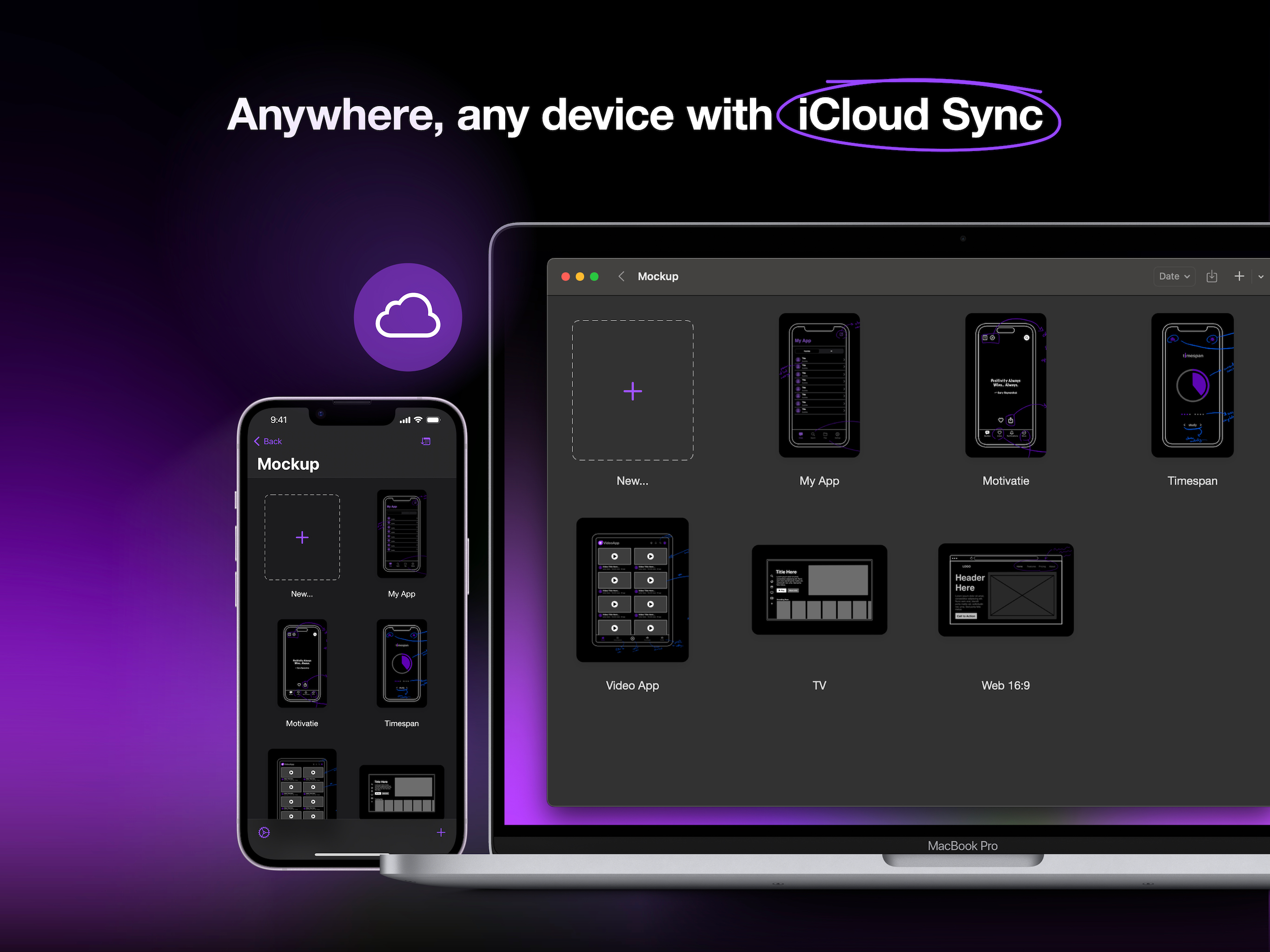
- Sync your sketches and projects across all your devices via iCloud sync.
- Access your recent sketches with the Recents Widget.
- Display sketches directly on your home screen with Preview Widgets.
Optimized for Apple Pencil & iPad
- Apple Pencil Hover: Use Apple Pencil Hover to preview and switch between drawing tools for enhanced precision and control.
- Use Apple Pencil Pro’s squeeze gesture to open the canvas menu to add/remove frames, lock/unlock canvas, adjust tool properties, select multiple objects, or undo/redo.
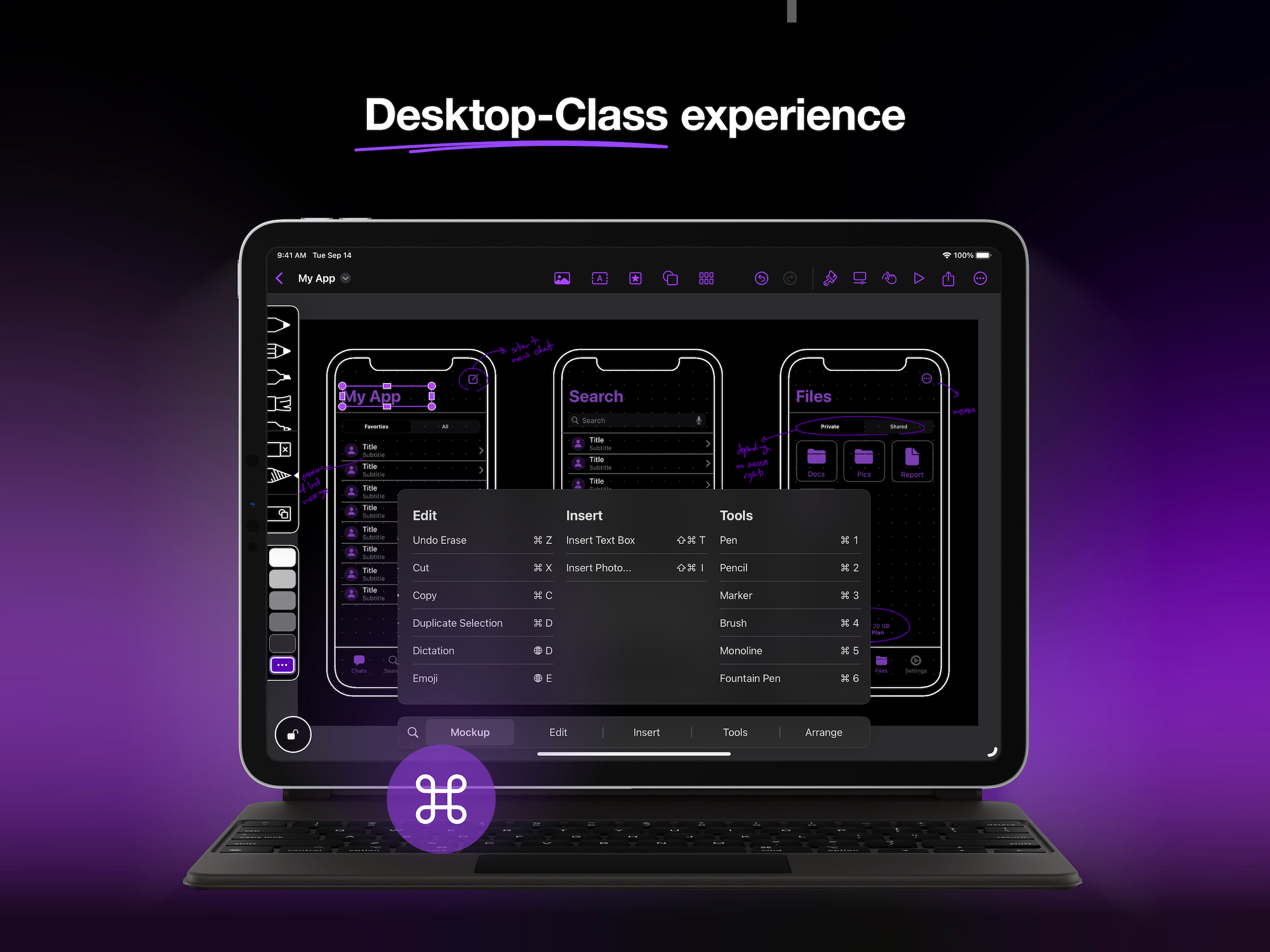
- Enjoy a desktop-class experience with an external keyboard and trackpad support.
Start free and create unlimited projects and sketches, or unlock the premium features with one of our paid plans.
Premium features include:
Start Strong
- Nested Projects
- All Device Frames
- Shape Detection
Work Smarter
- Unlimited Element Sets
- 4000+ Customizable Symbols
- Exclusive Elements
Prototype & Ship
- Prototype
- Watermark-free PDF Exports
- PNG export
- Priority Support.
Terms of Service:
https://apprime.studio/terms-of-service/
Privacy Policy:
https://apprime.studio/privacy-policy/
Hide Show More...

In-Apps

Mockup Studio Yearly
€29.99
Mockup Studio Monthly
€4.99
Mockup Studio Lifetime
€99.99

Screenshots

Mockup FAQ

  • Is Mockup free?

    Yes, Mockup is free to download, however it contains in-app purchases or subscription offerings.

  • Is Mockup legit?

    🤔 The Mockup app's quality is mixed. Some users are satisfied, while others report issues. Consider reading individual reviews for more context.

    Thanks for the vote

  • How much does Mockup cost?

    Mockup has several in-app purchases/subscriptions, the average in-app price is €44.99.

  • What is Mockup revenue?

    To get estimated revenue of Mockup app and other AppStore insights you can sign up to AppTail Mobile Analytics Platform.

User Rating

4.3 out of 5

30 ratings in Italy

5 star
22
4 star
3
3 star
1
2 star
0
1 star
4
Ratings History

Mockup Reviews

Adoro

Gabriele900: on

Italy

Bello però pro a vita 90€ un po’ troppo però bellissima app per creare un prototipo di app.

ottimo!

EricBat on

Italy

Un ottimo software

Premium membership… to add shapes??

DarioPedroni on

Italy

I find it absurd having to pay money to add basic shapes

impossibile valutare prima dell'acquisto

Mifidomanontroppo on

Italy

Tutti gli elementi sono bloccati, volevo valutare il prodotto prima di fare l'acquisto ma nonè possibile: pochissimi elementi sbloccati

Un inutile perdita di tempo…

-★ ★ ★ ★ ★- on

Italy

Considero spropositato il prezzo dei piani offerti. Assolutamente assurdo far pagare 94,99€ per un’app cosi basica e elementare. A molto meno di questa cifra ci sono programmi di grafica ben più completi e utili. Davvero macchinosa e deludente la struttura delle pagine. Sconsiglio vivamente anche solo la prova gratuita, non vale la pena perdere tempo!

App comoda e veloce da imparare

Dr.N00ble on

Italy

Nel giro di un’oretta si è in grado di lavorare liberamente e realizzare mockup per app e desktop. È davvero molto utile per una prima fase di sviluppo veloce e flessibile. Ovviamente se cercate app più strutturate e professionali vi servono app desktop ma tra le app mobile direi che non si batte.

App con un enorme potenziale

Vincenzo_Laveneziana on

Italy

L’unica app nell’app store che ti permette di creare degli sketch in modo veloce e semplice. L’app ha un enorme potenziale, speriamo che venga portata avanti e migliorata. Complimenti allo sviluppatore!

Crash on Catalina

Padidat on

Italy

Don't start, just crash, MacMini with Catalina

Hi Mockup!

LoneMage7814 on

United States

Best App ever!

No onboarding walk-through or explanations

26333333 on

United States

Leaves you guessing how to do anything, particularly how to link different screens and get to the interactive parts. Seems more like a low-feature static drawing app with some templates. Canceled my trial well before it ended.

Store Rankings

Ranking History
Category Rankings
Chart
Category
Rank
Top Grossing
33
Top Grossing
96
Top Free
102
Top Free
109
Top Free
168

Keywords

Mockup Competitors

Mockup Installs

Last 30 days

Mockup Revenue

Last 30 days

Mockup Revenue and Downloads

Gain valuable insights into Mockup performance with our analytics.
Sign up now to access downloads, revenue, and more.
This page includes copyrighted content from third parties, shared solely for commentary and research in accordance with fair use under applicable copyright laws. All trademarks, including product, service, and company names or logos, remain the property of their respective owners. Their use here falls under nominative fair use as outlined by trademark laws and does not suggest any affiliation with or endorsement by the trademark holders.