Mockup - UI/UX Design

Sketch, Wireframe, Prototype

Published by: Apprime Studio sarl

Description

Bring your boldest ideas to life with Mockup—the ultimate UI/UX design tool for iOS.
Whether you're ideating your next app or web design, sketch fluidly with Apple Pencil, create detailed wireframes, and build interactive prototypes—all in one app.
Join over 500,000 designers, developers, and team managers worldwide who trust Mockup for their design process.
Key Features:
Flexible Canvas for UI/UX Design
- Visualize your ideas effortlessly with 45+ device frames in both portrait and landscape orientations.
- Explore limitless design possibilities with a flexible canvas and abundant frames.
- Customize the grid, frame, and background colors for a tailored workflow.
Sketch & Perfect Your Ideas
- Shape your designs with a variety of drawing tools & a full color palette.
- Draw perfect shapes with Shape Detection and Snap-to-grid for precise alignment.
- Move, resize, recolor, and adjust objects easily using the lasso tool.
- Write and edit text directly on the canvas using the Scribble tool.
Wireframe with Ease
- Access a Library of preset elements or create, save, and reuse your own.
- Insert images and visuals from your files into your designs
- Add text, customize, and save text styles for a consistent look.
- Drag & drop text or images from any app directly into your canvas.
- Elevate your designs with 4000+ symbols from Apple's SF Symbols library.
- Add and customize shapes like rectangles, ellipses, and lines.
Stay in Control of Your Objects
- Cut, copy, or paste selections anywhere in the canvas or from other apps.
- Arrange, align, and distribute objects for precise layouts.
- Select or deselect multiple objects at once with Select Objects mode.
Bring Your Ideas to Life with Prototypes
- Connect frames to create interactive flows.
- Preview prototypes in full-screen mode for an immersive experience.
Export, Share, & Collaborate
- Export in high-quality PDF or PNG, or share Mockup files with other users.
- Collaborate in real time and share ideas with colleagues directly from the app using SharePlay.
Streamline Your Workflow
- Group sketches into projects and create nested projects for better organization.
- Multitask with multiple windows for enhanced productivity.
- Control your canvas with expand, rotate, lock, and zoom options.
- Use quick actions to duplicate a sketch across multiple frames, switch two frames, hide frames to create space or add notes, clear, or export a frame.
Access Your Sketches Anywhere, Anytime
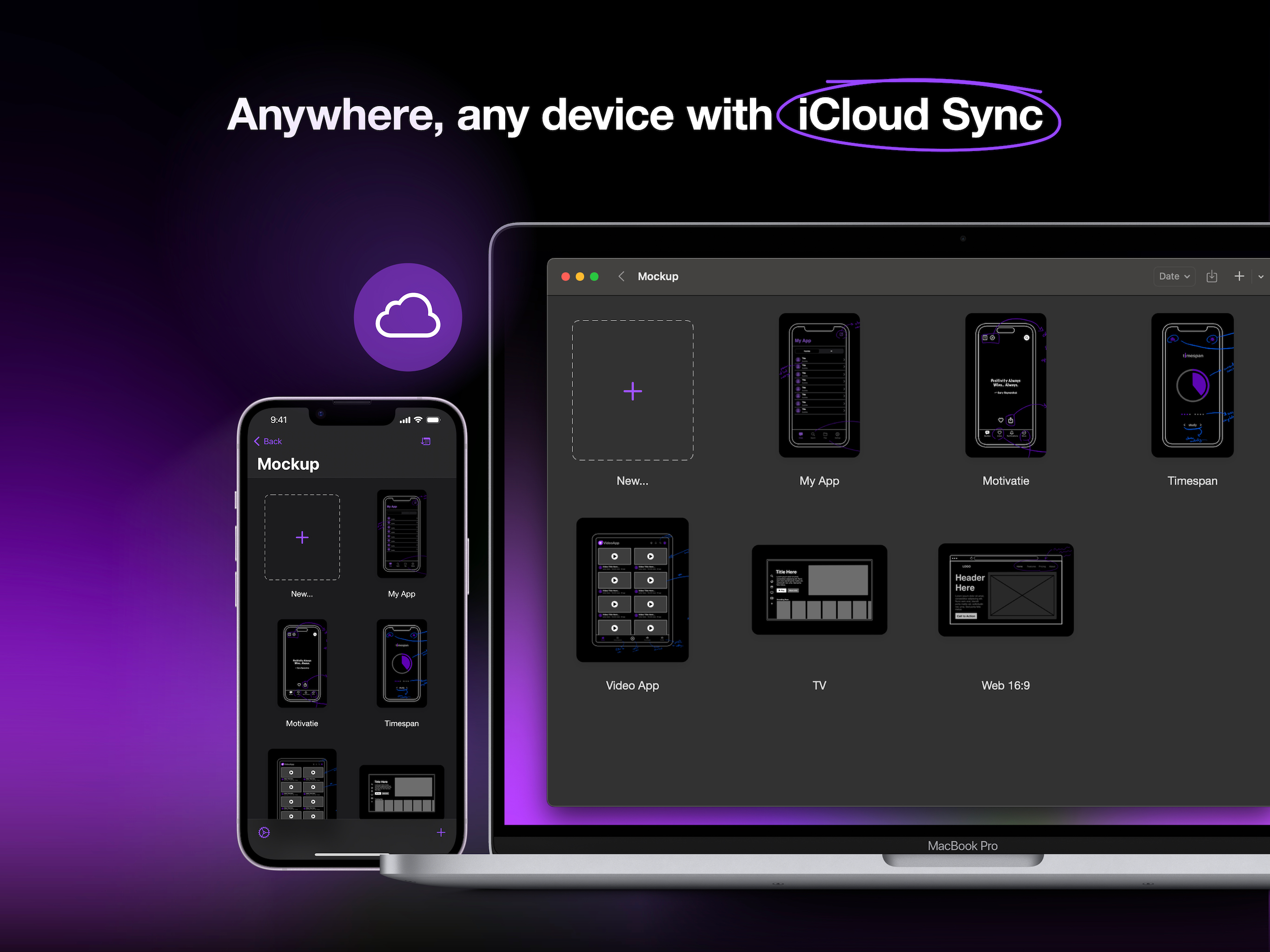
- Sync your sketches and projects across all your devices via iCloud sync.
- Access your recent sketches with the Recents Widget.
- Display sketches directly on your home screen with Preview Widgets.
Optimized for Apple Pencil & iPad
- Apple Pencil Hover: Use Apple Pencil Hover to preview and switch between drawing tools for enhanced precision and control.
- Use Apple Pencil Pro’s squeeze gesture to open the canvas menu to add/remove frames, lock/unlock canvas, adjust tool properties, select multiple objects, or undo/redo.
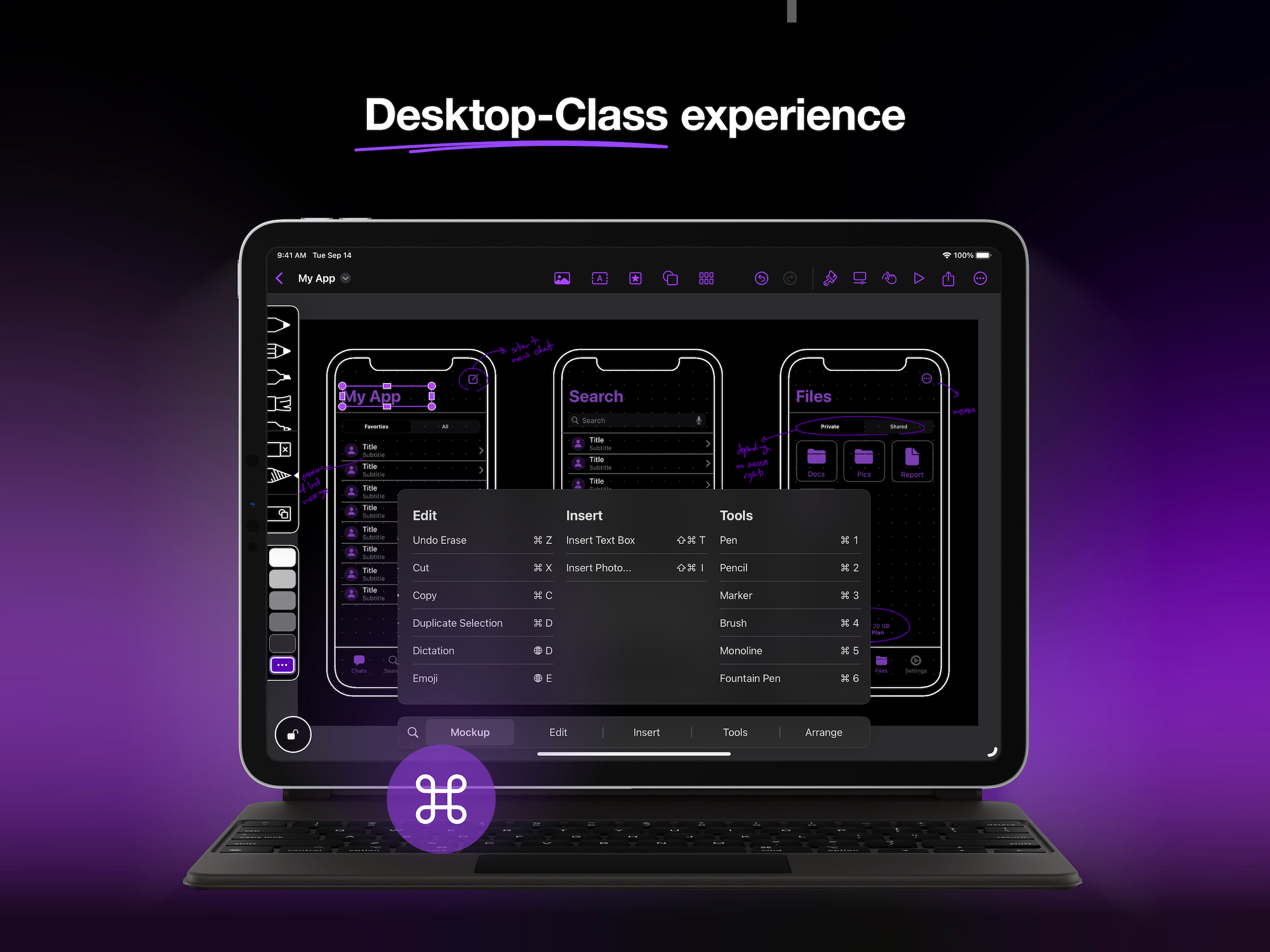
- Enjoy a desktop-class experience with an external keyboard and trackpad support.
Start free and create unlimited projects and sketches, or unlock the premium features with one of our paid plans.
Premium features include:
Start Strong
- Nested Projects
- All Device Frames
- Shape Detection
Work Smarter
- Unlimited Element Sets
- 4000+ Customizable Symbols
- Exclusive Elements
Prototype & Ship
- Prototype
- Watermark-free PDF Exports
- PNG export
- Priority Support.
Terms of Service:
https://apprime.studio/terms-of-service/
Privacy Policy:
https://apprime.studio/privacy-policy/
Hide Show More...

In-Apps

Mockup Studio Yearly
£24.99
Mockup Studio Monthly
£4.49
Mockup Studio Lifetime
£99.99

Screenshots

Mockup FAQ

  • Is Mockup free?

    Yes, Mockup is free to download, however it contains in-app purchases or subscription offerings.

  • Is Mockup legit?

    🤔 The Mockup app's quality is mixed. Some users are satisfied, while others report issues. Consider reading individual reviews for more context.

    Thanks for the vote

  • How much does Mockup cost?

    Mockup has several in-app purchases/subscriptions, the average in-app price is £43.16.

  • What is Mockup revenue?

    To get estimated revenue of Mockup app and other AppStore insights you can sign up to AppTail Mobile Analytics Platform.

User Rating

4.24 out of 5

83 ratings in United Kingdom

5 star
58
4 star
10
3 star
1
2 star
5
1 star
9
Ratings History

Mockup Reviews

Unresponsive and buggy

Retired Software Consultant on

United Kingdom

This really doesn’t work. Select a shape, convert it to an onject, and the Prototype doesn’t show an Action. Deselect object, then reselect it, and now you can set an action… but then you can’t deselect it. Selection only possible (unreliably) with the lasso tool. Needs a direct select model. Added a text field, and suddenly it is duplicated on multiple frames, which is just stupid. Undo doesn’t work reliably. Shape identification rarely works. I could go on, but there’s no point. It’s just really poor.

Would recommend ⭐️⭐️⭐️⭐️

MrATPrice on

United Kingdom

It’s a great app for making mockups of ideas for apps, with lots of intuitive items in the app.

Great but…

AllTooDev on

United Kingdom

Really good app, easy to use and works well but would be much better if: - It had more of the sf symbols it’s missing a lot - You could crop pictures that you add - You could set pictures as backgrounds of shapes - Set default stylings for the project (corner radius etc) - Larger variety of elements and for other platforms - Allow the mobile version to play in full screen

Could be promising, not enough room to try

h00ligan76 on

United Kingdom

This may be what I’m looking for but with basic features like shape drawing locked from demo, I couldn’t say, and will move on to something I can get a real idea about.

Don’t bother

flint09 on

United Kingdom

Basically the only app element you get in the free to try version is the basic nav bar, to use any other element it’s going to cost you £89.99 to purchase. It doesn’t end there because even after deleting the app I was getting inundated by spam “time sensitive” purchase notifications.

Love this app but I would love more features!

sgrand1 on

United Kingdom

Started using this app and I love the simplicity of it. I would love to see a couple more thing: add an opacity slider, and possibility to add blocks of colour. I don’t understand how sets works and if I can upload my own icons on the app.. but overall I love it! Thanks!

one of my favourite tools

TwunhuMan on

United Kingdom

Great Tool i love the ability to quickly draw and get ideas down whether its a scribble or not

Fab app

cgjssflhdss on

United Kingdom

Amazing app, but the feedback process within the app is not cool, I don’t use email on my iPad so it’s impossible for me to send you guys an email because you did not write your email address on there. I want to pay for lifetime but you don’t even explain if lifetime has continued updates etc. it’s discouraging to buy stuff I can’t read it terms and also I can’t find contact details.

Awful App. Do not purchase

Emma Davey on

United Kingdom

Waste of time and money. Twice now I have used this app to scamp ideas out on an iPad and both times when I go to export the files it crashes, and deletes a number of scamps!!!! Then when I quit the app and relaunch ever time I try and open the scamp the app crashes. I know have to start again. But I will be doing it in another program. Avoid at all costs

Perfect UX/UI app

kevinisyname on

United Kingdom

Brilliant app which makes the whole UX process easier, it’s simple and continent.

Store Rankings

Ranking History
Category Rankings
Chart
Category
Rank
Top Free
147
Top Free
188
Top Free
193
Top Free
205
Top Free
280

Keywords

Mockup Competitors

Mockup Installs

Last 30 days

Mockup Revenue

Last 30 days

Mockup Revenue and Downloads

Gain valuable insights into Mockup performance with our analytics.
Sign up now to access downloads, revenue, and more.
This page includes copyrighted content from third parties, shared solely for commentary and research in accordance with fair use under applicable copyright laws. All trademarks, including product, service, and company names or logos, remain the property of their respective owners. Their use here falls under nominative fair use as outlined by trademark laws and does not suggest any affiliation with or endorsement by the trademark holders.