KDAN PDF, formerly KDAN PDF Reader, is a mobile PDF editor and reader for iPhone, iPad, and Mac. Edit text directly on your device. Then scan, organize, convert, sign, and share your PDFs in one simple and powerful app.
Trusted by millions, KDAN PDF connects your workflow across iPhone, iPad, and Mac, making it easy to review, annotate, and finalize documents anywhere.
Who Recommends Us?
- Featured as “10 Essentials” in Utility on iTunes
- Featured in “10 Best PDF Reader Apps For iPhone & iPad 2019” by FOSSBYTES
- Featured as “Best Utility App” in App Store Rewind
KEY FEATURES
PDF EDITOR
• Edit and correct any typos directly on PDFs
• Merge multiple files into one PDF
• Split a large PDF into several small PDFs
• Rotate, delete, add, and rearrange pages
• Extract pages or images from PDFs
• Change PDF background color
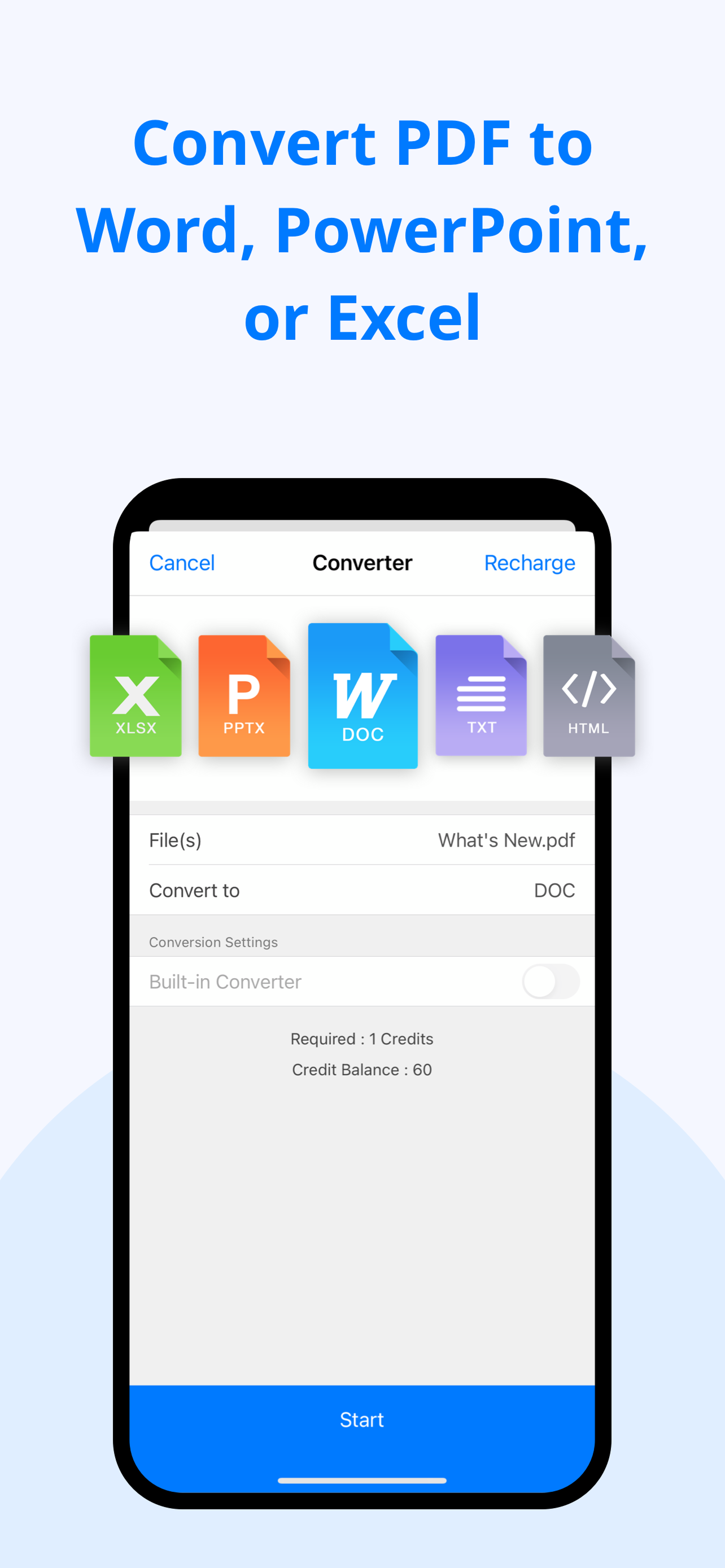
PDF CONVERTER
• Online & Offline PDF converter
• Convert PDF to Word, Excel, PPT & image conversions (docx, xlsx, pptx, jpg, png, gif & bmp).
• Save webpages and images as PDFs
OCR (Optical Character Recognition)
• Recognize and extract text from scans
• Export OCR results as text or searchable PDFs
• Support 50+ languages
SIGN, FORM FILLING, SHARE
• Fill out & edit PDF forms
• Sign on PDFs
• Customize and manage signatures
SHARE FILES
• Get files from KDAN Cloud, iCloud Drive, Dropbox, OneDrive, Google Drive, Evernote, FTP, or WebDAV client
• Compress PDFs
• Share flatten PDFs
• Send faxes directly from within the app
PDF SECURITY
• Add passwords to lock PDFs
• Remove passwords & restrictions from PDFs
• Add & remove PDF watermarks
• Validate certificates & signatures in PDF documents
VIEW FILES
• Supports all mainstream file formats, including Vitrium* PDF format (Like University of Phoenix Ebooks)
• Text Reflow & Auto Flow
• Present a PDF as a slideshow
• View multiple PDFs as tabs
• Dark mode supported (only for iOS13 & macOS Mojave and later)
• Convert text to spoken audio (text-to-speech)
ANNOTATE & REVIEW PDF
• Annotate PDFs with highlights, underlines, strikeout text, shapes, sticky notes & text boxes
• Add pre-designed stamps, including Approved, Sign Here, Confidential, and more
• Add custom stamps with time and date information
• Insert hyperlinks to external websites, target pages, and email address
• Attach audio notes & insert images to PDFs
• Turn handwriting into text with Scribble (Available for iPad)
• Add handwritten notes to PDFs
MANAGE ANNOTATIONS
• Save annotations in XFDF format
• Remove all annotations in one tap
- Recommended by Techradar, Techworm & Softsonic
UPGRADE OPTIONS
DOCUMENT 365
• Try for $0.00 for 7 days
• Access KDAN PDF on Mac, iPhone, iPad, and other platforms.
• Annual plan: billed at USD 59.99/year after the 7-day free trial ends
• Quarterly plan: billed at USD 19.99/quarter after 3-day free trial ends
• Monthly plan: billed at USD 9.99/month after 3-day free trial ends
Subscriptions will be charged to your Apple account upon purchase and will auto-renew 24 hours before the current period ends at the same price and duration. Cancellation during the active period is not allowed. Manage your trial and subscription in your Apple account.
Terms of service: https://pdf-reader.kdandoc.com/terms-of-service
Privacy Policy: https://pdf-reader.kdandoc.com/privacy-policy
Got a question?
Contact us at
[email protected] or check out https://support.kdanmobile.com