Scan to Sheets - QR & Barcode scanner allows you to easily scan QR and barcodes and store codes in Google Sheets.
Looking to keep track of the inventory or your shop, warehouse or library? Need to monitor attendance of your classes, events and meetings? Look no further than Scan to Sheets, the app that allows you to quickly and easily scan QR codes and barcodes directly to Google Sheets.
Supports a large variety of formats and external scanners connected via bluetooth or USB. Securely sign in with your Google account or connect to your public spreadsheets without sign in.
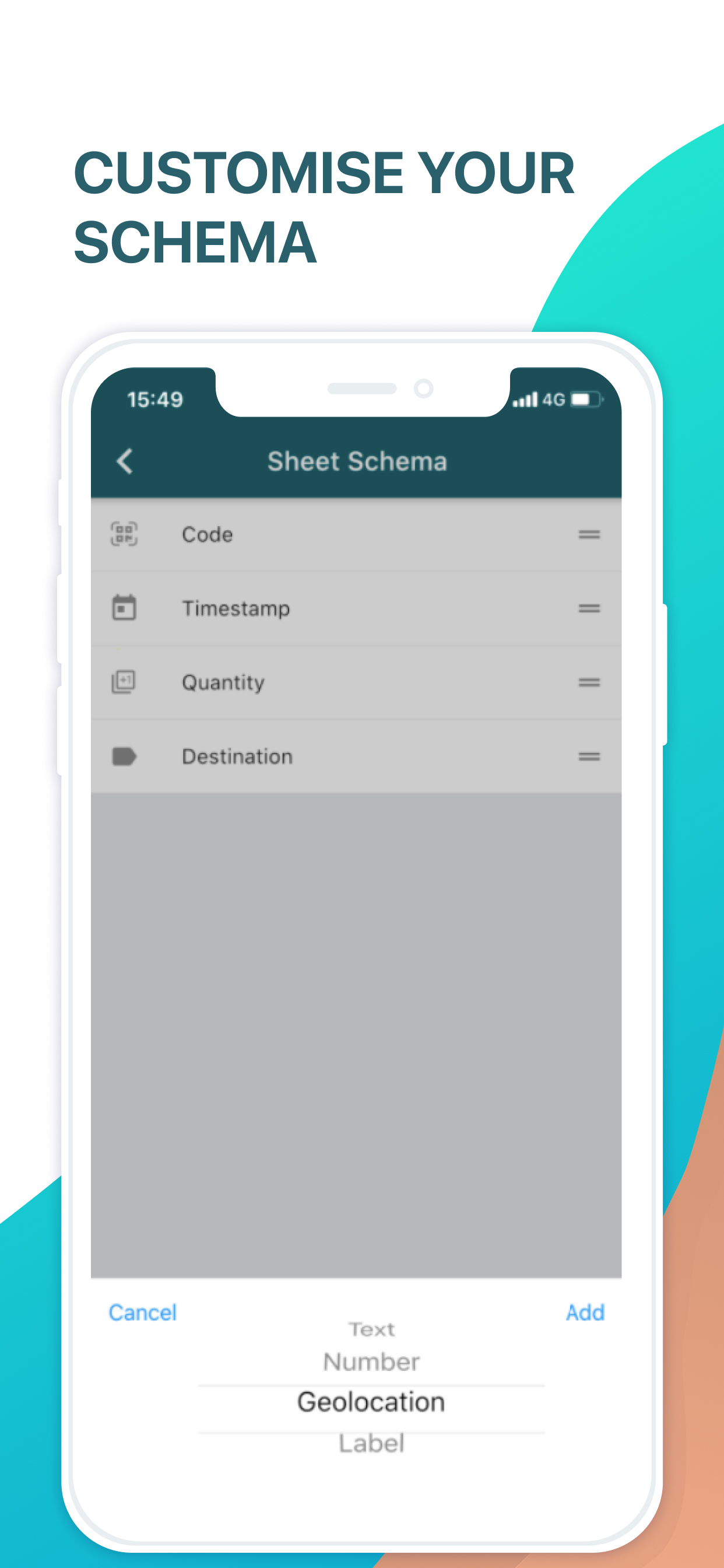
You can customize your schema to append geolocations, timestamps, quantities, and custom text and numeric fields and labels to your scans.
--------------------------------------------------------
By using this app, you agree to Apple’s Terms of Use: https://www.apple.com/legal/internet-services/itunes/dev/stdeula/
HideShow More...
In-Apps
Starter Plan
24.90 R$
Starter Plan Yearly
399.90 R$
Starter Plan Quarterly
99.90 R$
Premium Features
49.90 R$
Premium
24.90 R$
Screenshots
Scan to Sheets FAQ
Is Scan to Sheets free?
Yes, Scan to Sheets is free to download, however it contains in-app purchases or subscription offerings.
Is Scan to Sheets legit?
🤔 The Scan to Sheets app's quality is mixed. Some users are satisfied, while others report issues. Consider reading individual reviews for more context.
Thanks for the vote
How much does Scan to Sheets cost?
Scan to Sheets has several in-app purchases/subscriptions, the average in-app price is 119.90 R$.
Realizei a assinatura, não realizaram o desbloqueio da quantidade de scans.
Realizei a assinatura em dois dispositivos e não recebi a liberação em nenhum.
Resumindo, duas assinaturas jogadas no lixo.
Fora que o suporte além de péssimo é somente via e-mail.
Otimo
Estou começando a usar agora mas fiquei impressionado com a praticidade em escanear o código de barras e levar diretamente para a planilha Google
Worked well until iOS 18.2
We’ve used this app for about half a year now for attendance scans. It’s mostly worked as intended, however now that we have upgraded our iPads’ iOS to 18.2 (not completely sure if this is the issue, but this is around the time the issue cropped up), the app unlinks the Google account that our Sheets are on every few hours and then I have to go and link every iPad again to get them up and scanning. Unsure if there is something that can be done in an update, and concerned about the issue will persisting now and with future iOS updates.
Does not work
It doesn’t connect to my google account. I contacted support but no response
Give me my scanning back
I paid for premium so I can have unlimited scans. Your app refuses to restore my purchase and it won’t even clear out the RAM so it can reset. Nope, even when I pay for a new subscription through your app, it just stole my money and won’t restore my purchase. I want my unlimited scans or I want my money back
Took money but didn’t work
I downloaded this and it did exactly what I needed except it only allows you to add up to a 100 scams in the free trail. So I started the monthly unlimited trial. It took money right away but still stuck in the trial. I have emailed the people twice. With no response now the day I need it I am here trying to find another way to make something work. Waste of time and money don’t use it if you need it for more than 100 scans for the month!
No more scans despite upgrade
I like what I’ve seen so far. However I paid for the upgrade and did not get more scans.
Huge time saver
Can read asset tags, qr codes, etc. which is a huge time saver in my field.
Sensitive
The lenses too, sensitive it scans anything as soon as it touches it
works as stated
good app, does what it says, that is will scan QR codes and other barcodes straight to Google sheets.
I do wish there was a bit more flexibility and features (ideally for our particular workflow which is to enter some information, then scan one or two barcodes, and then have it submitted to google sheets), but I'm hopeful those will come soon. (and im certainly willing to pay for those features)
thanks dev!
This page includes copyrighted content from third parties, shared solely for commentary and research in accordance with fair use under applicable copyright laws. All trademarks, including product, service, and company names or logos, remain the property of their respective owners. Their use here falls under nominative fair use as outlined by trademark laws and does not suggest any affiliation with or endorsement by the trademark holders.