Screen Mirroring + Chromecast

Description

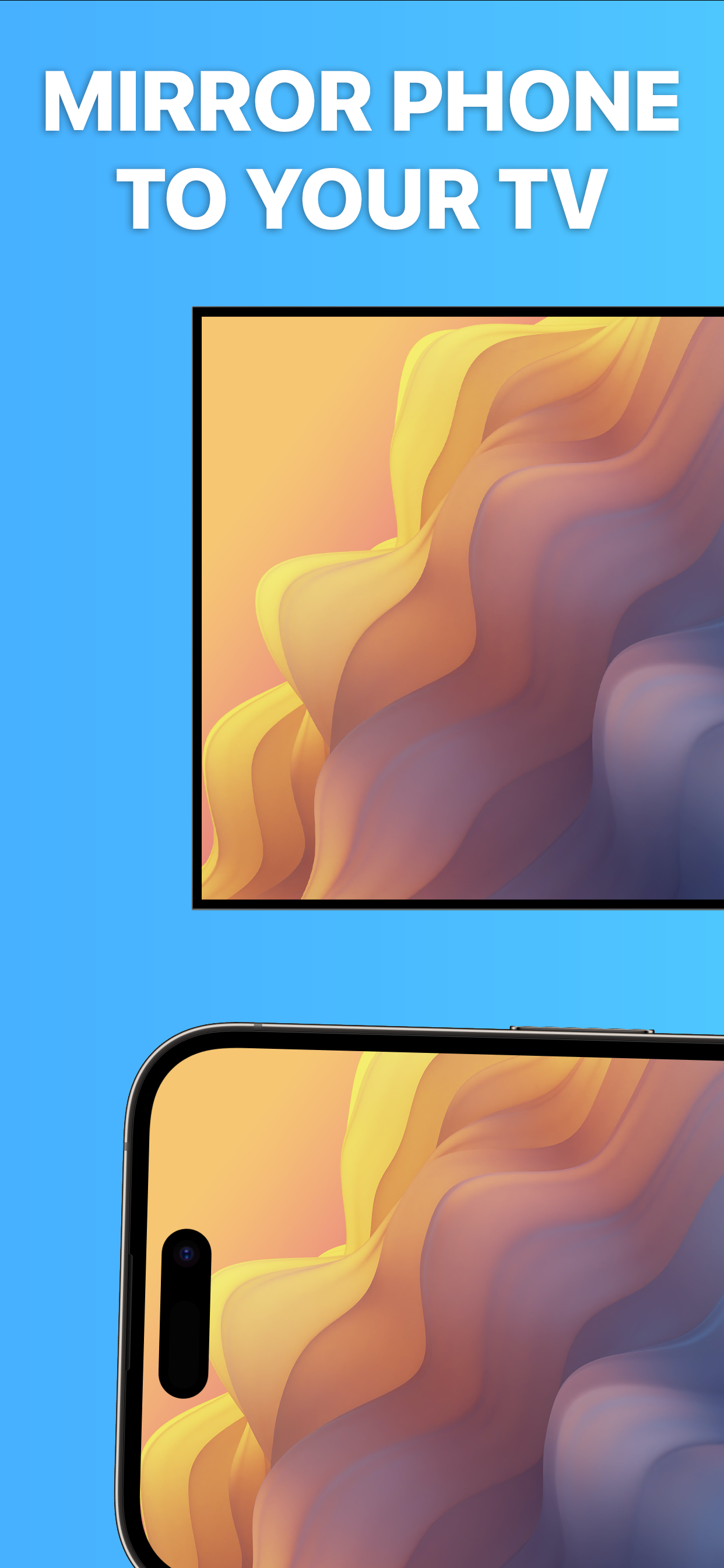
TV Mirror+ for Chromecast is the easy screen sharing tool to mirror your iPhone or iPad screen and sound on Chromecast in Full HD Quality.
Mirror photos, videos, games, websites, apps, presentations, documents and spreadsheets on Chromecast.
* Supported Chromecasts: Chromecast, Chromecast Ultra and all generations of the Chromecast family
* Supported TVs and other devices: Xiaomi MI Box, NVIDIA Shield TV and all TVs with Google Cast or Chromecast built-in, e.g. Sony, TCL, Vizio, Sharp, Philips, Hisense, Skyworth, Soniq
* Your iPhone/iPad and your Chromecast must be connected to the same wifi to enable screen mirroring. Please do not use VPN, Proxy, VLANS and Subnets.
* Latency is supreme (below 1 second) when you have good wifi network conditions
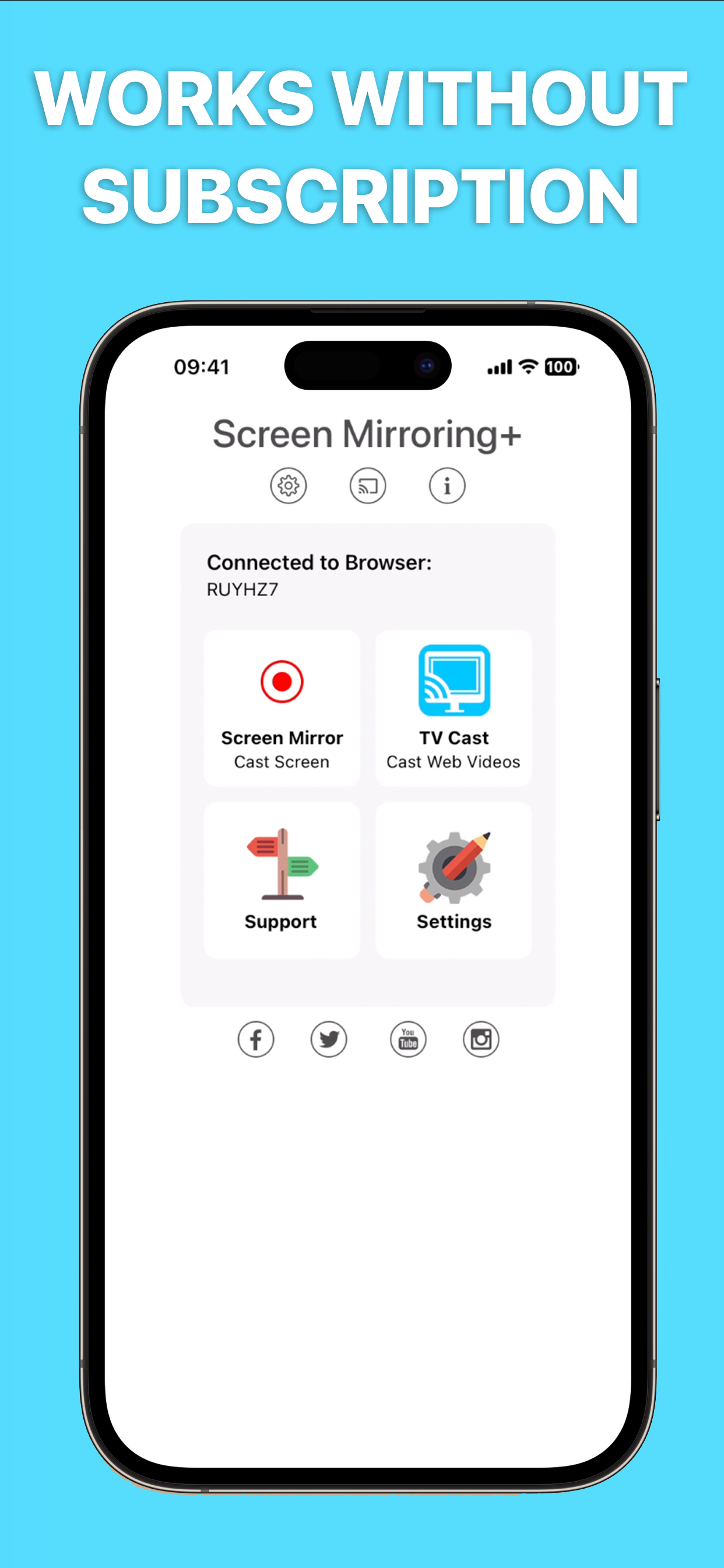
* No hidden subscriptions or costs
* If a third party app, for example Spotify, does not mirror sound correctly, please FORCE CLOSE and restart Spotify while the mirroring session is active. Please check the Apple Support page to learn how to FORCE CLOSE an app: https://support.apple.com/en-us/HT201330
* Black screen issues: Some third party apps prevent screen mirroring. When you try to mirror them, you will just see a black screen on your TV, for example with Netflix and Disney+. This is a restriction chosen by Netflix and others, so we cannot fix it at the moment.

If you like the app and our constant work on it, please give the app a positive rating on the App Store. Many thanks in advance from the development & support team.

Disclaimer: This app is not affiliated with Google or any other trademark mentioned here. Chromecast is a trademark of Google LLC.
Hide Show More...

Screenshots

Screen Mirroring FAQ

  • Is Screen Mirroring free?

    Yes, Screen Mirroring is completely free and it doesn't have any in-app purchases or subscriptions.

  • Is Screen Mirroring legit?

    ⚠️ The Screen Mirroring app has poor ratings and negative feedback. Users seem unsatisfied with its performance or features.

    Thanks for the vote

  • How much does Screen Mirroring cost?

    Screen Mirroring is free.

  • What is Screen Mirroring revenue?

    To get estimated revenue of Screen Mirroring app and other AppStore insights you can sign up to AppTail Mobile Analytics Platform.

User Rating

4.13 out of 5

374 ratings in Brazil

5 star
259
4 star
31
3 star
16
2 star
11
1 star
57
Ratings History

Screen Mirroring Reviews

It doesn’t work

Manubreu on

Brazil

When I push to transmit nothing happens. It doesn’t work! Just a waist of my money

Nees to know

Reinaldo Iphone on

Brazil

hello. Please, I need to know if the cost of this app is monthly. or if it is only paid once?

Muito bom, mas não transmite som.

LRColombo on

Brazil

Muito bom, mas não transmite som.

Didn’t work.

danicasal_ on

Brazil

It didn’t work at all, want my money back.

Quero meudinheiro de volta

r2§§§ on

Brazil

Uma droga

Pirou

rafa_rg on

Brazil

Funcionava muito bem, hoje em dia não dá mais pra usar Está péssimo, travando o tempo todo

Ruim

Luciannab on

Brazil

Vive travando

Bug

Nexcel09 on

Brazil

this app crashes during use and can't display the screen right, i use iPhone 6

YES

Mary_Light_ on

Brazil

Exactly what I was looking for! Amazing app, the best mirroring app I could find!

Não percam tempo baixando

BrunaRonco on

Brazil

Não funciona!

Store Rankings

Ranking History
App Ranking History not available yet
Category Rankings
Chart
Category
Rank
Top Paid
8
Top Paid
14
Top Paid
20
Top Paid
21
Top Paid
22

Keywords

Screen Mirroring Competitors

Screen Mirroring Installs

Last 30 days

Screen Mirroring Revenue

Last 30 days

Screen Mirroring Revenue and Downloads

Gain valuable insights into Screen Mirroring performance with our analytics.
Sign up now to access downloads, revenue, and more.
This page includes copyrighted content from third parties, shared solely for commentary and research in accordance with fair use under applicable copyright laws. All trademarks, including product, service, and company names or logos, remain the property of their respective owners. Their use here falls under nominative fair use as outlined by trademark laws and does not suggest any affiliation with or endorsement by the trademark holders.