Screen Mirroring + Chromecast

Screen Mirroring Cast Share TV

Description

TV Mirror+ for Chromecast is the easy screen sharing tool to mirror your iPhone or iPad screen and sound on Chromecast in Full HD Quality.
Mirror photos, videos, games, websites, apps, presentations, documents and spreadsheets on Chromecast.
* Supported Chromecasts: Chromecast, Chromecast Ultra and all generations of the Chromecast family
* Supported TVs and other devices: Xiaomi MI Box, NVIDIA Shield TV and all TVs with Google Cast or Chromecast built-in, e.g. Sony, TCL, Vizio, Sharp, Philips, Hisense, Skyworth, Soniq
* Your iPhone/iPad and your Chromecast must be connected to the same wifi to enable screen mirroring. Please do not use VPN, Proxy, VLANS and Subnets.
* Latency is supreme (below 1 second) when you have good wifi network conditions
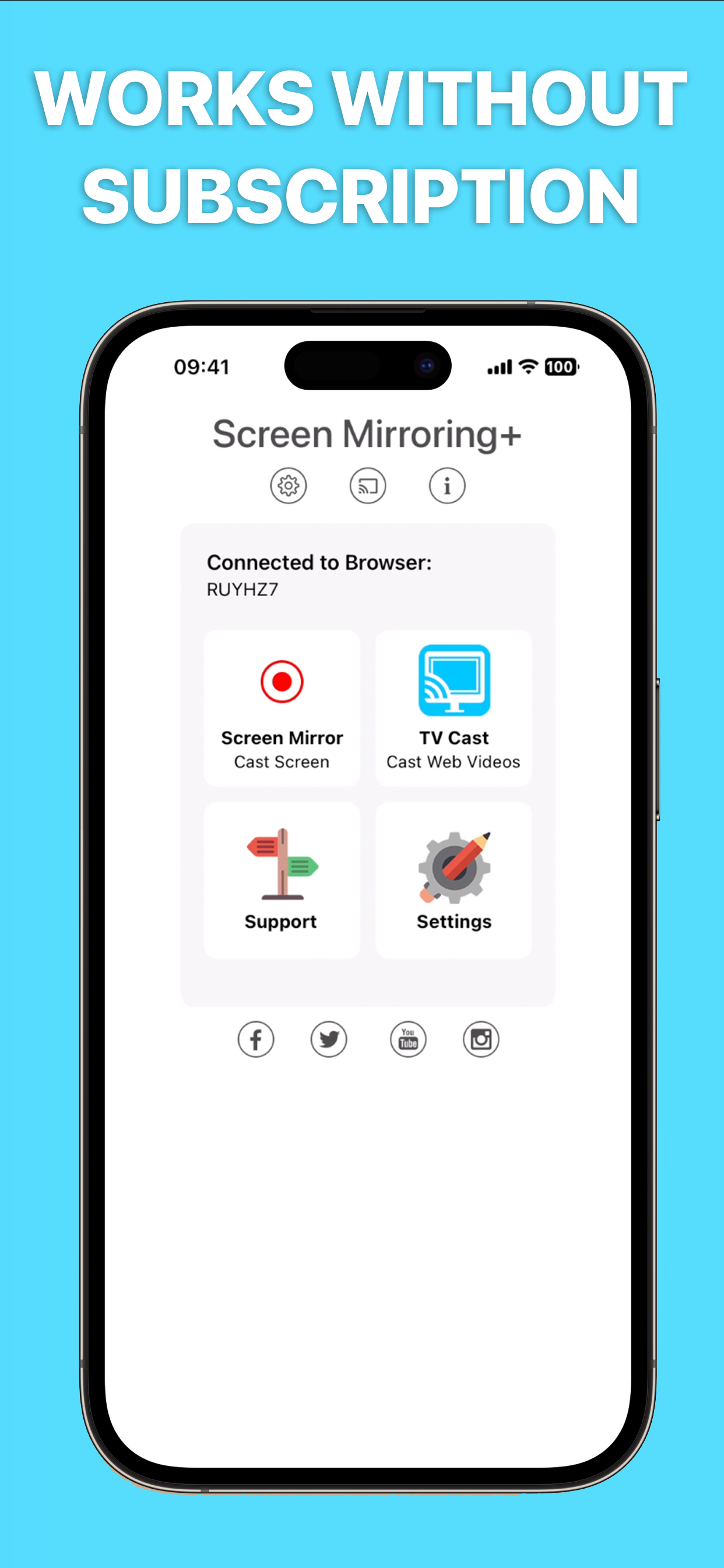
* No hidden subscriptions or costs
* If a third party app, for example Spotify, does not mirror sound correctly, please FORCE CLOSE and restart Spotify while the mirroring session is active. Please check the Apple Support page to learn how to FORCE CLOSE an app: https://support.apple.com/en-us/HT201330
* Black screen issues: Some third party apps prevent screen mirroring. When you try to mirror them, you will just see a black screen on your TV, for example with Netflix and Disney+. This is a restriction chosen by Netflix and others, so we cannot fix it at the moment.

If you like the app and our constant work on it, please give the app a positive rating on the App Store. Many thanks in advance from the development & support team.

Disclaimer: This app is not affiliated with Google or any other trademark mentioned here. Chromecast is a trademark of Google LLC.
Hide Show More...

Screenshots

Screen Mirroring FAQ

  • Is Screen Mirroring free?

    Yes, Screen Mirroring is completely free and it doesn't have any in-app purchases or subscriptions.

  • Is Screen Mirroring legit?

    ⚠️ The Screen Mirroring app has poor ratings and negative feedback. Users seem unsatisfied with its performance or features.

    Thanks for the vote

  • How much does Screen Mirroring cost?

    Screen Mirroring is free.

  • What is Screen Mirroring revenue?

    To get estimated revenue of Screen Mirroring app and other AppStore insights you can sign up to AppTail Mobile Analytics Platform.

User Rating

3.81 out of 5

1,714 ratings in Canada

5 star
998
4 star
184
3 star
100
2 star
69
1 star
363
Ratings History

Screen Mirroring Reviews

Poor

Spoooo on

Canada

Screen “Freezing” Very intermittent

Awesome app

Ob1 burto on

Canada

Easy to use

not working can't display the image, just the sound. just lost $10

mb123a on

Canada

not working

Man oh Man

zoo14535 on

Canada

Where the hell is your proper tutorial on mirroring or lets get started!!?

Sad

flavors6 on

Canada

This works poorly

?????

La Vitaa on

Canada

I upgraded now it won’t go to my TV???

C’est application ne fonctionne pas tout simplement

Ringdingou on

Canada

Jet une télé Sony 4KEt l’application ne fonctionne pas

Terrible

Frothy Latte on

Canada

Bad. Laggy. Can’t even write genuine reviews. Bad.

Garbage

jimmie1962 on

Canada

Garbage

Not working for me

Eclectic Music Man on

Canada

Wasted time and money. I’m guessing google chromecast requires a computer science degree. Tv just says no signal but app says it’s streaming. Fool me once.

Store Rankings

Ranking History
App Ranking History not available yet
Category Rankings
Chart
Category
Rank
Top Paid
15
Top Paid
17
Top Paid
18
Top Paid
19
Top Paid
20

Keywords

Screen Mirroring Competitors

Screen Mirroring Installs

Last 30 days

Screen Mirroring Revenue

Last 30 days

Screen Mirroring Revenue and Downloads

Gain valuable insights into Screen Mirroring performance with our analytics.
Sign up now to access downloads, revenue, and more.
This page includes copyrighted content from third parties, shared solely for commentary and research in accordance with fair use under applicable copyright laws. All trademarks, including product, service, and company names or logos, remain the property of their respective owners. Their use here falls under nominative fair use as outlined by trademark laws and does not suggest any affiliation with or endorsement by the trademark holders.