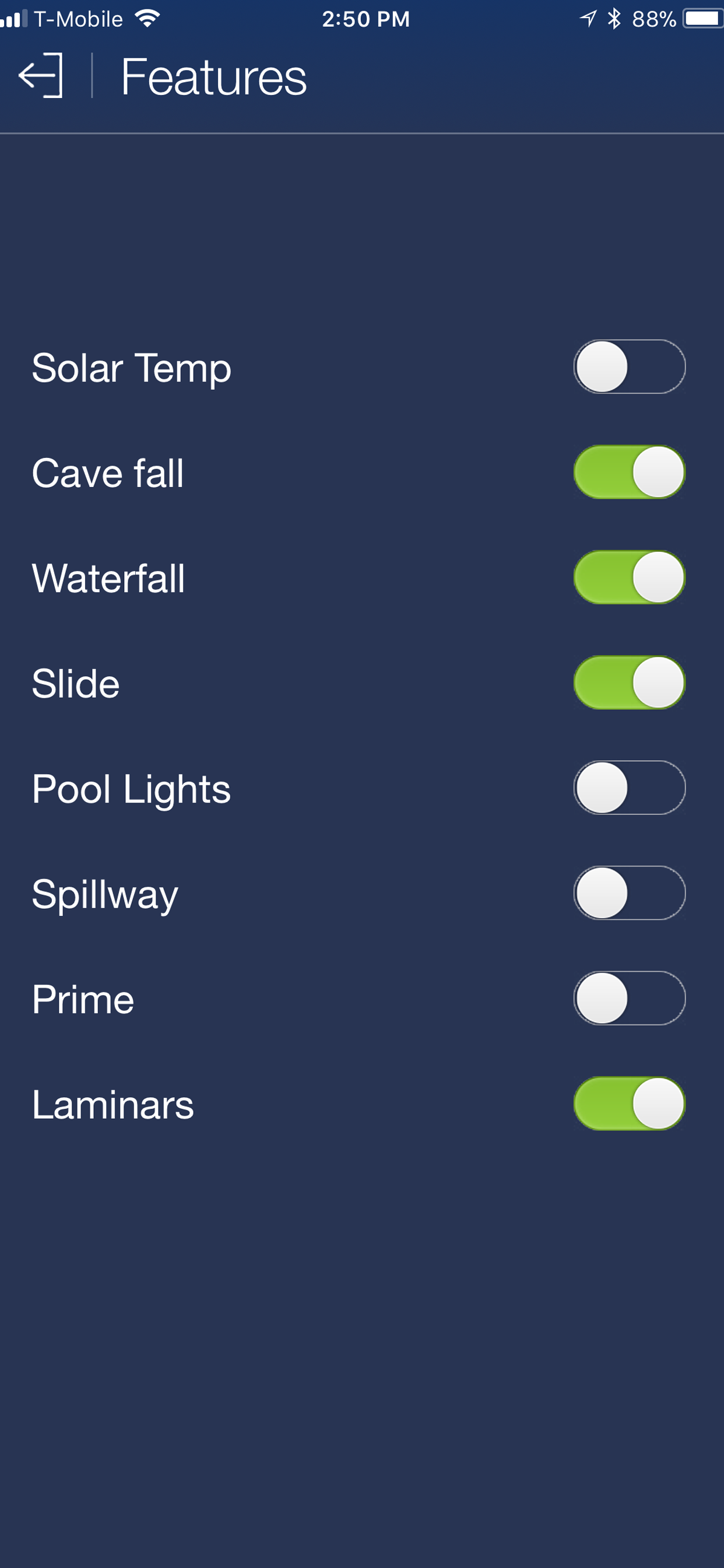
Pentair's ScreenLogic Connect is a convenient interface for your pool and spa, designed specifically for the iPhone, iPod touch, iPad and Apple Watch. You can now also use our Alexa Skill to control your EasyTouch or IntelliTouch system. Control your pool and spa from a local Wi-Fi network, or control remotely over the Internet. Download this free app and check out the new interface on our live demo!
Pentair customers with IntelliTouch, EasyTouch, and EasyTouch PL4/PSL4 pool/spa control systems that want to use their iPhone/iPad/iPod touch or Echo devices must purchase the ScreenLogic interface kit (PN 522104) available from your local pool equipment retailer.
Please make sure to download and apply the latest protocol adapter firmware (version 736). Please visit www.pentairpool.com and navigate to Support \ Tools \ Software to download the update utility.
HideShow More...
Screenshots
ScreenLogic Connect FAQ
Is ScreenLogic Connect free?
Yes, ScreenLogic Connect is completely free and it doesn't have any in-app purchases or subscriptions.
Is ScreenLogic Connect legit?
⚠️ The ScreenLogic Connect app has poor ratings and negative feedback. Users seem unsatisfied with its performance or features.
Thanks for the vote
How much does ScreenLogic Connect cost?
ScreenLogic Connect is free.
What is ScreenLogic Connect revenue?
To get estimated revenue of ScreenLogic Connect app and other AppStore insights you can sign up to AppTail Mobile Analytics Platform.
User Rating
2.17 out of 5
255 ratings in United States
5 star
35
4 star
27
3 star
17
2 star
44
1 star
132
Ratings History
ScreenLogic Connect Reviews
Like being in Vegas
When it works its brilliant, but like Vegas, win some lose mostly. The App 90% of the time will only work from the remote tab to open and rarely straight off local wifi. Once open the tabs wont respond. They light up like they are responding , but wont stick and stay on. I’d say 70-75% of the time I am operating my pool/spa system manually through the panel. I tend to view this app as reliably NOT functional. Sorry, but frustrated.
Garbage
Again with the connectivity issue. Twice in less than 6 months. Fire your tech team.
Worst app ever. Not joking.
What year is this, 1983? This has to be to most poorly designed app I’ve ever used. Absolute garbage. All developers of this app should be embarrassed and ashamed to put this out in the world. If I were the CEO of this company I would fire everyone and then myself for gross incompetence. I’m seriously just so blown away that in 2024 an app can be this poorly designed.
How about a very clean on/off functionality for pool heater? How about the lights actually responding to changes? The combined IQ of all people involved in making this app is less than my mentally challenged 7 year old nephew.
Great but needs patch
For devs - Update or patch needed for iOS 18 and iPhone 16.
Tested while on call with support and confirmed - great customer service btw. On older iPhone and iOS the app works… on new phones 16 and latest iOS18 it hangs on Local connection screen. Will update this review once patched. Thanks!
Schedules don’t work anymore
I have to do everything manually now. The app won’t let me add or change schedules. And the schedules that are left don’t work.
This app does not work. It is a total thorn in my side. I don’t care her much it costs me, I’m getting rid of this equipment and the total fail of this app.
Add more colors! Work the bugs out!
Need to allow more color options for individual selection not just the preshow. The schedule when changing confuses the system. When logging in remote you have to hit login very fast otherwise it doesn’t work and you have to close the app and reopen. Lots of bugs in the app that need to be worked on.
Time to evolve
The app is functional but not very appealing. Biggest issue is that I want to have it work with google nest hub. Should be an easy automation that lots of customers would use. Pleas upgrade!!
Not working
Once again the update caused the app to not function. Please, fix it ASAP so we can control the pool.
Rarely works
This app, as well as the whole ScreenLogic system rarely works. I have nothing but infuriating experiences with the system. I purchased this for an Airbnb rental, and it has caused nothing but headaches. It says it’s heating when it’s not you post schedules, but you never know when or if the schedule will take. I constantly have renters who cannot get the app to work, and I have had so many problems getting it to work remotely. I’ll turn on the heater and it will work for a moment and then the heater will shut off. I have to manually turn back on the heater, and it says it’s on, but the temperature doesn’t budge. there has to be a better way.
Lighting
I just upgraded the pool to have color lights so I can control via the app. The options are limited. Where are the themes? Holidays? Seems like an easy feature to add. Look at the Govee app if you need to see what the market wants.
This page includes copyrighted content from third parties, shared solely for commentary and research in accordance with fair use under applicable copyright laws. All trademarks, including product, service, and company names or logos, remain the property of their respective owners. Their use here falls under nominative fair use as outlined by trademark laws and does not suggest any affiliation with or endorsement by the trademark holders.