SecureSafe Password Manager

Published by: DSwiss

Description

SecureSafe – highly secure cloud storage solution with built-in password manager from DSwiss AG
Description
SecureSafe is a multiple award winning online storage solution with an integrated password manager. The service is unique because of its strong double encryption, triple data storage and zero knowledge architecture, which ensures you the very highest level of privacy protection.
Manage all your important data in your digital safe:
• Passwords
• PINs
• Credit card details
• E-banking codes
• A copy of your passport
• Images
• Videos
• Contracts
• Application documents
• ...

Security
• Highly secure AES-256 and RSA-2048 encryption
• No one but you can decrypt and access your data – not even our employees (including programmers).
• All data transferred between your device and SecureSafe is sent via HTTPS.
• Passwords are encrypted additionally for maximum security.
• 2-factor authentication (with SMS token) for PRO, SILVER and GOLD customers
• Multiple layers of data security in Swiss high security data centres, one of which is located in a former military bunker.
• 24/7 monitoring of all systems

Feature overview
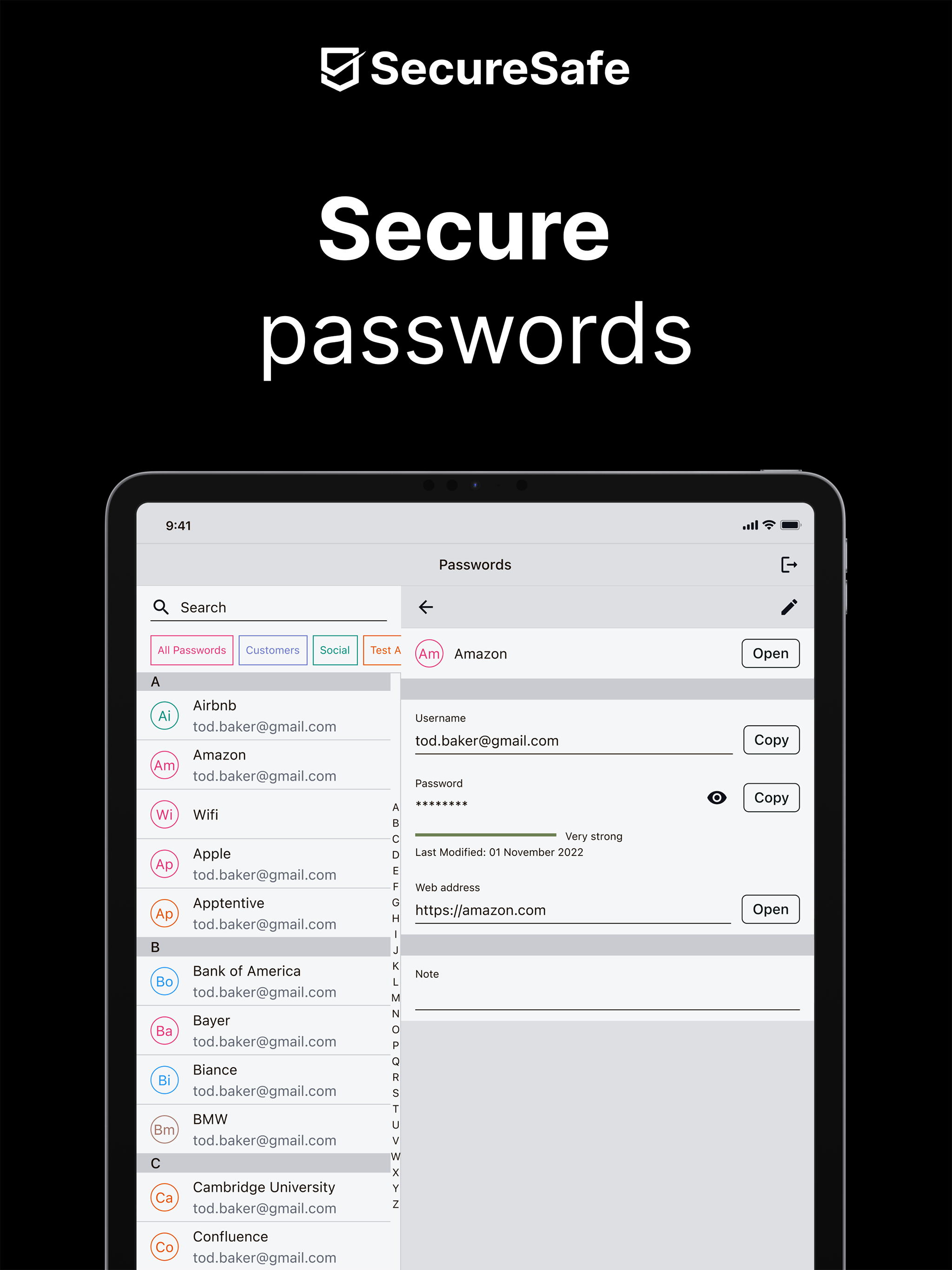
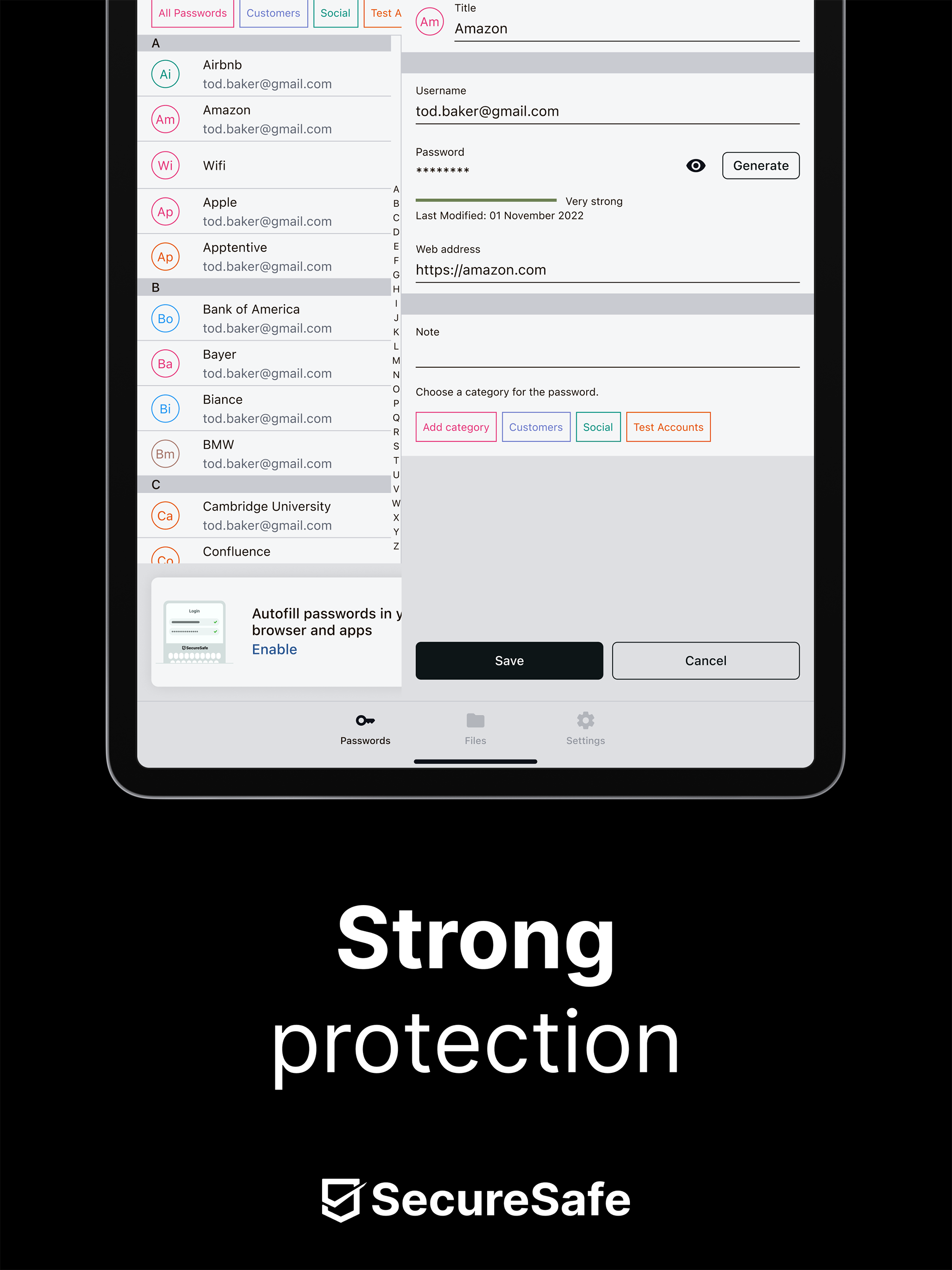
• Password manager: With the free version of SecureSafe, you can store up to 10 unique passwords. Simply use the integrated password generator to help you create strong passwords. Also enjoy offline access to your PINs, PUK etc. when saved in the password manager.
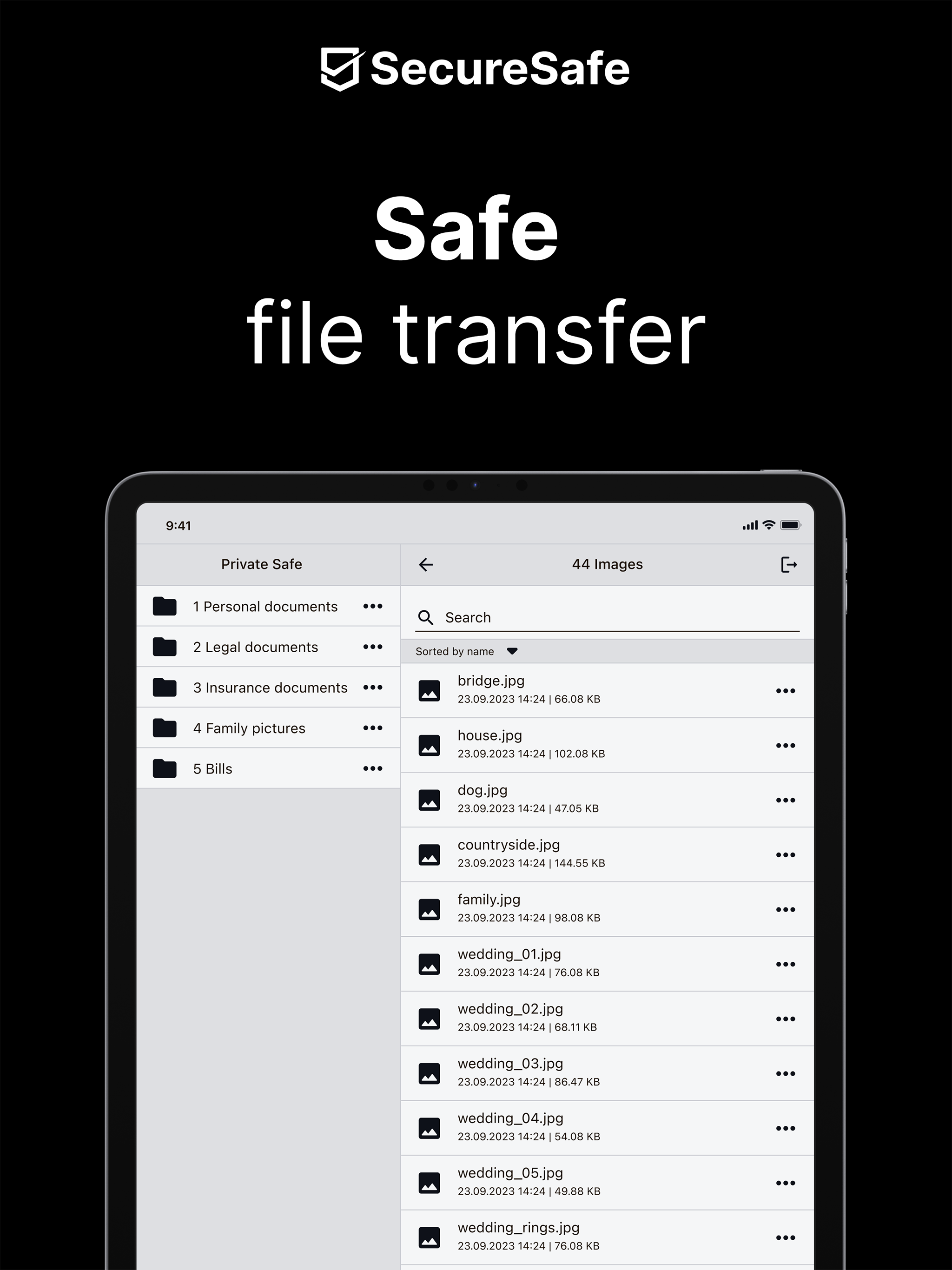
• File safe: Store and edit all of your important files in your digital safe and access them anywhere, anytime.
• Data Inheritance: With the help of data inheritance, you ensure that family members or business partners can access important data such as passwords, PINs or insurance policies should you be involved in an emergency or pass away unexpectedly (this feature must be activated via our web application).
• SecureViewer: With the integrated SecureViewer feature, you can open and read PDF files without leaving a digital trace on the device used. This feature is helpful if you need to view sensitive information while using a public WLAN (for example at the airport or in a hotel).
• Mail-In: Mail-In is an email inbox, which is integrated directly in your SecureSafe. When you send emails to your unique SecureSafe address, all attached files will be saved directly in your safe. Email with no attachments are saved as text documents.
• SecureSend: Thanks to SecureSend, you can encrypt and send up to 2 GB large files to any recipient of your choice (recipient does not need SecureSafe to download file).
• SecureCapture: The integrated upload function allows you to use your phone to take a photo and save it directly to your safe.
SecureSafe is winning thousands of new customers every week.
SecureSafe extensions
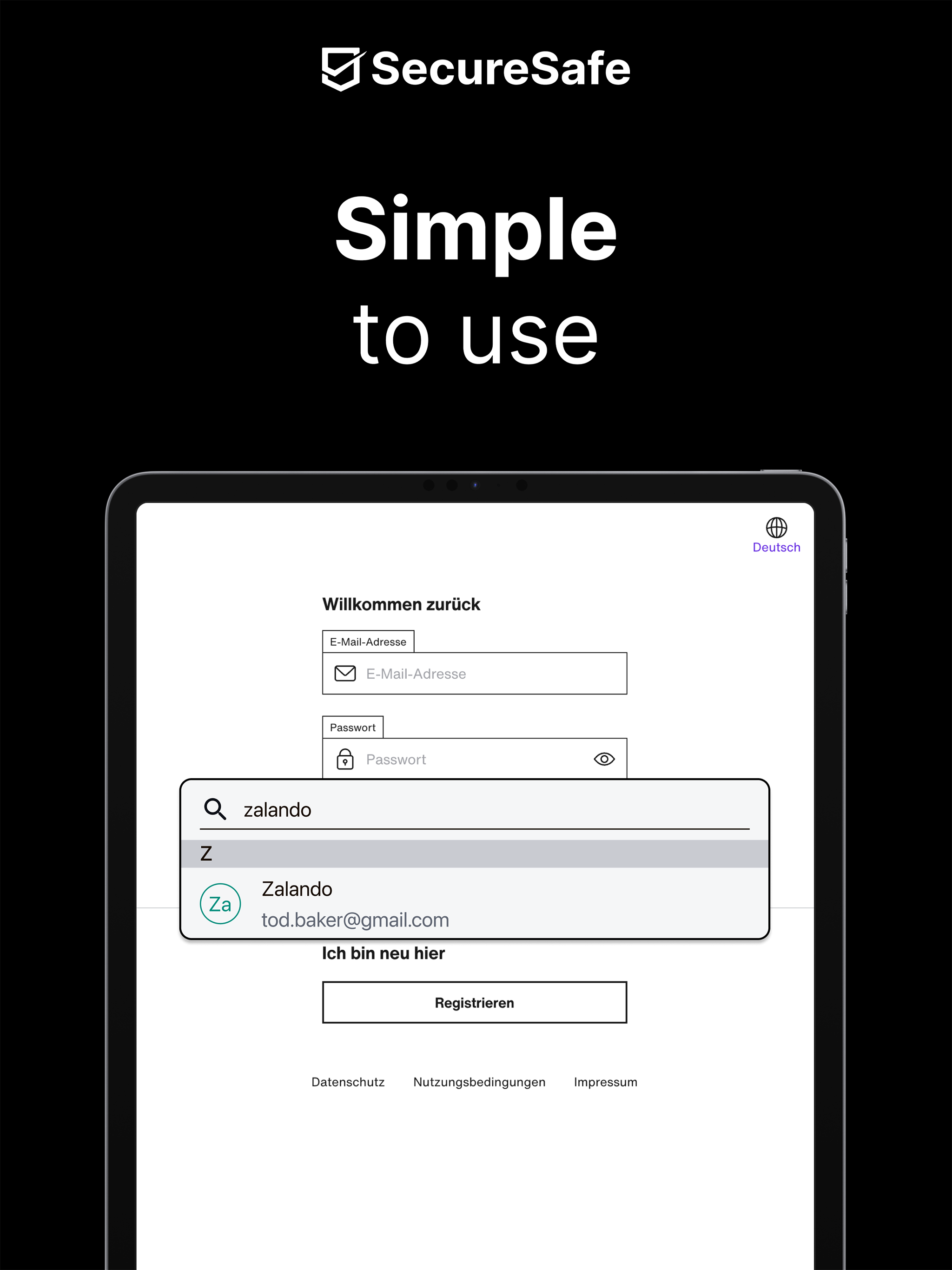
SecureSafe possesses 2 app extensions: “Camera Roll” and “Autofill”. Thanks to the two extensions, you can upload pictures directly into SecureSafe using the app “Photos”, and automatically copy passwords/user names into the appropriate login fields.
Hide Show More...

Screenshots

SecureSafe Password Manager FAQ

  • Is SecureSafe Password Manager free?

    Yes, SecureSafe Password Manager is completely free and it doesn't have any in-app purchases or subscriptions.

  • Is SecureSafe Password Manager legit?

    ⚠️ The SecureSafe Password Manager app has poor ratings and negative feedback. Users seem unsatisfied with its performance or features.

    Thanks for the vote

  • How much does SecureSafe Password Manager cost?

    SecureSafe Password Manager is free.

  • What is SecureSafe Password Manager revenue?

    To get estimated revenue of SecureSafe Password Manager app and other AppStore insights you can sign up to AppTail Mobile Analytics Platform.

User Rating

4.58 out of 5

65 ratings in Malaysia

5 star
53
4 star
4
3 star
4
2 star
1
1 star
3
Ratings History

SecureSafe Password Manager Reviews

Cannot login

Normi🌺 on

Malaysia

Poor services of update version of the app. Try recovery code but still can’t login

Error

jepunkingjr on

Malaysia

Error now 27/12/2023. What happen?

Unable to login

Bdiehsj on

Malaysia

Keep stating my password or id incorrect while using laptop it said I am not supposed to be here. Please rectify the issue

Very good to use.

Susahpayah on

Malaysia

Highly recommended.

Secure n Simple to use

cychoo1975 on

Malaysia

It is a good apps to save the passwords.

The best device to keep it safe

msabza05 on

Malaysia

The device is very useful in keeping our information in a safe place. Easy to use.

Best Security Apps!

Someseng on

Malaysia

Every iOS user shld have.

The BEST FREE Security App!

rudyson7 on

Malaysia

The best FREE apps for security functions. Its very useful!

Good security app

Only wants da best on

Malaysia

It's a good app to store all your passwords but should allow deletion of documents within the app rather than login from pc to delete

Doc never appeared in the private safe

autodidakt. on

Germany

I mailed in a document to be secured and it has never appeared in the safe folder.

Store Rankings

Ranking History
App Ranking History not available yet
Category Rankings
Chart
Category
Rank
Top Free
320

Keywords

SecureSafe Password Manager Competitors

SecureSafe Password Manager Installs

Last 30 days

SecureSafe Password Manager Revenue

Last 30 days

SecureSafe Password Manager Revenue and Downloads

Gain valuable insights into SecureSafe Password Manager performance with our analytics.
Sign up now to access downloads, revenue, and more.
This page includes copyrighted content from third parties, shared solely for commentary and research in accordance with fair use under applicable copyright laws. All trademarks, including product, service, and company names or logos, remain the property of their respective owners. Their use here falls under nominative fair use as outlined by trademark laws and does not suggest any affiliation with or endorsement by the trademark holders.