
Description

Controlling your hearing aids has never been easier with the T2 Remote app. This user-friendly app gives your mobile device the functionality of a remote control that allows you to conveniently operate your hearing aids from the palm of your hand.
HOW T2 REMOTE APP WORKS
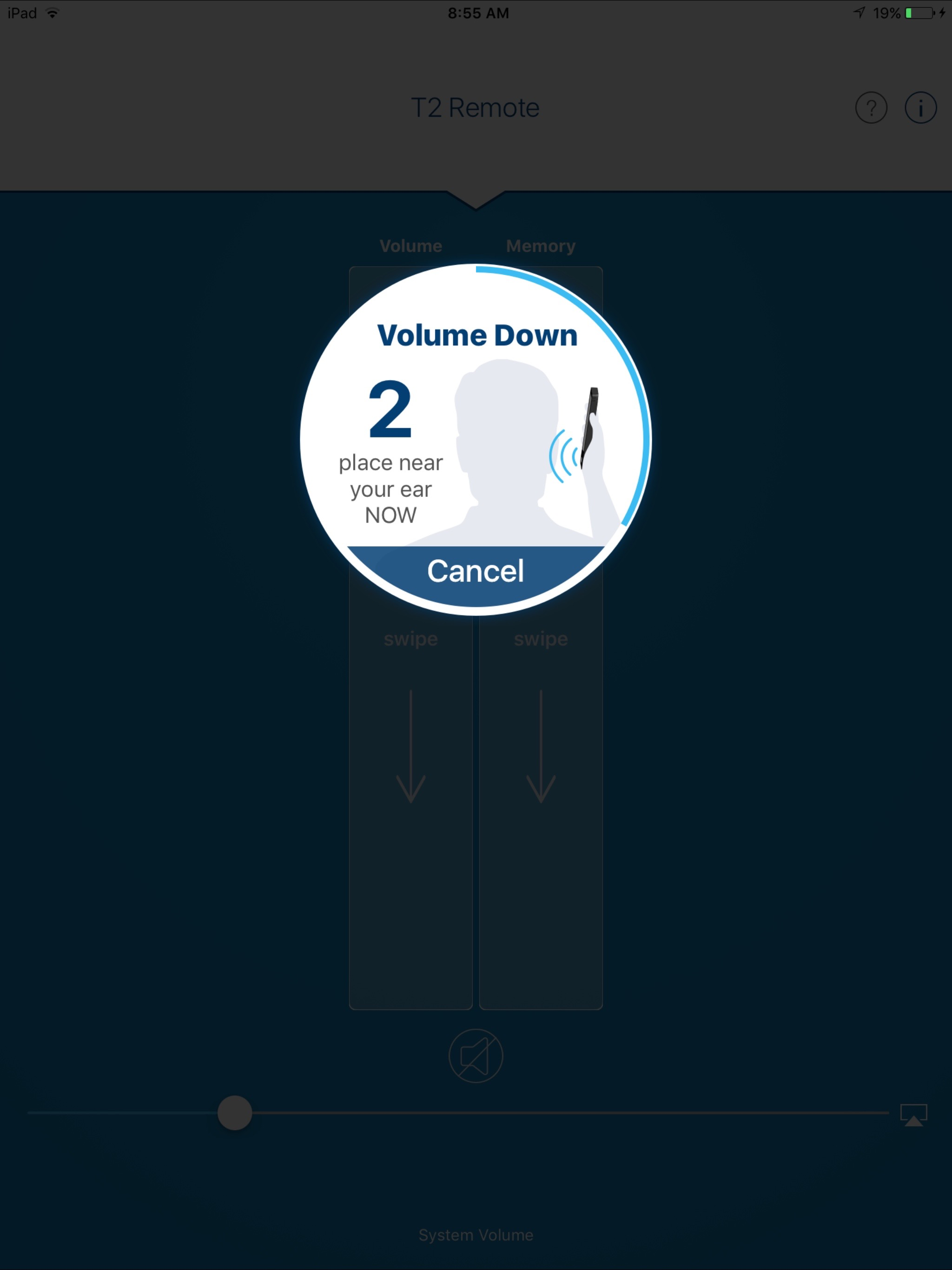
Simply make the hearing aid adjustment you want by tapping the Program, Volume, or Mute/Unmute buttons. Your mobile device will then play a tone. Hold your mobile device to your ear to ensure your hearing aids pick up the tone and then respond to it by making the adjustment. It’s that easy.
The T2 Remote app features the following benefits:
EASILY CONTROL HEARING AIDS
Increase, decrease or mute/unmute volume. Switch between programs. Adjust your phone speaker volume. All from one simple screen.
CUSTOMIZE HEARING ANYTIME
Convenient mobile device interface allows you to adjust your listening experience on the go.
GET HELP INSTANTLY
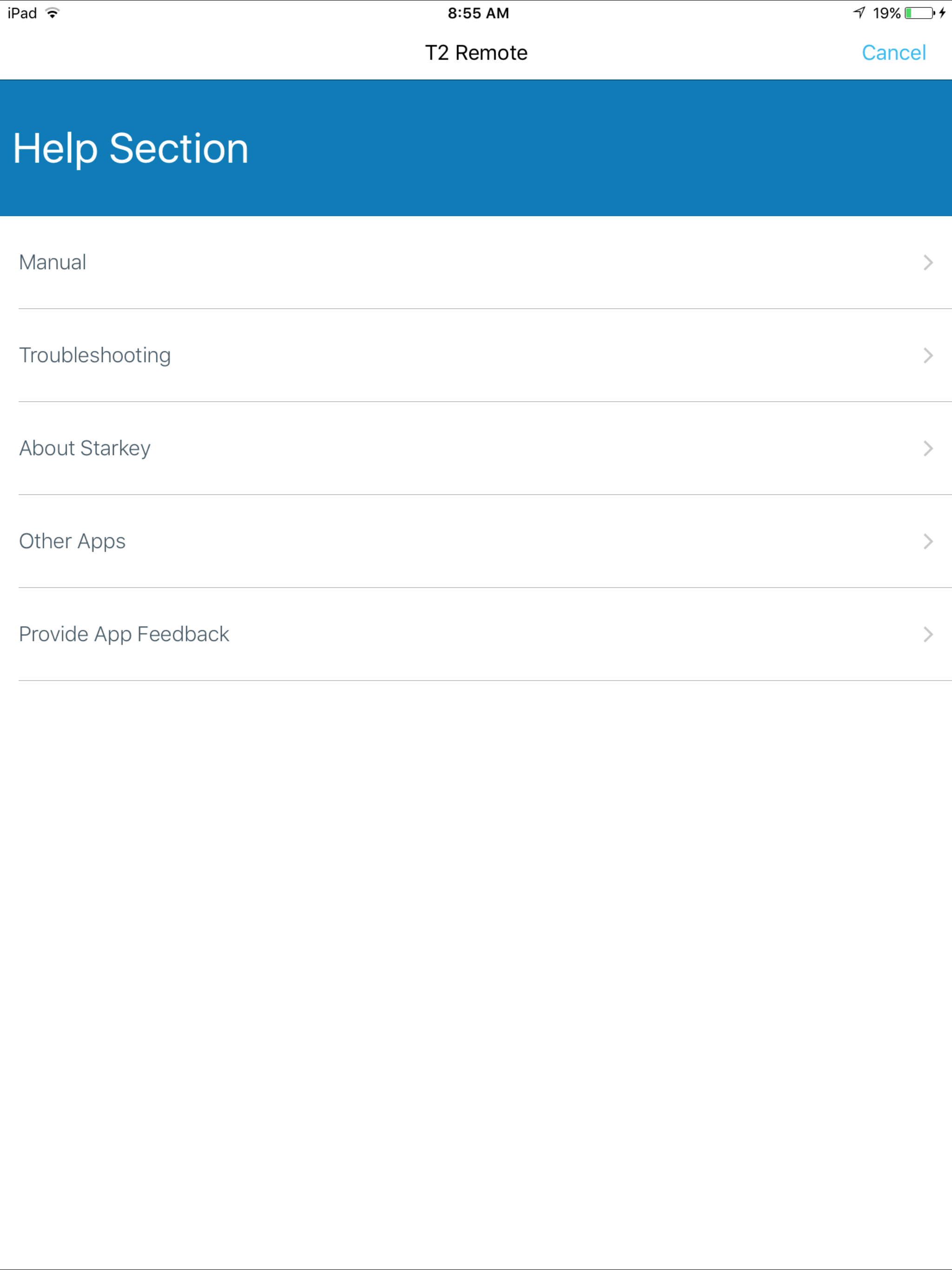
Questions about T2? Support resources are here for you, including easy-access to a searchable user guide and our Customer Support team.
Hearing aid ease and convenience awaits—check out T2 now.
Hide Show More...

Screenshots

FAQ

  • Is Starkey T² Remote free?

    Yes, Starkey T² Remote is completely free and it doesn't have any in-app purchases or subscriptions.

  • Is Starkey T² Remote legit?

    ⚠️ The Starkey T² Remote app has poor ratings and negative feedback. Users seem unsatisfied with its performance or features.

    Thanks for the vote

  • How much does Starkey T² Remote cost?

    Starkey T² Remote is free.

  • What is Starkey T² Remote revenue?

    To get estimated revenue of Starkey T² Remote app and other AppStore insights you can sign up to AppTail Mobile Analytics Platform.

User Rating

5 out of 5

1 ratings in United States

5 star
1
4 star
0
3 star
0
2 star
0
1 star
0
Ratings History

Reviews

More info

BEKB123 on

United States

Ideally, it would be nice for the app to provide you the mode your hearing aids are in and the volume you were at. Step 2, show the mode the hearing aids are in and show the next toggle level such as I open the app and I am in Personal. I see that in the app and the next toggle would show the next level such as Crowd.


Unequal adjustments

Roguesurgeon on

United States

So I've used T2 remote for the past 3-4 years and it has been working well. After upgrading to Gemini AI along with ITC hearing aids without the Bluetooth, I feel the updated version is causing only one sided adjustments rather than both hearing aids. This applies to both volume and memory. The only work around I have right now is adjust one to the preferred settings and take it out without opening the battery door and place it somewhere, and then go in another room, open the other hearing aid, put it back in ear, then adjust it to my preferred settings. There needs to be a fix to this ASAP considering the amount of money spent on this.

Horrible Disappointment

Pacemonu on

United States

This app and for that matter the Starkey hearing aids are worthless. I have not been able to adjust aids except sporadically. I was told an update was needed for the app to work and yet the update has not been developed. Horrible.

Does not work

JCCoanan on

United States

I just bought these hearing aids and they worked really well for one day. Once I got home, I couldn’t adjust the right side hearing aid using the app. After changing the batteries, the right side began to work a little bit better but now the left side doesn’t work even with new batteries. Additionally, when I hold the phone up to one side it occasionally changes both sides. When it changes both sides, this causes them to be out of sync. Meaning one is louder than the other and I have to take the batteries out to reset them to the default volume. Complete waste of money.

Horrible app.

alias271 on

United States

It’s 2023 and the app operates as if it were 2001. It’s pathetic.

Pointless

Arniq99 on

United States

Used to have settings like restaurant or meeting. Now only volume control that if late doesn't work. Other apps “not available in my area.” On 2nd set of Starkey HA’s. Lots of spiel as to new Genesis line, hut thus app remains an afterthought … or no thought.

Upset

Spotlite Images on

United States

It would be nicer if we were able to control the equalizer

Terrible and inconsistent

SausalitoWriter on

United States

This app is one of the worst experiences I’ve had. To spend $8000 on hearing devices and have to be relegated to this poorly designed app is a big disappointment.

Does not work

Ellieany on

United States

This app does not work. I have small in-the-canal aids. The only way to adjust volume is through the app. Three years ago when I got the aids the app worked. Now it does not. I contacted Starkey which did not help. I was told to delete the app and reinstall. I did this several times. Still does not work. Aids which cannot be adjusted are almost useless. Starkey charges thousands for their product. The app is a critical part and should work.

Ready for change

1more2 on

United States

Had Starkey in the ear hearing aids for 10 yrs got new aids last year but very disappointed. T2 app is very poor and does not work half the time. Aids do not work well without T2 app. Will be looking to purchase new aids from a different vendor.

Store Rankings

Ranking History
App Ranking History not available yet
Category Rankings
Chart
Category
Rank
Top Free
306
Top Free
320
Top Free
360
Top Free
407
Top Free
418

Competitors

Starkey T² Remote Installs

Last 30 days

Starkey T² Remote Revenue

Last 30 days

Revenue and Downloads

Gain valuable insights into Starkey T² Remote performance with our analytics.
Sign up now to access downloads, revenue, and more.

App Info

Category
Medical
Languages
English, Arabic, Danish, Dutch, Finnish, French, German, Greek (modern), Hungarian, Indonesian, Italian, Japanese, Korean, Norwegian Bokmål, Polish, Portuguese, Russian, Chinese, Spanish, Swedish, Thai, Turkish
Recent release
4.0.0 (4 months ago )
Released on
Nov 4, 2009 (16 years ago )
Last Updated
2 months ago
This page includes copyrighted content from third parties, shared solely for commentary and research in accordance with fair use under applicable copyright laws. All trademarks, including product, service, and company names or logos, remain the property of their respective owners. Their use here falls under nominative fair use as outlined by trademark laws and does not suggest any affiliation with or endorsement by the trademark holders.