
Button copy changes
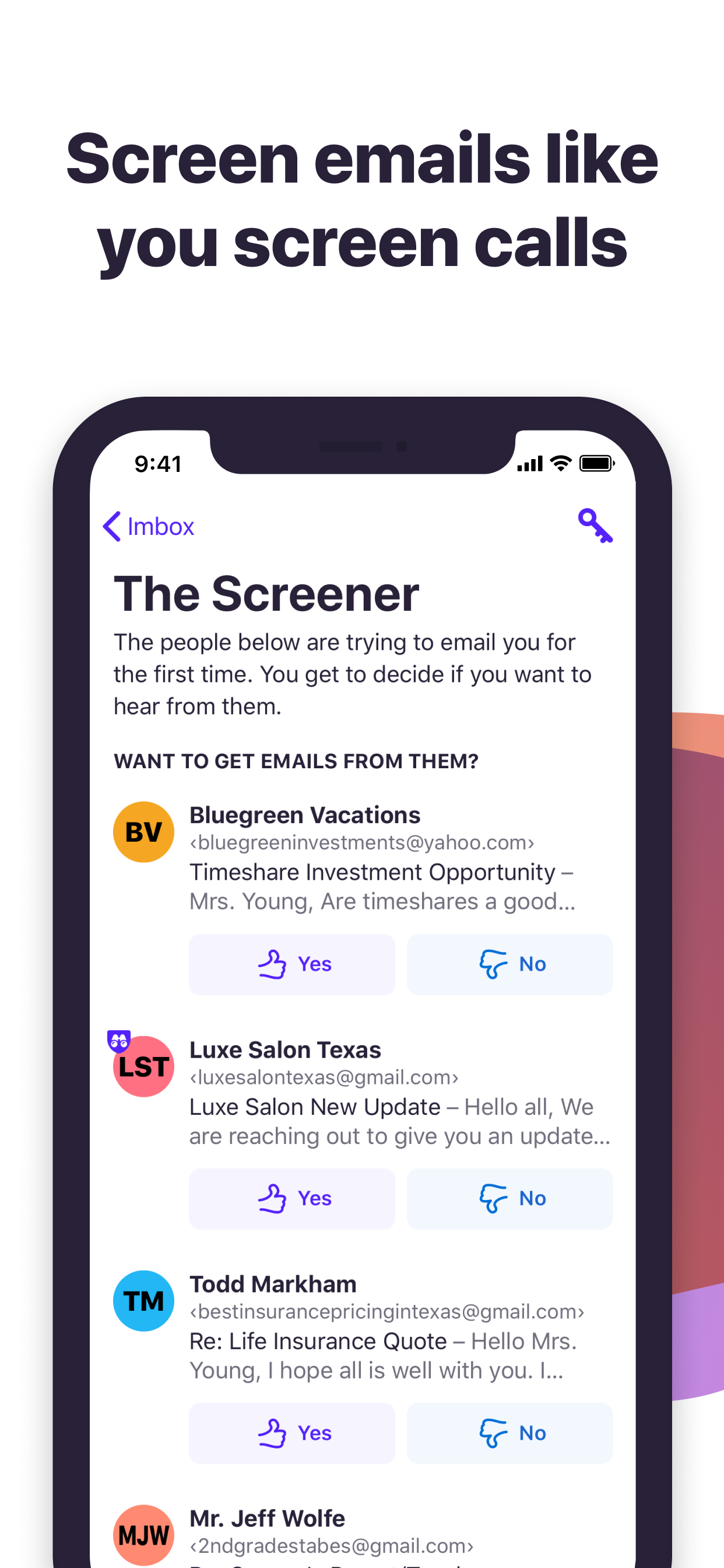
Recently, the button copy for filtering out emails from unknown senders has been changed to feature a curse word on the iPhone app. This is unprofessional and not acceptable.




Ja, HEY Email ist komplett kostenlos und enthält keine In-App-Käufe oder Abonnements.
⚠️ Die HEY Email-App hat schlechte Bewertungen und negatives Feedback. Die Nutzer scheinen mit der Leistung oder den Funktionen unzufrieden zu sein.
HEY Email ist kostenlos.
Um geschätzte Einnahmen der HEY Email-App und weitere AppStore-Einblicke zu erhalten, können Sie sich bei der AppTail Mobile Analytics Platform anmelden.

4.65 von 5
4,323 Bewertungen in Vereinigte Staaten
Recently, the button copy for filtering out emails from unknown senders has been changed to feature a curse word on the iPhone app. This is unprofessional and not acceptable.
I’ve been using Hey across multiple accounts for about 3 years. It’s definitely a love it or hate it kind of app. For me, I love it. It’s a simple, elegant application, yet powerful if you accept it for what it is and use it as intended by the design team. One important aspect people may not consider, but is very valuable to me, is that customer service is responsive in a timely manner and they work with the customer to get questions answered. Good luck getting that from big tech. Anyway, you have a 30 day free trial to see if you love it or hate it. So give it a try.
Very strange app - looks more like someone's stupid joke
My dude, this is voluntary. You should not have changed your email anyway. You can send and receive via Gmail or Outlook addresses. We use Hey because we prefer the method. Not because we want Gmail. We even pay for it! Willingly!
Update 2: **Another** year with no significant updates. It’s clear the developers are no longer working to improve the app or service and are focused on other products. Look elsewhere for better email services that respect your privacy. Update: **Another** year with no significant updates or improvements. The product just has not gotten better at all, and does not justify the recurring subscription. I was on the waitlist and joined Hey when it launched. It was an incredibly promising concept and felt like the refreshing change I needed in email. Unfortunately, there have been almost zero improvements to the service or the app in nearly an entire year (now 4 years later, it’s the same story). The number one biggest issue with Hey is that neither their iOS nor Mac app is native. It’s just a weird buggy wrapper around a webpage with some (bad) keyboard shortcuts mapped to it. Feature discovery is low. It’s difficult to get back and fourth between different views / folders / messages. And, because the apps aren’t native, they don’t do the most basic things you’d expect from a native app, like remembering your scroll position or allowing swipe to delete / archive, or easy item selection. The text editor for composing an email is also painful and janky. Part of me wants to be forgiving of this… it’s costly to ship a native product to every platform. But after almost 5 years, I’d expect significant improvements to the web-based experience so it feels more native, or a jump to native. If they opened up an API, I’d make a native client in heartbeat… Second big issue: search. It’s buggy, unreliable, rarely provides the results you’re looking for, and oftentimes the UI just completely freaks out and suddenly you’ve got no idea what you’re looking at. Again, if this was a native app, maybe this wouldn’t be an issue, but since it’s a webpage inside an app… it’s a mess. Third: The Screener. This was the feature that got me to switch to Hey in the first place! What a great idea! Except that they’ve completely abandoned it, haven’t made a single improvement to it, added any of the tools myself or other customers ask for, and don’t seem to be phased by it’s rigidity and difficulty to use. I enrolled in the Spam Corps program thinking it might improve things… it hasn’t. Then there’s a plethora of little annoyances and issues throughout the app / service that make it almost painful to use. Why is everything just shoved into the “Hey” junk drawer / hamburger menu? I h
The problem with this app is that HEY has a very opinionated take on email, and you have no choice but to use it this way. But it isn’t based in reality—it’s just not possible to use email like they think you ought to. And they aren’t interested in making it better… they’ve moved on to other apps and services, like a calendar, leaving their email client to rot in the wind. And if you reach out to support, they just refer you to their useless marketing materials about how you just need to “let it flow” — completely ignoring the fact that their client doesn’t set you up for success in this respect. I’ve been an unhappy customer for years, because changing an email address is simply too hard to do again. Don’t make the mistake I did.
I love so many of the unique features in Hey. It has changed my workflow entirely, but when I move emails to various sections, the actions take a long time to actually display the change. Not only that, the changes sometimes don’t show up on all my devices, and I have to force a sync for things to show up in the right places. I’d rather the UI show an action immediately, and revert with an error message if for some reason it failed. Waiting until everything on the backend updates before showing changes feels sluggish and unintuitive.
It’s incredibly slow to swipe emails as seen. What happened?! It often does fully swipe and requires like 3 to 4 swipes to mark something as seen now.
Its an email application. There is no reason I can think of to be blocking me from using because I’m not on the latest iOS
Can’t use it anymore because it requires an update to the OS
