

Microsoft Lens: PDF Scanner

PDF scan, Docs, Whiteboard

Veröffentlicht von: Microsoft

Beschreibung

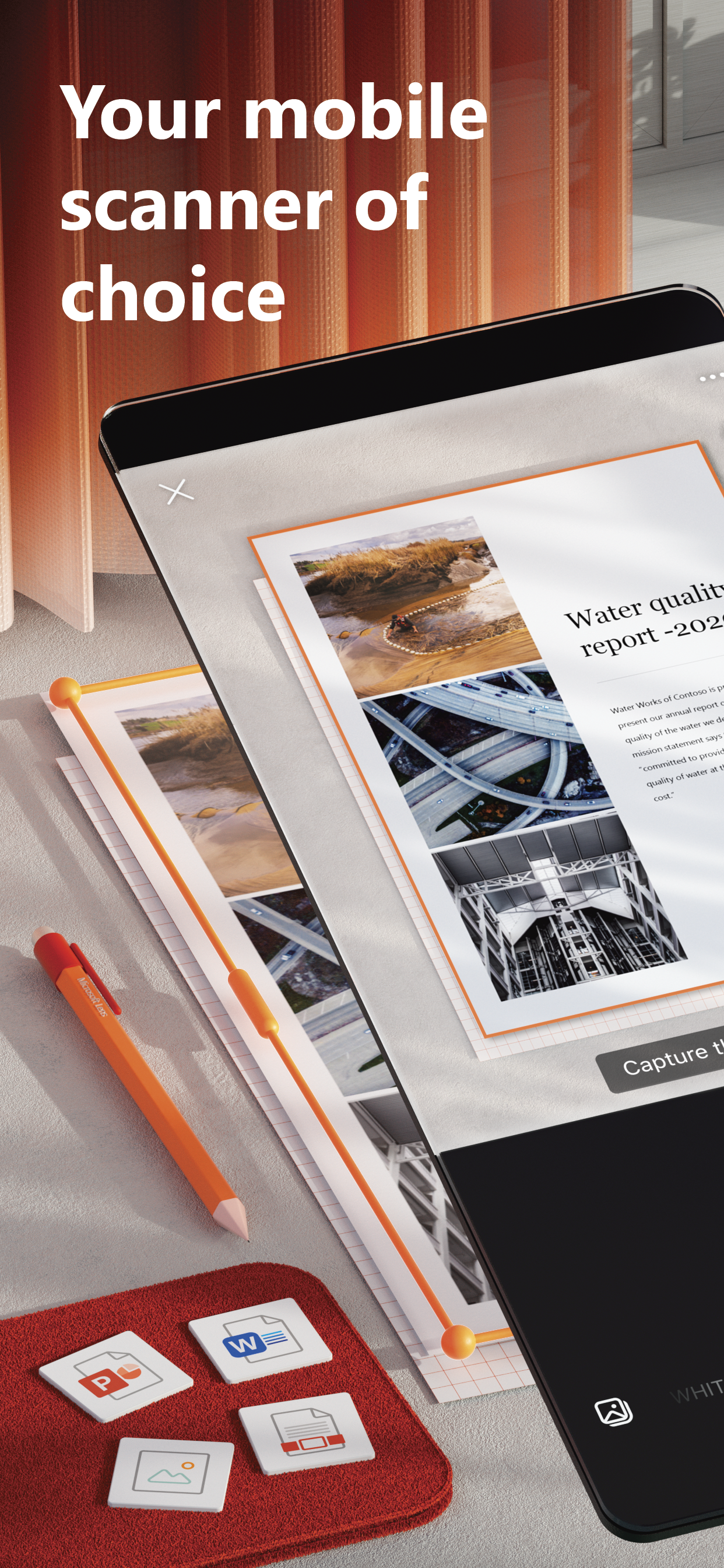
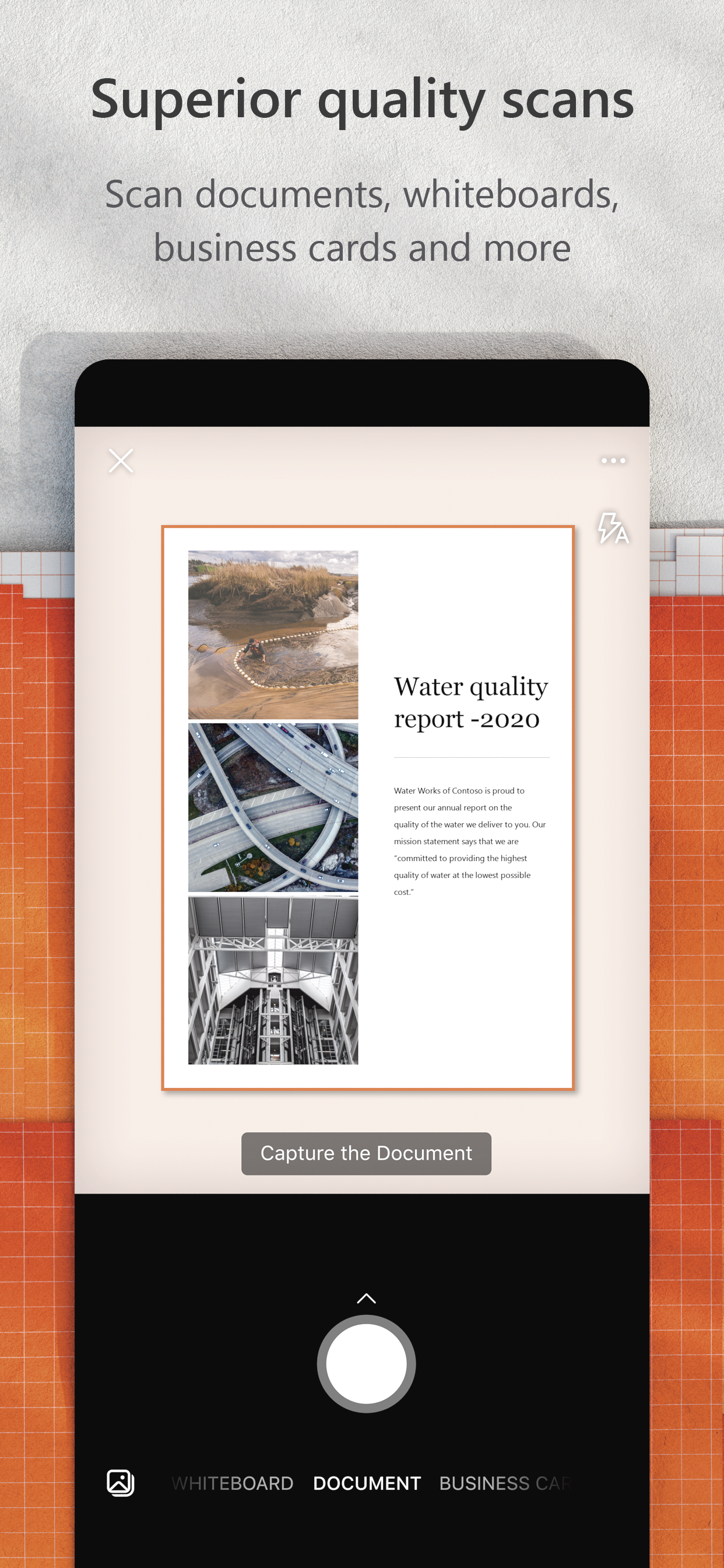
Microsoft Lens trims, enhances, and makes pictures of whiteboards and documents readable.
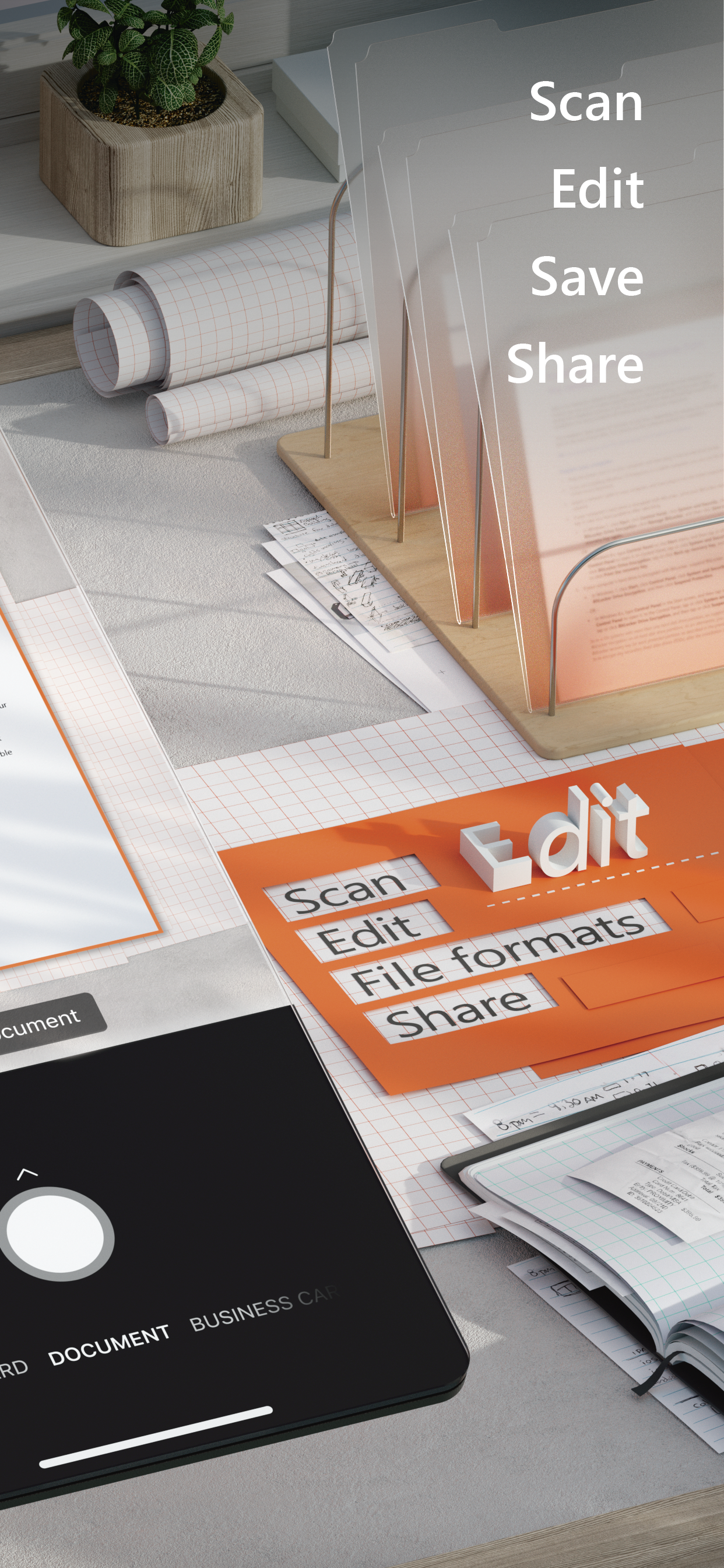
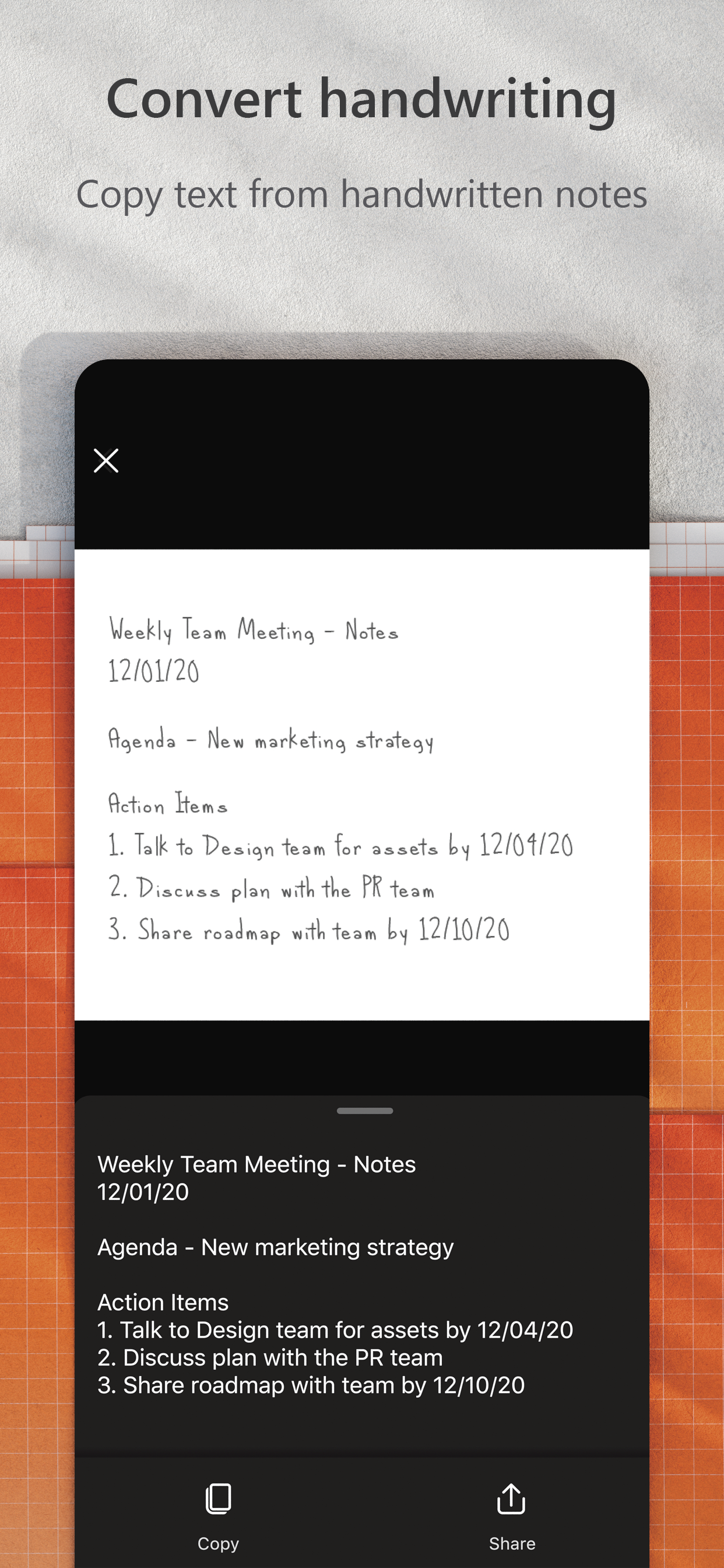
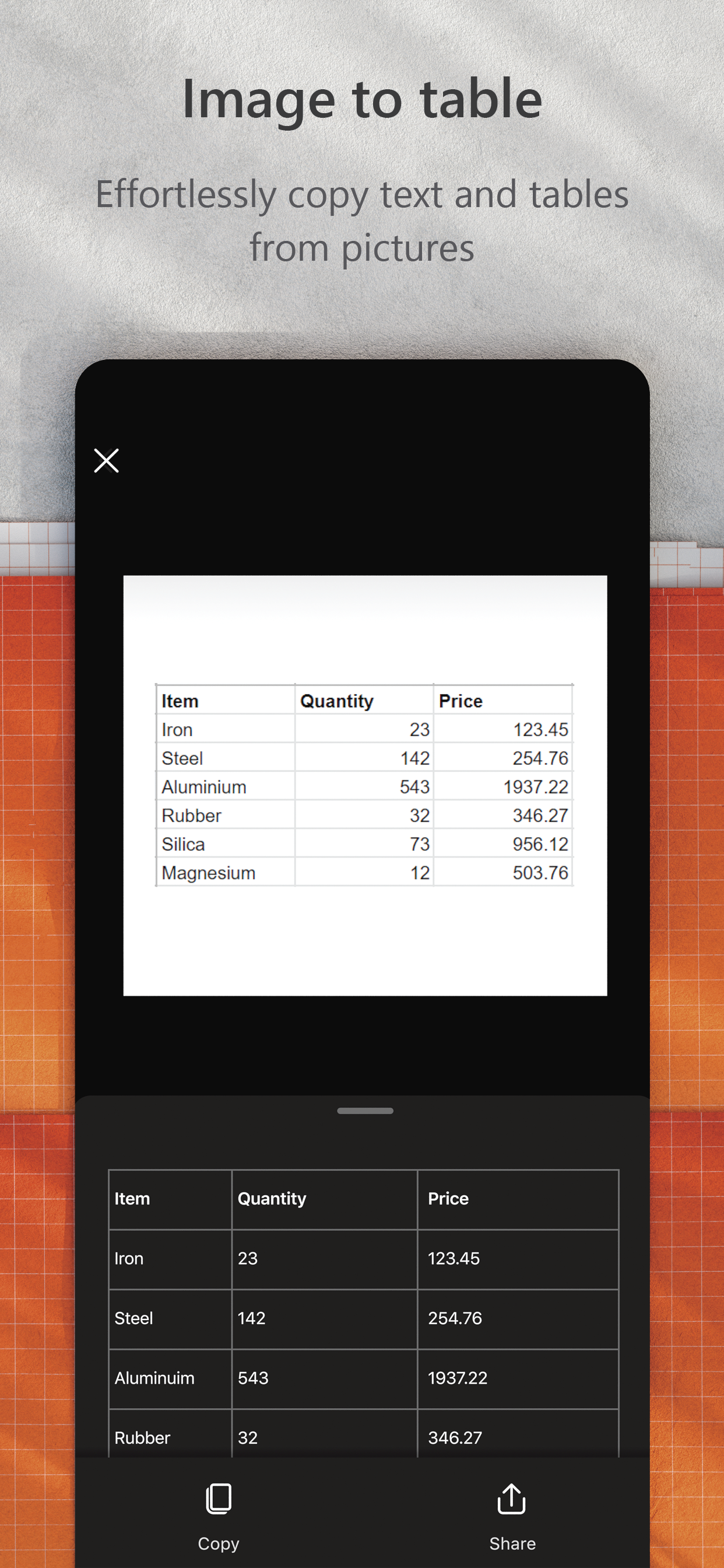
You can use Microsoft Lens to convert images to PDF, Word, PowerPoint, and Excel files, digitize printed or handwritten text, and save to OneNote, OneDrive, or your local device. You can even import images that are already on your device using Gallery.
PRODUCTIVITY AT WORK  
• Scan and upload all your notes, receipts, and documents
• Capture whiteboard at end of the meeting to keep those action items on track
• Scan printed text or handwritten meeting notes to edit and share later
• Keep your business networking contacts handy by scanning business cards and saving them to your contact list
• Choose to save as PDF, Image, Word or PowerPoint formats into OneNote, OneDrive, or local device as location
PRODUCTIVITY AT SCHOOL 
• Scan classroom handouts and annotate them in Word and OneNote
• Scan handwritten notes to digitize and edit later (works with English only)
• Take a picture of the whiteboard or blackboard to reference later, even if you're offline
• Keep class notes and your own research organized with the seamless integration with OneNote
Join the beta program at this link to get an early preview of the next version of Microsoft Lens and help make it better by providing us feedback: https://testflight.apple.com/join/aRahHf00
Ausblenden Mehr anzeigen...

Screenshots

Microsoft Lens Häufige Fragen

  • Ist Microsoft Lens kostenlos?

    Ja, Microsoft Lens ist komplett kostenlos und enthält keine In-App-Käufe oder Abonnements.

  • Ist Microsoft Lens seriös?

    🤔 Die Qualität der Microsoft Lens-App ist gemischt. Einige Nutzer sind zufrieden, während andere Probleme melden. Ziehen Sie in Betracht, einzelne Bewertungen für mehr Kontext zu lesen.

    Danke für die Stimme

  • Wie viel kostet Microsoft Lens?

    Microsoft Lens ist kostenlos.

  • Wie hoch ist der Umsatz von Microsoft Lens?

    Um geschätzte Einnahmen der Microsoft Lens-App und weitere AppStore-Einblicke zu erhalten, können Sie sich bei der AppTail Mobile Analytics Platform anmelden.

Benutzerbewertung

4.67 von 5

1,327 Bewertungen in Ghana

5 star
1,059
4 star
167
3 star
57
2 star
23
1 star
21
Bewertungsverlauf

Microsoft Lens Bewertungen

Excellent

pent11 on

Ghana

Excellent

Crop

Chris Zola on

Ghana

Crop documents automatically

Lens scan

Sir Paak on

Ghana

Very simple and easy to use

Best App

stuxnet_stux on

Ghana

This app saved me from a 3 day work of typing. My boss was so happy with for completing the task in less than 30 minutes. Thanks so much Microsoft.

Great for Business

Nana Kwame Snr on

Ghana

It’s a great tool for scanning documents at home and in the office.

Exceptional

Elisånte on

Ghana

Easy to use and very quick

Best scan app

pkaf0803 on

Ghana

Download it. It's the best. Been using it for years.

Resourceful App

Alsakyi on

Ghana

Very useful and resource app.

Superb!!

Joekuk on

Ghana

It is excellent!

Poor cropping

DS_Wallace on

Vereinigte Staaten

Scans leave background edges around documents.

Store-Rankings

Ranking-Verlauf
App-Ranking-Verlauf noch nicht verfügbar
Kategorien-Rankings
Diagramm
Kategorie
Rang
Top Kostenlos
44
Top Kostenlos
46
Top Kostenlos
48
Top Kostenlos
52
Top Kostenlos
54

Schlüsselwörter

Microsoft Lens Konkurrenten

Microsoft Lens Installationen

Letzte 30 Tage

Microsoft Lens Umsatz

Letzte 30 Tage

Microsoft Lens Einnahmen und Downloads

Gewinnen Sie wertvolle Einblicke in die Leistung von Microsoft Lens mit unserer Analytik.
Melden Sie sich jetzt an, um Zugriff auf Downloads, Einnahmen und mehr zu erhalten.

App-Informationen

Kategorie
Productivity
Herausgeber
Microsoft
Sprachen
English, Arabic, Catalan, Croatian, Czech, Danish, Dutch, Finnish, French, German, Greek (modern), Hebrew (modern), Hindi, Hungarian, Indonesian, Italian, Japanese, Korean, Malay, Norwegian Bokmål, Polish, Portuguese, Romanian, Russian, Chinese, Slovak, Spanish, Swedish, Thai, Turkish, Ukrainian, Vietnamese
Letzte Veröffentlichung
2.96.1 (vor 7 Monaten )
Veröffentlicht am
Apr 2, 2015 (vor 10 Jahren )
Zuletzt aktualisiert
vor 2 Wochen
This page includes copyrighted content from third parties, shared solely for commentary and research in accordance with fair use under applicable copyright laws. All trademarks, including product, service, and company names or logos, remain the property of their respective owners. Their use here falls under nominative fair use as outlined by trademark laws and does not suggest any affiliation with or endorsement by the trademark holders.






