

Microsoft Lens: PDF Scanner

PDF scan, Docs, Whiteboard

Published by: Microsoft

Description

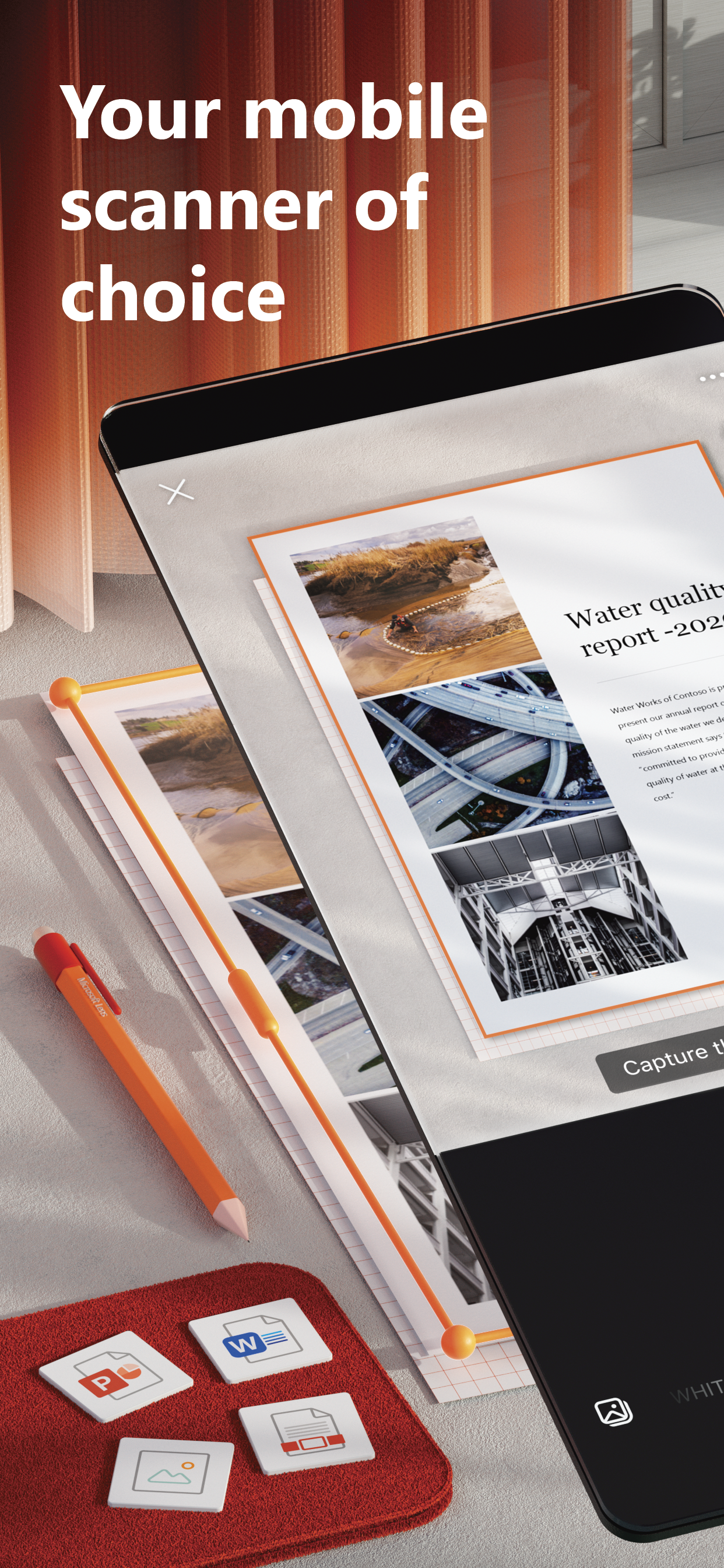
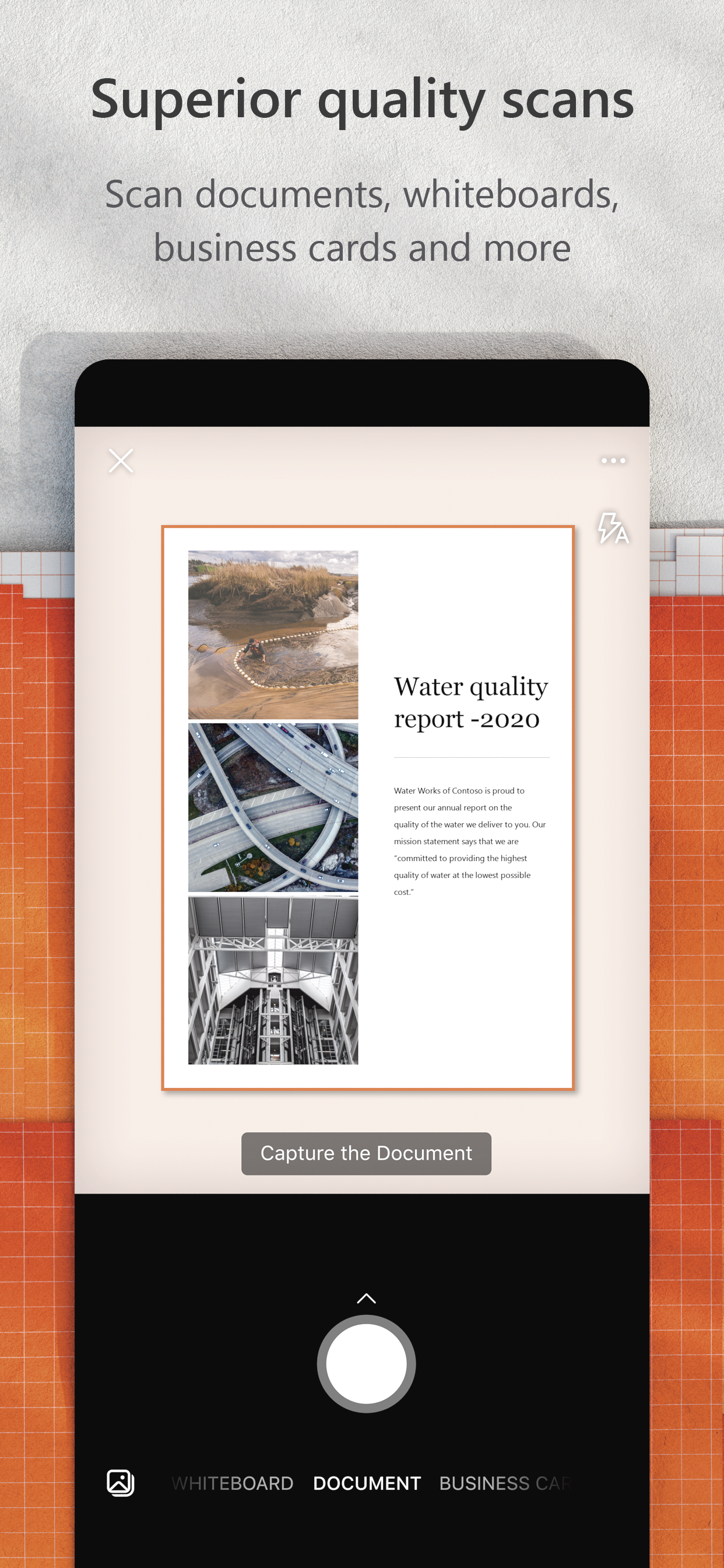
Microsoft Lens trims, enhances, and makes pictures of whiteboards and documents readable.
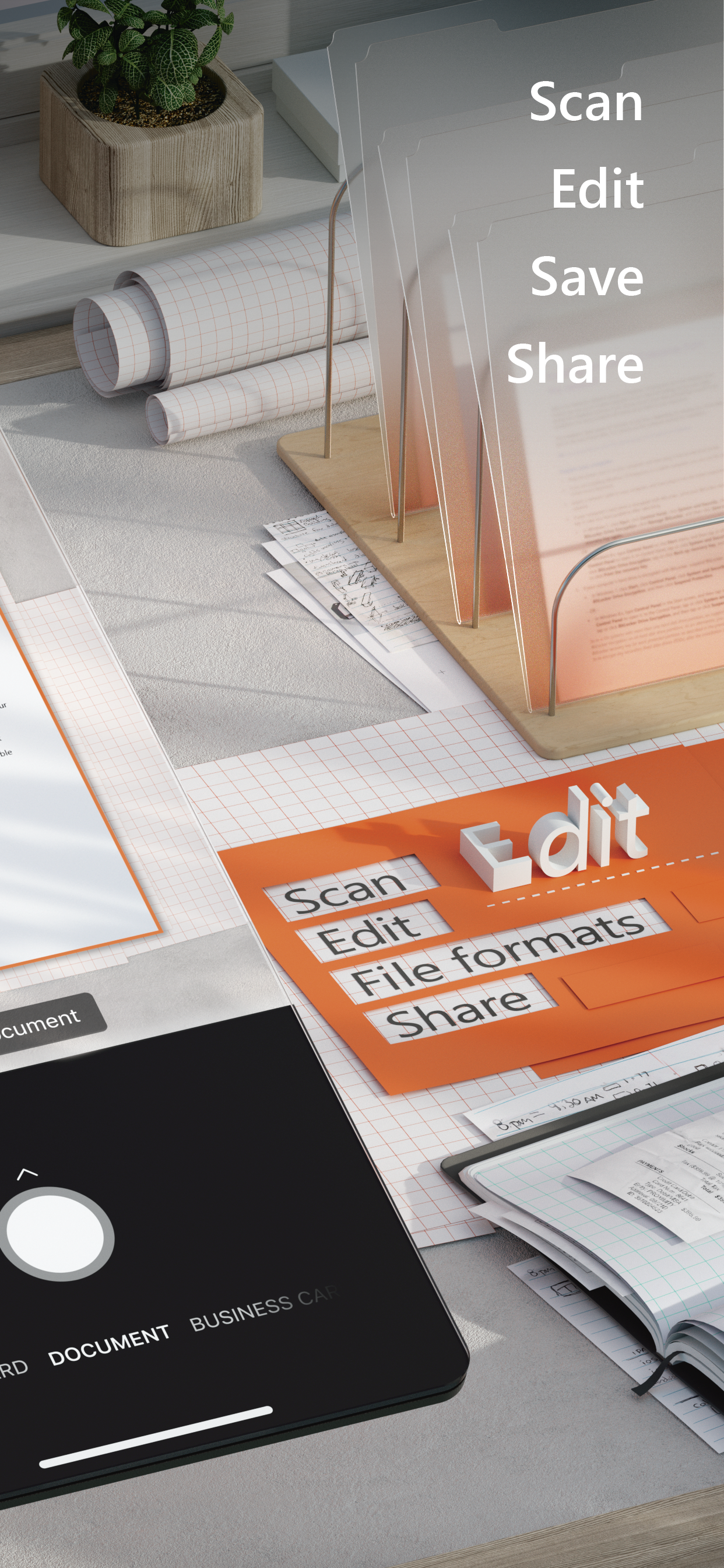
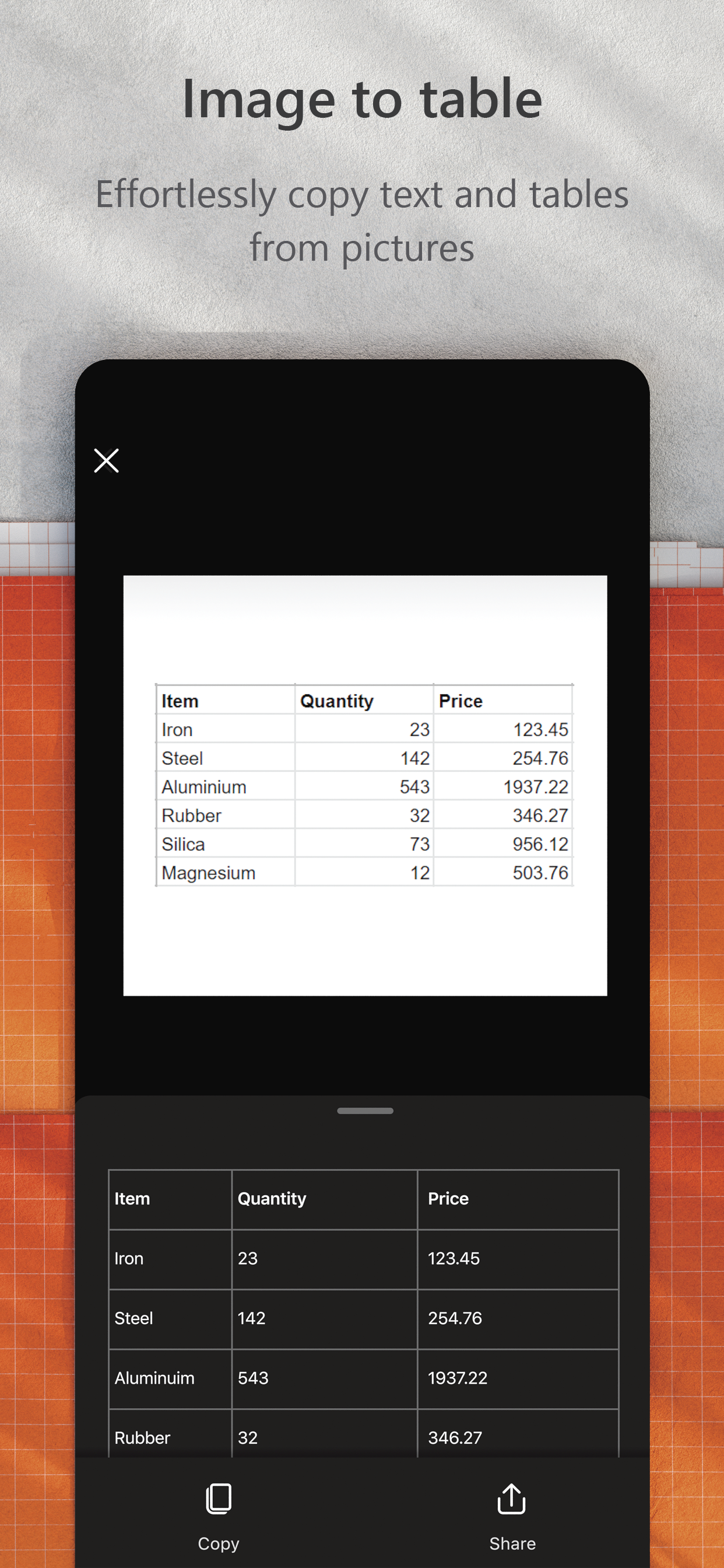
You can use Microsoft Lens to convert images to PDF, Word, PowerPoint, and Excel files, digitize printed or handwritten text, and save to OneNote, OneDrive, or your local device. You can even import images that are already on your device using Gallery.
PRODUCTIVITY AT WORK  
• Scan and upload all your notes, receipts, and documents
• Capture whiteboard at end of the meeting to keep those action items on track
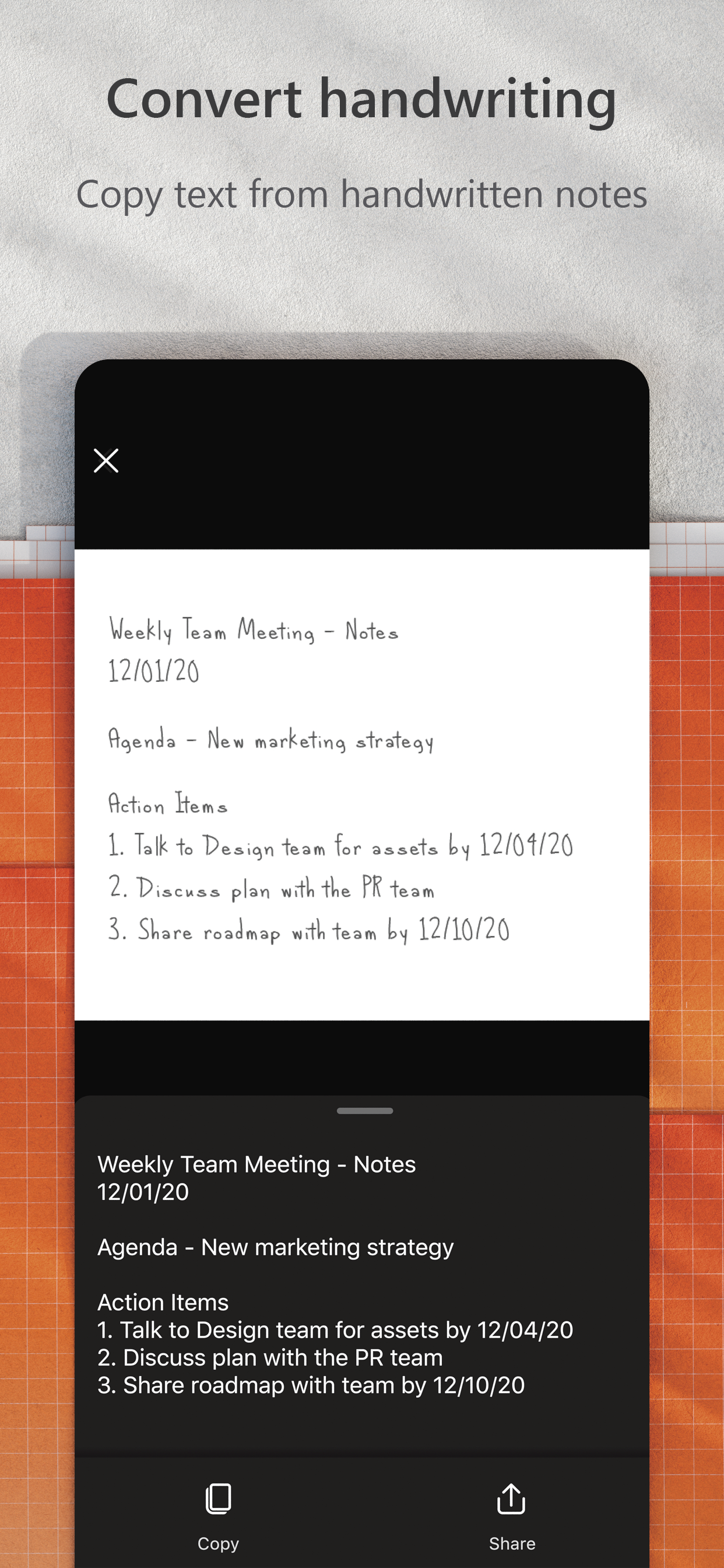
• Scan printed text or handwritten meeting notes to edit and share later
• Keep your business networking contacts handy by scanning business cards and saving them to your contact list
• Choose to save as PDF, Image, Word or PowerPoint formats into OneNote, OneDrive, or local device as location
PRODUCTIVITY AT SCHOOL 
• Scan classroom handouts and annotate them in Word and OneNote
• Scan handwritten notes to digitize and edit later (works with English only)
• Take a picture of the whiteboard or blackboard to reference later, even if you're offline
• Keep class notes and your own research organized with the seamless integration with OneNote
Join the beta program at this link to get an early preview of the next version of Microsoft Lens and help make it better by providing us feedback: https://testflight.apple.com/join/aRahHf00
Hide Show More...

Screenshots

Microsoft Lens FAQ

  • Is Microsoft Lens free?

    Yes, Microsoft Lens is completely free and it doesn't have any in-app purchases or subscriptions.

  • Is Microsoft Lens legit?

    🤔 The Microsoft Lens app's quality is mixed. Some users are satisfied, while others report issues. Consider reading individual reviews for more context.

    Thanks for the vote

  • How much does Microsoft Lens cost?

    Microsoft Lens is free.

  • What is Microsoft Lens revenue?

    To get estimated revenue of Microsoft Lens app and other AppStore insights you can sign up to AppTail Mobile Analytics Platform.

User Rating

4.67 out of 5

1,345 ratings in Ghana

5 star
1,071
4 star
168
3 star
59
2 star
25
1 star
22
Ratings History

Microsoft Lens Reviews

Excellent

pent11 on

Ghana

Excellent

Crop

Chris Zola on

Ghana

Crop documents automatically

Lens scan

Sir Paak on

Ghana

Very simple and easy to use

Best App

stuxnet_stux on

Ghana

This app saved me from a 3 day work of typing. My boss was so happy with for completing the task in less than 30 minutes. Thanks so much Microsoft.

Great for Business

Nana Kwame Snr on

Ghana

It’s a great tool for scanning documents at home and in the office.

Exceptional

Elisånte on

Ghana

Easy to use and very quick

Best scan app

pkaf0803 on

Ghana

Download it. It's the best. Been using it for years.

Resourceful App

Alsakyi on

Ghana

Very useful and resource app.

Superb!!

Joekuk on

Ghana

It is excellent!

Poor cropping

DS_Wallace on

United States

Scans leave background edges around documents.

Store Rankings

Ranking History
App Ranking History not available yet
Category Rankings
Chart
Category
Rank
Top Free
67
Top Free
68
Top Free
70
Top Free
71
Top Free
77

Keywords

Microsoft Lens Competitors

Microsoft Lens Installs

Last 30 days

Microsoft Lens Revenue

Last 30 days

Microsoft Lens Revenue and Downloads

Gain valuable insights into Microsoft Lens performance with our analytics.
Sign up now to access downloads, revenue, and more.

App Info

Publisher
Microsoft
Languages
English, Arabic, Catalan, Croatian, Czech, Danish, Dutch, Finnish, French, German, Greek (modern), Hebrew (modern), Hindi, Hungarian, Indonesian, Italian, Japanese, Korean, Malay, Norwegian Bokmål, Polish, Portuguese, Romanian, Russian, Chinese, Slovak, Spanish, Swedish, Thai, Turkish, Ukrainian, Vietnamese
Recent release
2.96.1 (8 months ago )
Released on
Aug 29, 2016 (9 years ago )
Last Updated
1 week ago
This page includes copyrighted content from third parties, shared solely for commentary and research in accordance with fair use under applicable copyright laws. All trademarks, including product, service, and company names or logos, remain the property of their respective owners. Their use here falls under nominative fair use as outlined by trademark laws and does not suggest any affiliation with or endorsement by the trademark holders.






