
Amazing
My favorite ux tools





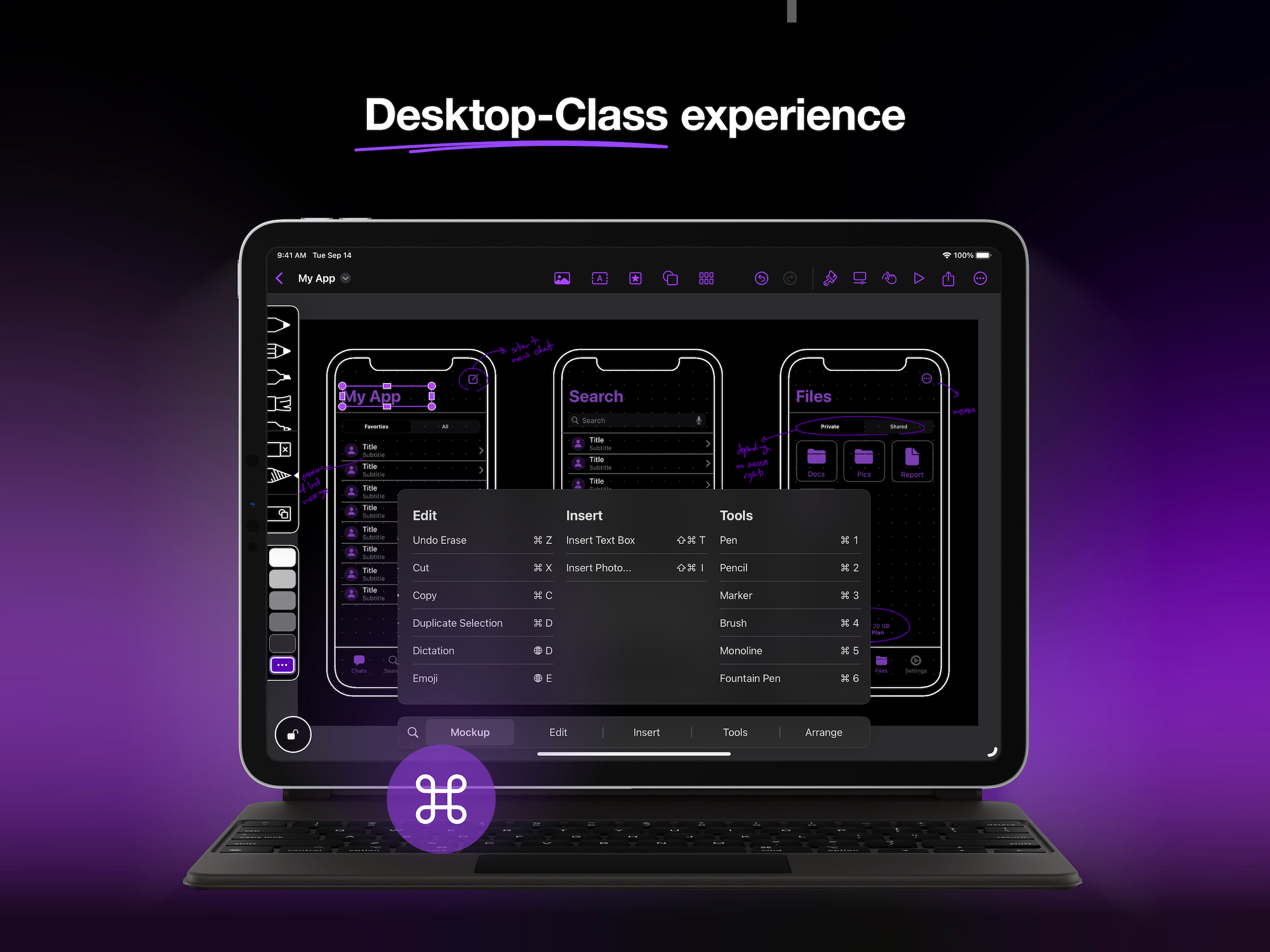
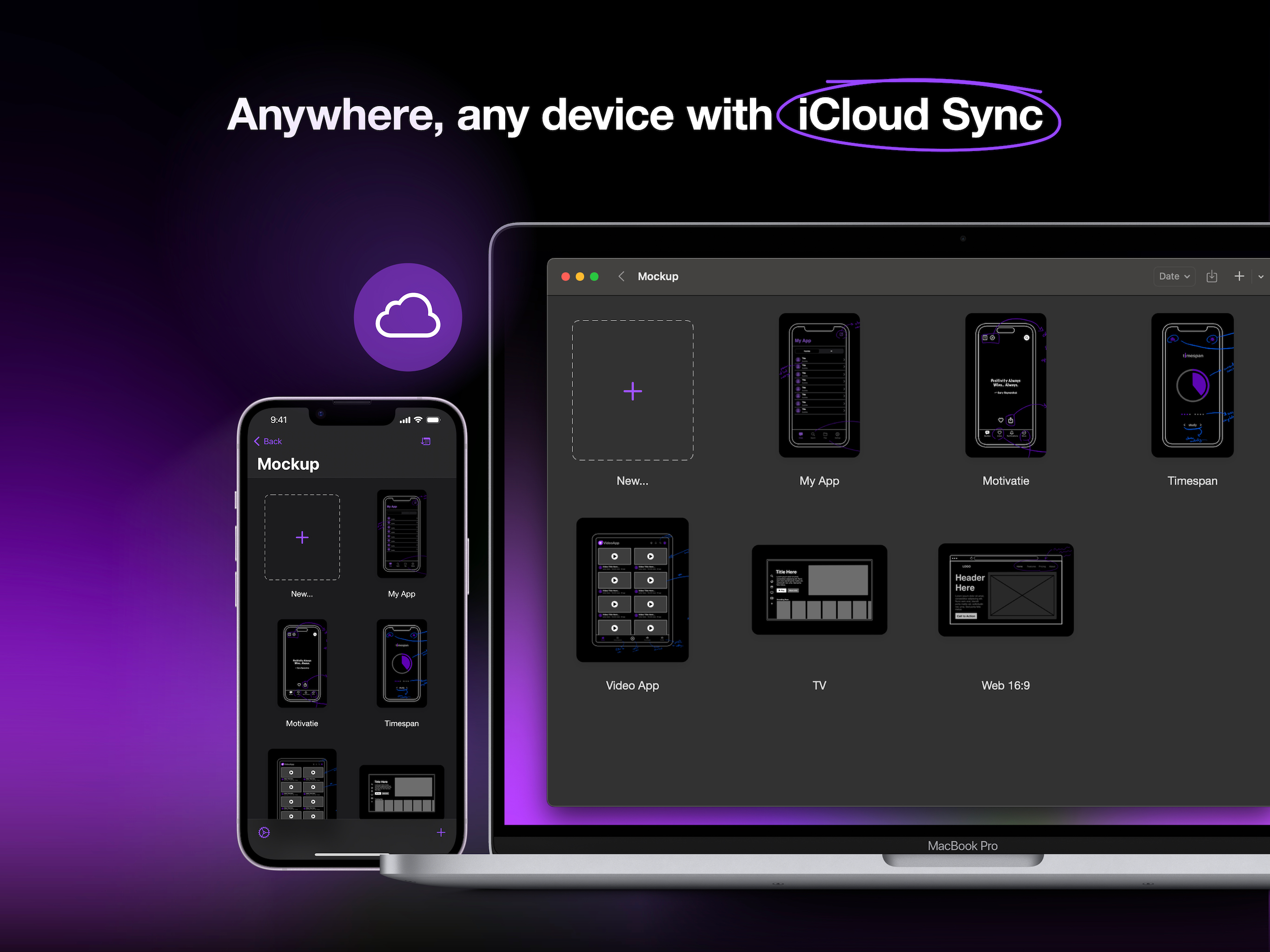
Ja, Mockup ist kostenlos herunterzuladen, enthält jedoch In-App-Käufe oder Abonnements.
🤔 Die Qualität der Mockup-App ist gemischt. Einige Nutzer sind zufrieden, während andere Probleme melden. Ziehen Sie in Betracht, einzelne Bewertungen für mehr Kontext zu lesen.
Mockup bietet mehrere In-App-Käufe/Abonnements, der durchschnittliche In-App-Preis beträgt $1,310.00.
Um geschätzte Einnahmen der Mockup-App und weitere AppStore-Einblicke zu erhalten, können Sie sich bei der AppTail Mobile Analytics Platform anmelden.

4.28 von 5
18 Bewertungen in Taiwan
My favorite ux tools
Drawing strait lines always turns out to 2 lines…really annoying. Not friendly for UI mockup sketching.
I purchase lifetime plan and it works on my phone and mac mini. But it said ‘no purchases to restore’ when I restore purchase on my pad
Fast, intuitive, and easy to export projects. Worth spending money for the full version!
再也不會用
Best App ever!
Leaves you guessing how to do anything, particularly how to link different screens and get to the interactive parts. Seems more like a low-feature static drawing app with some templates. Canceled my trial well before it ended.
The app lacks a horrendous amount of functionality, I don’t know if I’m just not looking in the right place but I clicked and explored every menu in the app and here’s what you can’t do: You can’t change the border radius of a shape, or add a border at all, so if you want a rounded border for a button, you’re forced to use an “Element”, and with this element, you can’t add a border, and the border radius is not changeable. You can’t create standard gradients on shapes, you either have to manually shade it in or import a picture of a gradient and hope it’s right. You can’t do anything to images you import, you can import and image, and that’s it. No border radius, no color settings, no crop setting, no shadow or reflection settings. You can’t create shadows or glow at all, not a big deal but still an issue. With this app you basically get apples notes app with a list of ui elements, it’s not useful, apples freeflow serves better use than this app for now. EDIT: The developer did respond and let me know you can change border radius for everything, it needs to be much much more obvious because I spent almost an hour in the app on 2 platforms and couldn’t find it
I understand it’s trying to be the adobe xd or figma but in a more “blueprint” way, but the design is very fiddly and hard to navigate.
I wish the application could export prototypes as PDFs, similar to Balsamic.
|
Diagramm
|
Kategorie
|
Rang
|
|---|---|---|
|
Top Umsatz
|

|
27
|
|
Top Umsatz
|

|
45
|
|
Top Umsatz
|

|
77
|
|
Top Kostenlos
|

|
119
|
|
Top Kostenlos
|

|
183
|
