Skyflow – Time-lapse Camera

Veröffentlicht von: Andrei Kovalev

Beschreibung

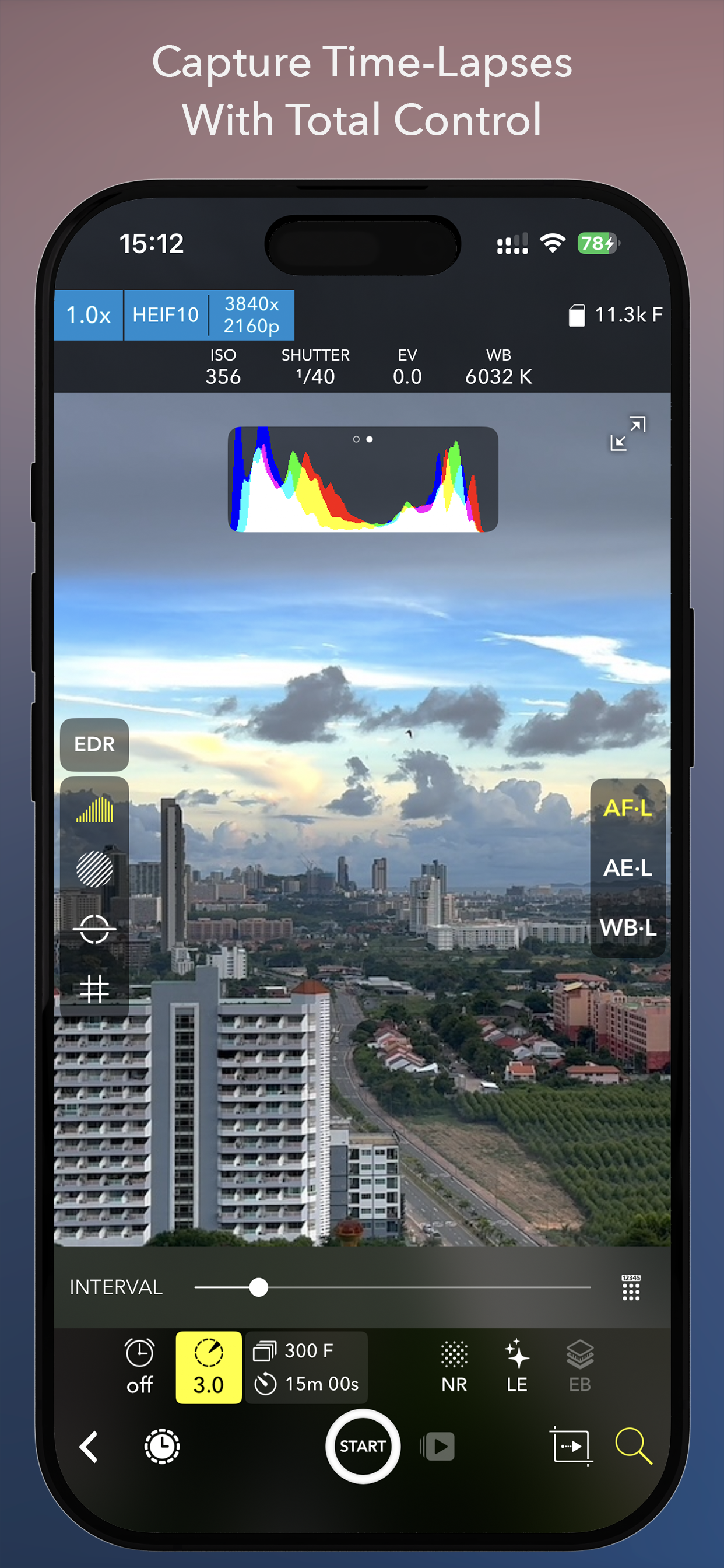
Skyflow is a powerful, professional-grade tool for creators who want top-quality in time-lapse and stop-motion.
Skyflow’s standout feature is the ability to change your time-lapse playback speed even after shooting was finished.
With powerful camera controls, broad format support, and a full-featured editor, Skyflow gives you complete control from shoot to export.
Highly Configurable Capture Experience:
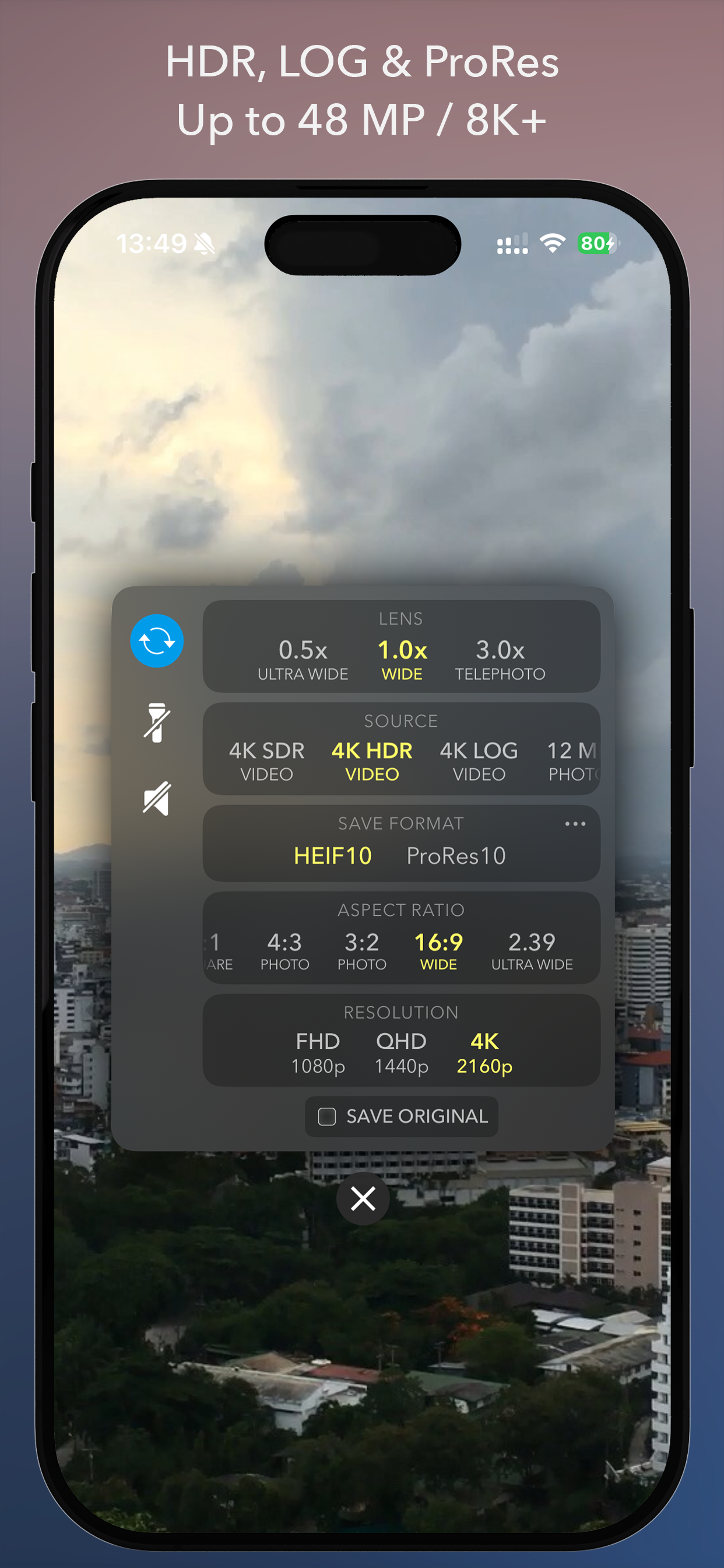
• Source selection: SDR Video, HDR Video, Apple Log, 12MP and 48MP Photo
• Expanded save formats: HEIF, HEIF (10-bit), ProRes, ProRAW
• Shooting modes: Time-Lapse and Stop Motion
• Adjustable Start Time, Interval, and Duration
• Pro Tools: Histogram, Zebra, Apple Log LUT Preview
• Manual control of ISO, shutter speed, EV, white balance, and focus
• Noise Reduction for night shots by limiting shutter speed
• Long Exposure effects: Light Trails & Motion Blur
• 3-stop/2-stop Exposure Bracketing (EB)
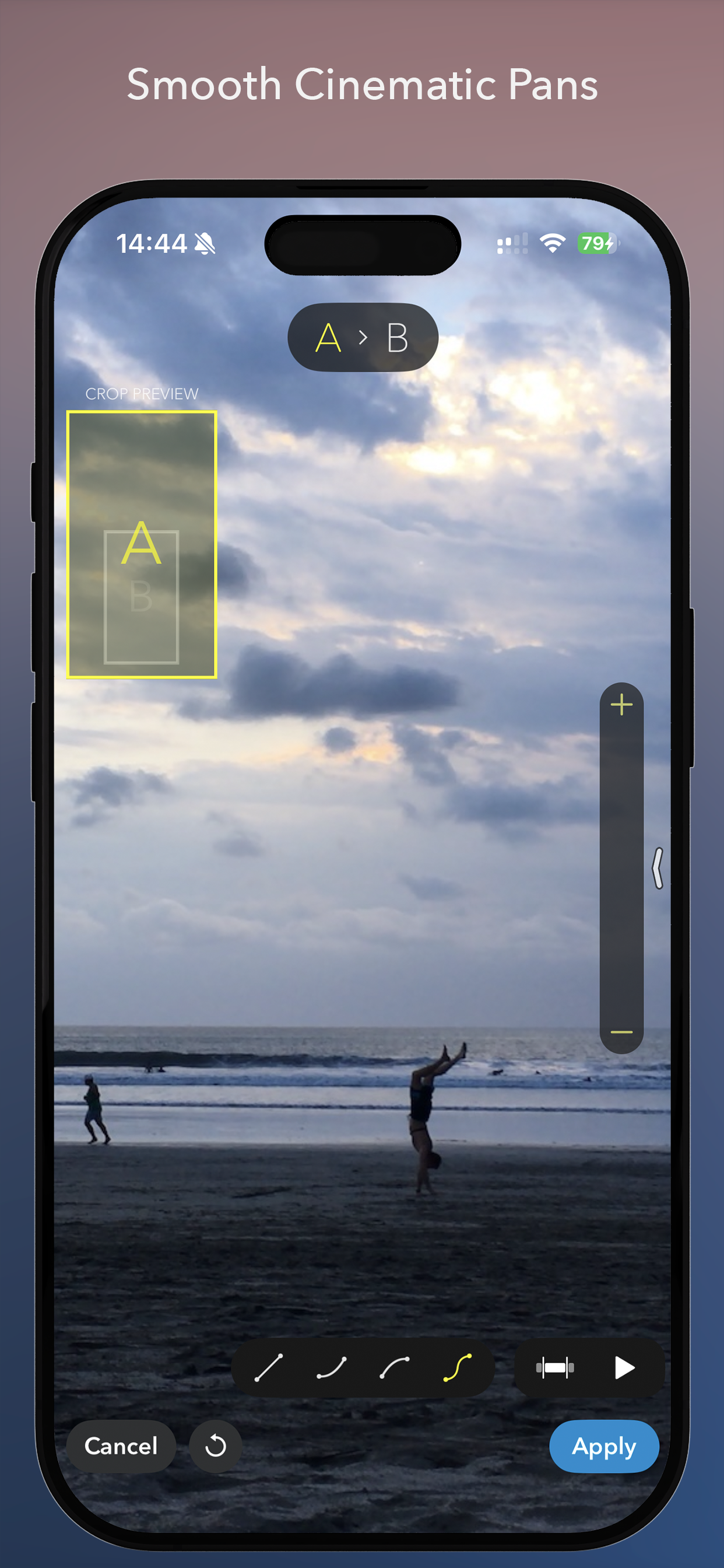
• Panning motion for cinematic movement
• Horizon level and photo grid overlays
Feature-rich Time-Lapse Editor:
• Playback speed adjustment with reverse option and speed ramping
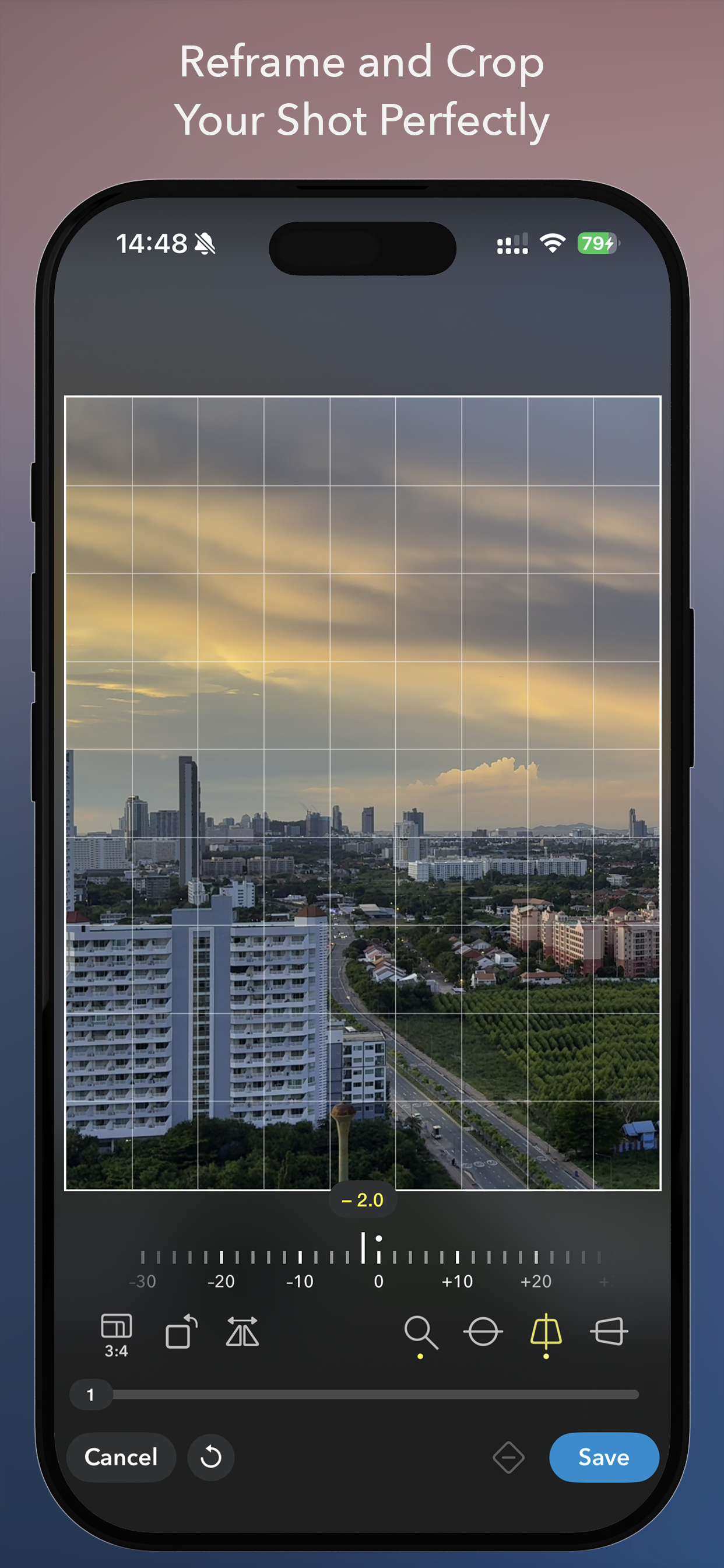
• Advanced cropping with perspective correction
• Full editing and sharing support for (Pro)RAW
• Improved image fusion for exposure-bracketed sequences (EB)
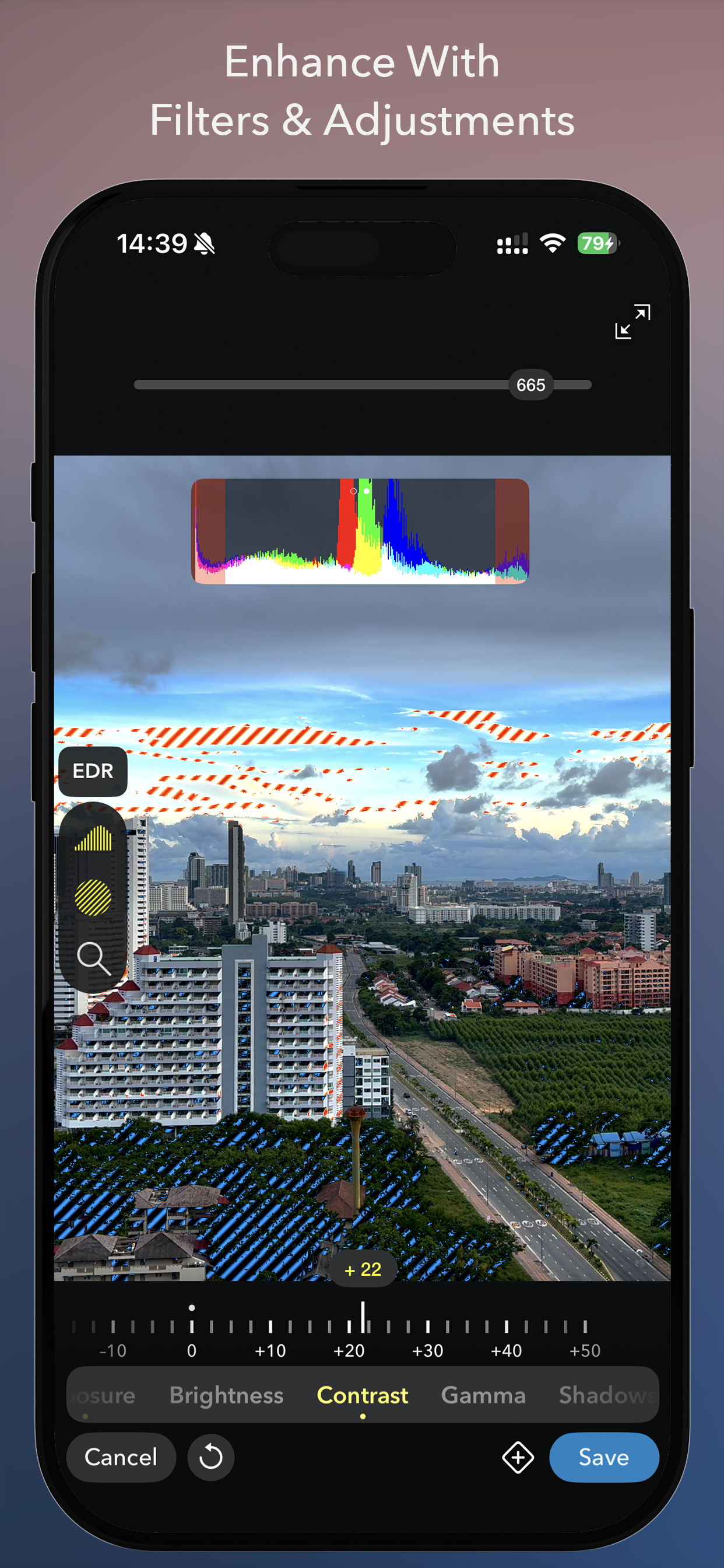
• Exposure and color adjustments
• Keypoint-based ramping for playback speed, crop settings, exposure and color adjustments
• Trimming, adding music, continuing a time-lapse, and more
Export and Sharing:
• Export up to 8K (depends on your device model)
• Video formats including ProRes
• Custom frame rate and bitrate
• HDR / Dolby Vision export support
• Save to Photos, Files, or share to other apps
Other Features
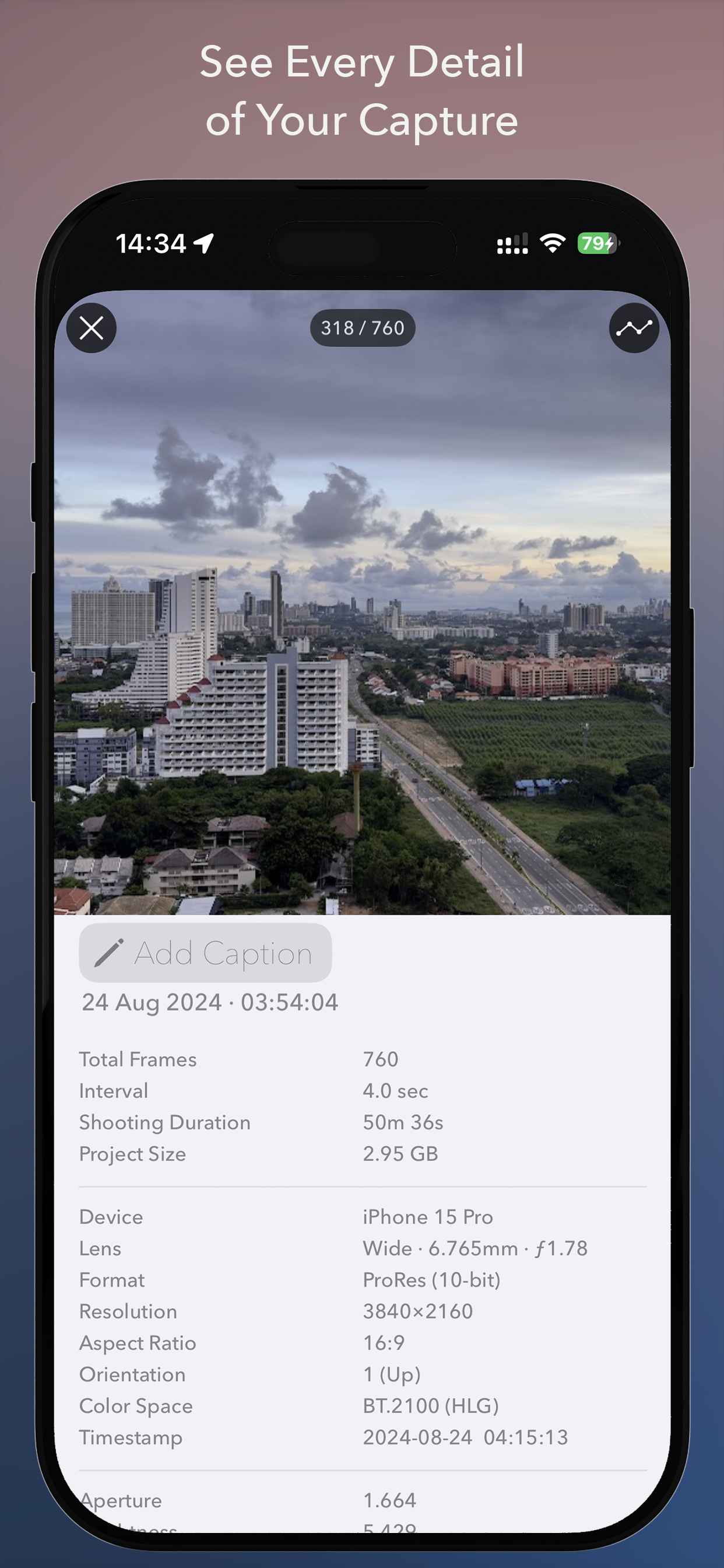
• Detailed time-lapse info view with photo metadata and capture-metrics graphs
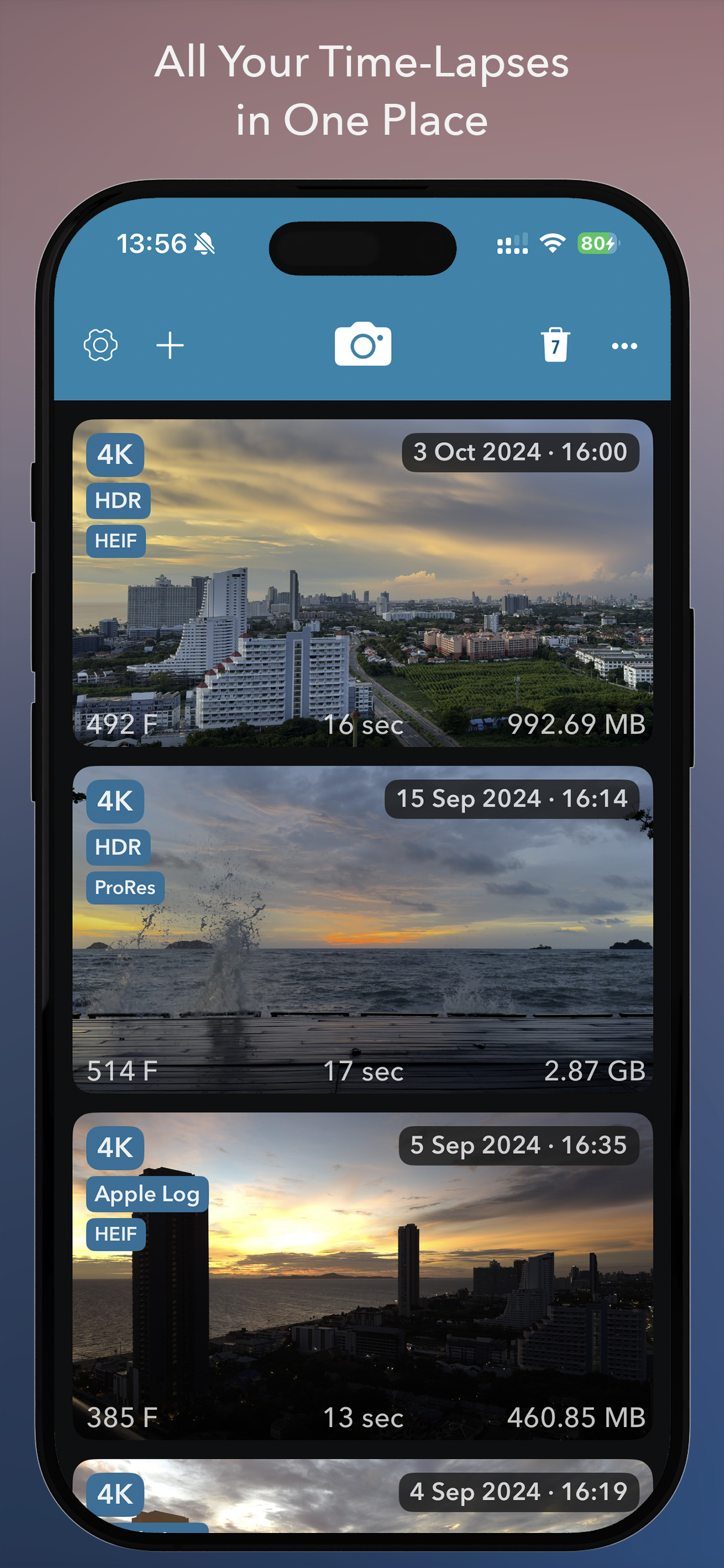
• Create time-lapse projects from photo albums, bursts, videos, or imported folders
• Support for DJI OSMO Mobile and DJI OSMO Mobile 2 handheld gimbals
Please note: DJI OSMO Mobile 3 and later are not supported due to factors outside our control!
Free Version
You can shoot unlimited time-lapses with no restrictions.
Exports, however, are limited to 540p resolution and include a watermark.
Limitations can be removed with a one-time in-app purchase.
Ausblenden Mehr anzeigen...

Screenshots

Skyflow – Time Häufige Fragen

  • Ist Skyflow – Time kostenlos?

    Ja, Skyflow – Time ist komplett kostenlos und enthält keine In-App-Käufe oder Abonnements.

  • Ist Skyflow – Time seriös?

    🤔 Die Qualität der Skyflow – Time-App ist gemischt. Einige Nutzer sind zufrieden, während andere Probleme melden. Ziehen Sie in Betracht, einzelne Bewertungen für mehr Kontext zu lesen.

    Danke für die Stimme

  • Wie viel kostet Skyflow – Time?

    Skyflow – Time ist kostenlos.

  • Wie hoch ist der Umsatz von Skyflow – Time?

    Um geschätzte Einnahmen der Skyflow – Time-App und weitere AppStore-Einblicke zu erhalten, können Sie sich bei der AppTail Mobile Analytics Platform anmelden.

Benutzerbewertung

5 von 5

3 Bewertungen in Sri Lanka

5 star
3
4 star
0
3 star
0
2 star
0
1 star
0
Bewertungsverlauf

Skyflow – Time Bewertungen

Does not export Timelapse

saschatieke on

Vereinigte Staaten

Doesn't work on latest iOS 18.6, will not export finished Timelapse to photo library. I purchased the full version and it's worthless

Photos not saving on iPhone 16

h5teria on

Vereinigte Staaten

*Solved* Turn off Frame Blending in the clip speed settings before export! I used it on iPhone 14 with iOS 17.5.1 but not with iPhone 16 iOS 18.1.1

No updates in 5 years???

Brigadierul Vasile on

Vereinigte Staaten

No updates in more than 5 years???

Why do i have no permission to save to photos?

2artsy4u on

Vereinigte Staaten

Can't save the photos any longer, and no option to change options on the app. Used to work fine now it doesn't. Why does it even want to have access to all my photos to begin with which is another issue of mine. There's a few flaws, this could've been a great app. Perhaps the developer needs to have a look and see what they might be, or i could be nice.... need more room for my finger to edit frame by frame, it keeps touching functions next to it. Lets see how long this will take to fix.... thank you.

Needs to be updated

Noefresh on

Vereinigte Staaten

Abandonware that doesn’t work with iOS 18 and up- do not buy!

Phenomenal Time-lapse Product

Tenabra444 on

Vereinigte Staaten

This program has allowed me to make the best Time-lapses of my life! The interface is simple, minimalist in appearance, and very easy to use! I recommend it 10/10! The only thing to watch out for is when exporting time-lapse files will take some serious space, this is not a dig at the program, just a notice! When you export your files you get every individual frame, which is awesome!

Impressive!

Steve clock fan on

Vereinigte Staaten

Beautifully and logically worked out. Thank you for the option to save as jpg’s. Steve Hines

Scam!

chocolate-penguins on

Vereinigte Staaten

Full version was supposed to be 2.99 but charged 29.99 to my account!!!

Does not currently work with iOS 18

lembeckstudios on

Vereinigte Staaten

After the update to iOS 18, the software does not work. The files will not export any longer and the software “locked up”. I contacted the software developer and he is aware of the problem, but is unable to state when, OR IF, a proper fix is available. (See their FB page for the comments) I DO NOT recommend this until it is compatible with iOS 18 and the developer can address known issues in a timely manner.

Can’t save

anon9999 on

Vereinigte Staaten

App works, but can’t save to Photos

Store-Rankings

Ranking-Verlauf
App-Ranking-Verlauf noch nicht verfügbar
Kategorien-Rankings
App ist noch nicht gerankt

Skyflow – Time Installationen

Letzte 30 Tage

Skyflow – Time Umsatz

Letzte 30 Tage

Skyflow – Time Einnahmen und Downloads

Gewinnen Sie wertvolle Einblicke in die Leistung von Skyflow – Time mit unserer Analytik.
Melden Sie sich jetzt an, um Zugriff auf Downloads, Einnahmen und mehr zu erhalten.

App-Informationen

Kategorie
Photo Video
Herausgeber
Andrei Kovalev
Sprachen
English, Czech, Dutch, French, German, Hindi, Indonesian, Italian, Japanese, Korean, Polish, Portuguese, Russian, Chinese, Spanish, Swedish, Thai, Turkish, Ukrainian, Vietnamese
Letzte Veröffentlichung
2.0.3 (vor 1 Woche )
Veröffentlicht am
Nov 22, 2014 (vor 11 Jahren )
Zuletzt aktualisiert
vor 15 Stunden
This page includes copyrighted content from third parties, shared solely for commentary and research in accordance with fair use under applicable copyright laws. All trademarks, including product, service, and company names or logos, remain the property of their respective owners. Their use here falls under nominative fair use as outlined by trademark laws and does not suggest any affiliation with or endorsement by the trademark holders.