Description
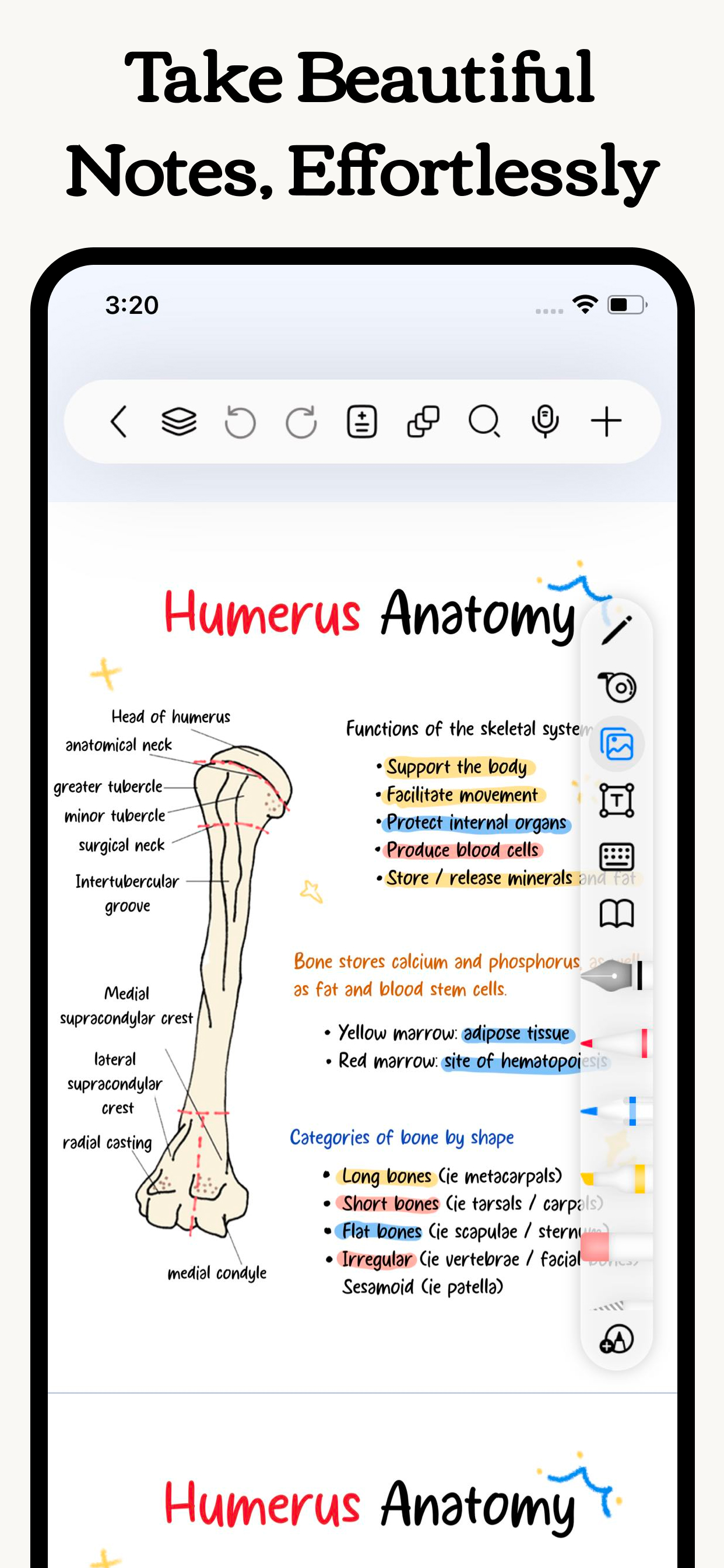
Freenotes lets you experience true paperless learning, enjoying the pleasure of writing while boosting your study efficiency. Realistic pen strokes bring the feel of writing on paper, and tools like handwriting-to-text, stickers and drawing brushes help you take notes effectively.
iCloud sync and multi-cloud backups keep your notes seamlessly accessible across iPad, iPhone, and Mac. Features like PDF annotation, picture-in-picture video, and split-screen for courses meet diverse learning needs.
Plus, an AI assistant provides instant answers and content summaries, making learning even easier!
[Just like writing on real paper]
- Realistic Pen Strokes: By combining handwriting pens, you can experience lifelike pen strokes on electronic devices, providing a natural feel for writing on digital platforms.
Smooth Writing: The handwriting tool provides a smooth writing experience, accurately capturing your strokes whether you're sketching or taking detailed notes.
[AI Assistant]
Take a screenshot or upload a document to instantly get answers to questions and summaries of content.
[Organize your notes easy and neat]
- Organized and Neat: The folder feature allows you to categorize and organize your notes by projects, courses, or topics, keeping your note library tidy and orderly.
- Quick Search: No more wasting time searching for specific notes; with the folder function, you can easily find the content you need.
[Annotate PDFs]
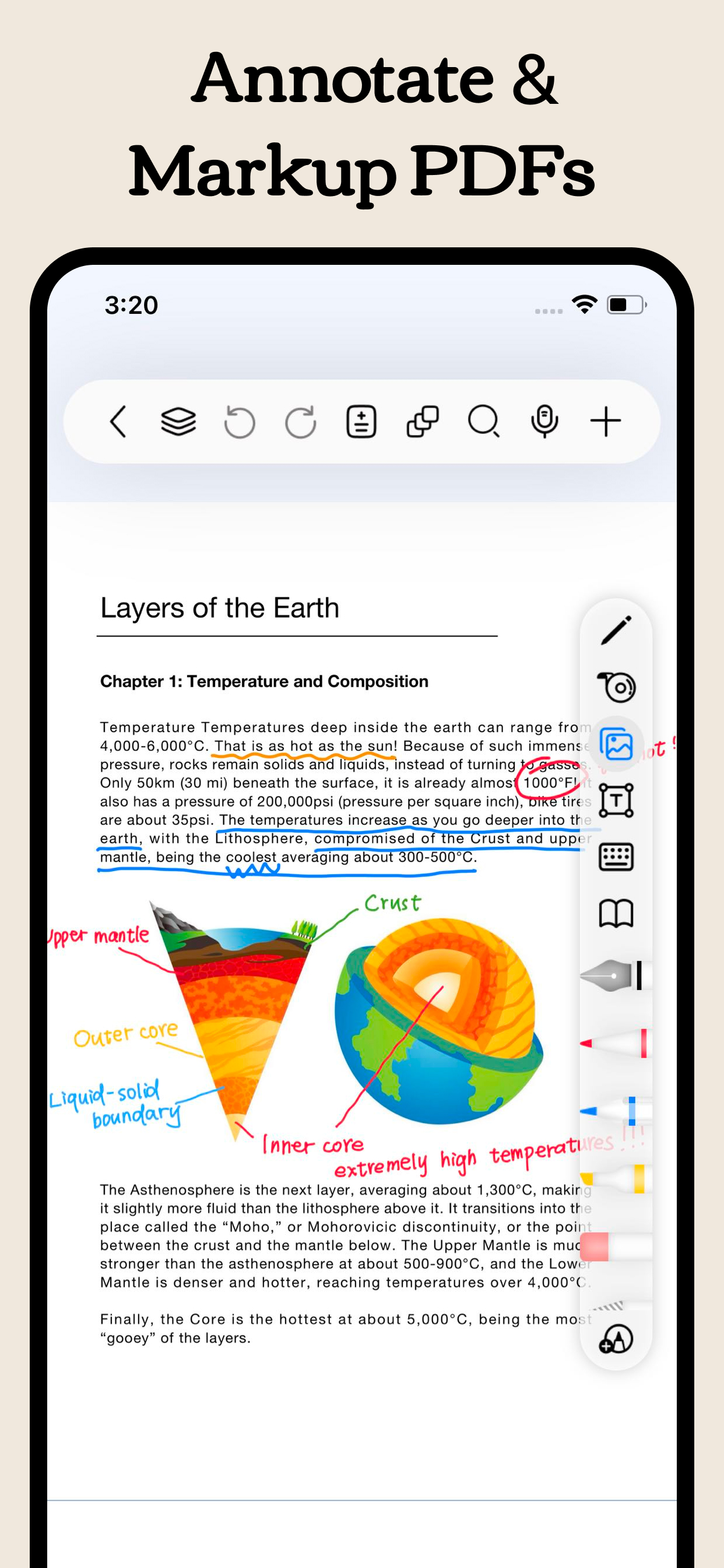
- Interactive Learning: Annotate, mark up, and highlight PDF files. Select text to translate and look up words directly, making learning more convenient and engaging.
- Content Integration: Combine text and handwritten notes to better understand and memorize study materials.
- Hyperlinks: Add hyperlinks to jump to different pages within your notes or to external web pages for easy access to related information.
[Enhance learning efficiency]
- Batch Import: In addition to local import, supports batch importing from cloud services like Google Drive, OneDrive, and Dropbox.
- Video Learning: Use picture-in-picture to take notes while watching videos and instantly capture screenshots directly into your notes.
- Course Learning: Display your handwritten or mind map notes alongside course content for a deeper understanding and quick review.
- Exam Prep: The resource center provides exam materials for various tests, combined with timers, layers, and in-app split-screen, allowing you to practice and simulate exams without re-importing files.
- Review and Memorization: Use the tape tool to mark key information for memorization and quickly test yourself by toggling visibility.
[Dark Themes]
- Eye Protection and Comfort: Dark mode adjusts the background color of the app to darker tones, reducing glare and protecting your eyes, allowing you to focus on learning and working for longer periods.
- Nighttime Reading: Night mode adjusts the app's background to a darker tone, reducing glare and protecting your eyes.
[Personalized Note-taking]
- Custom Brushes: Create custom brushes with different parameters in the custom pen box for quick access. Now supports Apple Pencil Pro.
- Custom Templates: Create or import your favorite templates and covers to create note formats and layouts that suit your needs.
- Templates Center: Provides original templates, stickers, and curated fonts and color palettes for you to download and use to create beautiful digital notebooks. You can also import your own resources.
Payment will be charged to subscriber’s iTunes account at the confirmation of purchase. Subscriptions automatically renew unless canceled at least 24 hours before the end of the current period. Subscriber’s account will be charged for renewal within 24 hours prior to the end of the current period. Subscribers can manage their subscriptions by going to their account settings on the App Store.
Privacy Policy: https://www.freenotetech.com/policy/
Terms of Service: https://www.freenotetech.com/terms/
Hide
Show More...