
No feedback from support
Wrote several times to support about error in app, no answer, no solution, no feedback.



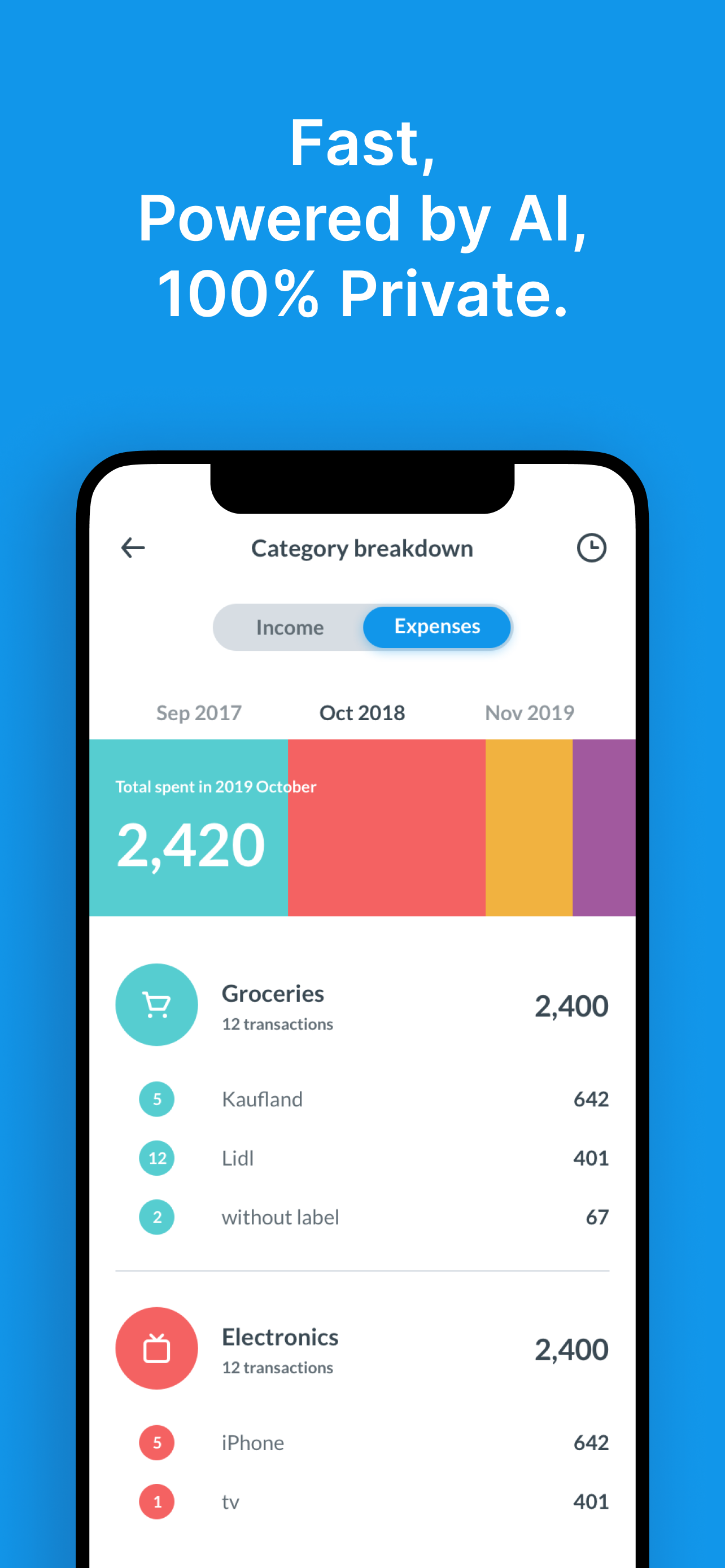
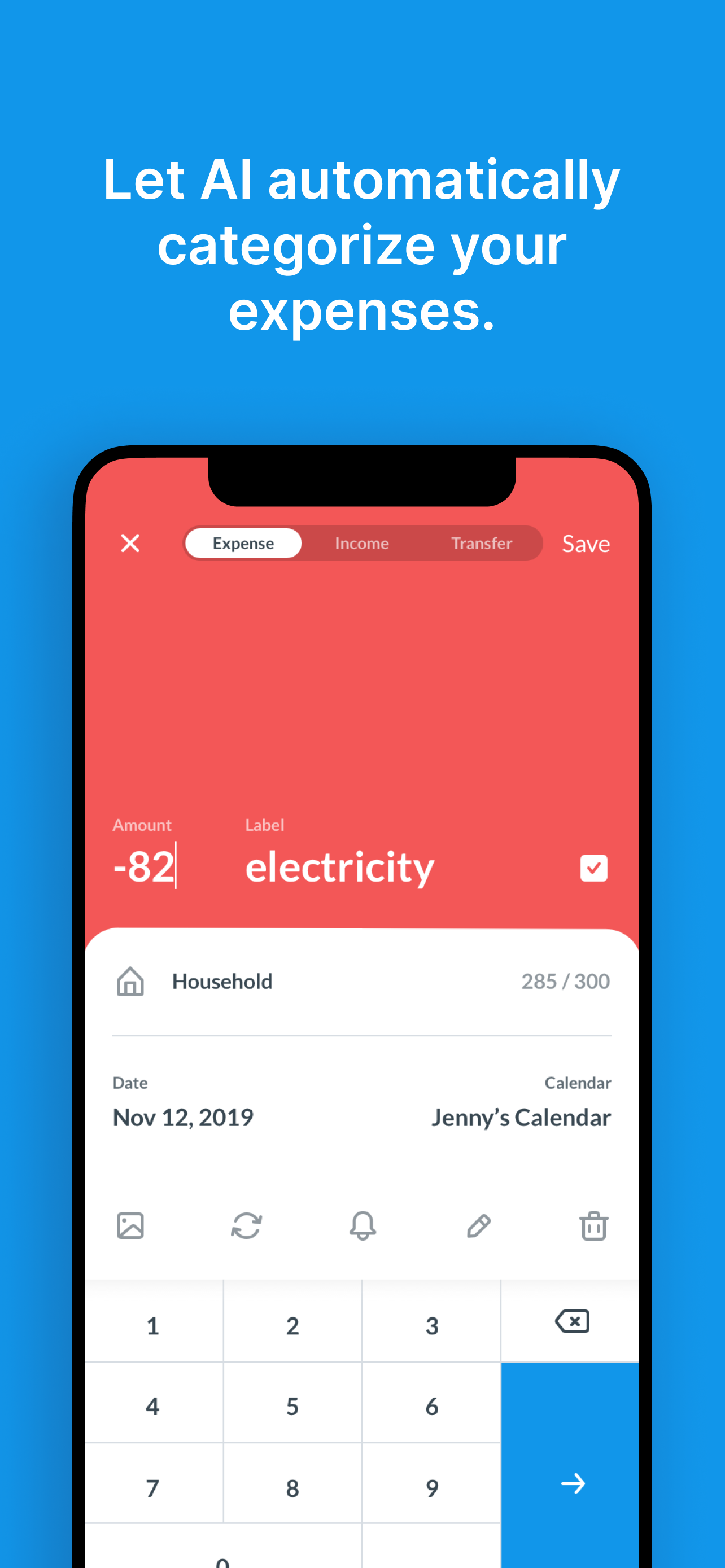


Yes, Dollarbird is completely free and it doesn't have any in-app purchases or subscriptions.
🤔 The Dollarbird app's quality is mixed. Some users are satisfied, while others report issues. Consider reading individual reviews for more context.
Dollarbird is free.
To get estimated revenue of Dollarbird app and other AppStore insights you can sign up to AppTail Mobile Analytics Platform.

4.53 out of 5
19 ratings in Kazakhstan
Wrote several times to support about error in app, no answer, no solution, no feedback.
I’ve been looking for an app like this for a long time, maybe I’m a visual learner, but a combination of calendar-based structure and cashflow perspective is right on point! It might be buggy at times showing wrong balance or not updating immediately, other than that it is an excellent app and helps me immensely on a daily basis!
Why is the app not working? I can’t add the transactions! And I at least want to see the transactions I added for this month so that I can transfer them somewhere else and use this all of for analysis but I can’t even do that!!!
This new version of Dollarbird is so much worse than the previous one. It doesn't work offline, frequently shuts off, works very slowly. Also, thousands show with a "k"instead of zeros, expenses are not presented in a pie chart format anymore, less visually descriptive now. Overall the experience is now not as pleasant as before. I was a big fan of dollarbird before this new version came out and I was made to transfer my data from the old to new one.u
I love this app so much!! It really helps me see where my money is going daily. Only thing, could y’all add a few widget options? One were I can see the calendar without having to open up the app?? Other than that, it’s perfect!!
This is exactly what I was looking for to replace another app that is no longer available. I would give it 5 stars but I just can’t stand subscriptions. Give us the option to buy lifetime access to premium!
*Update* Still have the balance glitch mentioned in my review years ago. Also, I loved the idea of entering transfers between calendars except that, after you’ve made the entry, if you update the transfer in any way it doesn’t make the same update on the associated calendar. *Update* I’m disappointed they have not been able to fix the glitches. Frequently, when looking out a few months or more, the months show a brief balance before switching to show completely different balances. It’s as tough it’s perpetually trying to catch ch up from some changed entry but, for the life of me, I can never figure out which entry is causing the glitch. It always starts at 3 to 4 months out and carry’s through ever month beyond. It is extremely frustrating when trying to plan by quarter. I’m knocking one star because this has been an on and off issue for years now. *** I can’t believe how hard it is to find a calendar based budget app that works. I like that I don’t have to link my bank accounts. I pay full price and will continue to do so. The rest of my comments are in hopes the developer will make improvements. It does act “glitchy” and recently actually crashes when entering/moving a lot of transactions. It seems slow to update each transaction and I often find myself waiting for it to catch up, even with fast Wi-Fi. I find the search feature notion to be clunky. Sometimes it works but sometimes it only pulls up confirmed transactions instead of allowing me to see other planned transactions. It’s hard to get used to the fact that upcoming expenses are reflected in balance forecast but today’s expenses are not reflected until they are confirmed. The following are just wishes, but may not be for everyone: I also wish there was a way to track various “sinking fund” balances for cash savings (like the envelope system). And I wish the overall balance could be split to reflect the 3 different bank accounts I use.
I’ve tried a bunch of budgeting apps, but Dollarbird is the only one that actually works for me. It’s manual, which means I get to make my own categories and really see where my money’s going not just what some algorithm thinks. The calendar view is super helpful, and the yearly expense reports make it easy to spot patterns and plan ahead. It’s simple, clear, and gives me full control. Honestly, this app deserves way more love.
I LOVE this budgeting app and have been using it since 2019 and have referred it to other people many times. They don’t know what they are missing! I cannot imagine living without it!!! It deserves to be #1 above all other budgeting apps!! everything about it is simple yet useful-the tracking, the forecasting (my favorite), the income vs expense report! and I get to make my own categories and change as I go! seriously the best app there is! ❤️❤️❤️
I’ve been using this app for years and use it daily. Apparently my app updated and now I have auto-forecasted expenses showing up on the calendar EVERY DAY, which makes viewing the calendar overwhelming and confusing. There’s not even an option to turn this off. I get that some people may find this helpful, but it should be something we can choose to view, not be forced to have turned on. I’m honestly considering getting rid of the app because of this change. It’s just too much. I budget for the month, not daily.
|
Chart
|
Category
|
Rank
|
|---|---|---|
|
Top Grossing
|

|
23
|
|
Top Grossing
|

|
27
|
|
Top Grossing
|

|
33
|
|
Top Grossing
|

|
38
|
|
Top Grossing
|

|
39
|
