Figma

Designs ansehen. Kommentieren.

Published by: Figma

Description

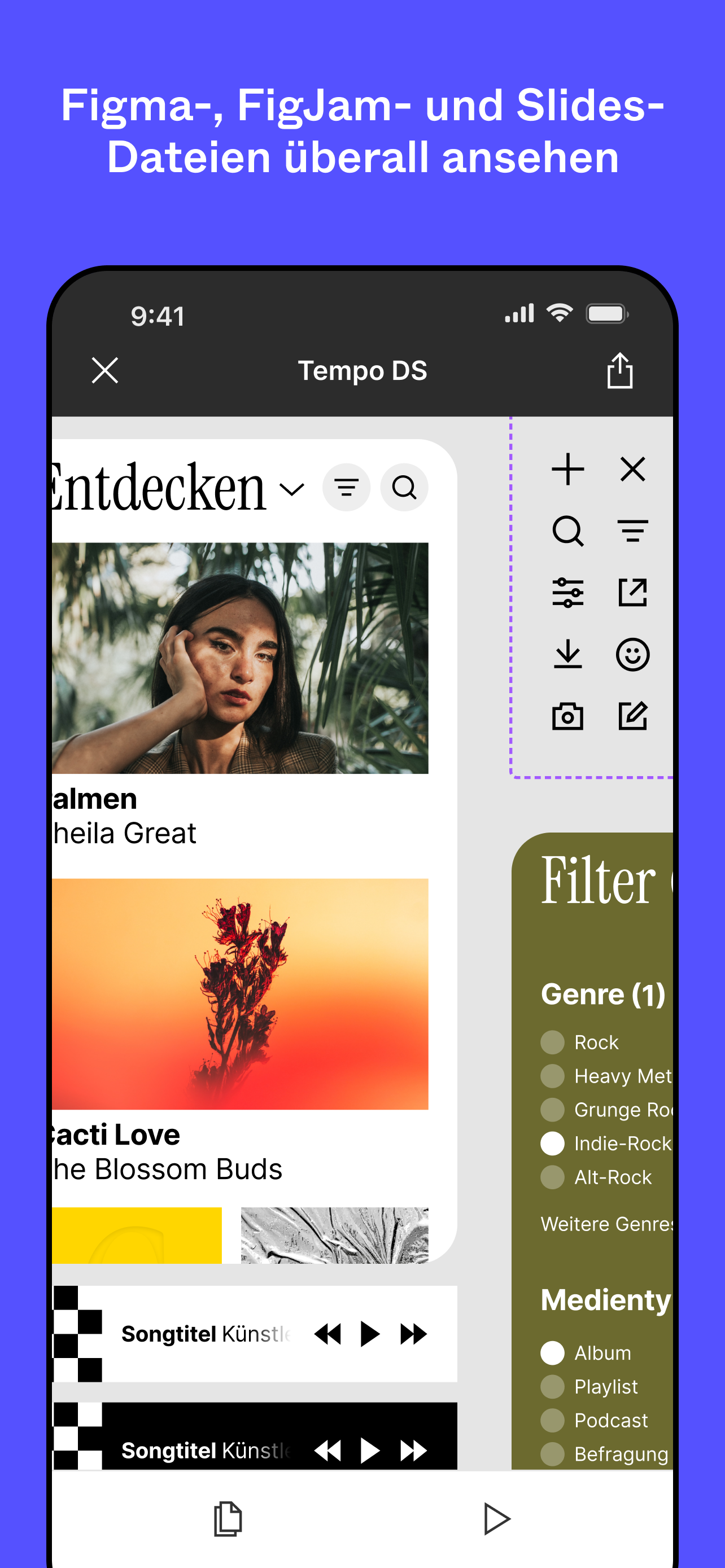
Auch unterwegs mit anderen zusammenarbeiten. Designs mit nur wenigen Fingertipps anzeigen, teilen und spiegeln. Mit der offiziellen mobilen App von Figma kannst du:
DEINE DATEIEN ÜBERPRÜFEN
* Auf Figma-, FigJam-, Prototyp- und Slides-Dateien zugreifen.
* Anhand des Namens schnell nach Dateien suchen oder deine zuletzt angesehenen Dateien durchsuchen.
* In einer beliebigen Datei zwischen Seiten und Flüssen wechseln.
KOMMENTARE ERSTELLEN UND BEANTWORTEN
* Kommentare hinzufügen und Teammitglieder überall in einer Datei erwähnen.
* Dich über neue Kommentare und Antworten informieren lassen.
* Kommentare auch von unterwegs abschließen und beantworten.
* Eine Liste aller Kommentar-Threads in einer Datei anzeigen.
DATEIEN MIT DEINEM TEAM TEILEN
* Mitarbeiter*innen einladen und Links zu deinen Dateien teilen.
DEINE PROTOTYPEN ABSPIELEN
* Prototypen im Vollbildmodus abspielen und erneut wiedergeben.
* Prototyp-Skalierung anpassen.
* Zwischen Hotspot-Hinweisen wechseln.
DESIGNS IN ECHTZEIT SPIEGELN
* Ausgewählte Frames von deinem Desktop mit deinem Mobilgerät synchronisieren.
* Echtzeit-Bearbeitungen deiner Designs auf deinem Mobilgerät ansehen.
* Eine Vorschau dazu anzeigen, wie die Assets in deinem Design auf einem Gerätebildschirm skaliert aussehen würden.
SLIDES MÜHELOS ERKUNDEN
* Decks im Quer- und Hochformat anzeigen und kommentieren.
BERECHTIGUNGEN IM HANDUMDREHEN VERWALTEN
* Dateiberechtigungen aktualisieren, um zu steuern, wer deine Arbeit lesen oder bearbeiten kann.
WORKSPACES UND KONTEN DURCHSUCHEN UND ZWISCHEN IHNEN WECHSELN
* Zwischen Teams, Abos, Projekten und Konten wechseln.
Auf dem iPad kannst du FigJam auch für Folgendes nutzen:
* Mit dem Apple Pencil skizzieren, um Ideen flüssiger zu erkunden und zu iterieren.
* Erste Überlegungen mit deinem Team teilen und weiterentwickeln.
* Anmerkungen zu Designs hinzufügen, um Feedback zu teilen.
* Ideen notieren, wann immer die Inspiration kommt.
Hide Show More...

Screenshots

Figma FAQ

  • Is Figma free?

    Yes, Figma is completely free and it doesn't have any in-app purchases or subscriptions.

  • Is Figma legit?

    ⚠️ The Figma app has poor ratings and negative feedback. Users seem unsatisfied with its performance or features.

    Thanks for the vote

  • How much does Figma cost?

    Figma is free.

  • What is Figma revenue?

    To get estimated revenue of Figma app and other AppStore insights you can sign up to AppTail Mobile Analytics Platform.

User Rating

4.51 out of 5

349 ratings in Austria

5 star
283
4 star
21
3 star
11
2 star
7
1 star
27
Ratings History

Figma Reviews

Buggy Figjam

appleUser#007 on

Austria

Sadly not really optimized for iPad. The usability could be a lot better.

Crashes too much, needs polishing

Diego_at on

Austria

It’s a nicely designed app with valuable features, but the constant crashing makes it very hard to use to do any meaningful work. If the crashes are solved, I’d give more stars.

Nice App but black screen only

sebM_ on

Austria

Please provide feedback how I can solve the black screen only issue

Mislabeled app name

BlinkDwarf on

United States

This is not Figma. This is a tool to let you comment on figma projects as well as the mirror tool. I downloaded this hoping to put an idea down on paper only to be highly disappointed at the false advertising this app has by being called Figma. It’s not Figma. You cannot create anything with this app. It’s for reviewing content only. This app is such a joke and the developers should be ashamed. We pay for an enterprise Figma account. I am a customer. And I am not happy.

Can't edit

marsmaxxie on

United States

I love using the app on laptop, but all I can do on mobile is view. Pretty annoying as I was expecting to be able to edit on both computer and iPhone.

Hard to use on IPad

RandoBandoMan on

United States

It’s hard to use on an IPad

Не полный функционал

Gleb Kharitonov on

United States

Нельзя редактировать. Только просматривать (

Convenient collaboration

CaptainBigChief on

United States

Great app. One feature that I’d love would be the single finger zoom (double tap hold and go up or down). This would speed up and simplify the navigation and review process.

Frustrating for iPad

alfonsoreyes420 on

United States

The FigJam grabbing of the little squares to re-size drives me crazy, I have to try jabbing at it three times until it works.

No ability to edit files

2107s on

United States

Biggest pain point is not being able to edit text or anything on files, only allows comments

Store Rankings

Ranking History
Category Rankings

Keywords

Figma Competitors

Figma Installs

Last 30 days

Figma Revenue

Last 30 days

Figma Revenue and Downloads

Gain valuable insights into Figma performance with our analytics.
Sign up now to access downloads, revenue, and more.
This page includes copyrighted content from third parties, shared solely for commentary and research in accordance with fair use under applicable copyright laws. All trademarks, including product, service, and company names or logos, remain the property of their respective owners. Their use here falls under nominative fair use as outlined by trademark laws and does not suggest any affiliation with or endorsement by the trademark holders.