PDF Viewer by Nutrient

Powerful Editor, Fill & Sign

Published by: PSPDFKit

Description

PDF Viewer is a fast and beautiful app, allowing you to view, search and annotate PDF documents with ease on your iPhone and iPad.
Access your files from iCloud, Dropbox, Box, OneDrive, Google Drive or any other cloud solution via Apple's familiar Document Browser interface.
+++ Listed as “Productivity lifesaver” on the App Store +++
"A streamlined interface packed with powerful features - it’s like having a desktop-quality PDF toolkit wherever we go" – App Store Editor Notes
“I'm impressed by how the folks at PSPDFKit have been able to fine-tune the document browser to the app's needs.” – MacStories.net
"If you want a PDF viewer that is designed for reading PDF books, this is it." – App Review
VIEW DOCUMENTS ON THE GO
• Easily import a PDF from your favourite cloud service provider, email or directly off a website.
• Supports Open In Place, Drag & Drop and features the familiar Apple Document Browser interface from the Files app.
• Search for the exact text you are looking for within the document.
• Double tap on the screen to Smart Zoom directly to the text you want to read.
• Annotate images (JPEG, PNG) non-destructive, just like PDF documents. (PRO)
ANNOTATE WITH EASE
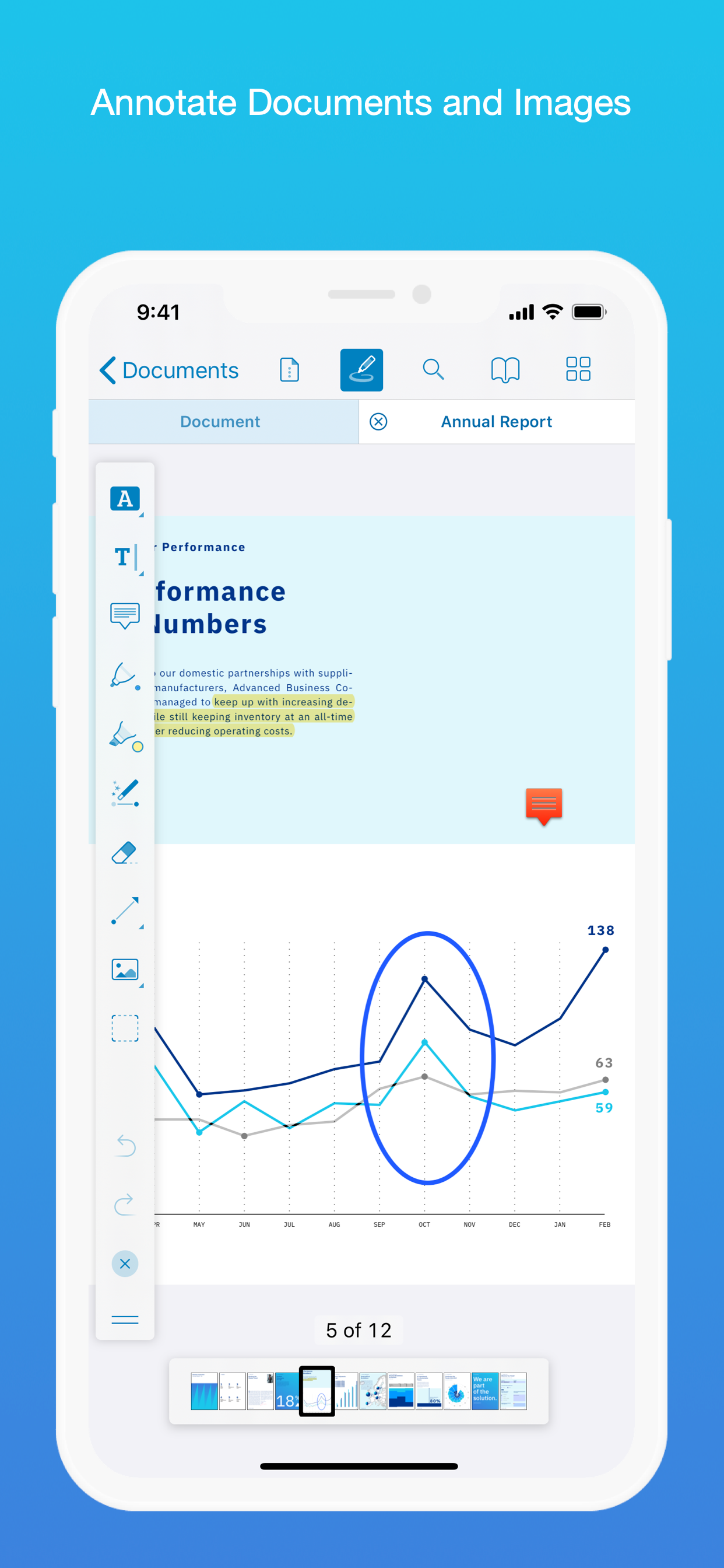
• While reviewing a document, use your finger or Apple Pencil to highlight and markup text.
• Leave comments by adding a note, text or drawing directly on the PDF.
• Add images or audio.
• Reply to notes. (PRO)
SIGN DOCUMENTS ANYWHERE
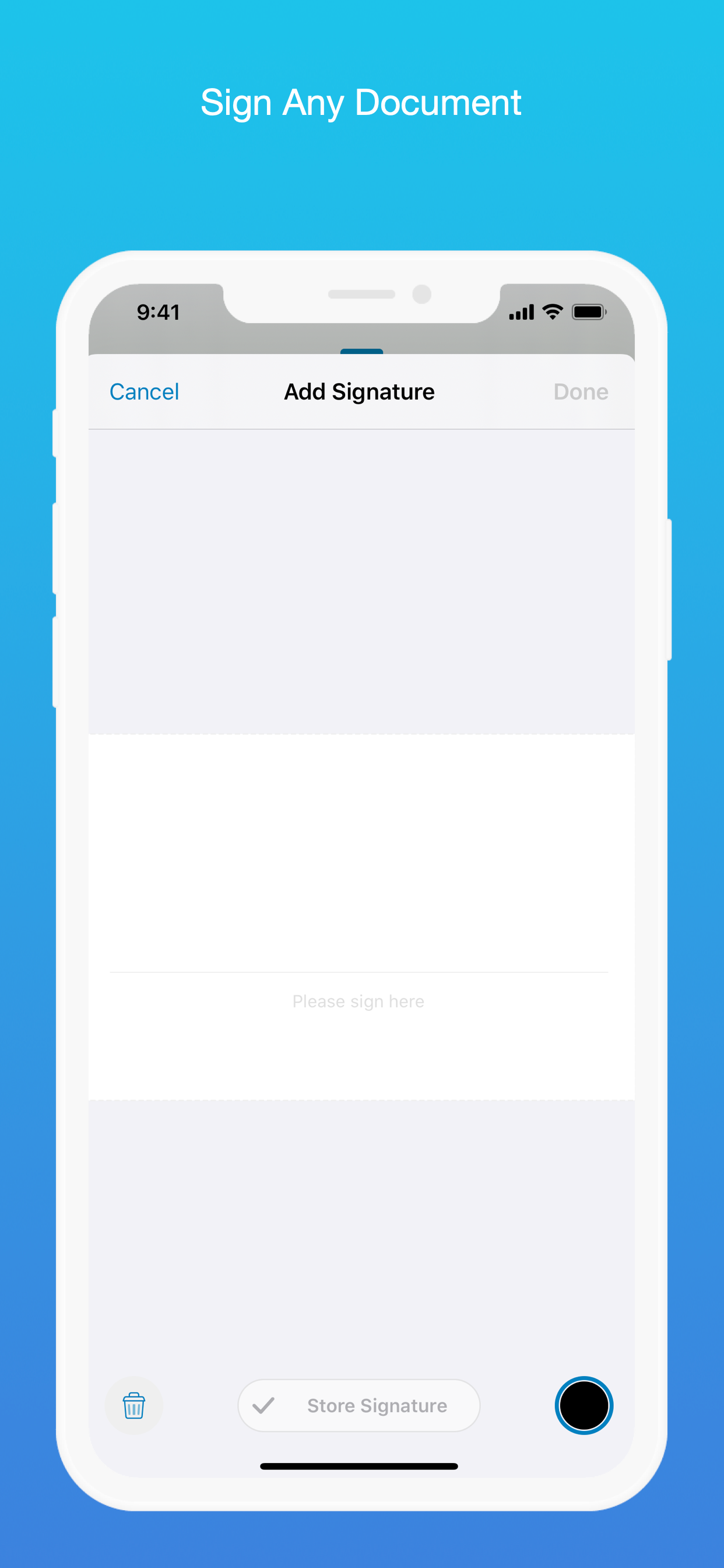
• Add your signature to any document using your finger or Apple Pencil.
• Move and resize your signature as needed.
• Flatten a document to ensure the signature doesn’t change.
CREATE AND EDIT PDFs
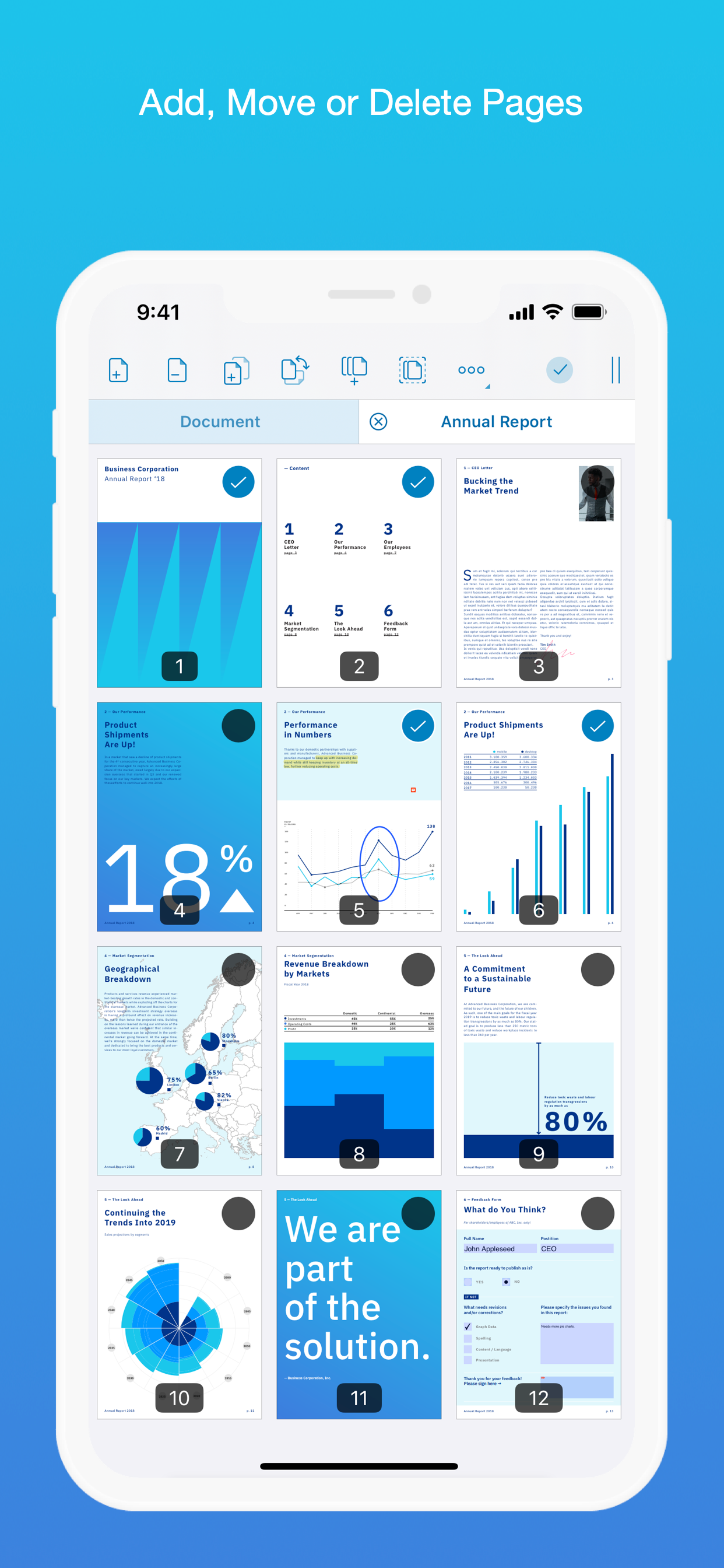
• Create new documents from existing documents by moving, rotating, deleting or adding new pages.
• Combine multiple documents into a single one. (PRO)
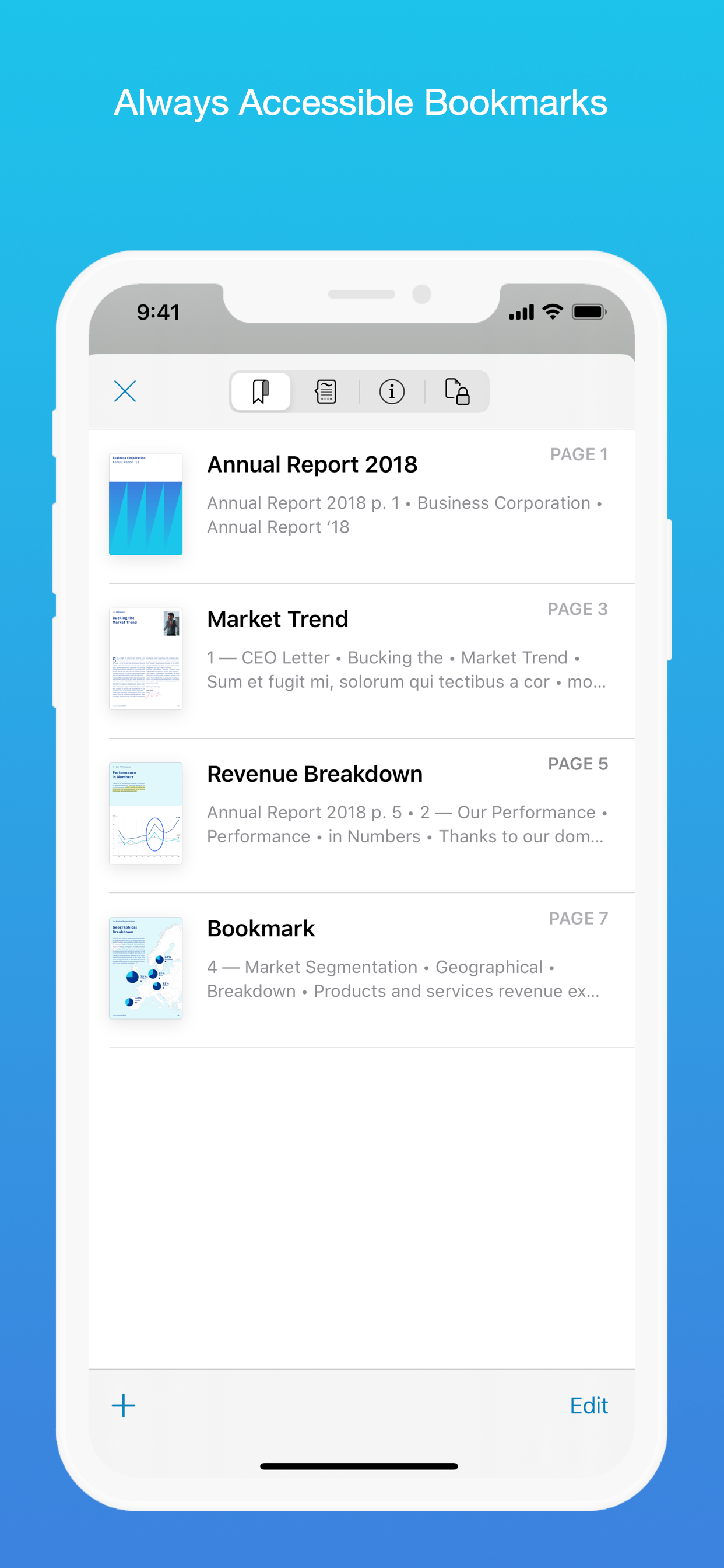
• Add bookmarks to easily return to certain pages in large documents.
FILL OUT FORMS
• Quickly fill out PDF Forms by adding text to the fields.
• Flatten and secure the form once you’re done to ensure the document doesn’t change.
• Add a signature to any Form.
STORE, ORGANISE AND SHARE
• Store documents, create folders and organise your documents.
• Share documents by printing, emailing or saving your edits back any cloud service.
PASSWORD PROTECT DOCUMENTS
• Read document metadata, title and keywords.
• Protect documents with user and owner passwords and limit permissions. (PRO)
AND SO MUCH MORE
• Conveniently switch to night mode when viewing your documents at night.
• Present on external screens without the distraction of toolbars. (PRO)
• Have the text from a PDF read out loud to you with text-to-speech.
• PDF Viewer remembers where you were down to the page/position where you left off - even across devices.
PRICING
PDF Viewer comes with a large feature set, completely free. Some advanced features require the purchase of PDF Viewer Pro, available as a subscription. We offer 3-monthly and yearly subscription plans. There’s also a fully functional 7-day trial, so you can test PDF Viewer Pro (including document merging and password editing) before you commit. All plans unlock the app on iPhone and iPad.
TRUSTED BY COMPANIES YOU KNOW
PDF Viewer is built on top of and powered by PSPDFKit, the same PDF engine trusted around the world by companies like Dropbox, Box, IBM, Atlassian, SAP and Lufthansa.
BE PART OF THE PDF VIEWER COMMUNITY
pdfviewer.io
twitter.com/pdfviewerapp
LEGAL
Duration and price of each subscription are displayed in PDF Viewers’ storefront, updated at the time of purchase. Payment will be charged to iTunes account at confirmation of purchase. Subscriptions automatically renew unless auto-renew is turned off no later than 24 hours before the end of the current period. Subscriptions and auto-renewal can be managed/turned off in the iTunes account settings. Any unused portion of a free trial period is forfeited as soon as a subscription is purchased.
Terms of Use: https://pdfviewer.io/terms
Privacy Policy: https://pdfviewer.io/privacy
Hide Show More...

Screenshots

PDF Viewer by Nutrient FAQ

  • Is PDF Viewer by Nutrient free?

    Yes, PDF Viewer by Nutrient is completely free and it doesn't have any in-app purchases or subscriptions.

  • Is PDF Viewer by Nutrient legit?

    🤔 The PDF Viewer by Nutrient app's quality is mixed. Some users are satisfied, while others report issues. Consider reading individual reviews for more context.

    Thanks for the vote

  • How much does PDF Viewer by Nutrient cost?

    PDF Viewer by Nutrient is free.

  • What is PDF Viewer by Nutrient revenue?

    To get estimated revenue of PDF Viewer by Nutrient app and other AppStore insights you can sign up to AppTail Mobile Analytics Platform.

User Rating

4.55 out of 5

69 ratings in Norway

5 star
46
4 star
18
3 star
3
2 star
1
1 star
1
Ratings History

PDF Viewer by Nutrient Reviews

Almost perfect

Wester.TI on

Norway

The app has done strange glitches covering annotations. when using text selection annotation, it seems to always skip over the letter f. Also, when the navigation disappears, the annotation told suddenly jump upwards, even though the nav tools are only at the bottom in my setup. These are two very manageable quirks, but they do hold the app back from a perfect 5 star rating

Awesome... when it works

Isaac92a on

Norway

I’ve had the payed version of this app for a while now, and it’s been my favourite way to annotate pdfs... But crashes occurs quite frequently, and a simple restart of the app does re-open the app. Instead when restarting the app, it will show a white page for a few seconds and crash again. The only solution is to wait a few minutes, and then try again.

Always draw with Apple Pencil?

Alexluthi on

Norway

Great app, but I wish I could set the Apple Pencil to always draw. That way I could open a document and just start taking notes, without pressing the markup button first...

The best PDF productivity iPadOS app

Moliat1 on

Norway

Unequivocally the best app for reading, highlighting, and annotating PDFs directly on the iPad, whether locally or on the cloud, fully featured and compatible with other PDF readers like MacOS’s native preview. Other apps require copying files from your cloud to the app, resulting in multiple versions of the file and a lot of hassle. PDF Previewer works directly on the files in the cloud, so any annotations are synced immediately to the one version of the file. After trying a ton of apps for PDF productivity, this is the clear favourite. Pity the Pro version is a subscription service rather than a one time purchase. That seems entirely contrived and unnecessary.

Cannot open any PDFs via OneDrive

ppomorsky on

Norway

I can’t open any PDFs while accessing my OneDrive. No matter if it was pre-edited or not. It says the file is either a non-PDF or corrupt file. Any help with that?

App crashes

Oddity134 on

Norway

App functionality is great, but now the app crashes directly on start. Either due to upgrading to pro or due to one of the latest updates published.

免费易用且稳定的软件

Yamada_ry0 on

China

软件使用起来非常方便,能可以读写并储存文件到ipad本地,功能齐全不阉割

卡顿 闪退 不能切换 一打开就是两个分屏界面

sunkaoru on

China

用的好好的 忽然出现这些情况 为什么啊

非常好

我去 为什么每个名都有人用 on

China

iPad文件里的pdf打不开终于找到一个布局一样的软件特别好!希望可以增加一个左右滑动切换pdf的功能,这样不用点掉上面的标题栏出去选了。

抓狂😱

大杯冰美式×3 on

China

订阅之后为啥仍然无法使用pro功能啊

Store Rankings

Ranking History
App Ranking History not available yet
Category Rankings
Chart
Category
Rank
Top Free
466

Keywords

PDF Viewer by Nutrient Installs

Last 30 days

PDF Viewer by Nutrient Revenue

Last 30 days

PDF Viewer by Nutrient Revenue and Downloads

Gain valuable insights into PDF Viewer by Nutrient performance with our analytics.
Sign up now to access downloads, revenue, and more.

App Info

Publisher
PSPDFKit
Languages
Finnish, Arabic, English, Spanish, Hebrew (modern), Dutch, Indonesian, Italian, Japanese, Chinese, Korean, Greek (modern), Croatian, Malay, Norwegian Bokmål, Portuguese, Polish, French, Swedish, German, Slovak, Danish, Thai, Turkish, Czech, Ukrainian, Russian
Recent release
2025.13 (6 days ago )
Released on
Oct 24, 2016 (9 years ago )
Last Updated
1 month ago
This page includes copyrighted content from third parties, shared solely for commentary and research in accordance with fair use under applicable copyright laws. All trademarks, including product, service, and company names or logos, remain the property of their respective owners. Their use here falls under nominative fair use as outlined by trademark laws and does not suggest any affiliation with or endorsement by the trademark holders.