Photo Transfer: Send via WiFi

Published by: Mobileware Studio SL

Description

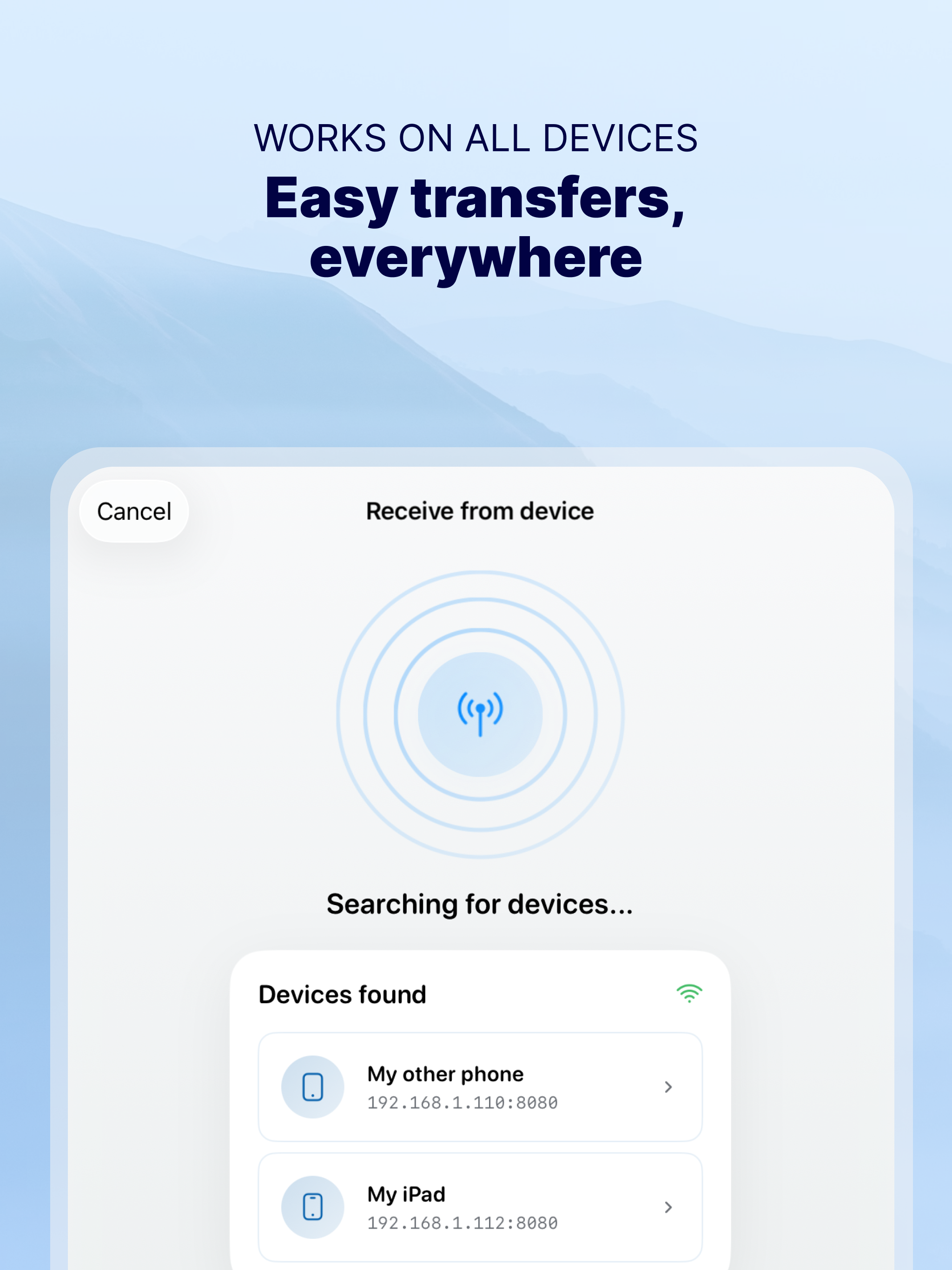
Photo Transfer allows you to easily send and share photos and videos through your WiFi. Make a backup of your photos and videos quickly and move your files from other mobile devices to iOS, iPad or computer and vice versa.
With over 2,5M downloads, more than 9k reviews in the App Store coming from happy users and millions of photo transfers made, this app is an indispensable tool for your iOS device.
Photo Transfer enables easy wifi transfer to send photos and videos between devices. It also allows users to make a backup. Whether you're an experienced user or a novice, you'll find it easy to use.
To send photos and videos, you will only need to have the app installed in both devices and a stable WiFi connection. You don’t need any cable!
▶ Main features:
· Download multiple photos from your iPad, iPhone or iPod touch to your computer.
· Upload photos and videos from your computer to your iOS or other mobile devices.
· Transfer and delete photos and videos stored on your iOS or other devices via WiFi.
· Transfer full-resolution photos and videos without losing quality and preserve files metadata in all transfer directions.
▶ More features you will love:
· Drag & drop photos from the app to any folder on your Mac and create new albums to upload photos.
· Use Photo Transfer with any web browser and preview your photos.
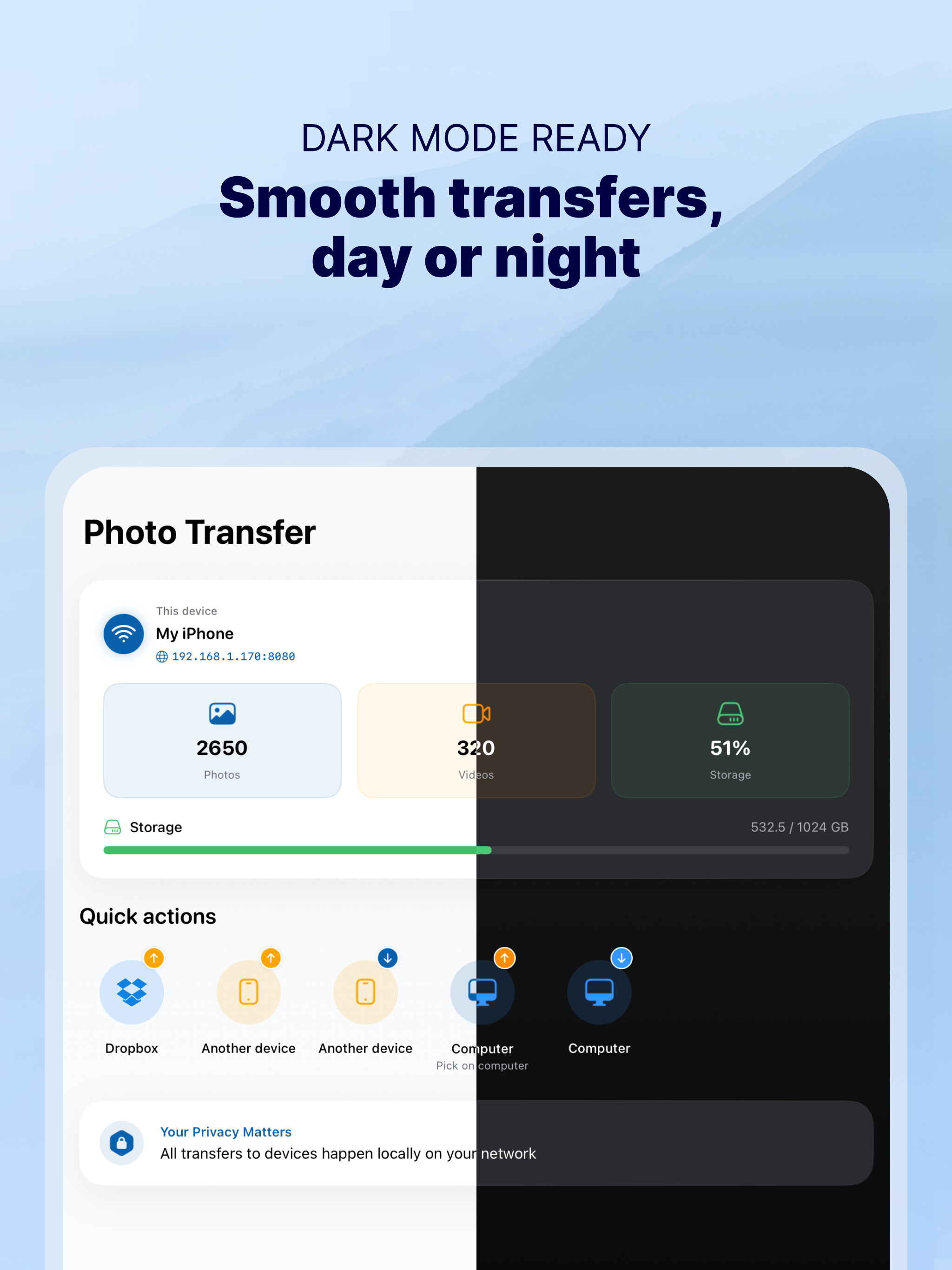
· Transfer your photos and videos directly from device to device using your local WiFi network. They are not stored in an external server and they never leave your local WiFi network, so your pictures will be safe!
· Use the USB cable to transfer photos between your Mac and your device when there is no access to a valid or stable WiFi signal.
· Pay only once when both devices use the same Apple account to purchase apps.
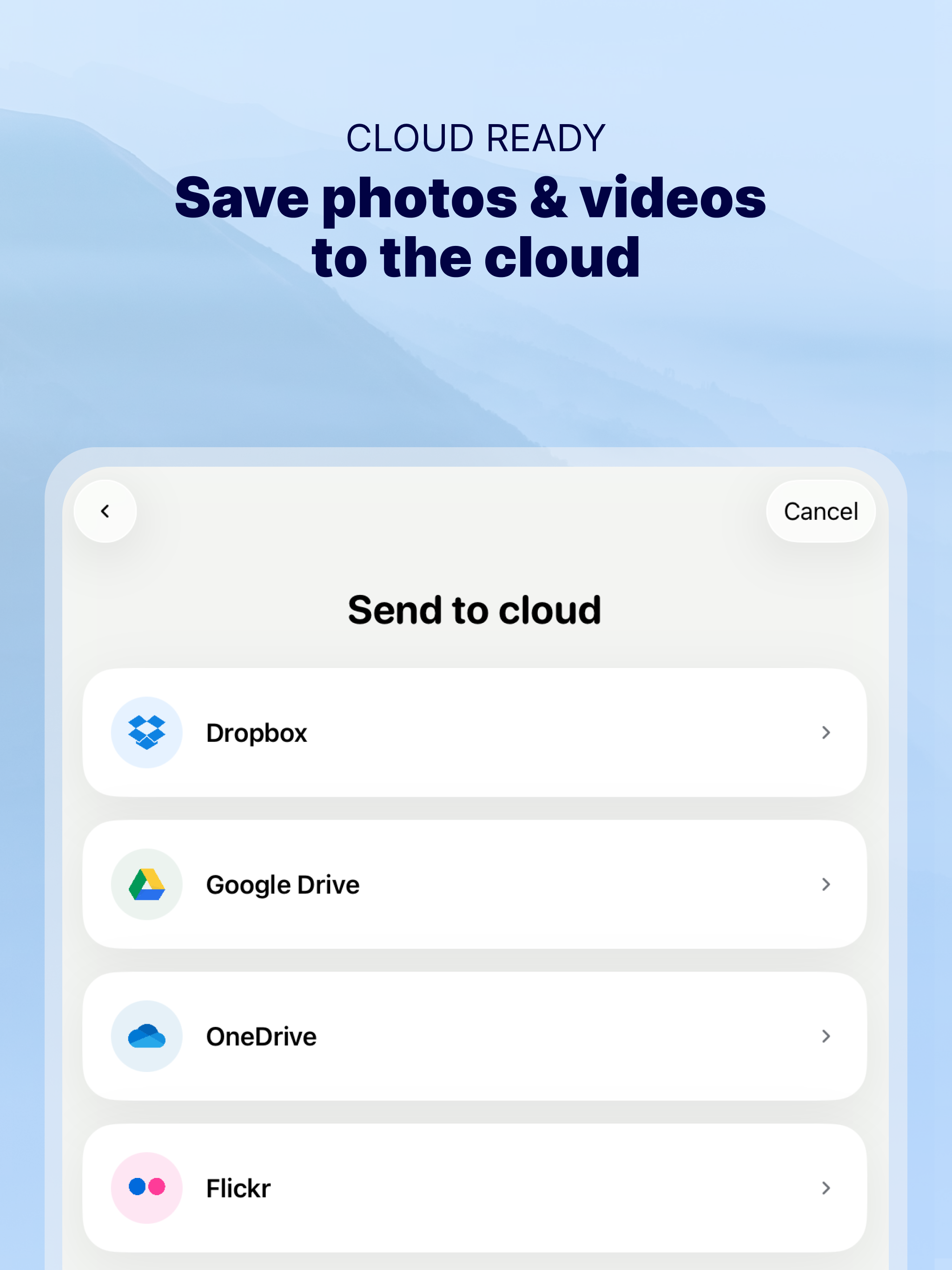
· Support to automatically convert HEIC files (High-Efficiency Image) to JPG when transferring from iPhone to any device or cloud service that we support.
With Photo Transfer you can transfer photos and videos from:
◉ Mobile device to iPhone:
· Transfer photos and videos from mobile device to iOS via wifi.
◉ iOS to another device:
· Move your photos and videos from your gallery to any mobile device.
· Send photos from an iPhone or iPad to your mobile device (photos and videos are saved on the default folder of Photo Transfer, but you can set your own album Gallery as destination).
◉ Any device or iOS to a computer (and vice versa):
· Use the wifi transfer feature to share photos and videos between Windows or Mac and Iphone, iPad, or another mobile device. You can also use the desktop app while transferring to Windows or MAC, or use the web browser as an alternative.
· Upload photos from your computer to your device.
Some requirements for using Photo Transfer:
· Access to a stable wifi network
· Public or private WiFi networks usually block communication between devices preventing the transfer connection.
· The app should be installed and opened on your devices when you transfer files.
Subscriptions:
► If you choose to purchase the PRO Upgrade subscription for 1 year, payment will be charged to your Apple account, and your account will be charged for renewal 24 hours before the end of the current period.
► Auto-renewal may be turned off at any time by going to your Apple ID settings after purchase.
► Any unused portion of a free trial period, if offered, will be forfeited when the user purchases a subscription to that publication, where applicable.
Privacy Policy: phototransferapp.com/privacy/app/
Terms of Service: phototransferapp.com/terms/app/
IMPORTANT: Free version allows you to transfer up to 5 photos in full resolution. Upgrade to PRO version and transfer more photos and videos at once! If you have any issue, visit phototransferapp.com or contact us at: [email protected]
Download Photo Transfer to send and share photos, pictures, images and videos via wifi transfer.
Hide Show More...

In-Apps

Annual
129.99 lei
Monthly
19.99 lei
Annual plan
49.99 lei
Lifetime plan
149.99 lei

Screenshots

Photo Transfer FAQ

  • Is Photo Transfer free?

    Yes, Photo Transfer is free to download, however it contains in-app purchases or subscription offerings.

  • Is Photo Transfer legit?

    ‼️️ The Photo Transfer app seems suspicious. Many reviews appear fake or manipulated. Exercise caution.

    Thanks for the vote

  • How much does Photo Transfer cost?

    Photo Transfer has several in-app purchases/subscriptions, the average in-app price is 87.49 lei.

  • What is Photo Transfer revenue?

    To get estimated revenue of Photo Transfer app and other AppStore insights you can sign up to AppTail Mobile Analytics Platform.

User Rating

4.65 out of 5

91 ratings in Romania

5 star
77
4 star
8
3 star
0
2 star
0
1 star
6
Ratings History

Photo Transfer Reviews

PhotoTransfer o aplicație facila, rapidă, rezultate sigure

florin patru on

Romania

Îmi place Photo Transfer

I love it

Teo Ursulescu on

Romania

The best app!💖

100% safe

katyszw on

Romania

The best!

The best apps

Dilly GSM on

Romania

The best app in the world👍

Worthless

Ffjfhkgfds on

Romania

You need to buy the app to work.. You can t even download photos at real resolution...

Very Useful

HoreaAC on

Romania

The application is very useful and works flawlessly on my devices.

Foarte buna!

iFallenArch on

Romania

Își merita banii..e foarte buna si rapida!

Great

mrzuss on

Romania

Useful & cheap app

Excelentă !!!

Sebastian Vlaicu on

Romania

O aplicatie utila celor care au mai multe device-uri (iPhone, iPad, iPod). Am testat-o intre iPhone 4s și iPad2 (wifi) și functioneaza perfect!

Cu adevărat utila

tatw.addict on

Romania

Merita fiecare cent. Utila pentru transferul pozelor între ipad-iPhone-PC.

Store Rankings

Ranking History
Category Rankings
Chart
Category
Rank
Top Free
338
Top Free
448
Top Free
467
Top Free
487

Keywords

Photo Transfer Competitors

Photo Transfer Installs

Last 30 days

Photo Transfer Revenue

Last 30 days

Photo Transfer Revenue and Downloads

Gain valuable insights into Photo Transfer performance with our analytics.
Sign up now to access downloads, revenue, and more.
This page includes copyrighted content from third parties, shared solely for commentary and research in accordance with fair use under applicable copyright laws. All trademarks, including product, service, and company names or logos, remain the property of their respective owners. Their use here falls under nominative fair use as outlined by trademark laws and does not suggest any affiliation with or endorsement by the trademark holders.