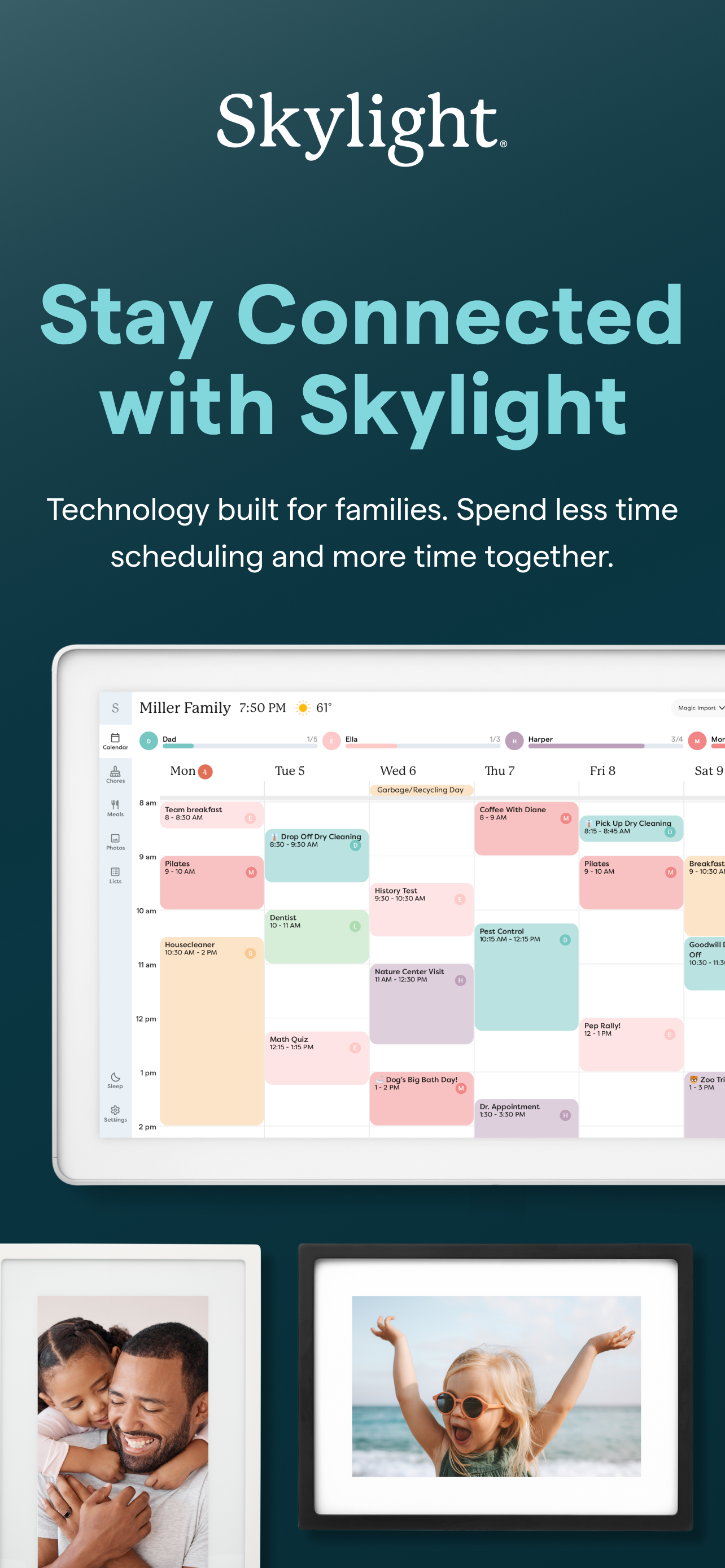
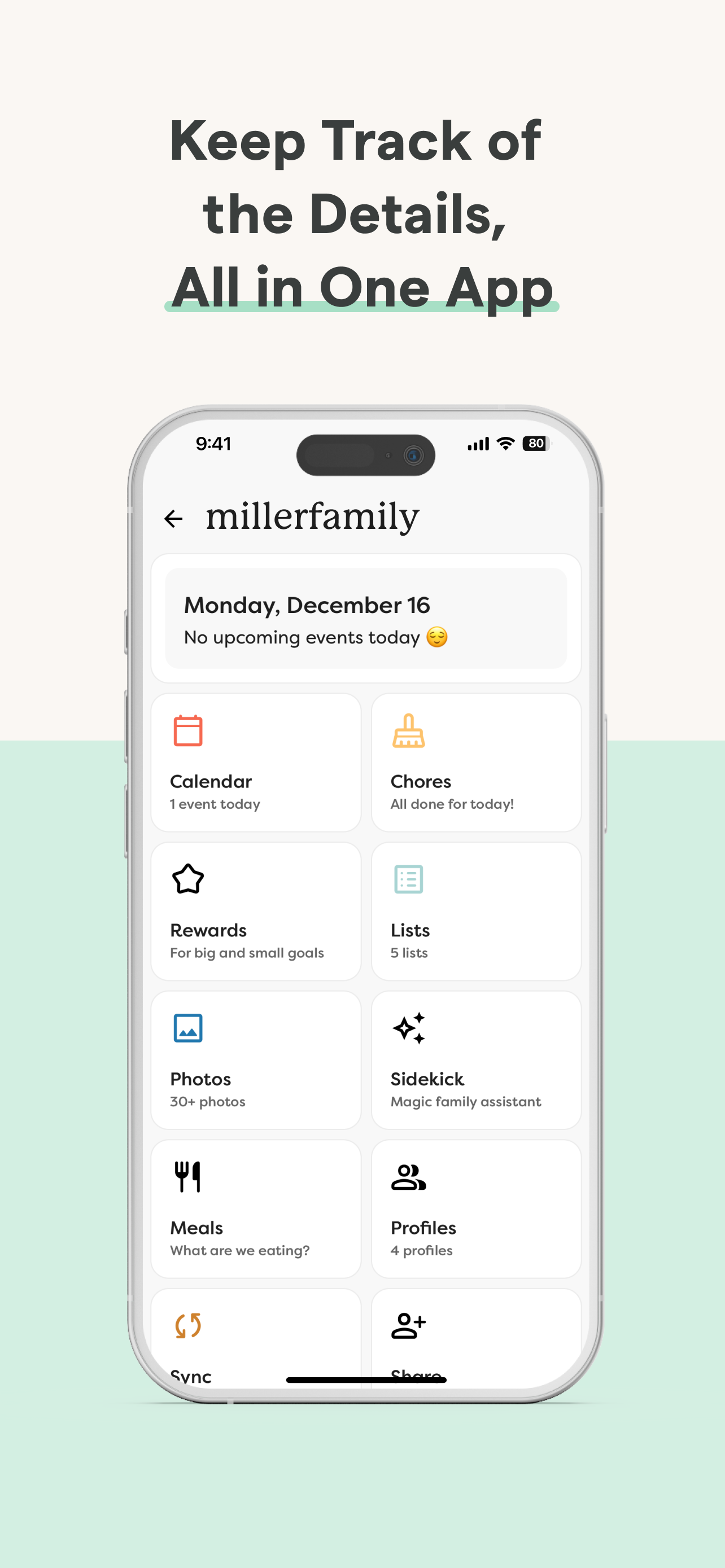
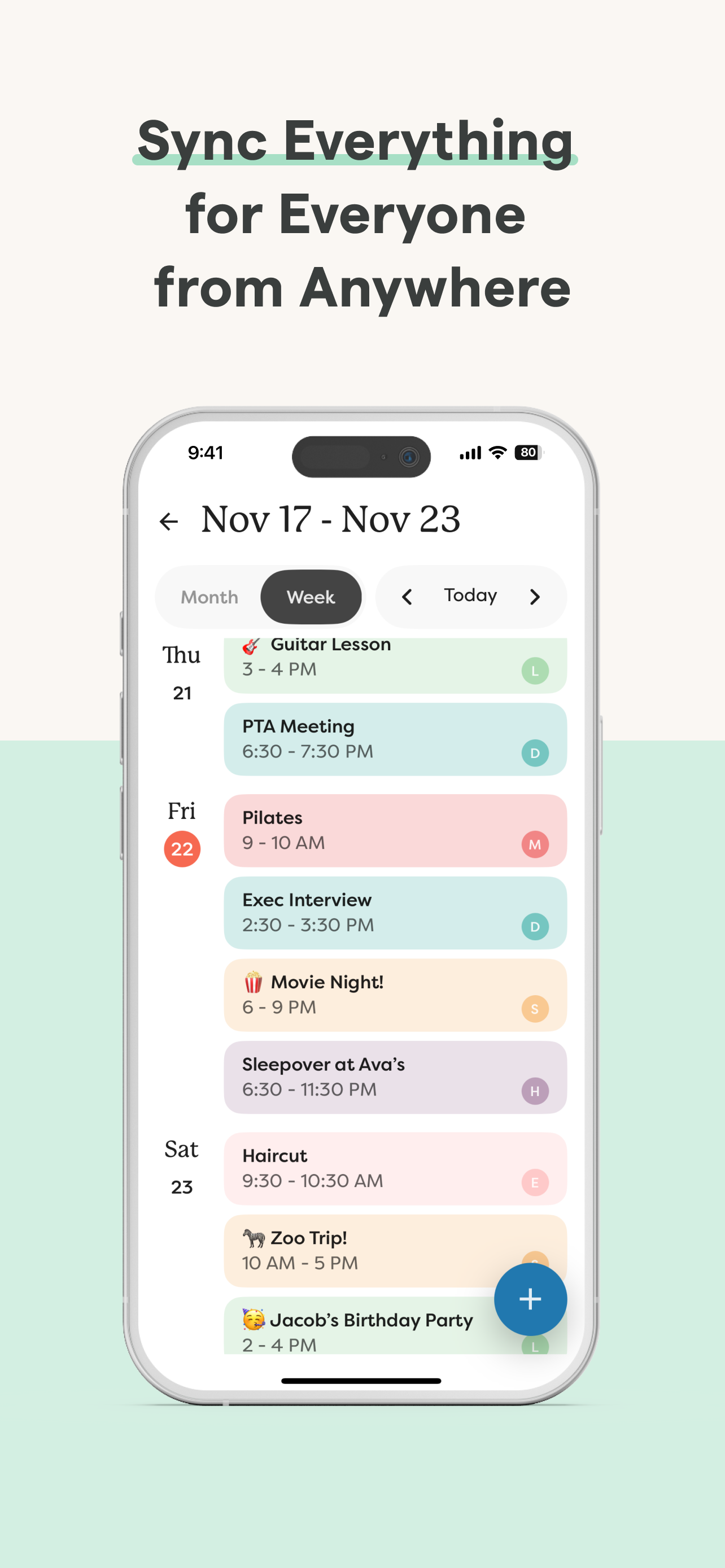
Skylight is the operating system for your family, bringing everyone’s calendars, lists, routines, and memories into one place. The Skylight App can be used to activate and manage your Skylight Calendar and Skylight Frame.
Skylight Calendar
- Sync unlimited calendars or create events directly
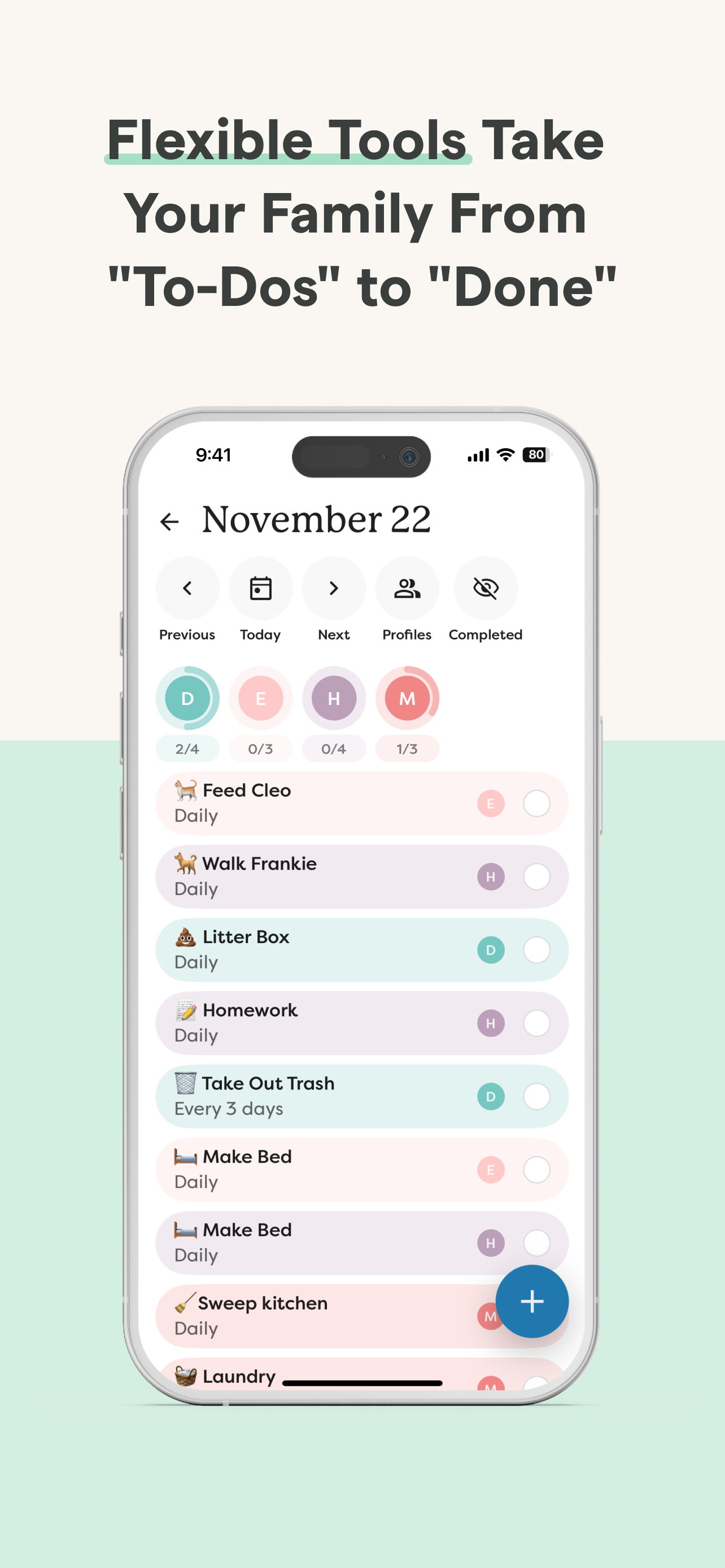
- Set recurring chores & routines to keep everyone aligned
- Share grocery and to-do lists, plus more!
- Earn stars and unlock Rewards for completed tasks [PLUS]
- Build your family recipe book & meal plans [PLUS]
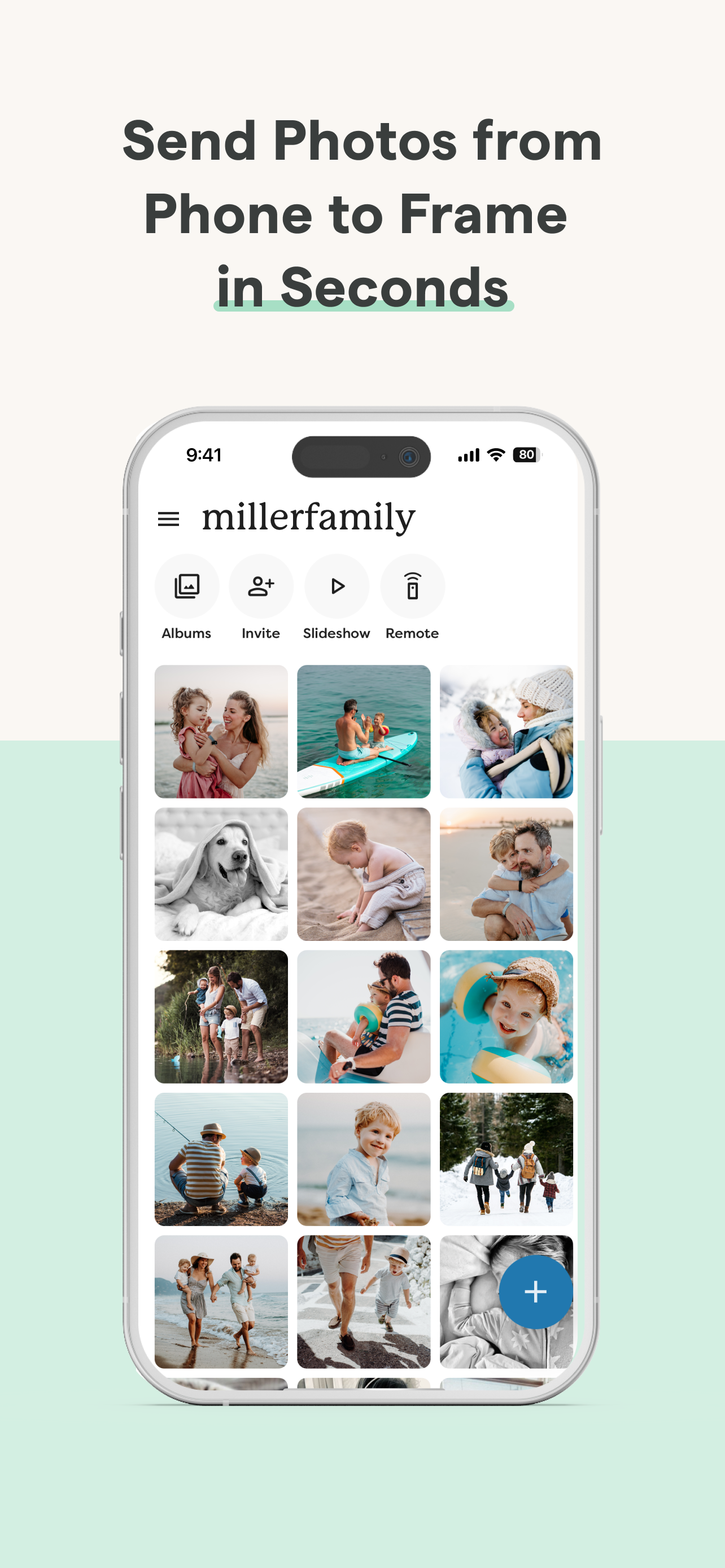
- Upload photos & videos to use as screensavers [PLUS]
- Auto-import events, PDFs, recipes & more [PLUS]
Skylight Frame
- Easy setup: Connect to WiFi and go
- Add photos anytime, anywhere via app or email
- Create unlimited albums with captions
- Upload videos and customize your display [PLUS]
You can find our Terms of Service here: https://myskylight.com/tos/
HideShow More...
In-Apps
Plus Monthly
$4.99
Skylight Plus Yearly
$39.99
Skylight Plus (Yearly)
$49.99
Skylight Digital Yearly
$39.99
Skylight Plus (Monthly)
$3.99
Skylight Digital Monthly
$4.99
Frame Plus Annual
$39.00
Frame Plus Monthly
$3.99
Calendar Plus Monthly
$7.99
Calendar Plus Annual
$79.00
Skylight Plus Monthly
$3.99
Screenshots
Skylight App FAQ
Is Skylight App free?
Yes, Skylight App is free to download, however it contains in-app purchases or subscription offerings.
Is Skylight App legit?
⚠️ The Skylight App app has poor ratings and negative feedback. Users seem unsatisfied with its performance or features.
Thanks for the vote
How much does Skylight App cost?
Skylight App has several in-app purchases/subscriptions, the average in-app price is $25.26.
My husband bought the Skylight Calendar for me as a Christmas gift. I was so happy to be able to easily import my Google calendar right into the skylight app. Unfortunately, it doesn’t transfer the color coordinated events in their colors, so you have to manually go in and change every single one, which took a large amount of time. There is no way to set tasks, reminders, or event alerts in the calendar which is pretty disappointing. I also wish you were able to just duplicate events that are repetitive but not in a set schedule so you can’t use the repeat option. The Skylight Calendar has the potential to be a great app but right now I’m pretty disappointed. It would be nice and time saving if the app opened right up to the calendar, but it doesn’t if you’re linked to other skylight accounts. Inside the calendar, I wish the default was the month view and that you could easily scroll between months instead of clicking the arrow. Feeling like we wasted so much money on this calendar as I prefer to stick with the Google Calendar app for its functionality.
East to use but…..
So I bought this online and it came in cracked soooo.. short story (I got it free but still disappointed lol
Best thing ever
Good, but my mom won’t add rewards. Still good
Bad app
The app keeps going out when I try to look at photos.
Slow to download.
Not satisfied at all with app!!
Grandma’s Frame
This app has been a struggle for me…. It crashes if I try to upload more than 10 photos at a time which I can add 300 to Aura without any problems. It also sends you to an ad for their plus subscription if you try to send a video to an account without plus but without knowing that, it just unselects all my photos/videos and have to start over. So frustrating.
The grandmas do love the frames though. I like that it plays the video sound and any length of video on plus of course, so on top of the initial purchase, you’re paying for a subscription.
Both this one and Aura have their pros and cons. I wish someone would get together and find the perfect balance.
Just so annoyed that it crashes when trying to upload.
I want to love it
I really want to love this app, but the chore functionality is so terrible that I can’t avoid hating it.
There’s no way to view a list of chores created, you have to scroll through each day individually to see what is scheduled. You can edit chores but you can’t reassign the entire series.
Without an overview of all chores and their schedules, it’s just terrible to try to plan and schedule additional things. The quality of life improvement of just adding a calendar for chores would be immense.
I love this app but
I love this app in Calendar. It makes everything so easy. There’s a few things preference wise that I would love to be different but one big thing that I think could help everyone is if the app would send you notifications on upcoming events that is the biggest complaint that I have is that I don’t get a notification when I have something coming up and all of my other calendars have always done that.
Great idea/easy and clean
Great item but the wifi keeps getting disconnected, the events I add it doesn't upload fast it takes about 5 days to go through. I have restarted the system more then once a day and still does not connect the house Wifi. ****2nd time review ; switch from 3 to 4 stars due to having quick response from the developers team and was able to get my item up to speed. I will give 4 stars just because there should more free stuff available for the price your paying for. Of course after you pay the membership you only get few stuff added, it does keep you organized and more clean space. The color coded is also good. I still have sometimes some problems with data not transferring from my phone to the frame. it just takes a little bit longer to get the data.
Settings issue
Works fairly well. But app did not save my Password in my iPhone when I installed the app, and there is no way to display it. The only option is to reset it completely. Boo!
As time goes on more and more ads
The frame and app are very user friendly and great for having many family members on the same account to add photos easily. The downside and reason for 2 stars is Skylight it trying to jump on the subscription business model and charge you a monthly fee to create albums and see videos all which are basic features that should not be charged a fee. As of a recent update they take up 25-35% of the screen with an ad requesting to join their Pro Plus subscription plan. You can’t “x” it out. They also now have random blurred photos aka ads throughout your album saying “plus” to make you join. In the matter of 6 months the ads and banners increase more and more for simple features and ruins the experience. I bought 6 frames for family but I’m done.
This page includes copyrighted content from third parties, shared solely for commentary and research in accordance with fair use under applicable copyright laws. All trademarks, including product, service, and company names or logos, remain the property of their respective owners. Their use here falls under nominative fair use as outlined by trademark laws and does not suggest any affiliation with or endorsement by the trademark holders.