



Sony | Imaging Edge Mobile

Published by: Sony

Description

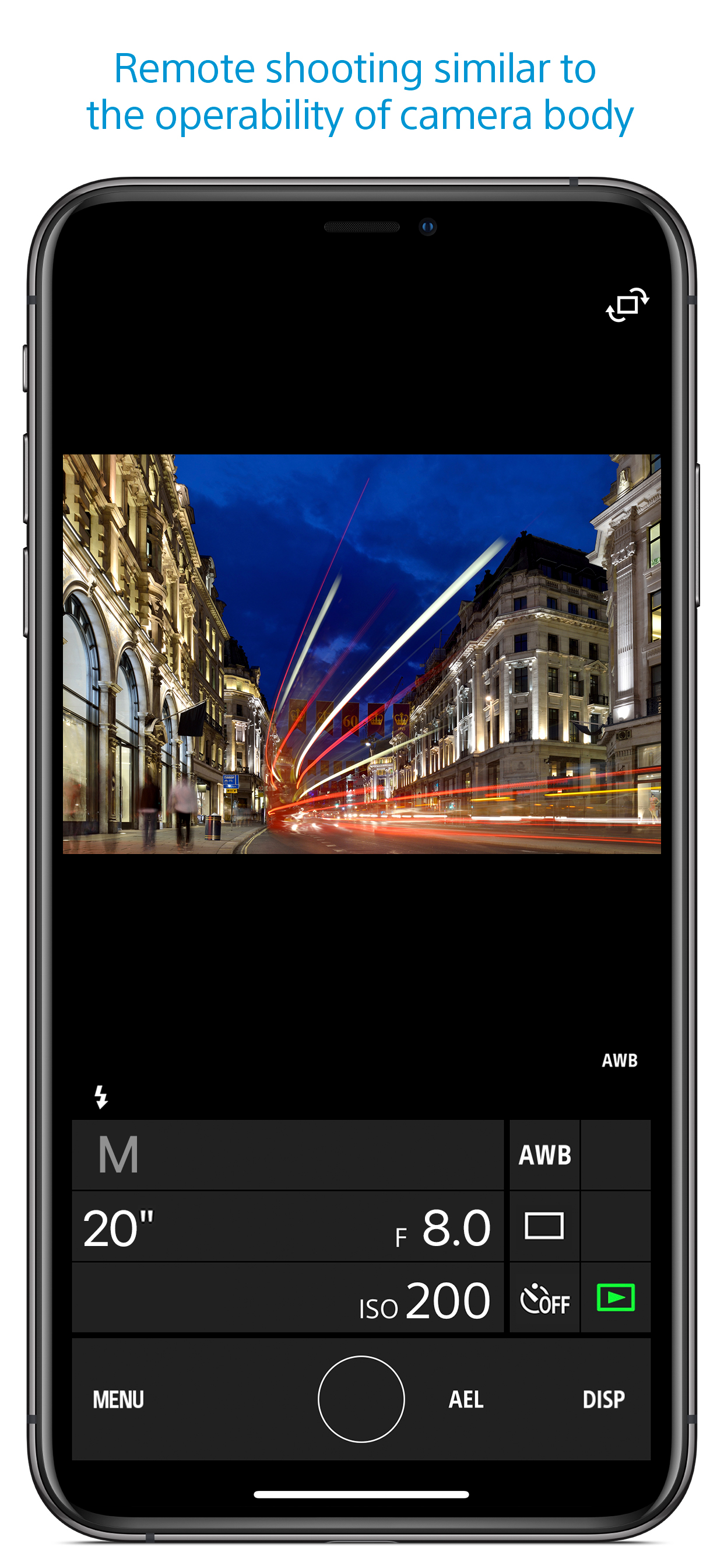
Imaging Edge Mobile allows images/videos to be transferred to a smartphone/tablet, enables remote shooting, and provides location information to images captured by a camera.
■ Transfer images from a camera to a smartphone
- You can transfer images/videos.
- The selection and transfer of images after shooting are no longer needed as the automatic background transfer function allows images to be transferred to a smartphone as they are captured. *1
- High bit rate video files including 4K can be transferred. *2
- You can view and transfer images in your camera from your smartphone even when the camera is turned off. *2
- After transferring, you can immediately share your high quality images on social networks or through email.
*1 See here for supported cameras. Files are imported in 2MP size when using this function.
https://www.sony.net/dics/iem12/
*2 See here for supported cameras. Availability of video transfer and playback varies depending on smartphone in use.
https://www.sony.net/dics/iem12/
■ Remote shooting of a camera using a smartphone
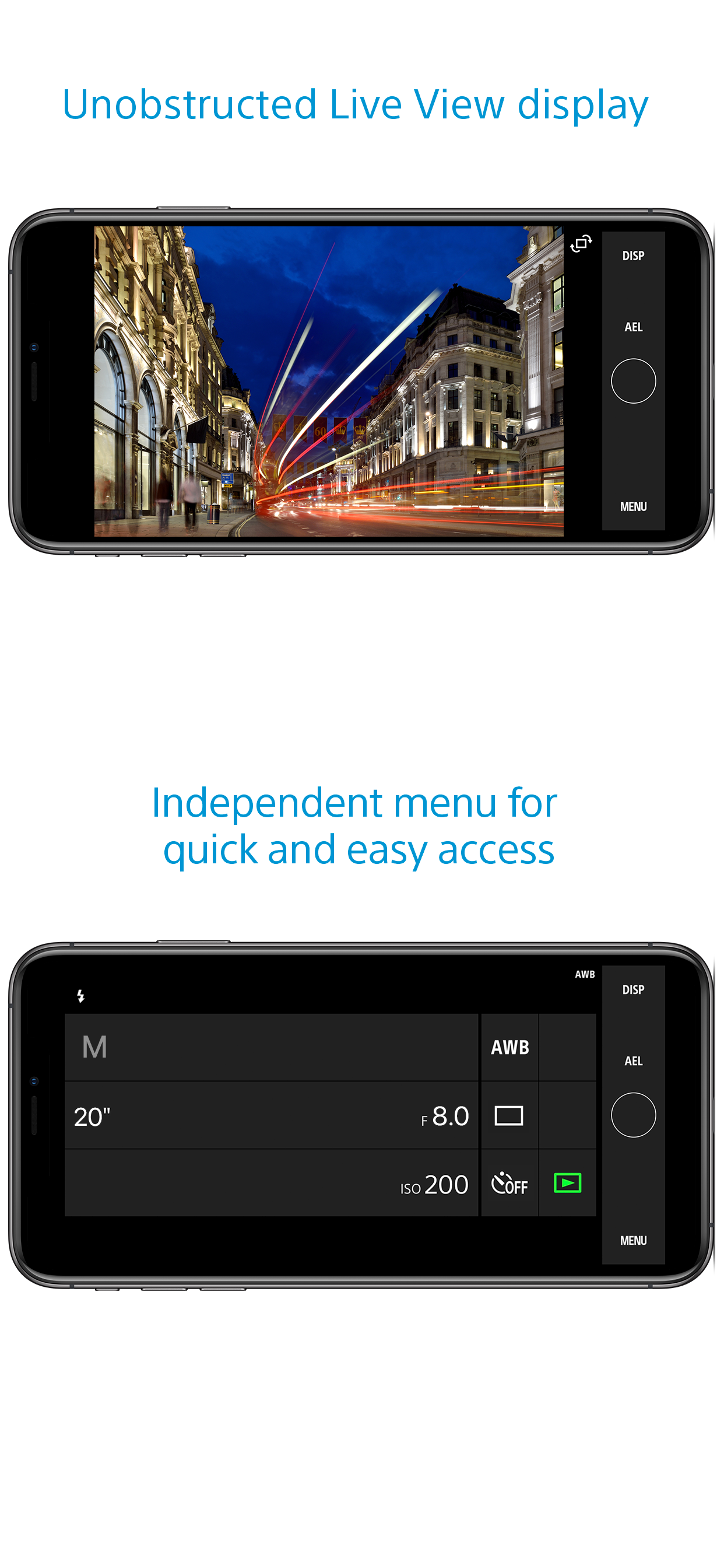
- You can capture photos/videos remotely while checking the live view of a camera on a smartphone. *3
This is convenient for capturing night views or water flowing scenes which need long-exposure, or macro shooting in which you need to avoid to directly touch the camera.
*3 Models that support PlayMemories Camera Apps can use this feature by installing "Smart Remote Control" (in-camera app) on your camera in advance.
http://www.sony.net/pmca/
■ Record location information
- With cameras that have a location information linkage function, the location information acquired by the smartphone can be added to the captured image in your camera.
For supported models and detailed operation methods, see the support page below.
https://www.sony.net/dics/iem12/
- Even with cameras that do not have a location information linkage function, it is possible to add location information acquired by your smartphone to the photos saved on your smartphone during remote shooting.
■Save and Apply Settings
- You can save up to 20 camera settings in Imaging Edge Mobile.
You can also apply a saved setting to a camera. *4
*4 See here for supported cameras. Save and Apply Settings are supported only for cameras with the same model name.
https://www.sony.net/dics/iem12/
■ Notes
- Supported operating systems: iOS17.7-18.6
- This app is not guaranteed to work with all smartphones/tablets.
- Features/Functions available for this app vary depending on the camera you are using.
- For supported models and information on features/functions, see the support page below.
https://sony.net/iem/
Hide Show More...

Screenshots

Sony FAQ

  • Is Sony free?

    Yes, Sony is completely free and it doesn't have any in-app purchases or subscriptions.

  • Is Sony legit?

    ⚠️ The Sony app has poor ratings and negative feedback. Users seem unsatisfied with its performance or features.

    Thanks for the vote

  • How much does Sony cost?

    Sony is free.

  • What is Sony revenue?

    To get estimated revenue of Sony app and other AppStore insights you can sign up to AppTail Mobile Analytics Platform.

User Rating

1.61 out of 5

144 ratings in Hungary

5 star
13
4 star
2
3 star
10
2 star
10
1 star
109
Ratings History

Sony Reviews

Am I allowed to use the camera I bought?

tonimpex on

Hungary

Guess what do I want? F.ing around with privacy terms when no internet is connected, or I want to start my camera, because I have to start recording immediately? I would ban all software which doesn’t work in ANY conditions. No legal condition should stop the owner to use all the functions what the customer paid for. Under no circumstances!


Shameful

frzsfhr on

Hungary

it worked well but its been a week it cannot connect to any phone and any camera. “send us the error report” but appears, its been a week but nothing has changed why they cannot make a normal app for a well known and trusted camera company????

Works well

Amacs89 on

Hungary

with rx10, 7m2, 7m3.

Junk

scottboy203 on

Hungary

Slow, easy features missing

Alapvetően jól működik

AndrewR7. on

Hungary

Az app jelenlegi állapotában teljesen alkalmas minden funkcióra. Néha kicsit döcögősen, de mindent meg lehet oldani benne.

Röviden, tömören.

Anyàdba Apple on

Hungary

Egy kínlódás az egész! (Frd ax43)

Completely garbage

anti202186 on

Hungary

Do not waste your time with this shieet.

Simply not reliable

hedeniel on

Hungary

Sometimes it connects, sometimes it doesn’t. Randomly disconnects.. Sony needs to wake up, this does not scale the level of their camera. Any other third party apps work better

Dear SONY it's a shame

_adam86_ on

Hungary

7r III does not work

When

Jiggyruntime on

Hungary

When is picture sending to smartphone function going to work properly?

Store Rankings

Ranking History
Category Rankings
Chart
Category
Rank
Top Free
66
Top Free
76
Top Free
82
Top Free
88
Top Free
91

Keywords

Sony Competitors

Sony Installs

Last 30 days

Sony Revenue

Last 30 days

Sony Revenue and Downloads

Gain valuable insights into Sony performance with our analytics.
Sign up now to access downloads, revenue, and more.

App Info

Category
Photo Video
Publisher
Sony
Languages
English, Dutch, French, German, Indonesian, Italian, Japanese, Korean, Norwegian Bokmål, Portuguese, Russian, Chinese, Spanish, Swedish, Thai, Turkish, Vietnamese
Recent release
7.8.2 (2 months ago )
Released on
Sep 18, 2012 (13 years ago )
Last Updated
6 hours ago
This page includes copyrighted content from third parties, shared solely for commentary and research in accordance with fair use under applicable copyright laws. All trademarks, including product, service, and company names or logos, remain the property of their respective owners. Their use here falls under nominative fair use as outlined by trademark laws and does not suggest any affiliation with or endorsement by the trademark holders.



