Sony | Imaging Edge Mobile

Published by: Sony

Description

Imaging Edge Mobile allows images/videos to be transferred to a smartphone/tablet, enables remote shooting, and provides location information to images captured by a camera.
■ Transfer images from a camera to a smartphone
- You can transfer images/videos.
- The selection and transfer of images after shooting are no longer needed as the automatic background transfer function allows images to be transferred to a smartphone as they are captured. *1
- High bit rate video files including 4K can be transferred. *2
- You can view and transfer images in your camera from your smartphone even when the camera is turned off. *2
- After transferring, you can immediately share your high quality images on social networks or through email.
*1 See here for supported cameras. Files are imported in 2MP size when using this function.
https://www.sony.net/dics/iem12/
*2 See here for supported cameras. Availability of video transfer and playback varies depending on smartphone in use.
https://www.sony.net/dics/iem12/
■ Remote shooting of a camera using a smartphone
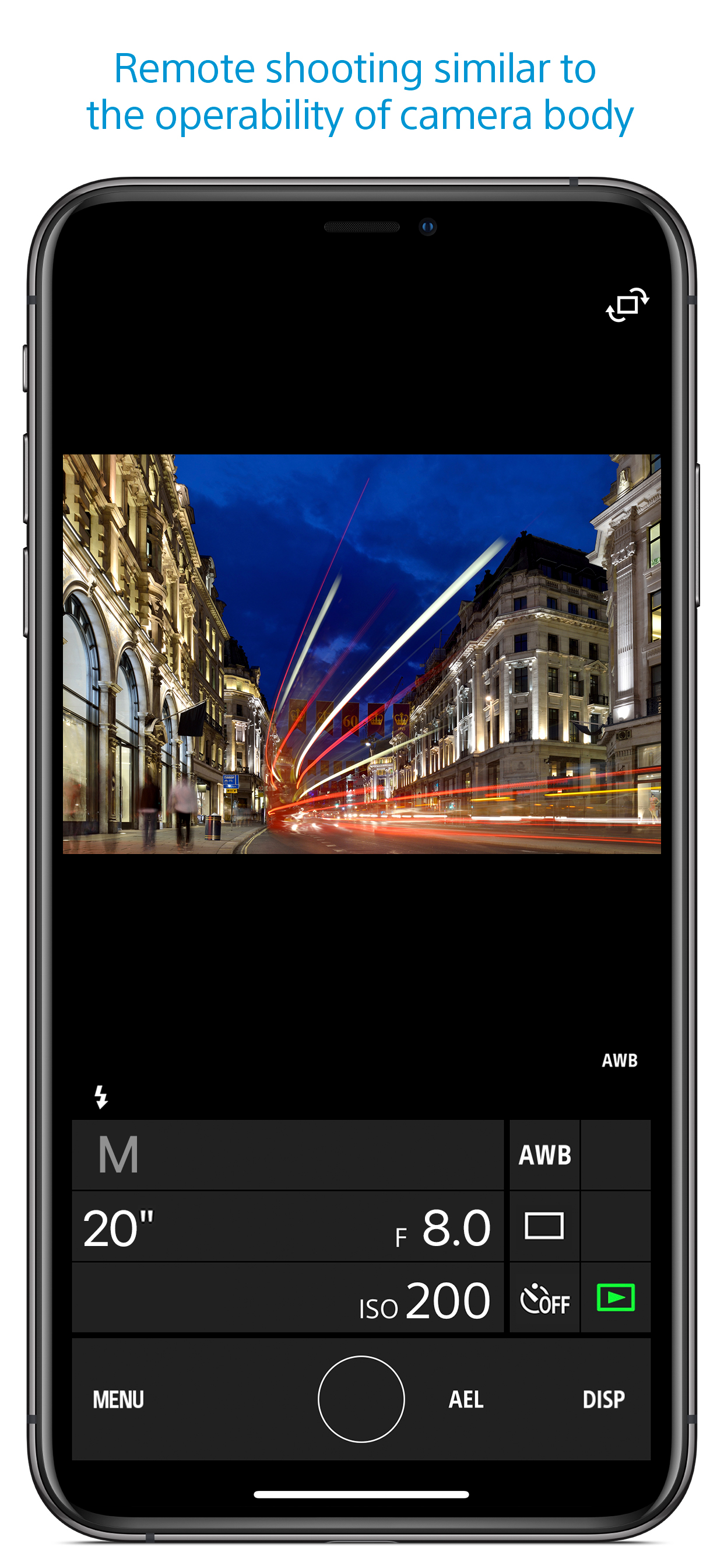
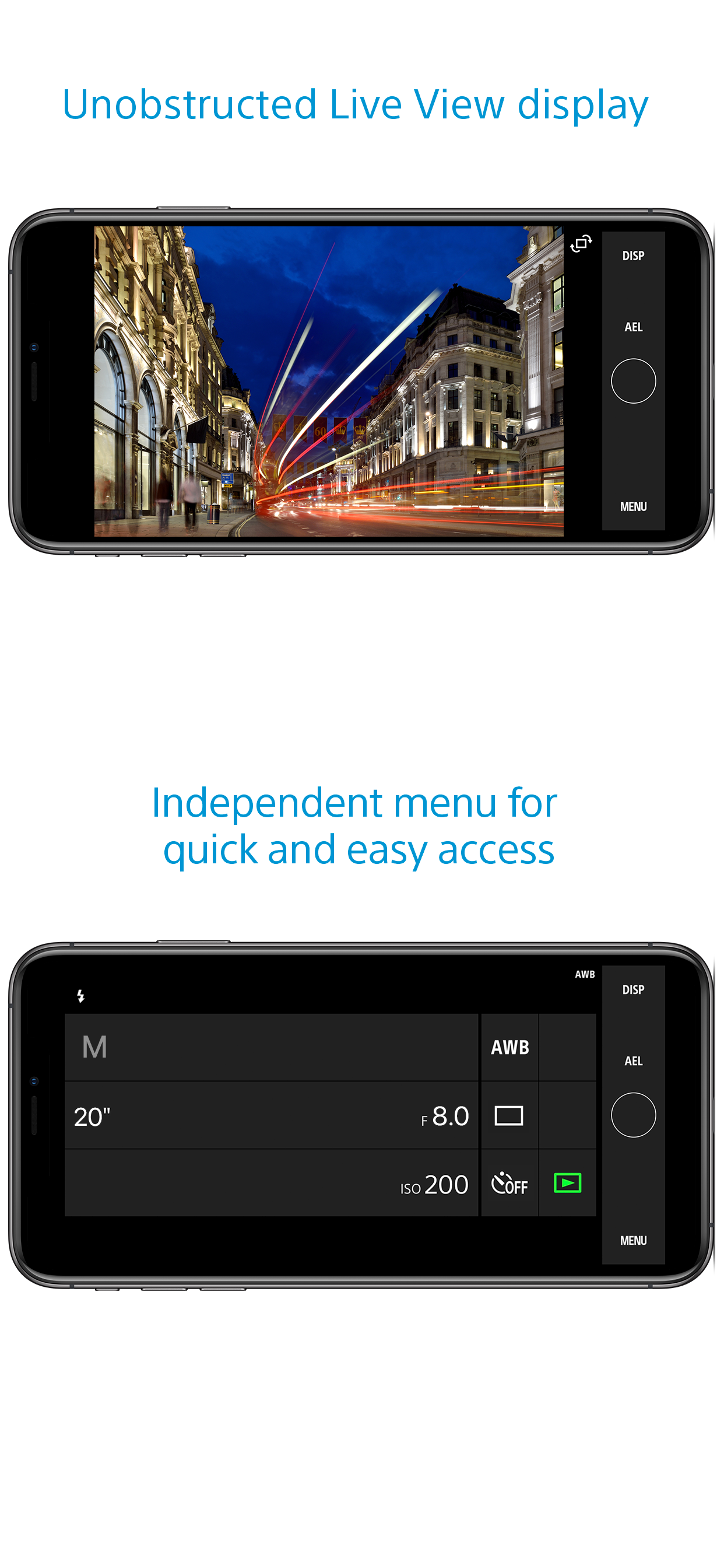
- You can capture photos/videos remotely while checking the live view of a camera on a smartphone. *3
This is convenient for capturing night views or water flowing scenes which need long-exposure, or macro shooting in which you need to avoid to directly touch the camera.
*3 Models that support PlayMemories Camera Apps can use this feature by installing "Smart Remote Control" (in-camera app) on your camera in advance.
http://www.sony.net/pmca/
■ Record location information
- With cameras that have a location information linkage function, the location information acquired by the smartphone can be added to the captured image in your camera.
For supported models and detailed operation methods, see the support page below.
https://www.sony.net/dics/iem12/
- Even with cameras that do not have a location information linkage function, it is possible to add location information acquired by your smartphone to the photos saved on your smartphone during remote shooting.
■Save and Apply Settings
- You can save up to 20 camera settings in Imaging Edge Mobile.
You can also apply a saved setting to a camera. *4
*4 See here for supported cameras. Save and Apply Settings are supported only for cameras with the same model name.
https://www.sony.net/dics/iem12/
■ Notes
- Supported operating systems: iOS17.7-18.6
- This app is not guaranteed to work with all smartphones/tablets.
- Features/Functions available for this app vary depending on the camera you are using.
- For supported models and information on features/functions, see the support page below.
https://sony.net/iem/
Hide Show More...

Screenshots

Sony FAQ

  • Is Sony free?

    Yes, Sony is completely free and it doesn't have any in-app purchases or subscriptions.

  • Is Sony legit?

    ⚠️ The Sony app has poor ratings and negative feedback. Users seem unsatisfied with its performance or features.

    Thanks for the vote

  • How much does Sony cost?

    Sony is free.

  • What is Sony revenue?

    To get estimated revenue of Sony app and other AppStore insights you can sign up to AppTail Mobile Analytics Platform.

User Rating

1.66 out of 5

102 ratings in New Zealand

5 star
8
4 star
4
3 star
7
2 star
9
1 star
74
Ratings History

Sony Reviews

review

gjchbhb on

New Zealand

as an app it needs a lot if imporvement seriously you can not delete photos the photos dont end up in your gallery dont know what it is used for

Duplicates every photo

Bah99999 on

New Zealand

It duplicates every photo when importing, so if I take 300 at an event, I have 600 to sort through.

Doesn’t work

J R Shanks on

New Zealand

It simply doesn’t work I cannot connect to my camera and download the photos to my iPhone

Trash

少刘鸭 on

New Zealand

Cannot even connect to A6300, none of the options work.

super slow

BruceiNZ on

New Zealand

Compared andriod, iOS so slow to import your photos from camera to phone

Remote control function, extremely slow

Tigger Rox on

New Zealand

I was using the Remote Control Function. It couldn’t live view properly, time delay around 5 sec, couldn’t focus. Resolution very low (looks like 50KB) I am really surprised how worse of the app , and think about how much does Sony A7 iv cost?! Really? such a good camera but worst app. PS: I am using iPhone 14, all the other app run nicely but this. Canon mobile control app is way better!

Camera to App poor connection

grace.987 on

New Zealand

Sony never got it right. Frustrating enough for me not to buy my next Sony Camera upgrade. Always struggle to upload camera photos to Apple iPhone via wifi.

Setting is all over the place once you connect

mktkk on

New Zealand

This remote app is the worst!! First, its laggy. Second, once you’ve connected, the setting is different from what you had on your camera. It’s going to be random and over exposed. Third, it doesn’t save RAW. JPEG only. Enough reasons to not to use it.

Unreliable

Rendezvousnz on

New Zealand

Useful for getting GPS location to camera. Wi-Fi transfer of images usually fails first attempt. Connection process complex and buggy. Poor effort from a known brand!

The worst

BB@01 on

New Zealand

This app is such let down, frustrating and buggy.

Store Rankings

Ranking History
Category Rankings
Chart
Category
Rank
Top Free
68
Top Free
71
Top Free
72
Top Free
82
Top Free
85

Keywords

Sony Competitors

Sony Installs

Last 30 days

Sony Revenue

Last 30 days

Sony Revenue and Downloads

Gain valuable insights into Sony performance with our analytics.
Sign up now to access downloads, revenue, and more.

App Info

Category
Photo Video
Publisher
Sony
Languages
English, Dutch, French, German, Indonesian, Italian, Japanese, Korean, Norwegian Bokmål, Portuguese, Russian, Chinese, Spanish, Swedish, Thai, Turkish, Vietnamese
Recent release
7.8.2 (2 months ago )
Released on
Sep 18, 2012 (13 years ago )
Last Updated
1 day ago
This page includes copyrighted content from third parties, shared solely for commentary and research in accordance with fair use under applicable copyright laws. All trademarks, including product, service, and company names or logos, remain the property of their respective owners. Their use here falls under nominative fair use as outlined by trademark laws and does not suggest any affiliation with or endorsement by the trademark holders.