Know your glucose number and where it’s heading with the Dexcom G7 Continuous Glucose Monitoring (CGM) System.
Only use this app if you have the Dexcom G7 CGM System.* Before you start making treatment decisions with Dexcom G7, work with your healthcare professional to learn how.
The Dexcom G7 Continuous Glucose Monitoring (CGM) System supports more empowered and integrated diabetes management. Its low-profile, wearable sensor provides real-time glucose data to a user’s compatible display device, no fingersticks required.†
Dexcom G7 also offers customizable alerts that can help warn of high or low glucose levels, as well as remote monitoring and reporting options that help keep users connected to their loved ones and care teams anytime, anywhere.
*To view a list of compatible devices, visit dexcom.com/compatibility.
†If your glucose alerts and readings from Dexcom G7 do not match symptoms or expectations, use a blood glucose meter to make diabetes treatment decisions.
In addition to the accurate performance provided by the Dexcom Sensor, you’ll receive other valuable features:
• Share your glucose data with up to 10 followers who can monitor your glucose data and trends on their compatible smart device with the Dexcom Follow app. Share and Follow functions require an internet connection
• Clarity Clinic is now integrated into the G7 connections tab, making it easy to share data with your Clarity healthcare team
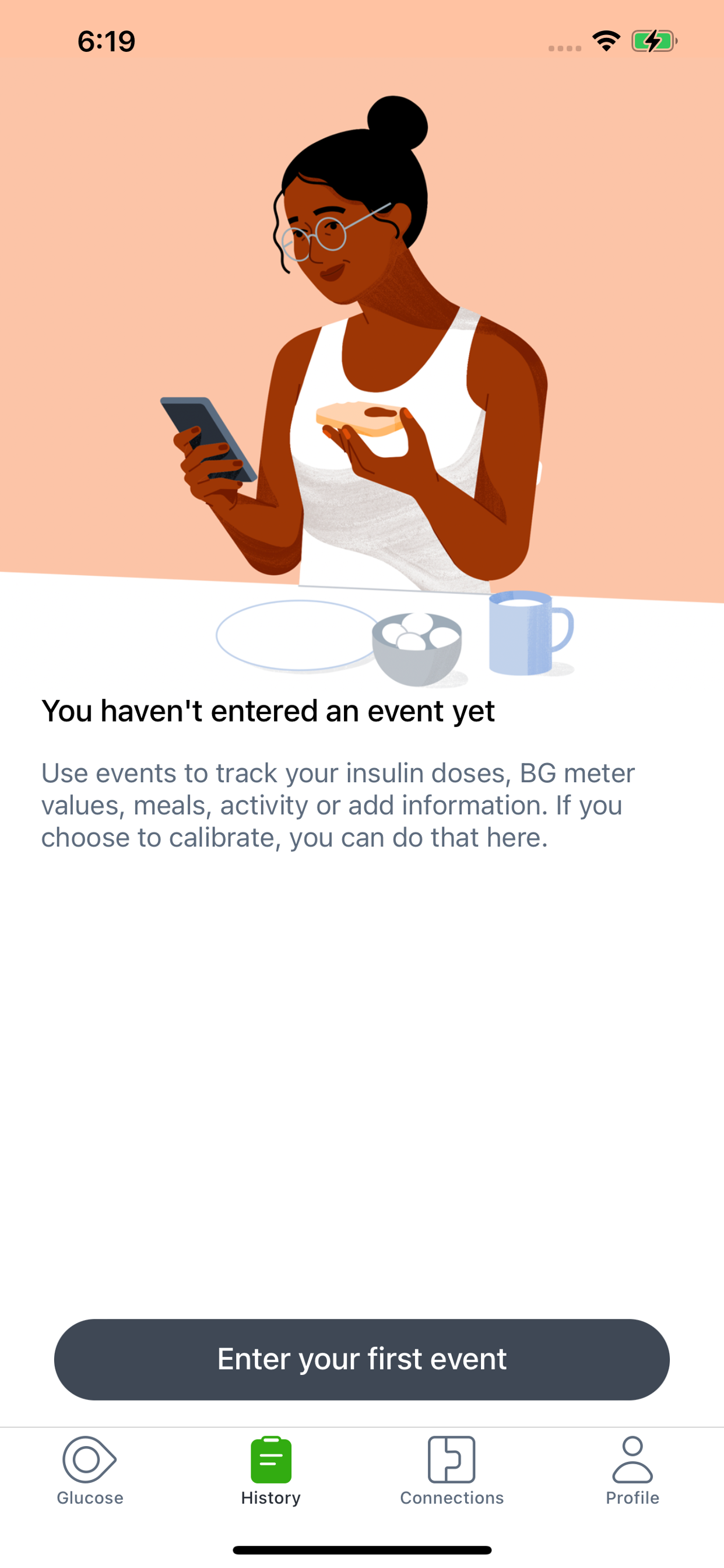
• Now you can log your estimated fasting glucose in the Dexcom G7 app. Regularly tracking your fasting glucose allows you and your healthcare team to identify trends in your glucose levels
• Connect G7 Sensor directly to your Apple Watch, giving you the freedom and convenience of real-time glucose readings on your wrist even when you’re not near your phone**
• Digital Health app integrations allow you to share your glucose data with third-party health apps and lifestyle devices
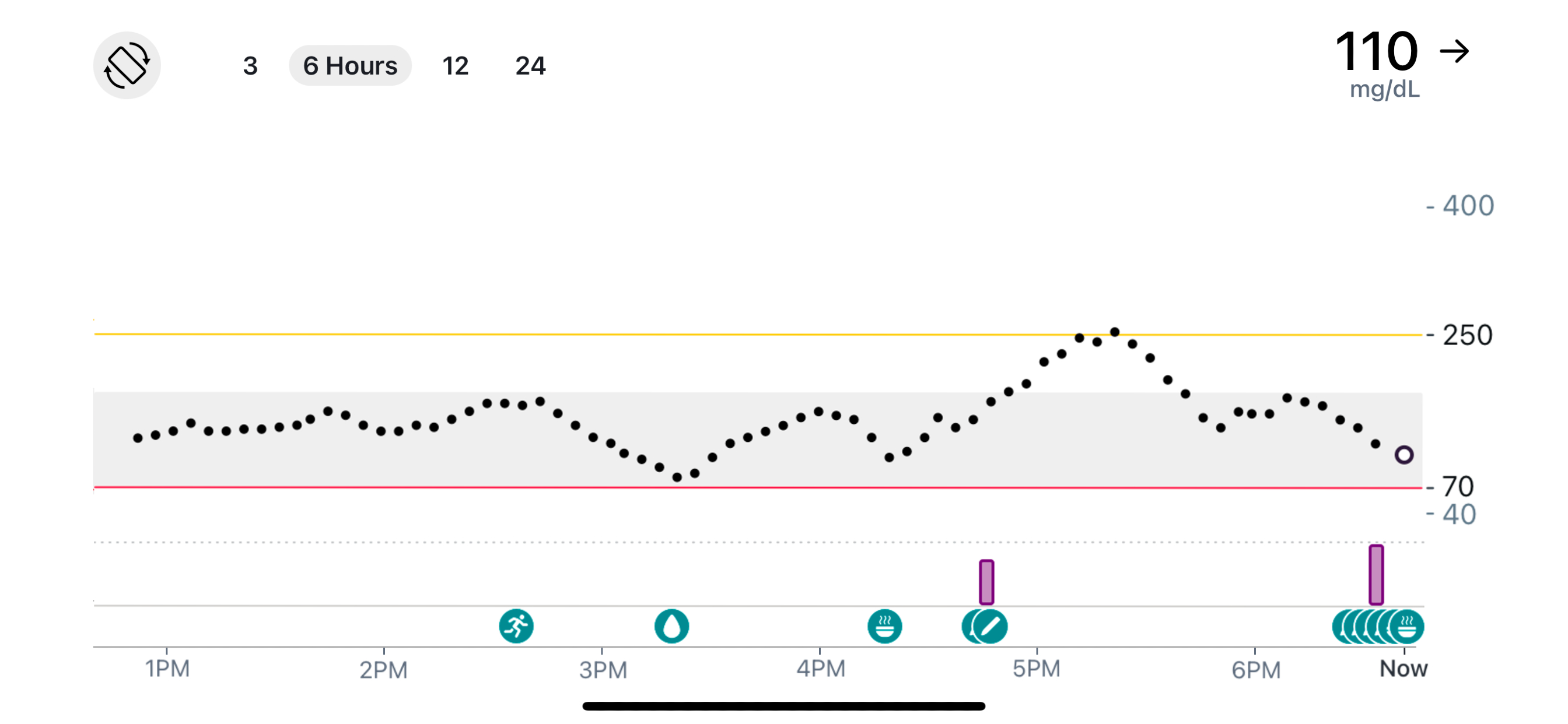
• Now you can see your health and activity data from connected apps and devices on your G7 trend graph
• Add a shortcut so you can ask Siri to read your current glucose value, using a custom phrase
• Dexcom Clarity summary insights are integrated into the G7 app, so that you can see both real-time and retrospective glucose insights from the same app
Apple Watch:
• View your glucose information, trend graph, and alerts right from your wrist with the Dexcom G7 Apple Watch app. Watches require compatible smart device to use app.
G7 app features and partner integrations may differ by region. Refer to your user guide for more information.
**Compatible smartphone is required to pair a new Dexcom G7 sensor with a compatible Apple Watch. Dexcom G7 users must continuously have their smartphone within 20 feet / 6 meters to utilize the Share/Follow features. Apple Watch is not capable of Share/Follow.
AusblendenMehr anzeigen...
Screenshots
Dexcom G7 Häufige Fragen
Ist Dexcom G7 kostenlos?
Ja, Dexcom G7 ist komplett kostenlos und enthält keine In-App-Käufe oder Abonnements.
Ist Dexcom G7 seriös?
⚠️ Die Dexcom G7-App hat schlechte Bewertungen und negatives Feedback. Die Nutzer scheinen mit der Leistung oder den Funktionen unzufrieden zu sein.
Danke für die Stimme
Wie viel kostet Dexcom G7?
Dexcom G7 ist kostenlos.
Wie hoch ist der Umsatz von Dexcom G7?
Um geschätzte Einnahmen der Dexcom G7-App und weitere AppStore-Einblicke zu erhalten, können Sie sich bei der AppTail Mobile Analytics Platform anmelden.
Benutzerbewertung
1.7 von 5
10 Bewertungen in Sonderverwaltungsregion Hongkong
5 star
0
4 star
2
3 star
0
2 star
1
1 star
7
Bewertungsverlauf
Dexcom G7 Bewertungen
Update issue
As a long time user, I have noticed after the recent update, I can no longer type Chinese in the note and it’s frustrating. I used to log every meal in the note but now I can only type English which is very inconvenient. Please fix this issue asap. I have contacted the local supplier and in Aug they said you are fixing this but nothing has changed ever since. I hope this can be fixed asap.
Some steps in this app need user to view video, but the video load up very very very slow, no matter the network condition is good, please improve!
期待支持中文
啥時候出中文版?
Unable to use the system
I purchase my new set of sensor in Hong Kong but I live in China. When I arrive back home I tried to setup my account and use my first sensor but now I am having the problem of the screen with the message of my phone is in a different location as my residence.
Didn’t work overseas
I bought it in Hong Kong and activate when I am back in Taiwan at home and is block…..Really OMG….how can this happen when they try to help diabetes people to monitor their health ?!
Signal Loss
You are going to pay a lot of money just to see loss of signal message, even with the phone next to u. Good Luck!
Legacy OS compatibility
Interestingly this app (which is for a new product) only works with very legacy iOS versions, while the app for their previous products already support the latest iOS.
Stay away!
The app always has “server outage” and hardy works. Can’t share when it’s never working. What’s the point? Wish I could go back and no have had to upgrade.
Signal Loss + Huge Needles
Unreliable - keeps dropping even when next to sensor; instead of filament needle, sensors have huge needles that leave big scars. Horrible user experience.
Gewinnen Sie wertvolle Einblicke in die Leistung von Dexcom G7 mit unserer Analytik. Melden Sie sich jetzt an, um Zugriff auf Downloads, Einnahmen und mehr zu erhalten.
This page includes copyrighted content from third parties, shared solely for commentary and research in accordance with fair use under applicable copyright laws. All trademarks, including product, service, and company names or logos, remain the property of their respective owners. Their use here falls under nominative fair use as outlined by trademark laws and does not suggest any affiliation with or endorsement by the trademark holders.