
Great tool for beginners
I’ve really appreciated having a fun and easy app to play with as I learn video editing. Thanks!



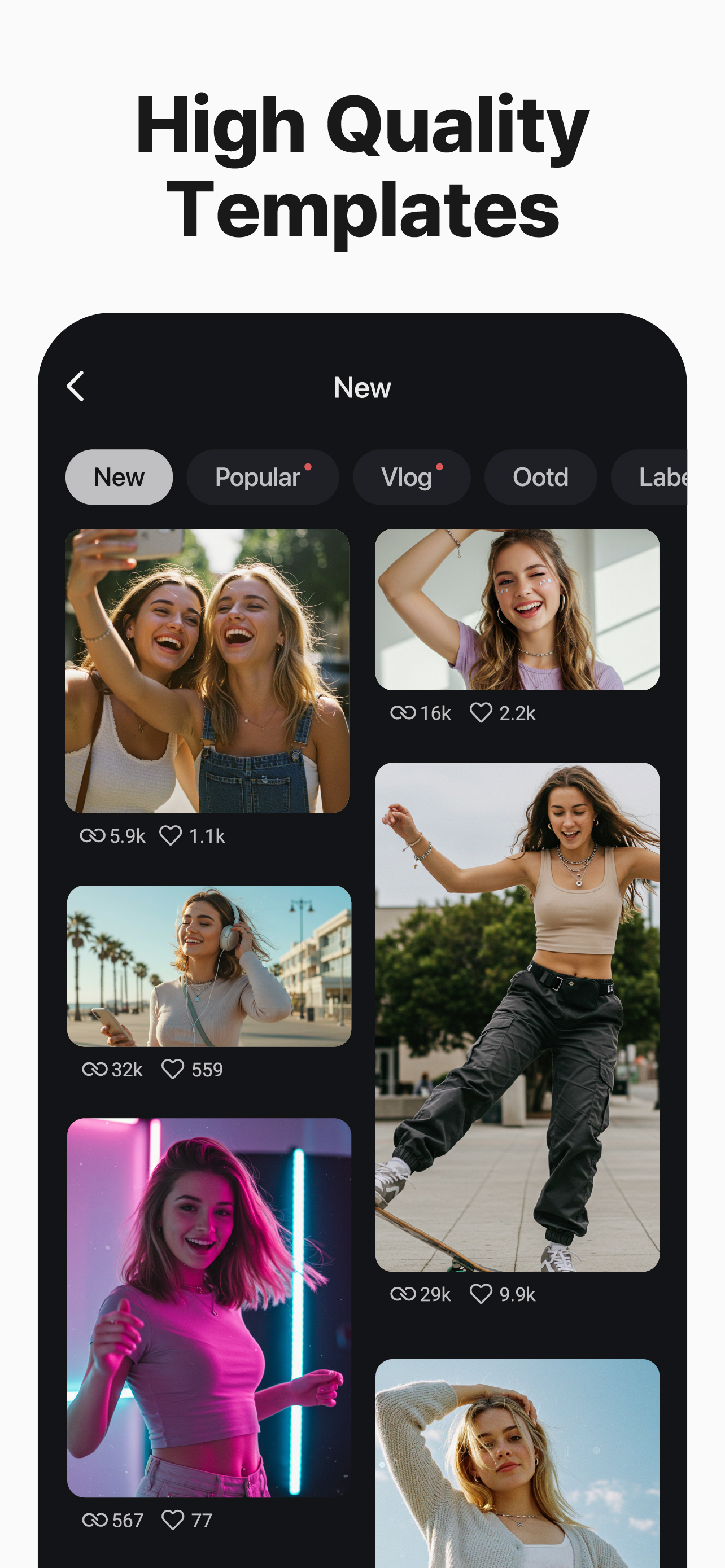
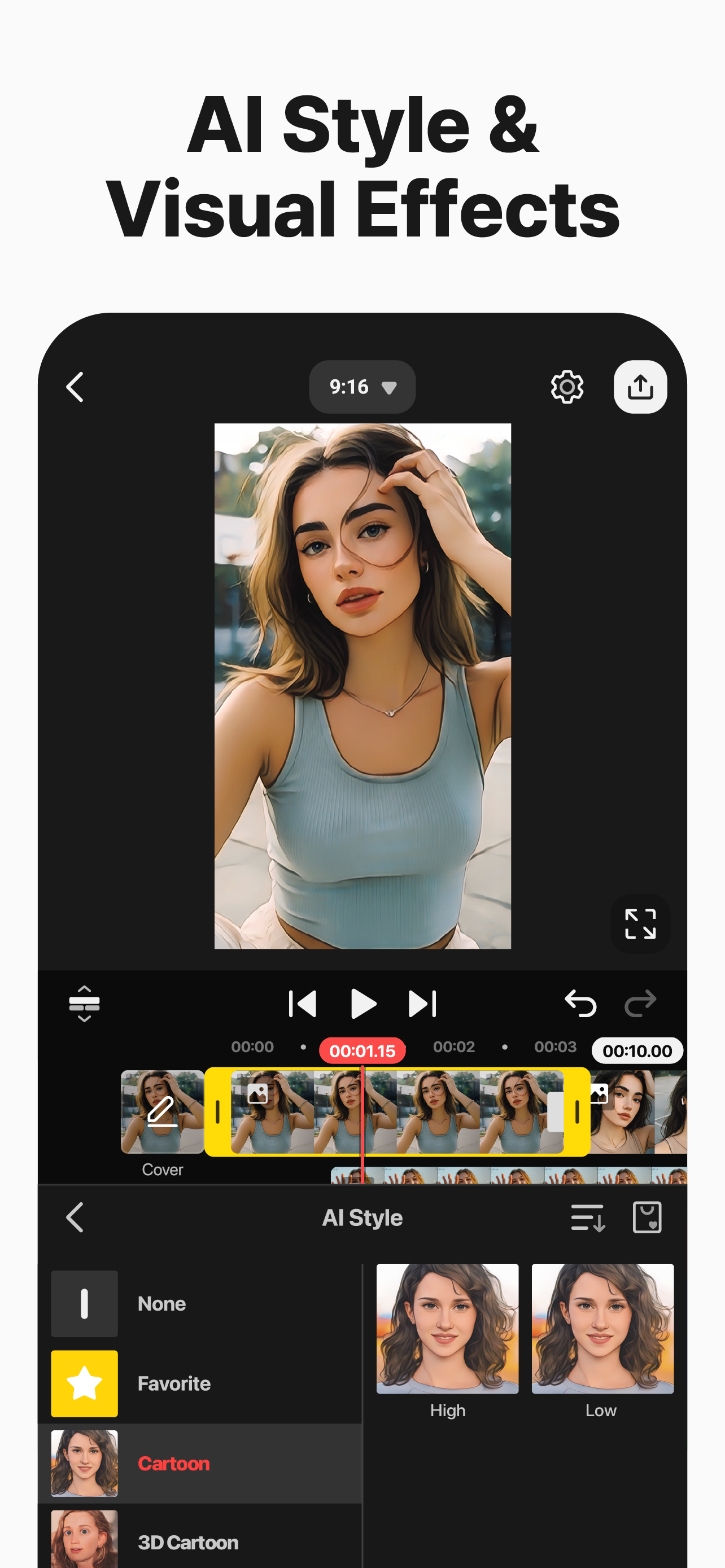

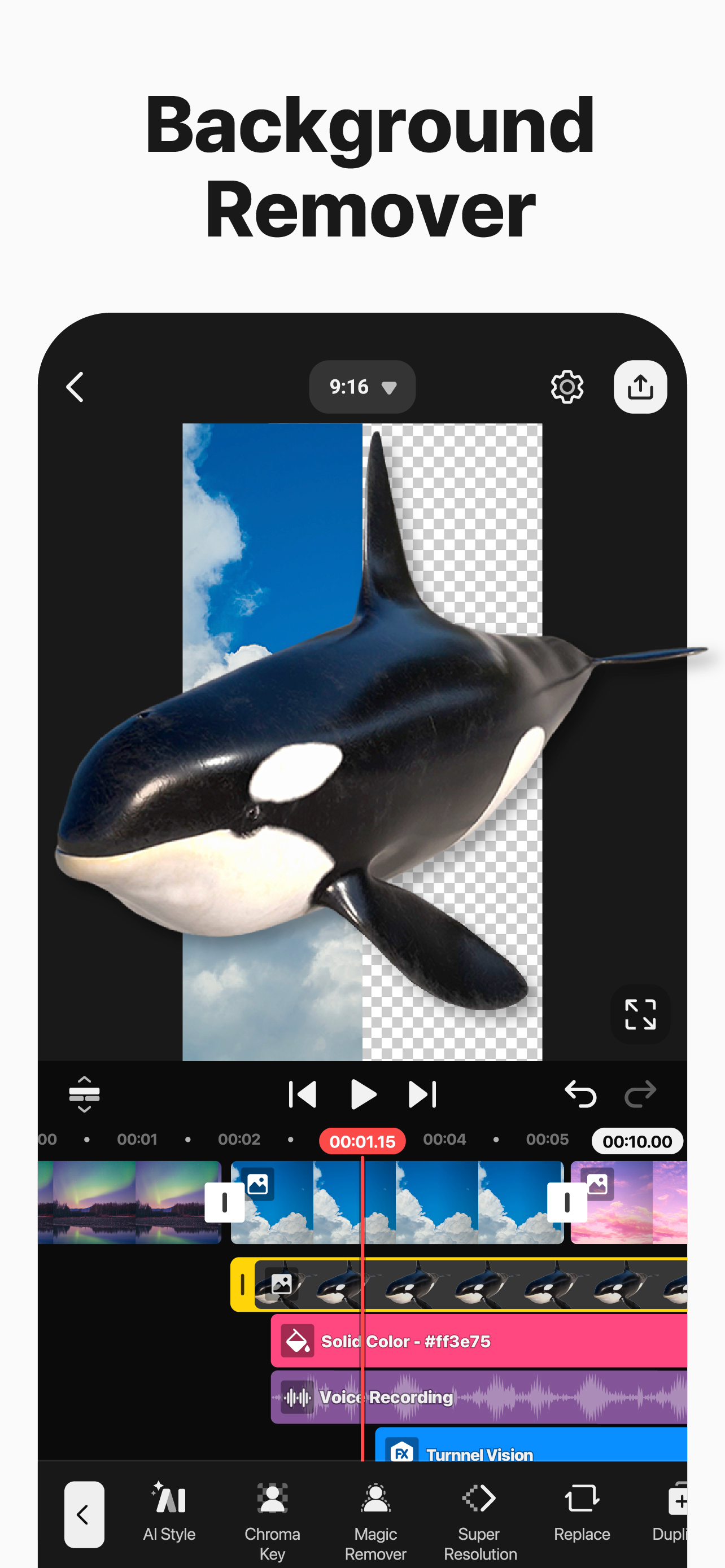


Ja, KineMaster ist kostenlos herunterzuladen, enthält jedoch In-App-Käufe oder Abonnements.
🤔 Die Qualität der KineMaster-App ist gemischt. Einige Nutzer sind zufrieden, während andere Probleme melden. Ziehen Sie in Betracht, einzelne Bewertungen für mehr Kontext zu lesen.
KineMaster bietet mehrere In-App-Käufe/Abonnements, der durchschnittliche In-App-Preis beträgt $79.87.
Um geschätzte Einnahmen der KineMaster-App und weitere AppStore-Einblicke zu erhalten, können Sie sich bei der AppTail Mobile Analytics Platform anmelden.

4.76 von 5
296 Bewertungen in Neuseeland
I’ve really appreciated having a fun and easy app to play with as I learn video editing. Thanks!
Kinemaster is my favorite video editing app, but whenever I want to create a new video, it would keep on kicking me out. My storage is perfectly fine and I have the newest version. Each time I need to restart my phone a few times until I can get it to work— I didn’t have this issue before last month.
Every time I try to save it said there was an error. I’ve tried everything please fix this. The app itself is great but what’s the point if I cant export it? Please fix this
I’ve been using kinemaster for about 2 years now, when I upgraded to the 6th version I was wondering what it would be. Most of everything was ok but one problem was that it was lagging I put in my floating photo and I tell it to disappear but it stays still for a while, can you please look into this and fix it. Sincerely -Felix
It’s good app and i use it. It’s easy to use and fun. But sometimes, when i look on TikTok I get jealous of CapCut users because they get more good stuff like it’s hard for me to do a edit of an anime character but for them they just need to use a feature and a few photos. So it’s very good but maybe get CapCut instead.
The app itself is extremely powerful and is overall a good video editor. However, there’s just ONE problem in the “Handwriting” tool in the Layers menu. In older, 2020 versions, if you were to draw a circle or a square or a line (etc.), applying the “Draw By Stroke” or “Draw By Order” in/out animation would make the shape actually have the drawing animation. But today, in 2025, doing that same thing I listed would just appear. No fade in, no drawing stroke effect, no NOTHING. If you can, please take the time to respond to this. It would make my life SO much easier. If you fix the bug, I will give you a 5 star rating. 01/01/2025
This is more simple than CapCut and it when you import some images. KineMaster is my favorite app now, it has so much transitions that look cool and it makes me want to use it more often. My toes are hot happy new years😍😍😍😍🥰🥰🥰🥰
I love Kinemaster!!! I used to do capcut (and still does, I just don't use it as much) but know that I make Gacha reaction videos l, it became so much easier!!!!!!!
hey- i accidentally did the free trial, will it automatically renew and make me pay after three days?
Best editing app ever
|
Diagramm
|
Kategorie
|
Rang
|
|---|---|---|
|
Top Umsatz
|

|
26
|
|
Top Umsatz
|

|
36
|
|
Top Kostenlos
|
|
40
|
|
Top Umsatz
|

|
51
|
|
Top Umsatz
|

|
52
|
