
R they did bus
You need to add a recorder



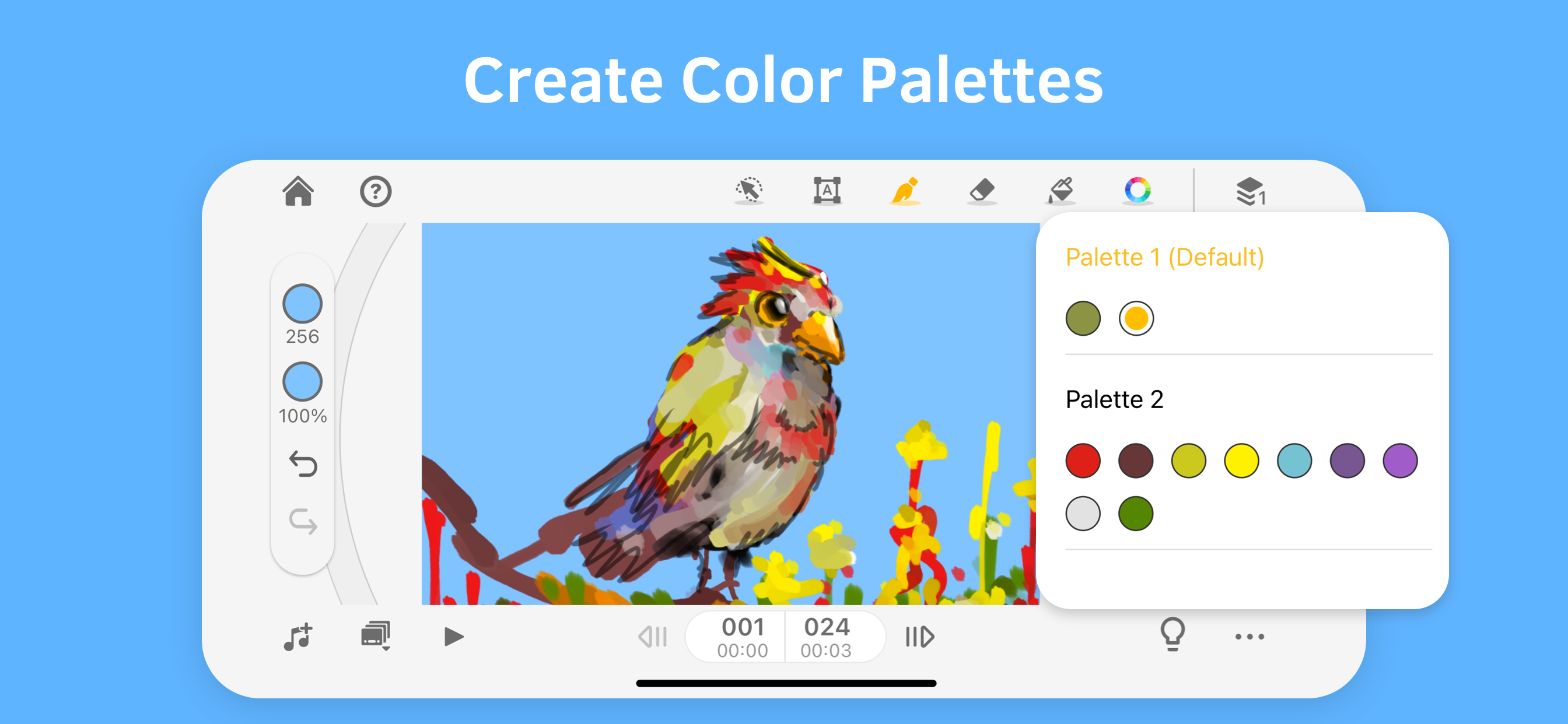
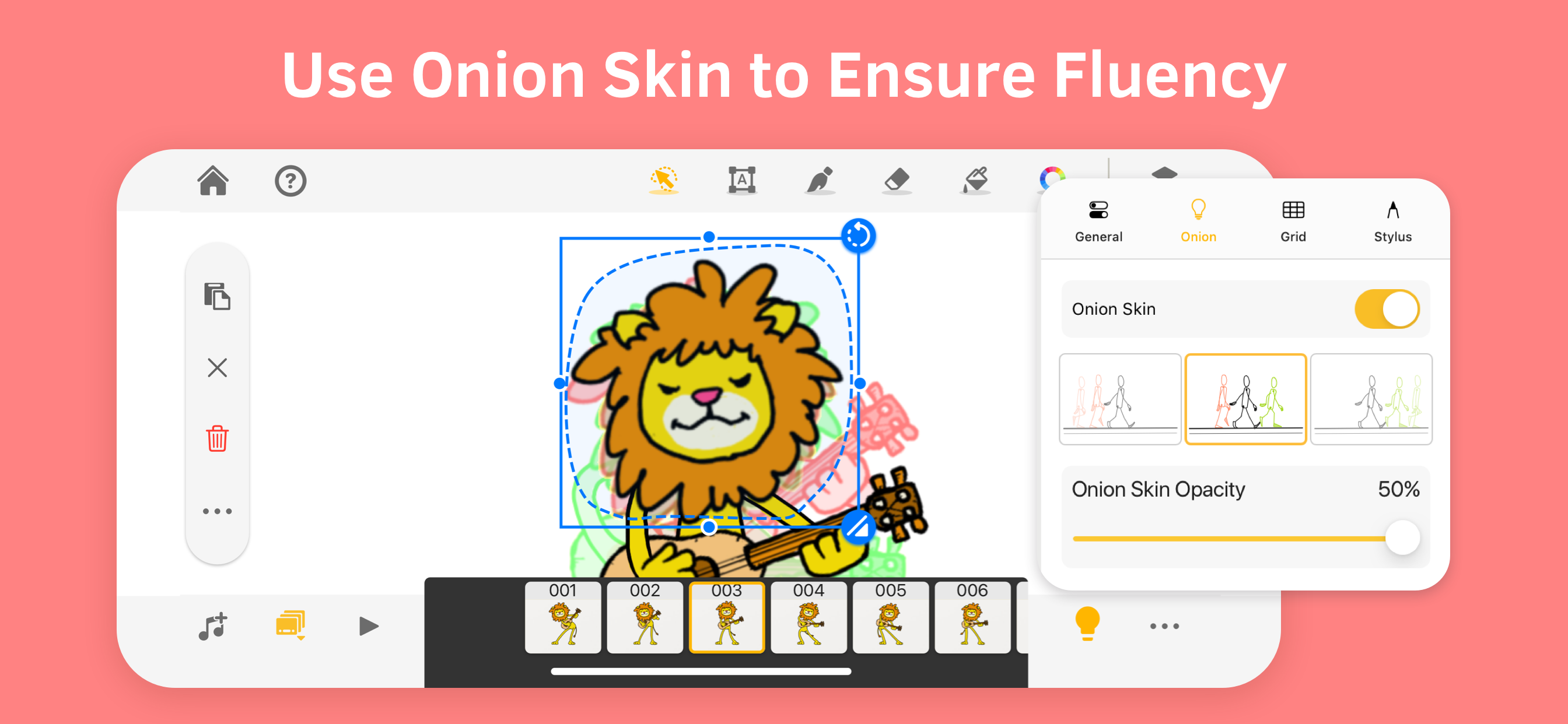


Yes, Animation Desk® Draw & Animate is free to download, however it contains in-app purchases or subscription offerings.
🤔 The Animation Desk® Draw & Animate app's quality is mixed. Some users are satisfied, while others report issues. Consider reading individual reviews for more context.
Animation Desk® Draw & Animate has several in-app purchases/subscriptions, the average in-app price is $33.32.
To get estimated revenue of Animation Desk® Draw & Animate app and other AppStore insights you can sign up to AppTail Mobile Analytics Platform.

4.21 out of 5
1,742 ratings in Australia
You need to add a recorder
Every thing you have to pay for (that looks good.)
It didn’t work out at all I tried to rotate the screen and it drew all over my background. Same thing happened when I zoomed out. One star do not download the app.
So you see I got this app like 2 years ago and I liked it but now I don't get how I liked it. I just re-download the app because I was bored and a drawing app I had was just begging for money. So I re-download it and it's okay it's just hard to use. I hate apps that require you to pay for stuff it should come with and I thought there was a tool that you can select something and move it. Also I can't move the circle ruler. I was really hoping to have fun with the app and make me not worry a lot about a storm coming where I live but it didn't help. I hope you guys read this and help me. To the owners of this app. From AXEL4PENGUIN. P.S. the only reason a rated it 3 stars and not one is because it did entertain me 2 years ago.
Awsome
it says 2022 even tho it’s 2024
iloveit ihopethedevelopersseethis iloveit
I love this app
Scrumptious
I think this app is really good so far and I just got it yesterday but when I try to click on the guides and things to help me be able to understand what all the buttons are for it doesn’t work? I don’t know if it’s just my device that’s doing this but I’m also trying to figure out how to select my image or drawing and minimise or move it around and it does have a select button for that I think but it just doesn’t work. I think i need some more guidance to learn how to use these buttons…….

