Animation Desk® Draw & Animate

Published by: Kdan Mobile Software

Description

Have fun exploring the world of animation. Learn how to make cartoons and animations, and share your videos on YouTube, TikTok, or Instagram.
Check out the video tutorials in the app, or get animation tips on our website.
AWARDS
- Recommended by EdTech Impact, Edshelf, EducationalAppStore.com, All about apps in YOUR classroom, iPad Educators
- Featured by Apple on iTunes Home Page
- Featured by TechCrunch
- Featured by Yahoo Tech
HOW TO CREATE FRAME-BY-FRAME ANIMATION
Animation Desk works like a digital flipbook. You can start from the first frame or a keyframe. Use the brushes or selection tool to complete their work.
CREATE ANIMATION WITH VIDEOS & PHOTOS
Import video and photo, and add fantastic animation effects.
MANY EDITING TOOLS
• Draw with different brushes or customize your own
• Add captions or subtitles for your animation
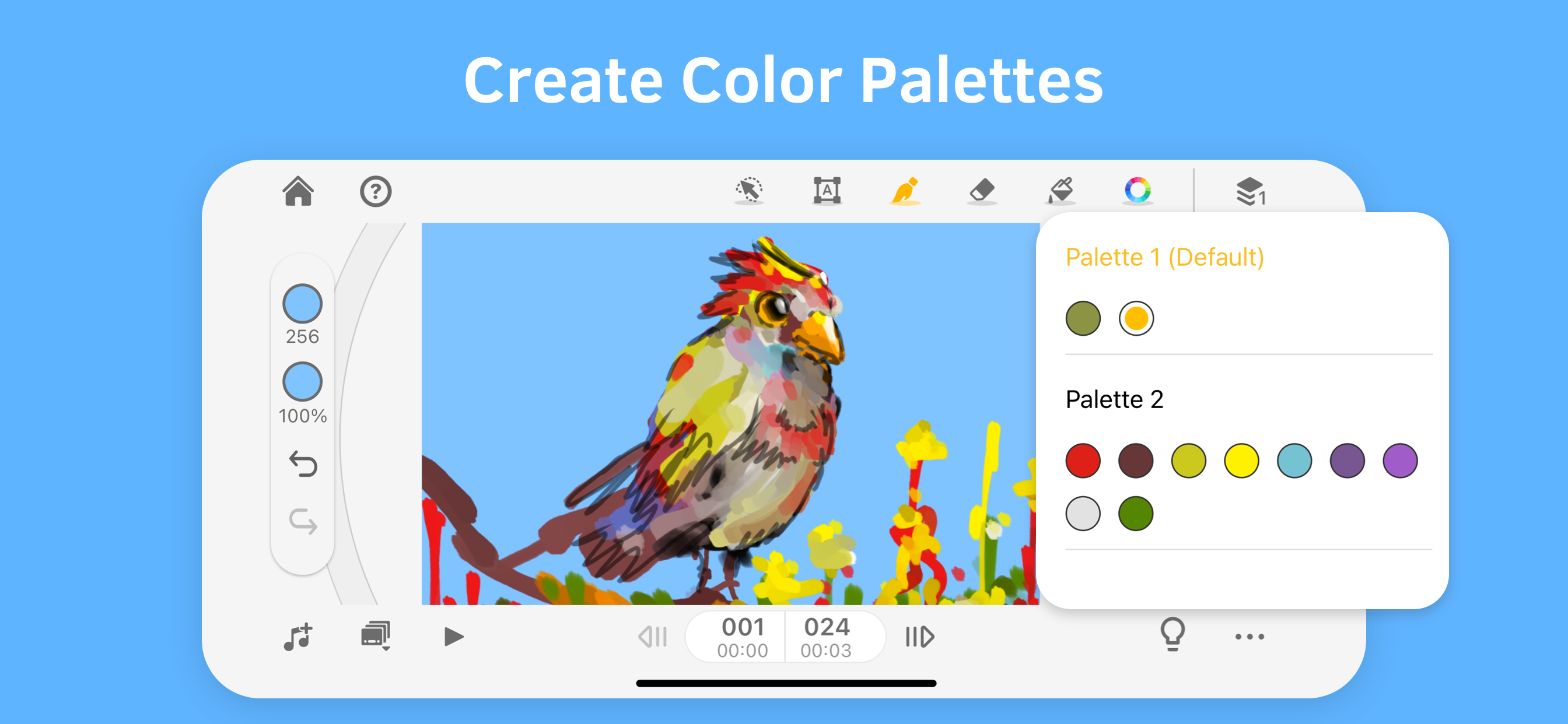
• Setup color palettes for characters or scenes
• Other editing tools: rulers, selection tools, and more
PLAY WITH FRAME & LAYERS
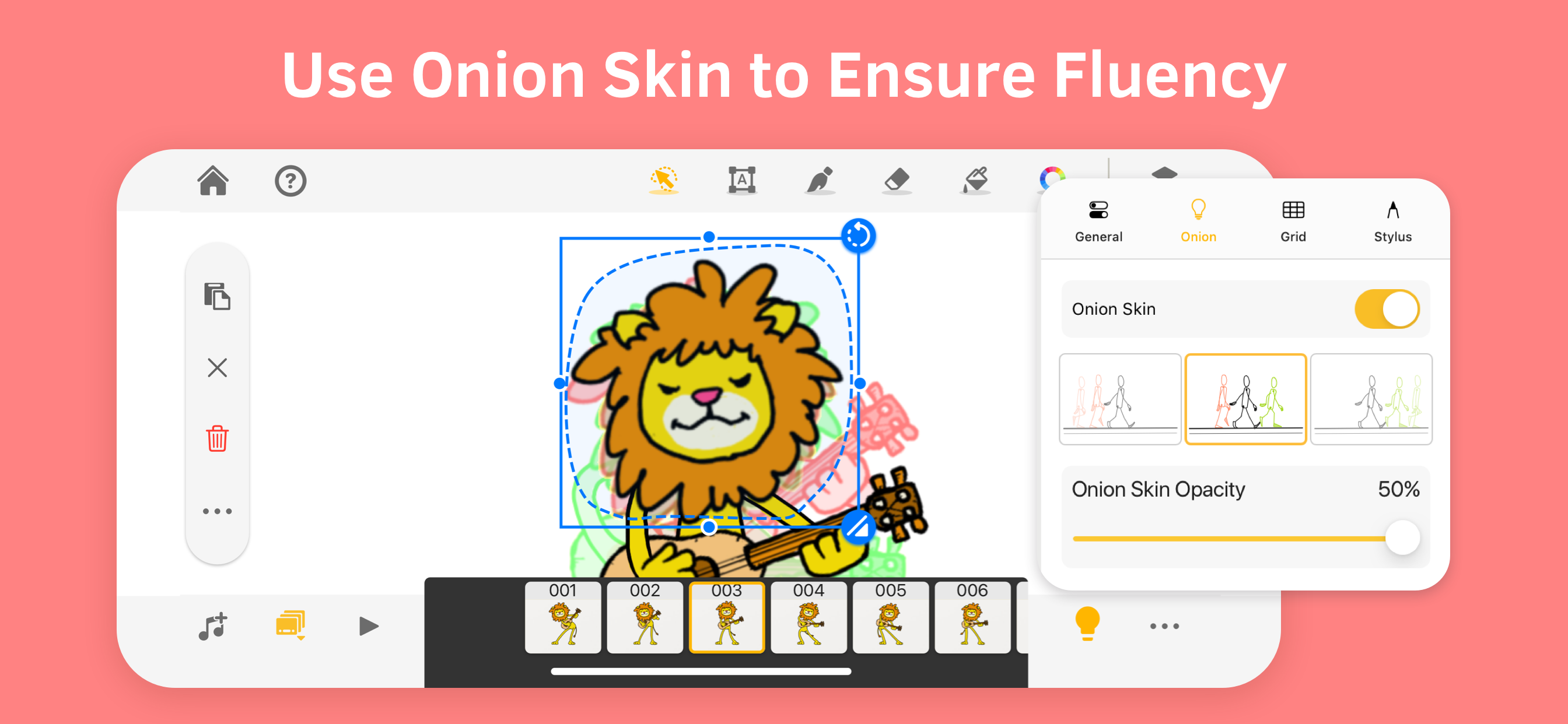
• Trace the motion with onion skinning
• Easily manage frames in the frame viewer
• Duplicate or repeat a frame, set up FPS to control the speed
• The basic version includes 3 sketch layers and one background layer
Export
• Export animation as a video, GIF, and PDF sheet!
• Export animation into Photoshop and make advanced editing
• Export individual frames as images
PLEASE NOTE
Animation Desk is free to download and use, and more features are available in the subscription plans. The basic version includes ads. For more information, please refer to the Term of Service below.
SUBSCRIPTION OPTIONS
• Kdan Cloud 500GB
• Animation Desk Pro with 500G Kdan Cloud storage
• Animation Desk Pro for students and educators
• Creativity 365 with 1 TB Kdan Cloud storage"
Any unused portion of a free trial period, if offered, will be forfeited when the user purchases a subscription to that publication, where applicable. Subscriptions will be charged through your iTunes account at the confirmation of purchase. Your subscriptions will automatically renew unless canceled at least 24 hours before the end of the current subscription period.
Your iTunes account will be charged for renewal within 24 hours before the end of the current period, for the same duration and at the current subscription price. You may manage your subscriptions in your iTunes
Terms of service: https://kdanmobile.com/en/terms_of_service
Privacy Policy: https://kdanmobile.com/en/privacy_policy
CONTACT US
Email: [email protected]
Helpdesk: http://support.kdanmobile.com
Instagram: https://www.instagram.com/animation_desk
Facebook: https://www.facebook.com/animationdesk
Hide Show More...

In-Apps

Kdan Cloud
11.90 RM
Creativity 365
84.90 RM
Animation Desk Pro
67.90 RM
Animation Desk Toolkit
49.90 RM
Animation Desk Pro (Year)
124.90 RM
Animation Desk Pro (Month)
18.90 RM
Animation Desk Education Pack
69.90 RM

Screenshots

Animation Desk® Draw & Animate FAQ

  • Is Animation Desk® Draw & Animate free?

    Yes, Animation Desk® Draw & Animate is free to download, however it contains in-app purchases or subscription offerings.

  • Is Animation Desk® Draw & Animate legit?

    🤔 The Animation Desk® Draw & Animate app's quality is mixed. Some users are satisfied, while others report issues. Consider reading individual reviews for more context.

    Thanks for the vote

  • How much does Animation Desk® Draw & Animate cost?

    Animation Desk® Draw & Animate has several in-app purchases/subscriptions, the average in-app price is 61.19 RM.

  • What is Animation Desk® Draw & Animate revenue?

    To get estimated revenue of Animation Desk® Draw & Animate app and other AppStore insights you can sign up to AppTail Mobile Analytics Platform.

User Rating

4.35 out of 5

135 ratings in Malaysia

5 star
92
4 star
20
3 star
10
2 star
4
1 star
9
Ratings History

Animation Desk® Draw & Animate Reviews

I can’t.....

Tyrone Wei on

Malaysia

I can’t open the app. Can fix?

Crashes alot

Ten9ate on

Malaysia

Im on Ipad Air 4. It crashes alot. Just draw up to the 3rd frame and it crashes. I can’t do alot :(

Great App!But one problem.......

Surebelasah on

Malaysia

Its a great great app!But ill discusse about the good news then bad news...... Heres the good news. I wanted animate and this app is good. I once used Flipaclip but im using animation desk for now.......great app now onto the bad news....... Its just that today i drew an amonvus animation but suddenlyin the proccess it freezed and i dont even know why!I was using little apps today but it still frozze i dont know how the freeze accoured actually....... Thats all for the stuff i gotta say to this animation app good byeee

The apps needs a little fixing

tyranotasuchus on

Malaysia

Hello, this app is ok actually, but if you could add some more undo/redo features or a better layer load would be amazing!

Kene bayar

syiwbs on

Malaysia

App ni kene bayar la

Can’t copy and paste

C.Y.A.S on

Malaysia

The app is very good and convenient to use, but I’ve come across a problem which does not let me copy and paste a drawing to another slide. I was copying a drawing when the app crashed all of a sudden and when I opened it back up, I couldn’t copy and paste anymore, I am not certain if anything other than that has been unusable, but please fix the problem as I was working on a project with a deadline before this.

好用的动漫画图软件

Super恒仔 on

Malaysia

如果可以一次性付费购买就好了!

Glitch

Beedzillius on

Malaysia

Hi animation desk producers. I came upon a defect when I was using this app. The toolbar went stuck behind the page indicator on the top right. I was moving the toolbar around and without my attention I accidentally placed it behind the page indicator. This problem might cause a huge difficulty. Please add an option where we could reset the toolbar position

Please fix the bugs

xomoodz on

Malaysia

Hello I am really happy with the application so far but there is one problem. When I try to use a video as a base like when I tap the plus sign and it shows the options of to start with a blank base of import something but when I try to import a video it crashes and I cannot import the video to animate on please fix this.

WHY SO LESS BRUSHES

SO BAD 🤮🤮 on

United States

I swear I hate dis app it only gives us 3 brushes and none of them are good for any animation and there’s no color wheel that makes it impossible to find a good color and it looks nothing as advertised

Store Rankings

Ranking History
App Ranking History not available yet
Category Rankings
Chart
Category
Rank
Top Free
411

Keywords

Animation Desk® Draw & Animate Competitors

Animation Desk® Draw & Animate Installs

Last 30 days

Animation Desk® Draw & Animate Revenue

Last 30 days

Animation Desk® Draw & Animate Revenue and Downloads

Gain valuable insights into Animation Desk® Draw & Animate performance with our analytics.
Sign up now to access downloads, revenue, and more.

App Info

This page includes copyrighted content from third parties, shared solely for commentary and research in accordance with fair use under applicable copyright laws. All trademarks, including product, service, and company names or logos, remain the property of their respective owners. Their use here falls under nominative fair use as outlined by trademark laws and does not suggest any affiliation with or endorsement by the trademark holders.