Google Calendar: Get Organised

Easily plan and schedule

Published by: Google

Description

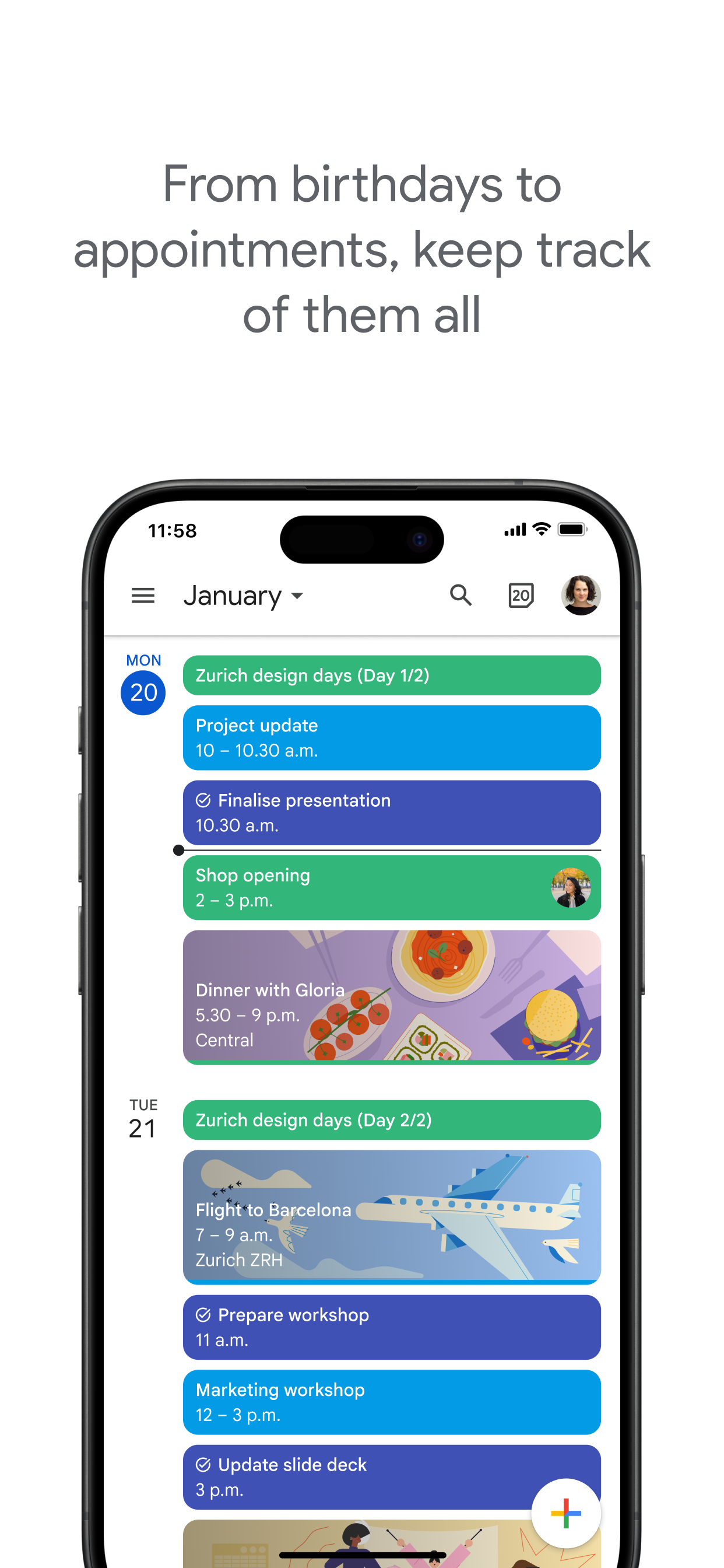
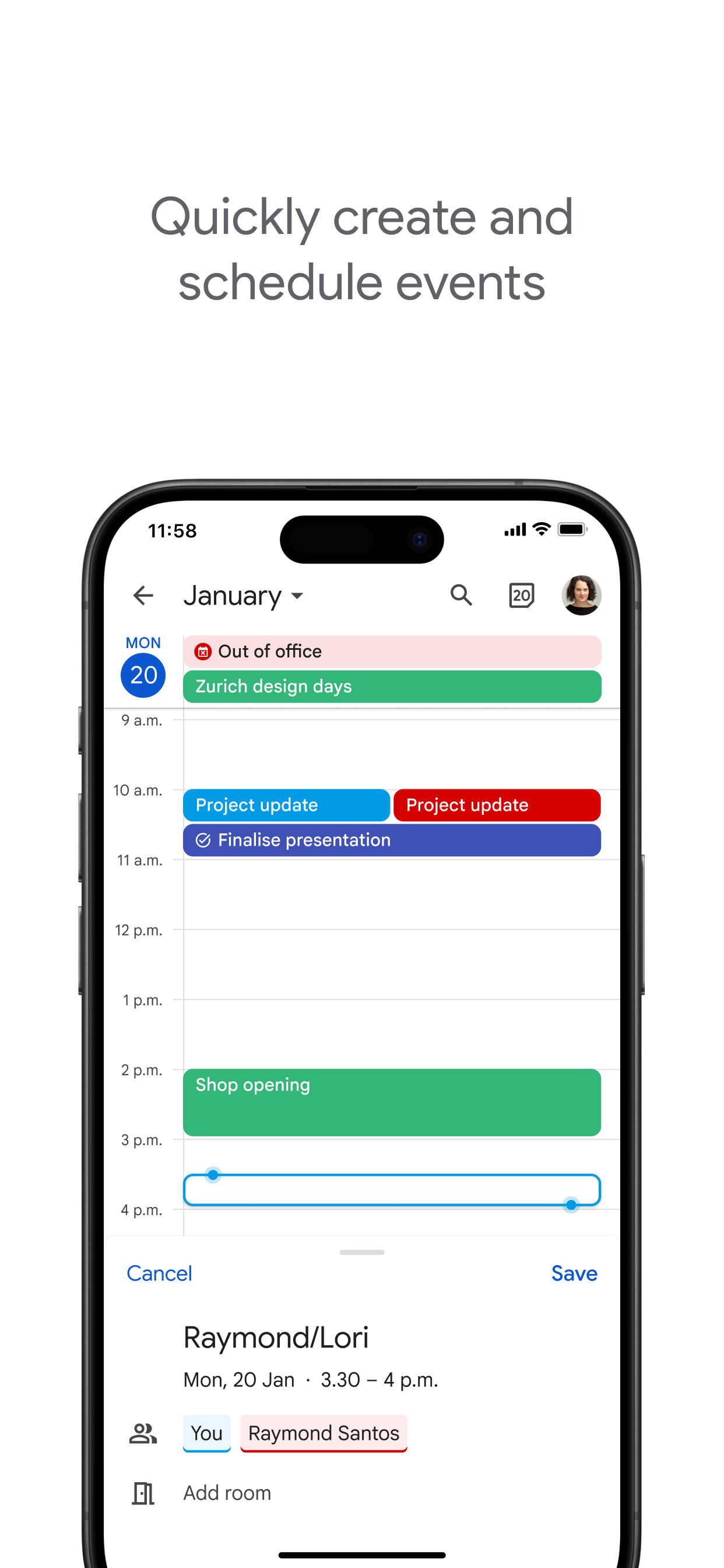
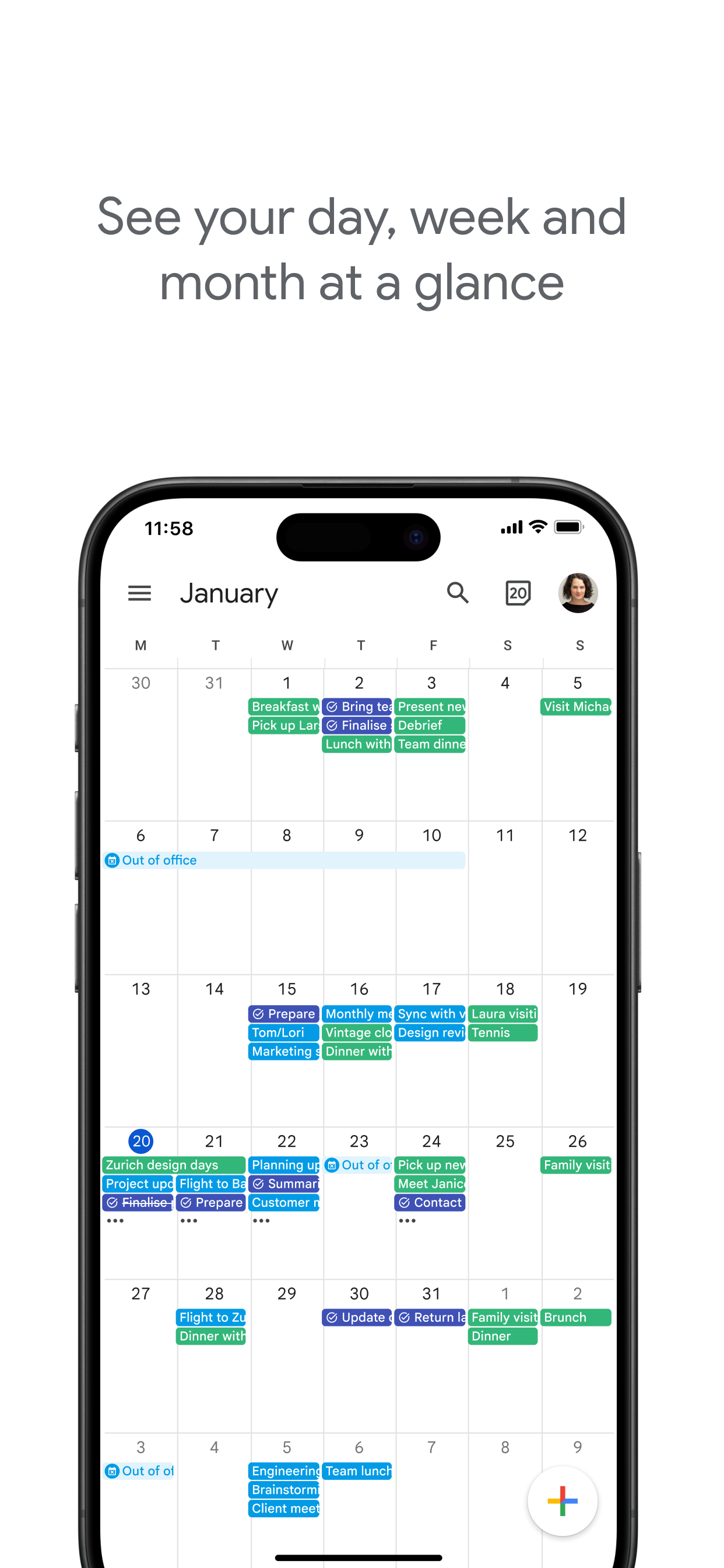
The official Google Calendar app helps you stay organised and plan your day with easy event creation, multiple calendars, customisable views, widgets and tasks.
With Google Calendar, you can:
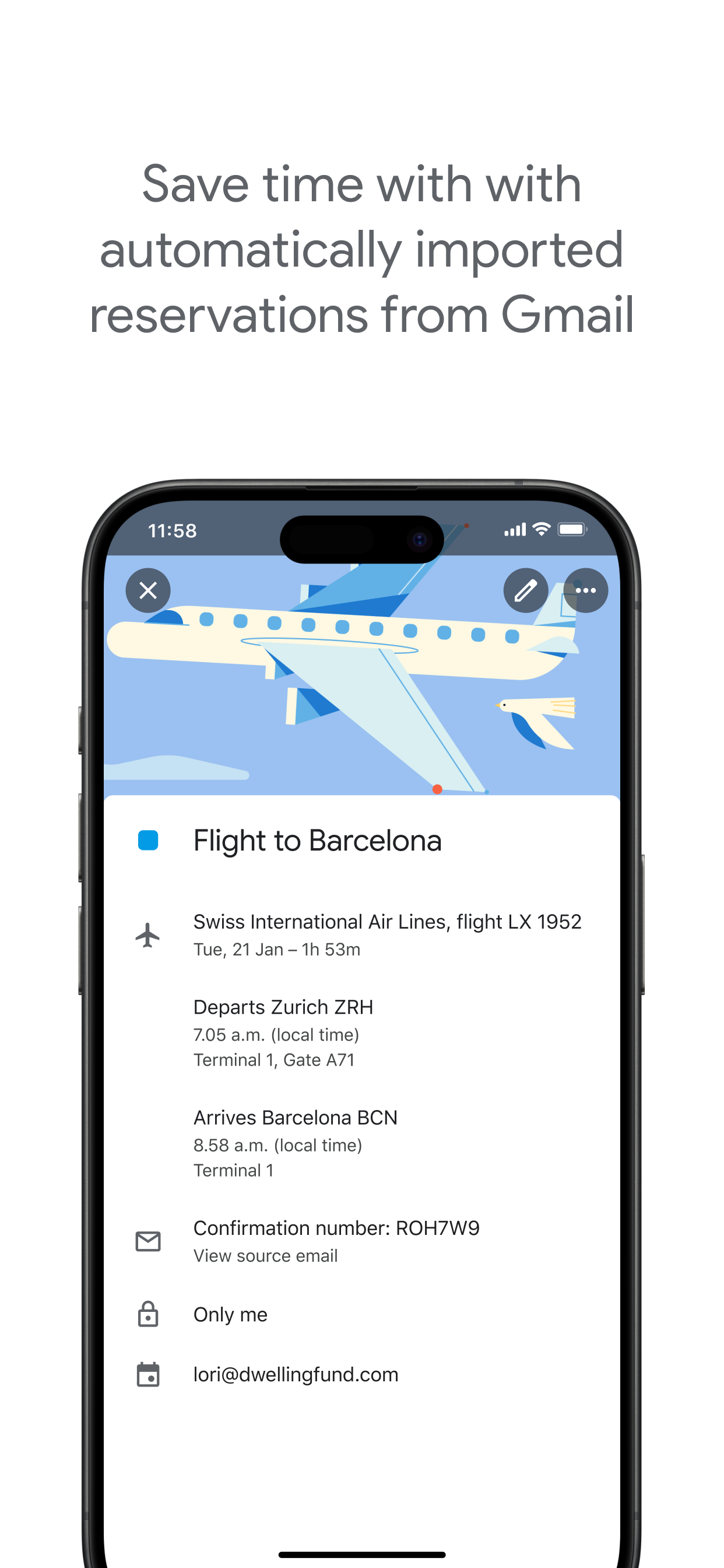
• Get events automatically added to your calendar from Gmail, including flight, hotel, concert and restaurant reservations.
• Go from using Calendar on your iPhone, iPad or Apple Watch to your computer without missing a beat when you're logged in to the same Google Account.
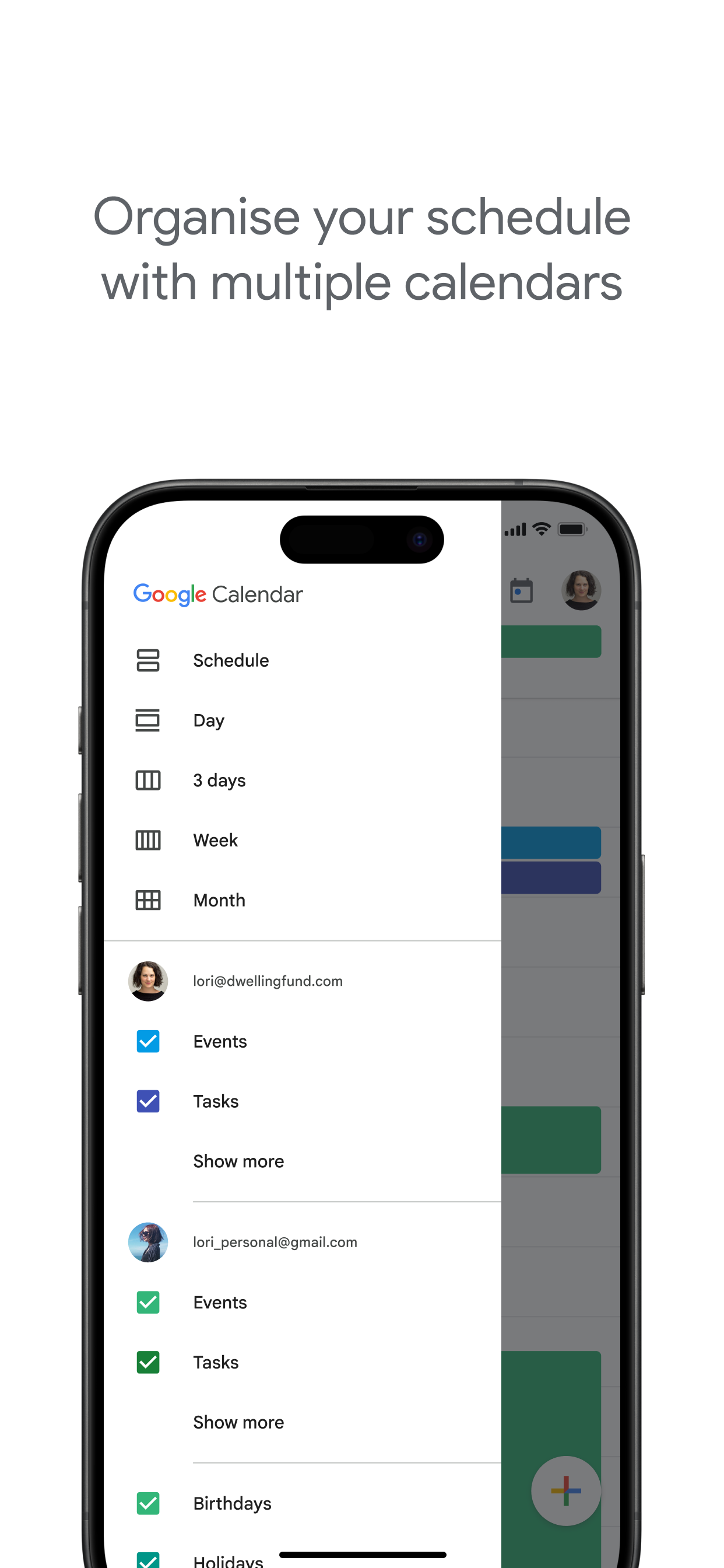
• Consolidate and view Google Calendar events side by side with other calendars on your device, including Exchange and iCloud.
• Keep family, friends and colleagues in the loop with shared calendars, so that they can view, add or modify events.
• Quickly switch between month, week and day views.
• Stay on top of to-dos by creating and managing tasks alongside your events in Calendar.
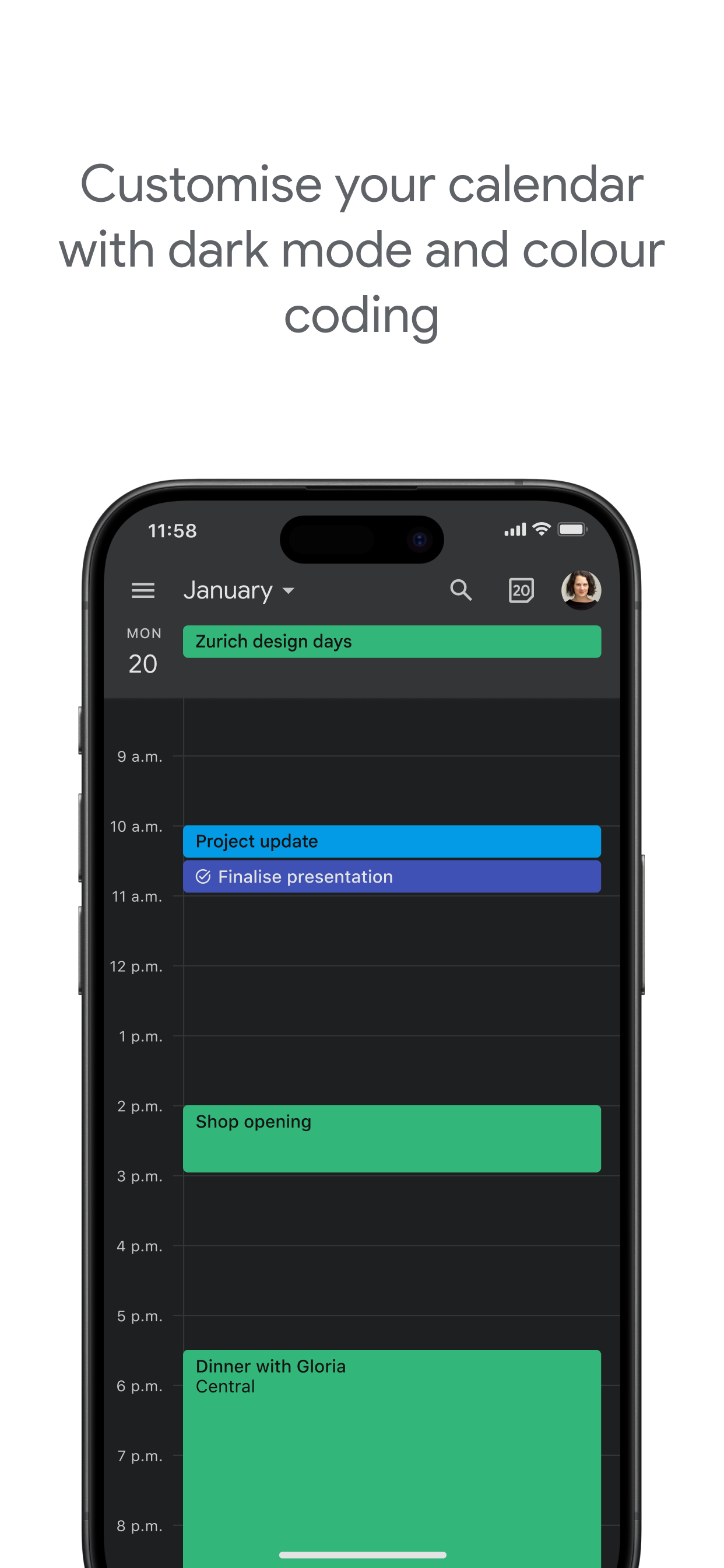
• Personalise your Google Calendar with light or dark mode or by colour-coding your events
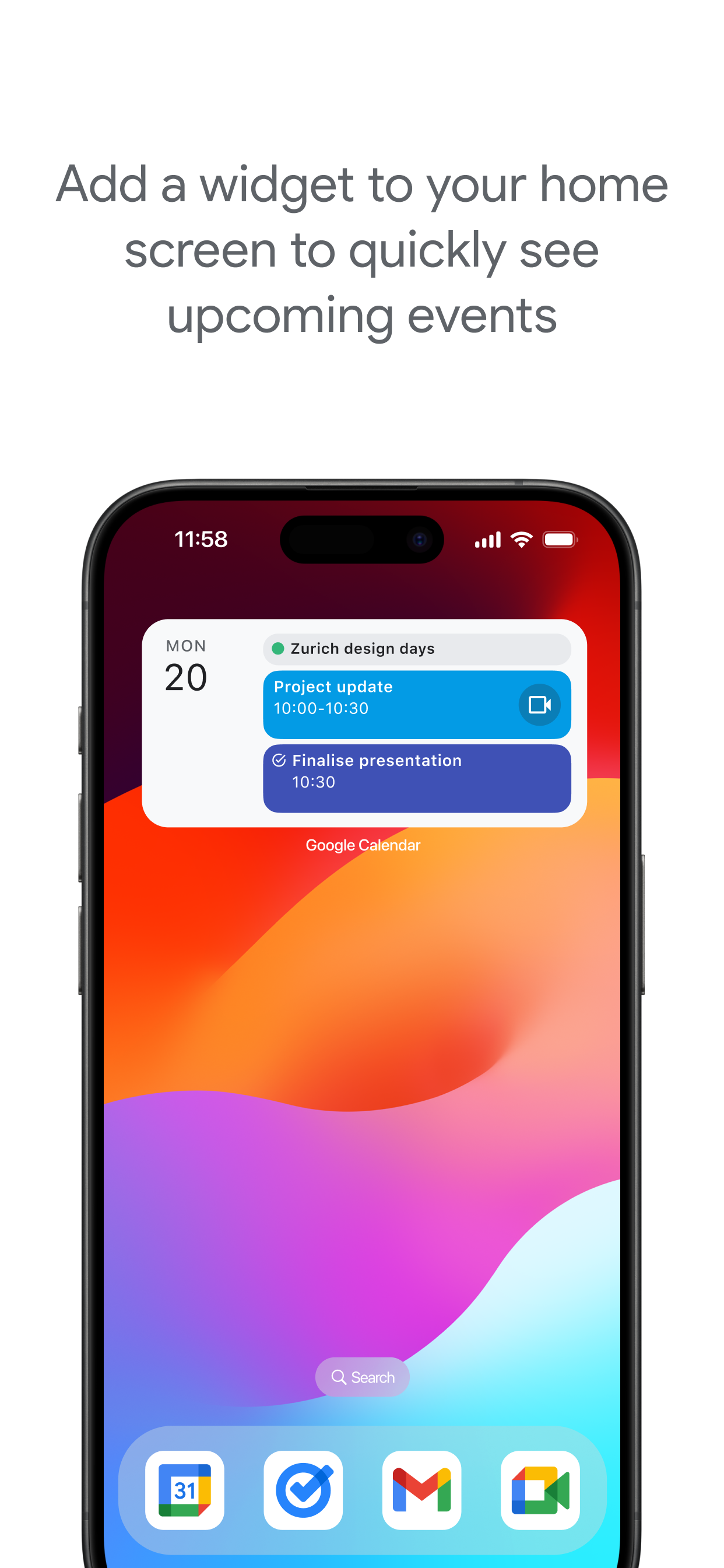
• Always know what's next while on the go with Google Calendar on Apple Watch. Customise your watch face with Calendar complications or add widgets.
Google Calendar is part of Google Workspace, allowing you and your team to easily connect, create and collaborate across all your favourite Google tools. You can:
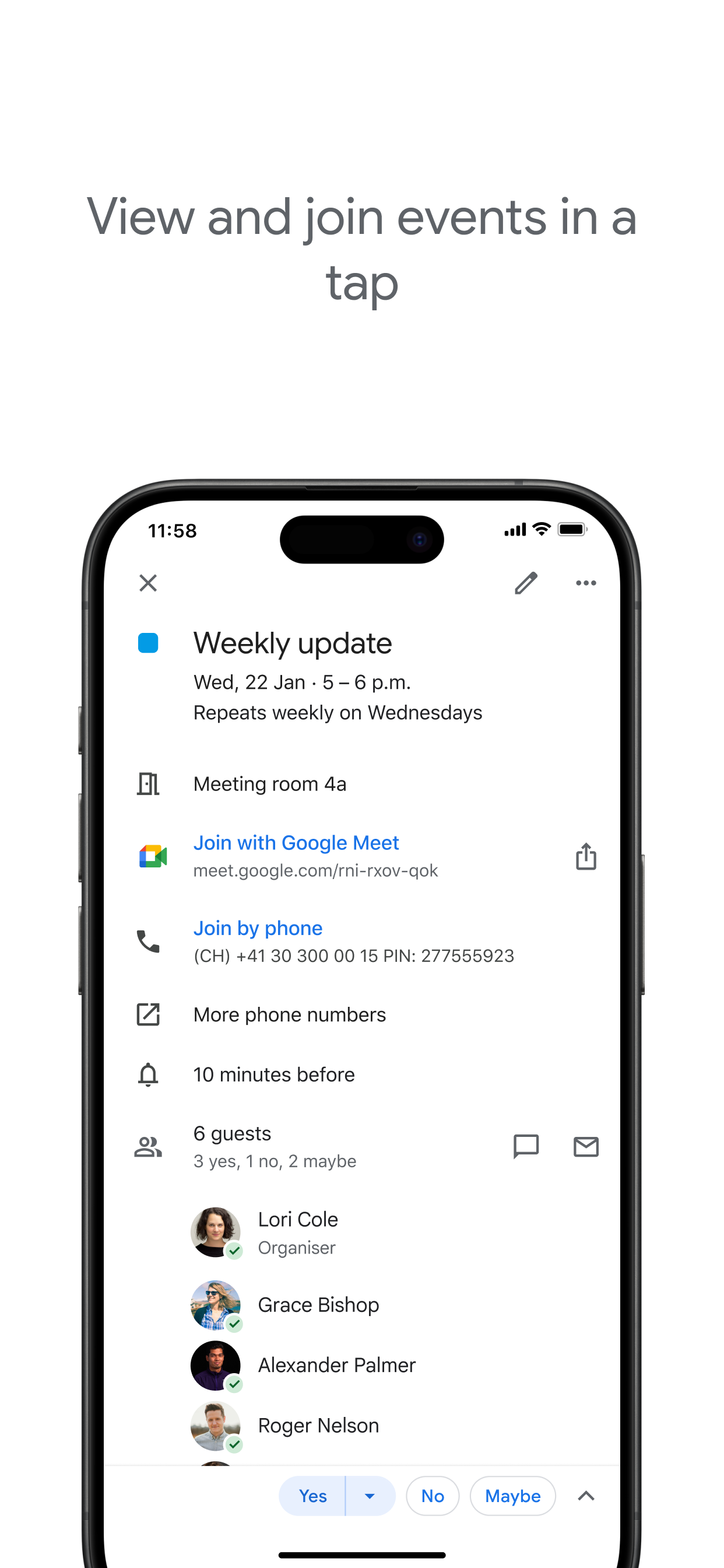
• Collaborate in a hybrid work environment by adding a Google Meet video call to a calendar event
• Get access to professional booking pages to easily book clients and customers*.
• Schedule meetings with teammates by checking their availability or layering their calendars in a single view
• Add your working location to your calendar to make it easier for your teammates to schedule meetings with you*.
• Keep everyone on track for a meeting by attaching meeting notes, pre-read materials and other documents directly to a calendar event.
• Use Google Calendar with confidence, knowing it's supported by Google's enterprise-level privacy, user safety and data security.
* Requires a Google Workspace or Google One AI Premium subscription
Hide Show More...

In-Apps

5 TB
USD 92.99
2 TB
USD 369.99
Google AI Pro (2 TB)
USD 73.00
20 TB
USD 369.99

Screenshots

Google Calendar FAQ

  • Is Google Calendar free?

    Yes, Google Calendar is free to download, however it contains in-app purchases or subscription offerings.

  • Is Google Calendar legit?

    🤔 The Google Calendar app's quality is mixed. Some users are satisfied, while others report issues. Consider reading individual reviews for more context.

    Thanks for the vote

  • How much does Google Calendar cost?

    Google Calendar has several in-app purchases/subscriptions, the average in-app price is USD 226.49.

  • What is Google Calendar revenue?

    To get estimated revenue of Google Calendar app and other AppStore insights you can sign up to AppTail Mobile Analytics Platform.

User Rating

4.55 out of 5

62 ratings in Qatar

5 star
49
4 star
8
3 star
0
2 star
0
1 star
5
Ratings History

Google Calendar Reviews

No improvements yet

Royal chola on

Qatar

Utter waste. No improvements from last five years.

Apple watch Version

Ahmed_Alheidous on

Qatar

The Google Calendar is very nice and practical, i wish it had a version of it in the Apple watch so it becomes better. Thank you

Best Daily Organizer

Armieken on

Qatar

This is by far the best free calendar/ reminders/todolist app tool I have used! Thank you google. Much better than paid ones. Very very easy to use.

.

idhavanickname on

Qatar

You have to change the time for each task separately, even tho it’s the same task for the whole month...

Great app... but...

Lusmangi on

Qatar

The app face needs to show the current date, like apple’s calendar

To be renamed

Samsul Alam SJ on

Qatar

Great work. This would look good if you rename it properly for iPhone instead of Google Cal...

Hi

dendelima on

Qatar

Sometimes hard to sync from pc to mobile

Exceptional

Claudiiiiii!!!!!!! on

United States

This app is the best thing to exist. It’s the only way I know what my partner is up to (he is busy and unpredictable). Love the brand new task feature :)

“ Need Fix the Google Calendar- I have google chrome on my computer- Has More Room to see the Events

catsanddogs on

United States

Send me the calendar to google calendar chrome

Useful but annoying to use

mxmckinley on

United States

The user flow is obnoxious. The “Mark as completed” button at the bottom right is covered up by the “Undo” button when you mark a different task as completed. Some navigation buttons are at the bottom and some are at the top meaning you have to move your hand all across your phone.

Store Rankings

Ranking History
App Ranking History not available yet
Category Rankings
Chart
Category
Rank
Top Free
14
Top Free
14
Top Free
14
Top Free
14
Top Free
17

Keywords

Google Calendar Competitors

Google Calendar Installs

Last 30 days

Google Calendar Revenue

Last 30 days

Google Calendar Revenue and Downloads

Gain valuable insights into Google Calendar performance with our analytics.
Sign up now to access downloads, revenue, and more.

App Info

Publisher
Google
Languages
English, Bulgarian, Catalan, Croatian, Czech, Danish, Dutch, Finnish, French, German, Greek (modern), Hebrew (modern), Hindi, Hungarian, Indonesian, Italian, Japanese, Korean, Malay, Norwegian Bokmål, Polish, Portuguese, Romanian, Russian, Chinese, Slovak, Spanish, Swedish, Thai, Turkish, Ukrainian, Vietnamese
Recent release
25.47.0 (9 hours ago )
Released on
Mar 10, 2015 (10 years ago )
Last Updated
2 weeks ago
This page includes copyrighted content from third parties, shared solely for commentary and research in accordance with fair use under applicable copyright laws. All trademarks, including product, service, and company names or logos, remain the property of their respective owners. Their use here falls under nominative fair use as outlined by trademark laws and does not suggest any affiliation with or endorsement by the trademark holders.