Description

"... an app that students, academics, and anyone who does substantial amounts of PDF-based research should try" - Macstories.net
"It’s the novel approach to PDF annotation that makes this app a cut above the rest"- TapSmart.com
*** "App of the Day" - App Store, US ***
USE HIGHLIGHTS FOR FREE
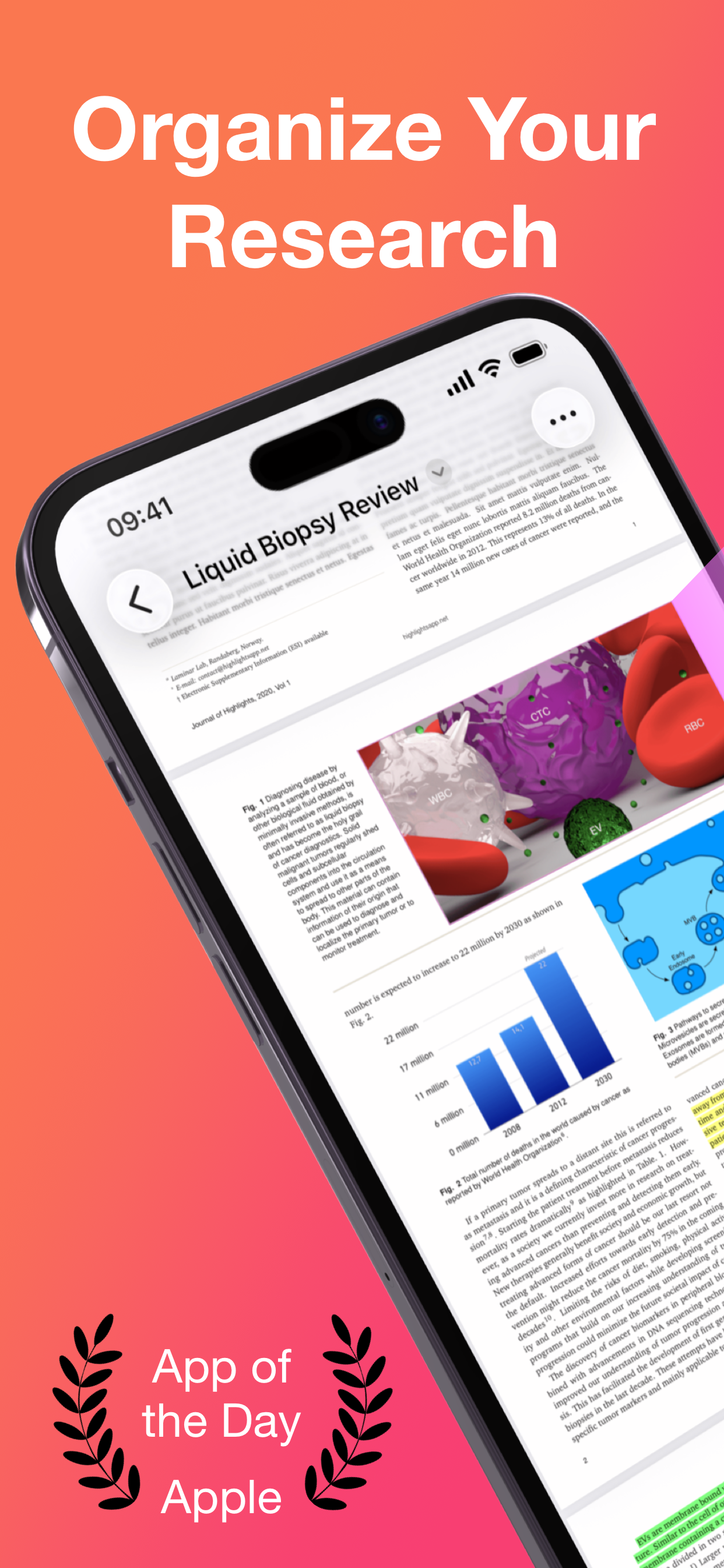
Highlights is a fast and lightweight PDF reader (under 10MB) packed with features to help you do your best research.
Free users have access to standard PDF reader features including document browsing, reading and annotating. There are NO ADS, time limits or tracking.
READ PDF DOCUMENTS
• Open PDF documents from anywhere
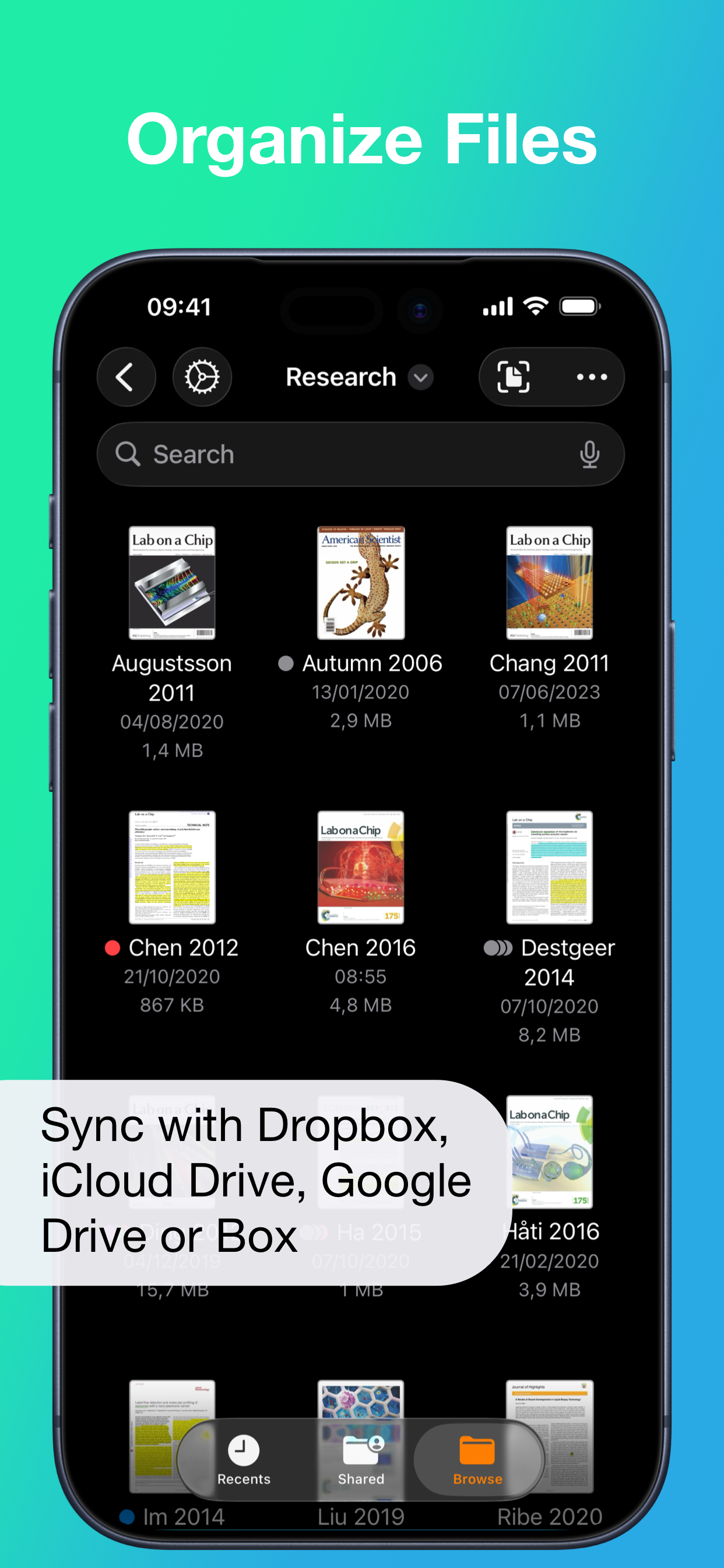
• Browse files using the familiar document browser
• Open PDFs in Single Page or Two Page scroll mode
• Double tap to Smart Zoom in on a paragraph or figure
• Scrub smoothly to the desired page
• Search the entire document in an instant
• Navigate using any connected keyboard or mouse
STORE YOUR FILES WHERE YOU WANT
• Full support for "Open In Place" lets you make edits to the file where it is
• Access your files from iCloud Drive, Dropbox, Google Drive, OneDrive or Box using the document browser
• Or keep them privately on device only
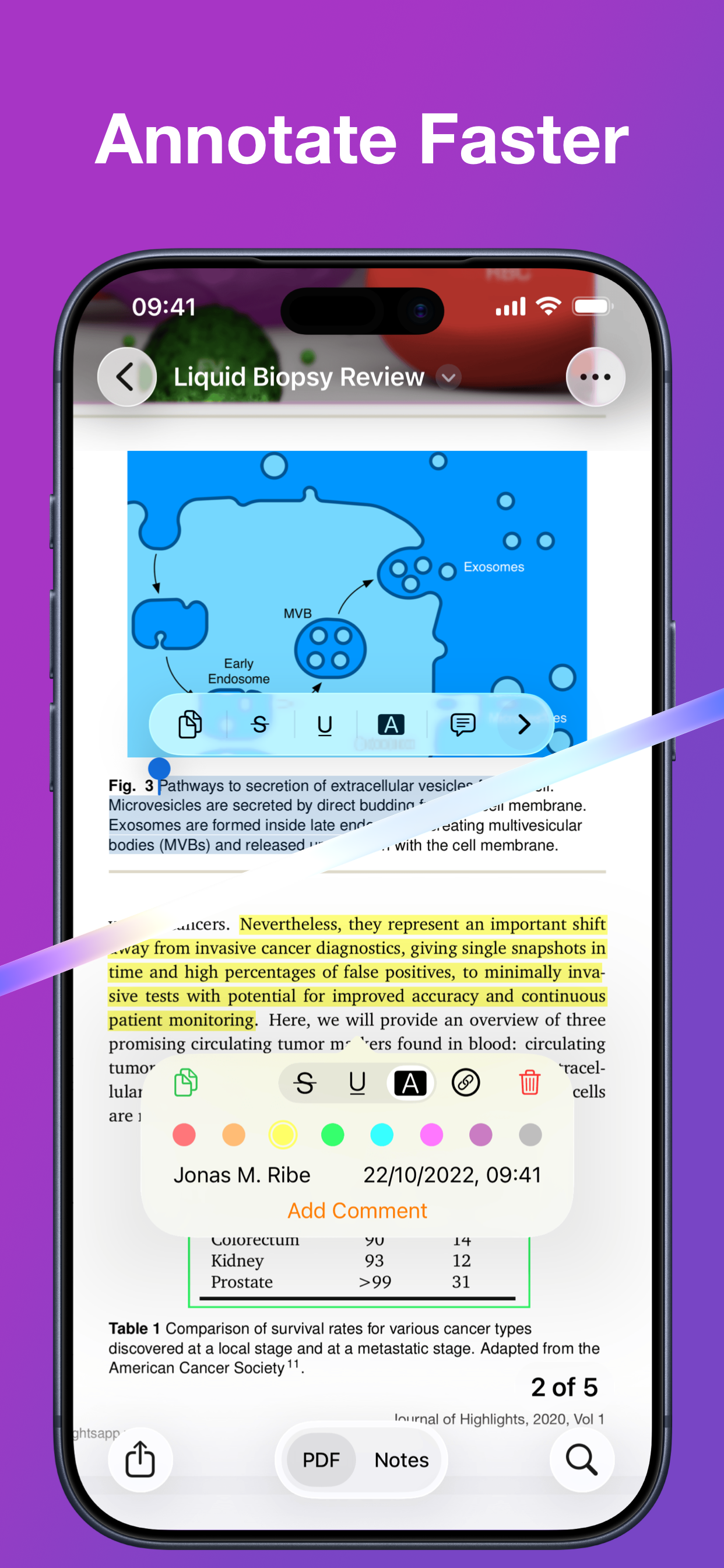
HIGHLIGHT AND ANNOTATE FASTER
• Select text with your finger, Apple Pencil or mouse pointer
• Highlight, underline, strikethrough text and make image selections
• Add comments to annotations or as individual sticky notes
• Annotate with fewer taps using context aware popovers
• Default annotation colors prevents you from having to repeatedly setting the color for the same type of annotation every time
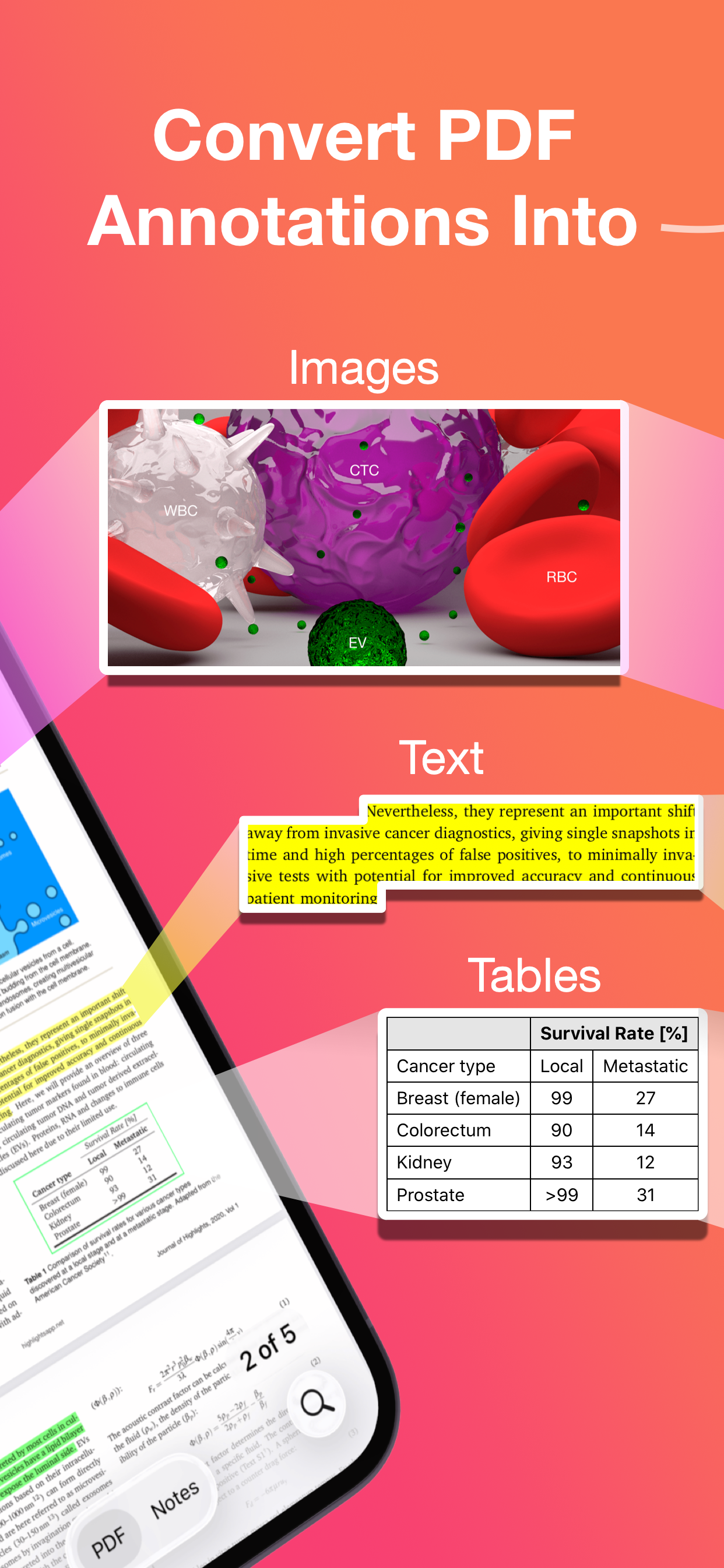
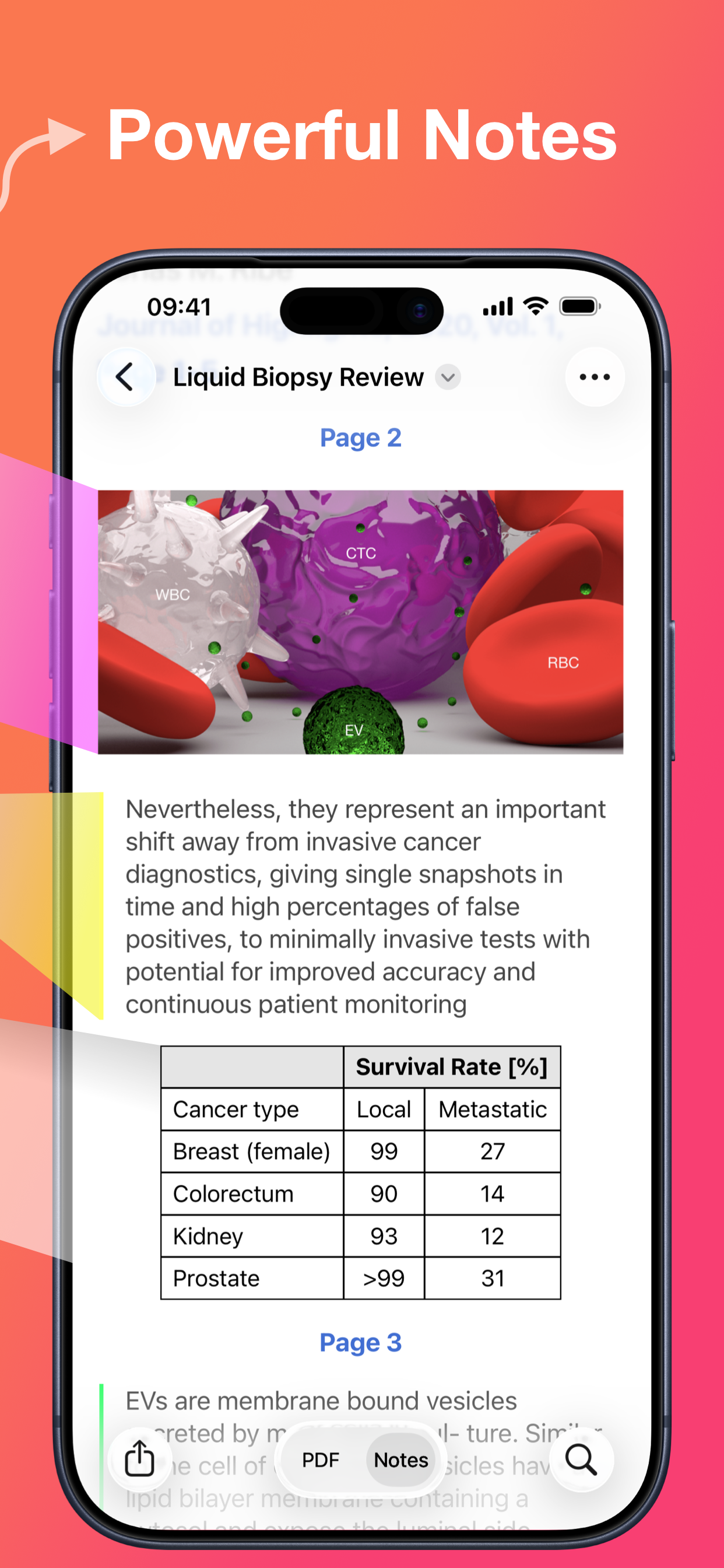
TURN ANNOTATIONS INTO NOTES
• As you markup text and images the contents are extracted and sorted into notes
• Customize the formatting and contents of your notes
• Sort the annotations chronologically or create your own color coding
EXTRACT TABLE DATA AND RECOGNIZE TEXT
• Convert images containing text or tables to actual text and tables using machine learning - letting you get to the underlying data with a single tap
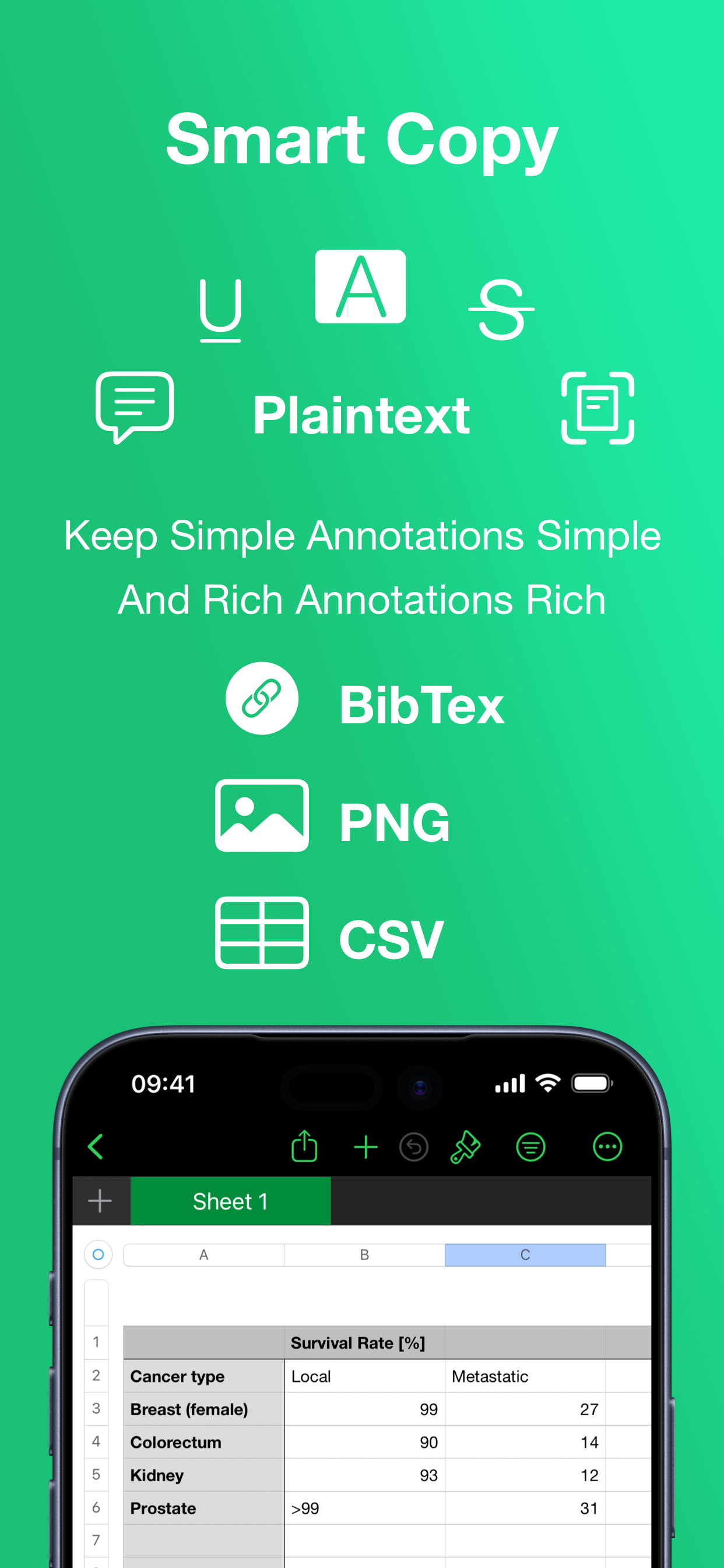
SMART COPY
Copy annotations to the desired format with one tap:
• Text markup as text
• Image selections as images
• Tables as CSV
• Citations as BibTex
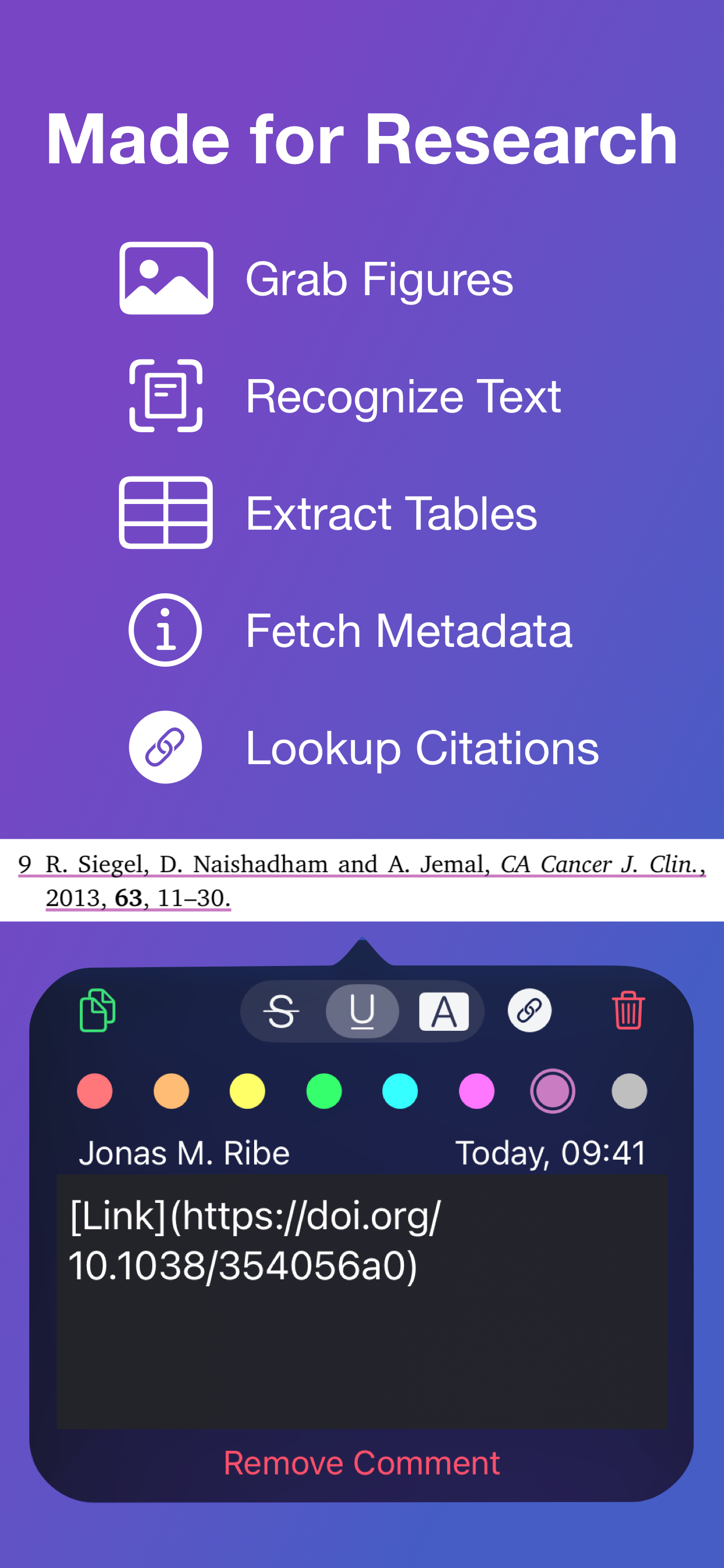
LOOKUP CITATIONS
• Highlights will fetch DOI-links and metadata
• Markup any reference and tap the link icon to look it up
• If you have read the work already or have it in your reference manager library, Highlights will link you to it
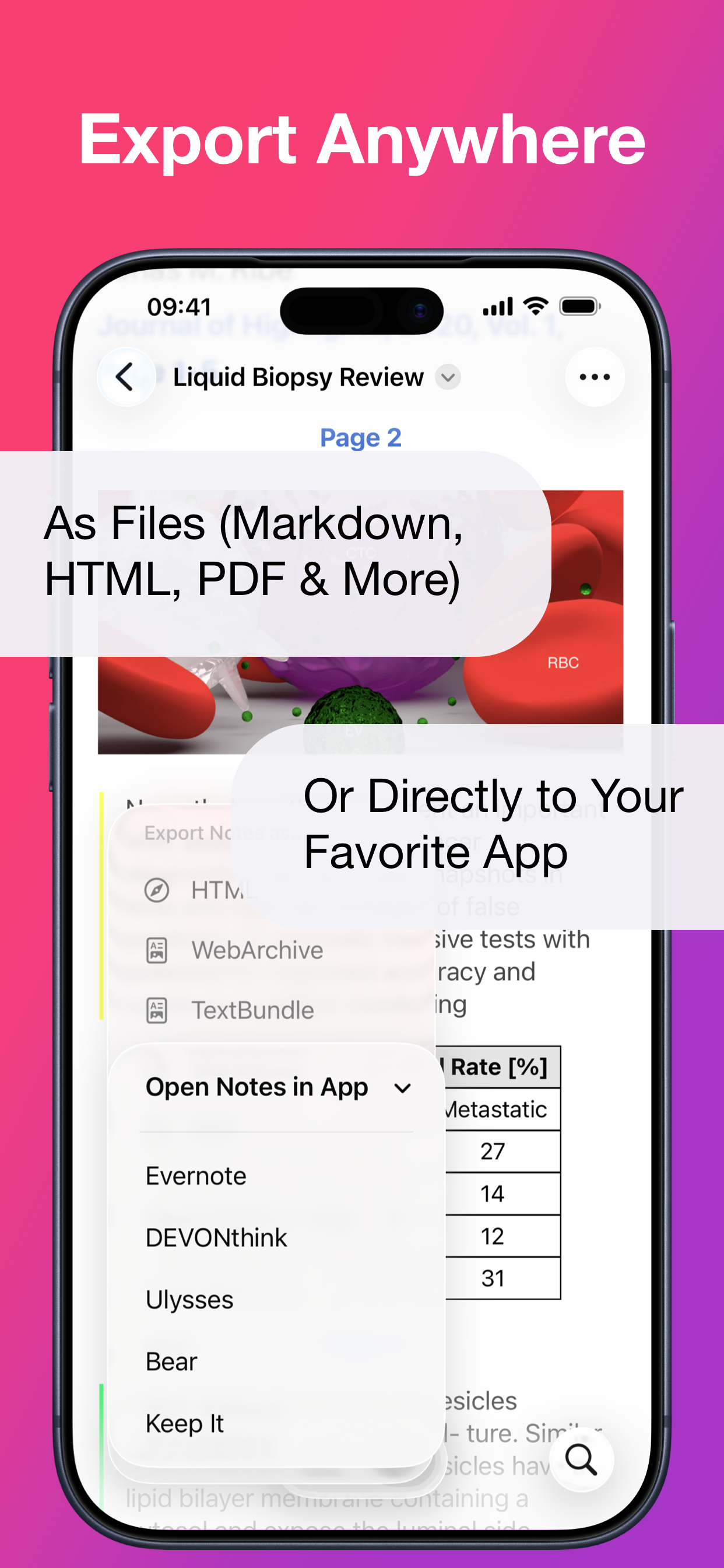
EXPORT ANYWHERE
• Save or share your notes as portable files: Markdown, TextBundle, HTML, WebArchive or PDF
• Share them to your favorite notes app: Apple Notes, Bear, Craft, Evernote, DEVONThink, Keep It, MindNode, Notion, Obsidian, Roam Research or Ulysses
• Or send them to a colleague via mail. It's your notes, you decide where they go
MUCH MORE
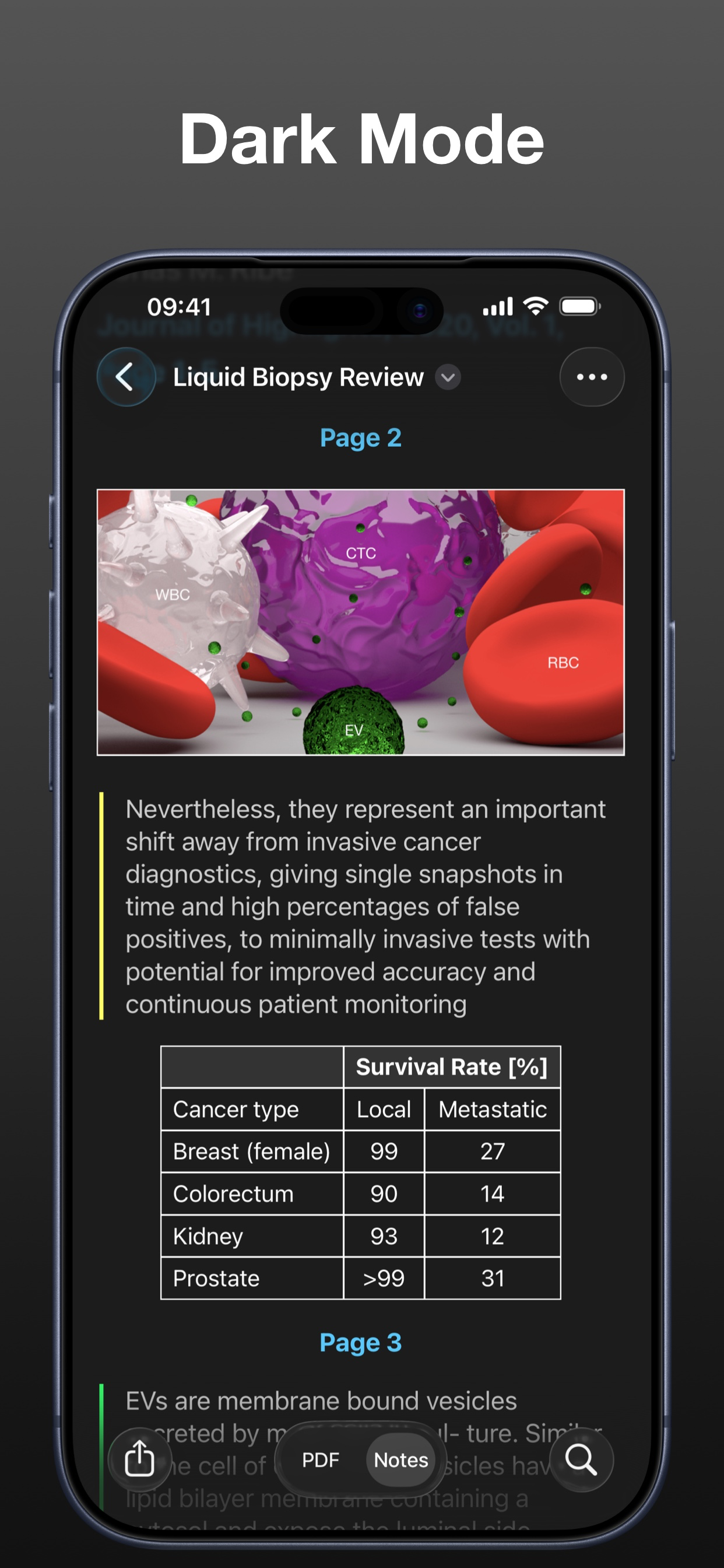
• Dark mode
• Multi-window support on iPadOS
• Keyboard shortcuts and navigation
• Support for system Copy and Undo gestures
• Alternative app icons
• Custom accent colors
• Apple Pencil double-tap gestures
• Power annotation tools
For a full list of features see: highlightsapp.net/features
HIGHLIGHTS PRO
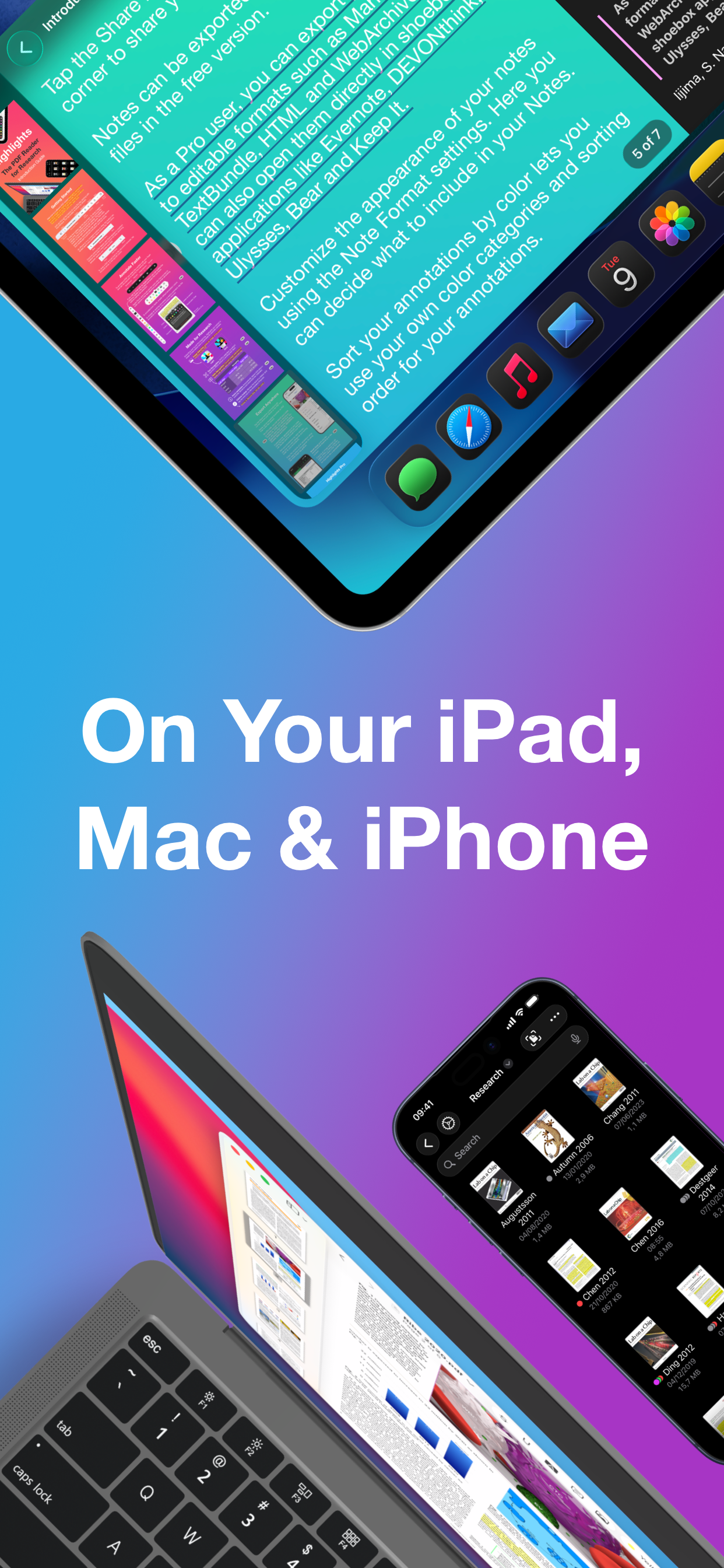
The Highlights Pro subscription unlocks advanced features on your iPhone, iPad and Mac:
• Export options for other apps and easily editable formats
• Extract information using table and text recognition
• Customize accent colors and alternative app icons
• Power annotation tools
• Citation lookups
• Smart Copy
Highlights Pro includes a 14-day free trial. You can cancel your subscription at any time. The subscription will automatically renew unless auto-renew is turned off within 24-hour prior to the end of of the current period.
Payments will be charged to your iTunes account and your account will be charged within 24-hours prior to the end of the current period. Any unused portion of a free trial period will be forfeited when you purchase a subscription.
For more information about Highlights Pro: highlightsapp.net/pro
Privacy Policy: highlightsapp.net/privacy
Terms: highlightsapp.net/terms
Hide Show More...

In-Apps

Highlights Pro: Monthly
3.90 ₩
Highlights Pro
29.00 ₩
Highlights Pro: Legacy Upgrade
29.00 ₩

Screenshots

FAQ

  • Is Highlights free?

    Yes, Highlights is free to download, however it contains in-app purchases or subscription offerings.

  • Is Highlights legit?

    🤔 The Highlights app's quality is mixed. Some users are satisfied, while others report issues. Consider reading individual reviews for more context.

    Thanks for the vote

  • How much does Highlights cost?

    Highlights has several in-app purchases/subscriptions, the average in-app price is 20.63 ₩.

  • What is Highlights revenue?

    To get estimated revenue of Highlights app and other AppStore insights you can sign up to AppTail Mobile Analytics Platform.

User Rating

4.78 out of 5

49 ratings in South Korea

5 star
43
4 star
4
3 star
0
2 star
1
1 star
1
Ratings History

Reviews

great

현금부자님 on

South Korea

its really useful and compact. i really recommend even free. affordable

Great app, could be excellent with some adjustments :)

aya155 on

South Korea

Hi ! Thank you for your app ! I will buy the yearly subscription at the end of my trial. There are a lot of lags or bugs however… Do you think it would be to add more languages ? I wanted better text recognition but for Korean pdf it doesn’t work unfortunately. Keep up the good work and good luck !

Where is the Free draw tool?

멘토100 on

South Korea

This app is great. But where is free draw????

still need many bugs fixing

SJ+ on

South Korea

good app but has many buges. if fix the bugs, this will be very good app.

the app sometimes crashs without any reason....

ai000101110 on

South Korea

This is a great app to easily read and put some annotaions on pdf files. I really enjoy using this app. However, the problem is that it crashs sometimes...I don't know why. Every situation is different. I hope it would be more stable using the app.

some idea

jucoberg on

South Korea

want to change shortcut of hightlight annotation & place the saved as feature, not duplicate option (since it create other pdf on new tab -> makes my mac more complicate)

Review

LukeFlywalker23 on

United States

I have no idea what I’m doing

Don’t download

jesusiskinghethelord on

United States

Was my favorite but nah it became useless when it had bugs

So close to being good

Name1112 on

United States

Almost amazing, has some issues with certain documents where text highlights are wayy off from where the text appears rendering the app useless for some documents. The pro version is subscription instead of a one time purchase which is upsetting, especially when other alternatives always have a one time purchase option. Reached out via email too but was never responded to. Might eventually switch over, I don’t need many advanced features but I would like enhancing features without having to pay for it forever.

Cmd+F and “Find” in the menu don’t work

Ky Huang on

United States

Can’t search in PDF documents

Store Rankings

Ranking History
App Ranking History not available yet
Category Rankings
Chart
Category
Rank
Top Grossing
52

Keywords

Competitors

Highlights Installs

Last 30 days

Highlights Revenue

Last 30 days

Revenue and Downloads

Gain valuable insights into Highlights performance with our analytics.
Sign up now to access downloads, revenue, and more.
This page includes copyrighted content from third parties, shared solely for commentary and research in accordance with fair use under applicable copyright laws. All trademarks, including product, service, and company names or logos, remain the property of their respective owners. Their use here falls under nominative fair use as outlined by trademark laws and does not suggest any affiliation with or endorsement by the trademark holders.