
Mooie app
Hele mooie app. Ik mis alleen edit mogelijkheden van reeds aangebrachte markeringen. Het is alleen mogelijk met de undo functie


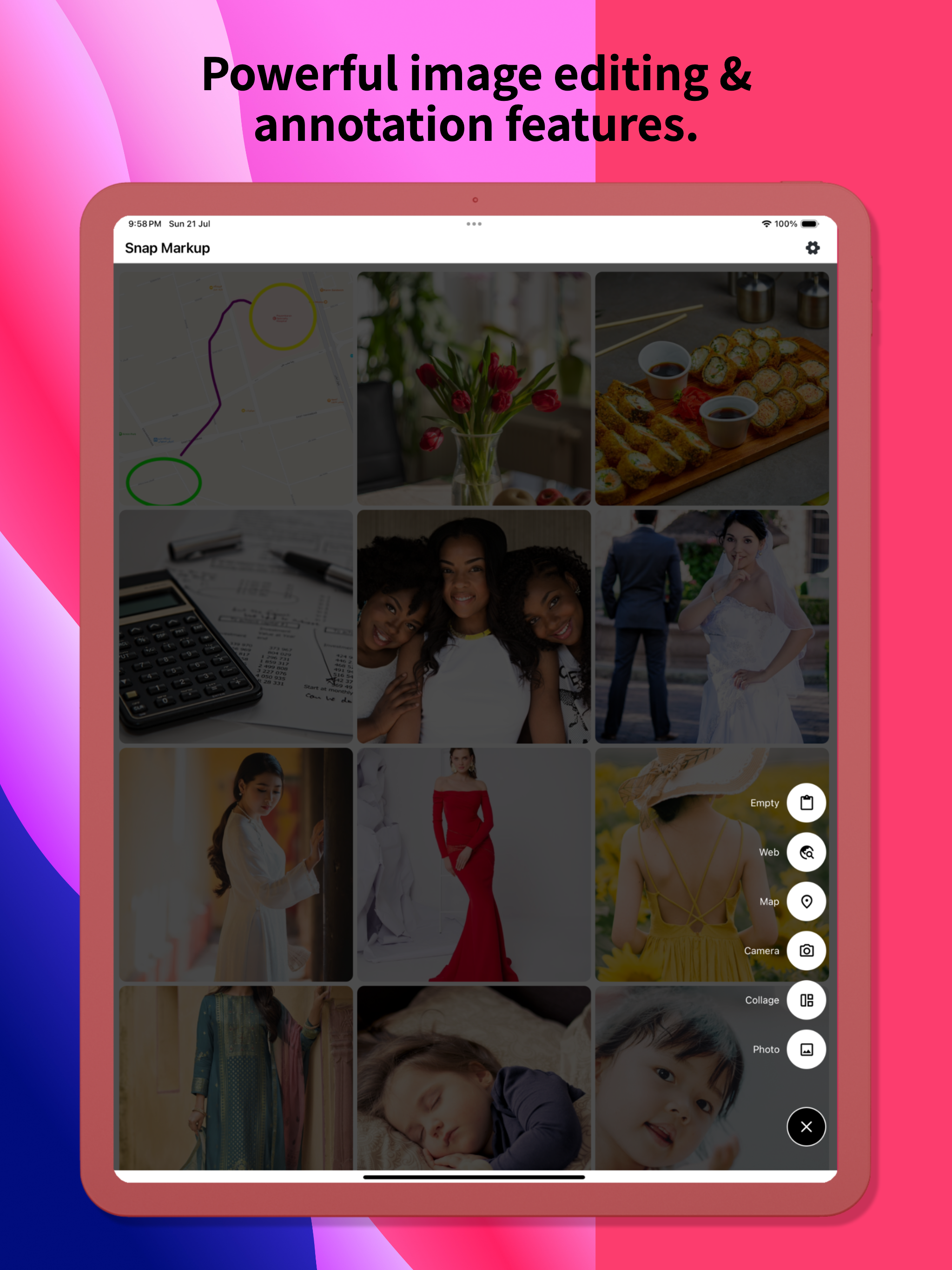


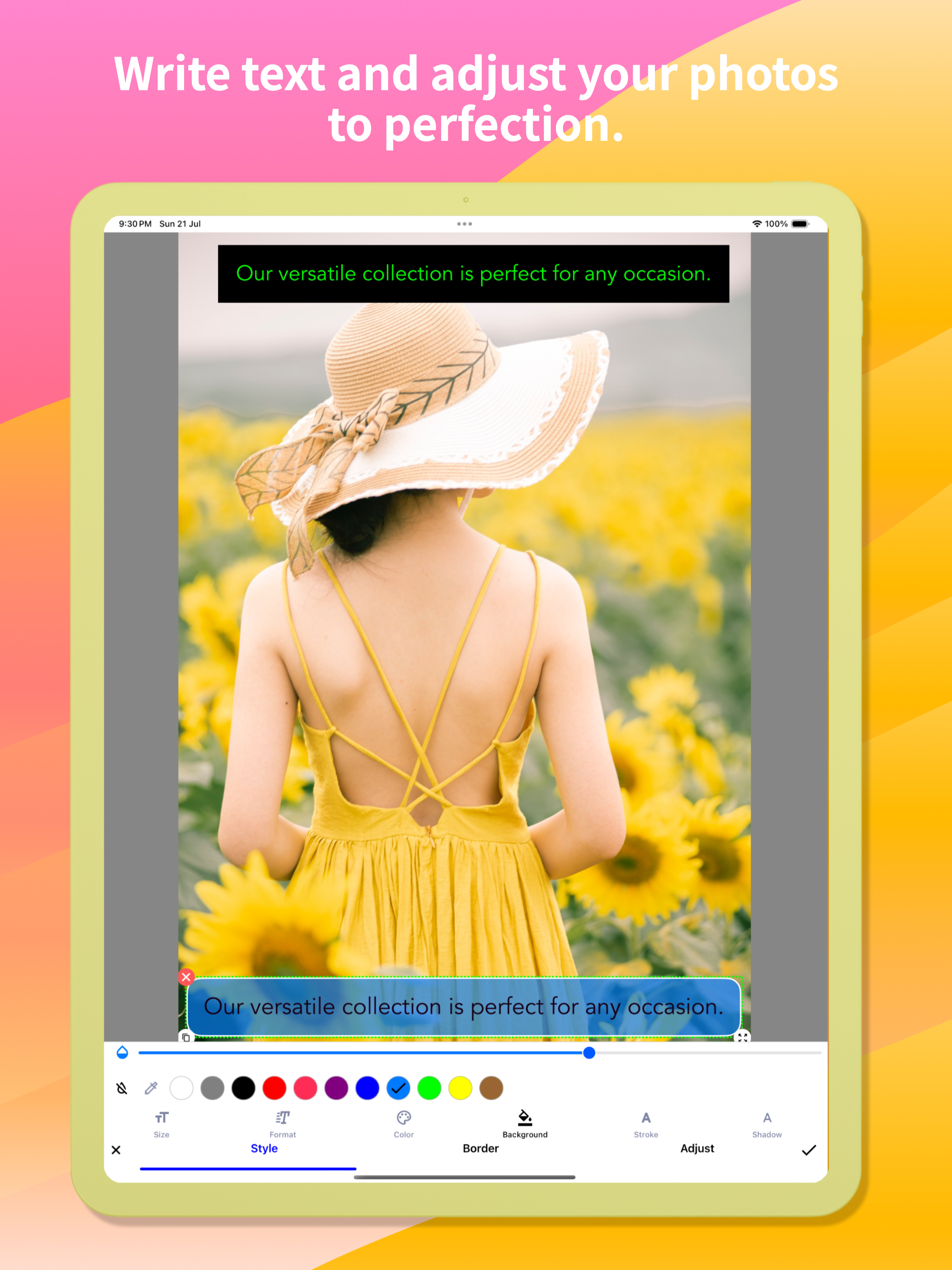


Yes, Snap Markup is completely free and it doesn't have any in-app purchases or subscriptions.
🤔 The Snap Markup app's quality is mixed. Some users are satisfied, while others report issues. Consider reading individual reviews for more context.
Snap Markup is free.
To get estimated revenue of Snap Markup app and other AppStore insights you can sign up to AppTail Mobile Analytics Platform.

4.5 out of 5
76 ratings in Netherlands
Hele mooie app. Ik mis alleen edit mogelijkheden van reeds aangebrachte markeringen. Het is alleen mogelijk met de undo functie
I like this app, you did a good job developer!
Top, makkelijk en goed. Aanrader 👍🏻👍🏻
a very nice app but I miss a move tool. how can I eg. move a square or arrow?
Top
Top app👍🏽
I use it for a short while and could be useful on the long run. we'll see. Missing the ability to highlight text, like a highlight marker.
I’m so sorry I was on auto-update. This was a great app, now filled with clutter. And what isn’t clutter is ugly. It once had nice small rounded numbers to number objects. No more: big ugly blobs. I only WISH I COULD GO BACK!
I started hunting for a solid screenshot-mark-up app very recently, and Snap Markup is easily the front-runner at this price point. A handful of small adjustments would lock in the fifth star: • Curved arrows & arrowheads The existing curved-line tool (ideal for conversation tails) is terrific; it would be even better if we could attach an arrowhead—either a gently curved tip or a classic sharp point—while keeping the entire shaft bendable. A little curve on the tail end would polish things further. • Rounded rectangles A ready-made rounded-rectangle shape would give call-outs softer edges without extra effort. • Smooth cloud shape A fully rounded “cloud” outline—something more fluid than a comic bubble—would be perfect for friendly notes. • Blank page background colour When starting from a blank canvas, it would be great to choose the page colour (grey, pastel, etc.) instead of pure white. • Text without auto-frame on photos On a blank page you can type plain text, but when editing a photo the text box locks itself into a frame as soon as you tap “Done.” A toggle to remove that frame everywhere would be handy. • Underlining in colour Underlining has always been available, yet the French UI calls the colour picker “accident,” which hides the feature (it’s labelled “stroke” in English). A clearer term—“trait” or “underline”—plus a thickness slider would make the tool far easier to use. • Colour memory & picker search Right now any chosen colour disappears the moment you pick another shade. If I draw a pale-pink triangle, switch to a pale-green rectangle, and then want another pale-pink shape, finding the exact hue again is tedious. Most iOS apps keep recent or favourite swatches automatically; a small row of saved colours—or even a search box for codes like #FFB6C1—would fix this instantly. • Extra fonts (especially cursive) One built-in typeface is limiting. A tidy handwritten/cursive font that supports French accents would be wonderful. Access to Google Fonts or the option to import my own .ttf/.otf files would open endless possibilities. • Other text tweaks – Adjustable line spacing for longer notes. – Underline thickness and colour controls, as mentioned above. • Highlighting & redaction Straight, tidy highlighter bars in any saved colour, plus a solid black option for complete redaction, would be very useful. A blur/pixelate tool for phone numbers and faces would round out the privacy features. With these refinements, Snap Markup w
Could you make it so your app shows as an option under editing pictures? (an extension.). It’s too cumbersome to find your app, then the picture I want to edit. vs already on the picture in Photos. Thanks so much for the request and keep up the great work !
|
Chart
|
Category
|
Rank
|
|---|---|---|
|
Top Paid
|

|
30
|
|
Top Paid
|

|
39
|
|
Top Paid
|
|
43
|
|
Top Paid
|

|
48
|
|
Top Paid
|
|
62
|
