
A - M - A - Z - I - N - G !
I would like to request that PDF files be included in the improved pagination updates. The MAPPLEPOP LLC creative team has created an exceptional app, and I want to express my appreciation. It's truly amazing!



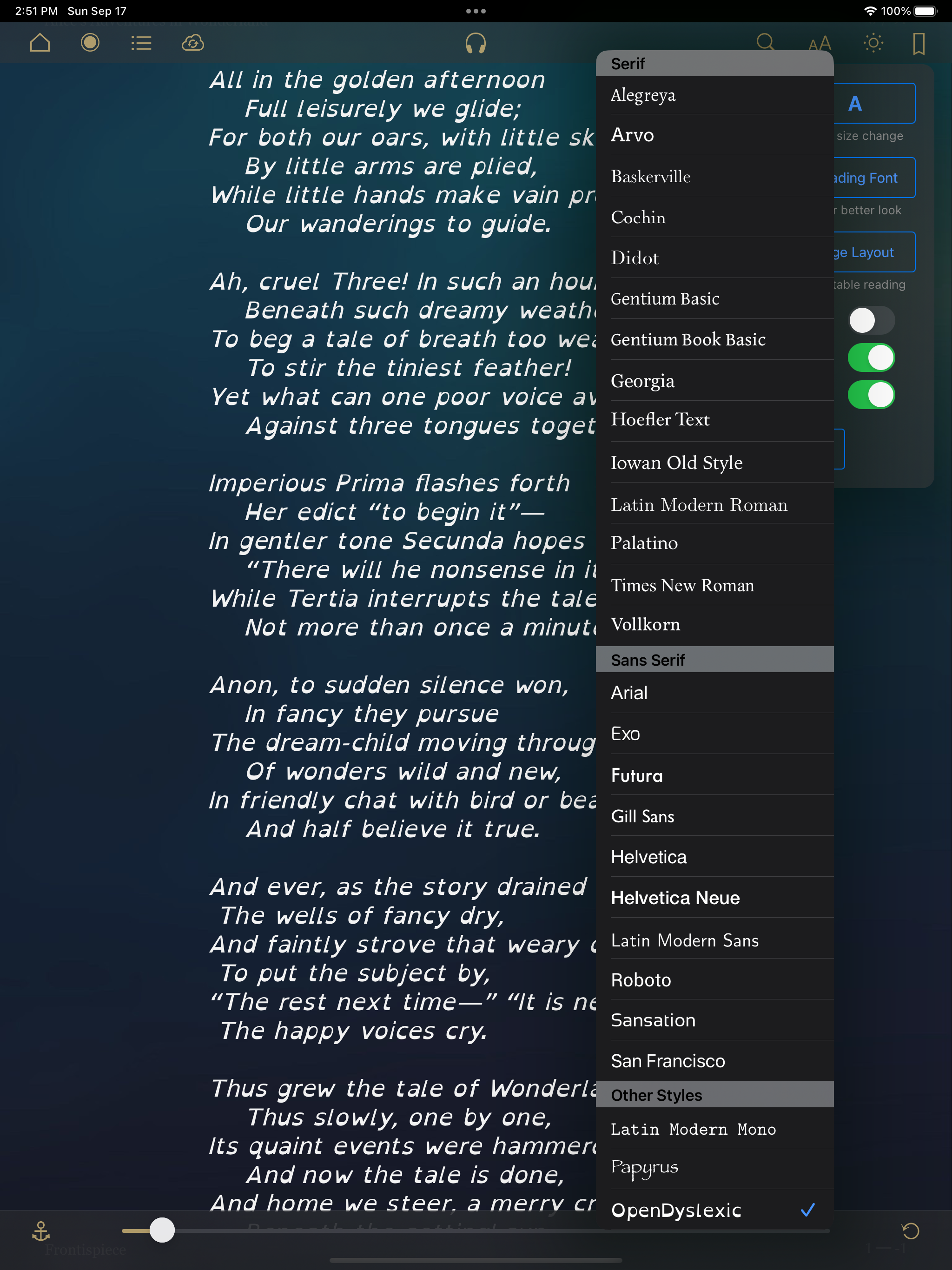


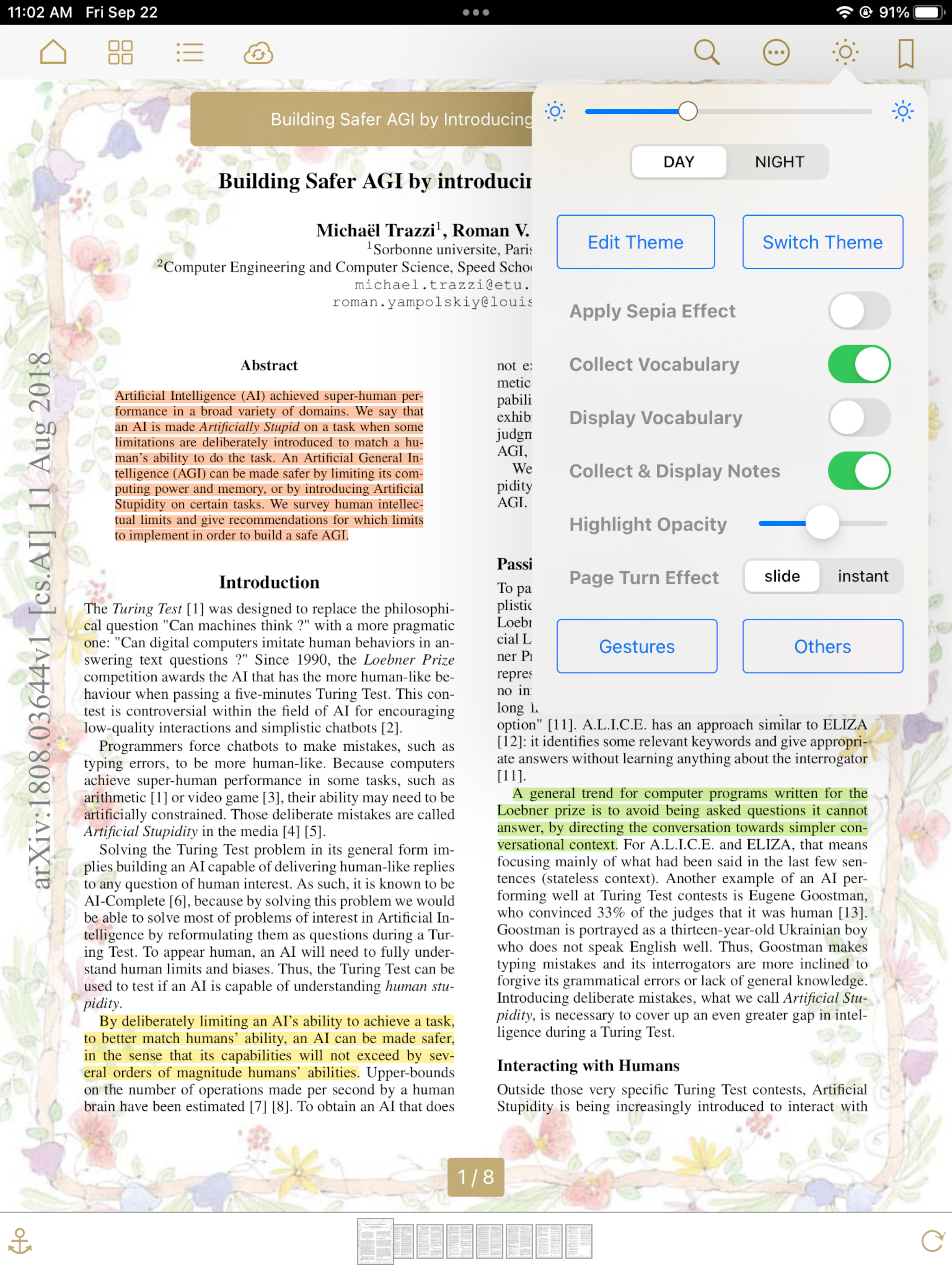
Yes, MapleRead SE is free to download, however it contains in-app purchases or subscription offerings.
🤔 The MapleRead SE app's quality is mixed. Some users are satisfied, while others report issues. Consider reading individual reviews for more context.
MapleRead SE has several in-app purchases/subscriptions, the average in-app price is 16.57 R$.
To get estimated revenue of MapleRead SE app and other AppStore insights you can sign up to AppTail Mobile Analytics Platform.

5 out of 5
5 ratings in Brazil
I would like to request that PDF files be included in the improved pagination updates. The MAPPLEPOP LLC creative team has created an exceptional app, and I want to express my appreciation. It's truly amazing!
Ótimo aplicativo. Um dos melhores.
Este aplicativo é muito bom. Quase não aparece quando pesquisamos na App Store, mas merecia lugar de destaque. Muito atraente em sua interface e com muita opção de personalização. Dá mais prazer aos amantes da leitura e estudantes.
Thank you for new improvements. New Fonts, solved bugs, great e-mail support. Excellent application performance! Great ebook reader! Regards !
Overall, this has been a great epub reading app coming from many years of using Marvin. But, like any app, there is always room for improvement. A recent issue (which is probably not the developer’s fault thanks to iOS 18) is that the “Lookup” option (dictionary) is gone from the list when pressing on a word. Other minor issues: I’d love for the clock to always show onscreen in the upper left (without needing to tap the screen). Also, syncing reading progress between iPad and iPhone is great but takes attention since it needs to be done manually on each device every time you want to switch between devices. Lastly, on a really positive note, the developer reads and responds to feedback and is still making improvements to the app. That’s worth the price for the paid version.
I can’t get it to see my files at all~tried using iPad files, setting up a folder - nothing.i also have Calibre running on my network and it doesn’t see that either
First, let it be known, this is only my second review on the App Store in the past 20 years. In that period of time I have ventured to find an epub reader that would provide maximum utility, ease of library management and a user interface that is both pleasing to the eye and intuitively formatted. I have struggled over the years to manage my rather large e-book library, now exceeding 10,000 books. As you can imagine, the size of the library has posed many problems in the traditional Apple Books ((formally iBooks) application, which requires iCloud storage for there to be full and potentially ready Accessibility to books as required across devices. Unfortunately, iCloud has a notorious habit of, offloading books from the device to the cloud significantly encumbering accessibility to books as may be needed. Whether it be the extremely efficient library management, particularly of such a large volume of books, it’s ease, importation and exportation of books, the tailoring to personal needs as it relates to user interface (the ability to alter the size of the image or text when viewing the library, in list or grid mode, means to access meta data, change e-book covers, adjust title or author or series as needed), multiple options for customizing the organization of the library (by author, by title, date added/read/modified, series, and tags for grouping by topic or relevancy) or the reading experience (adjusting, text size, text in paragraph spacing, page look and feel/animation) [to name just a few] together with the developers ongoing and regular attention to an effort to maintain this application at the cutting edge of the e-book reading experience, there is nothing that holds a candle to this application anywhere, for any device, at any time past or present!
I switch between iPad and iPhone all the time. Having to manually sync reading position is very frustrating.
How come I can’t do custom order of PDF books?
I love this app. I own a Kindle and an iPad, and both Amazon and Apple could take lessons on what features should be in a reading app from this one. With that said, I really wish this app worked on the Mac as well as on an iPad. The Apple Books app is terrible, without any good way to organize a large library. The Calibre app is great for organizing a library, editing ebooks (ebooks without DRM, and so many ebooks today come with a large number of typos that they need editing), and tracking metadata, but Calibre’s reading applet leaves much to be desired. Maple Read lets me sort books by author, series, series number, and then title, making it much easier to find books that belong to a series and where they belong in that series, much like Calibre, but it also lets me control the fonts and display when reading, an area where Calibre is quite limited. I don’t know what is required to make an iPad app work on an M1, M2, or M3 Mac, but I think a lot of readers would prefer this to Apple Books, if you could make it available to us. Thank you.
|
Chart
|
Category
|
Rank
|
|---|---|---|
|
Top Paid
|

|
1
|
|
Top Paid
|

|
4
|
|
Top Paid
|

|
7
|
|
Top Paid
|

|
13
|
|
Top Paid
|

|
45
|
