


Microsoft Lens: PDF Scanner

PDF scan, Docs, Whiteboard

Published by: Microsoft

Description

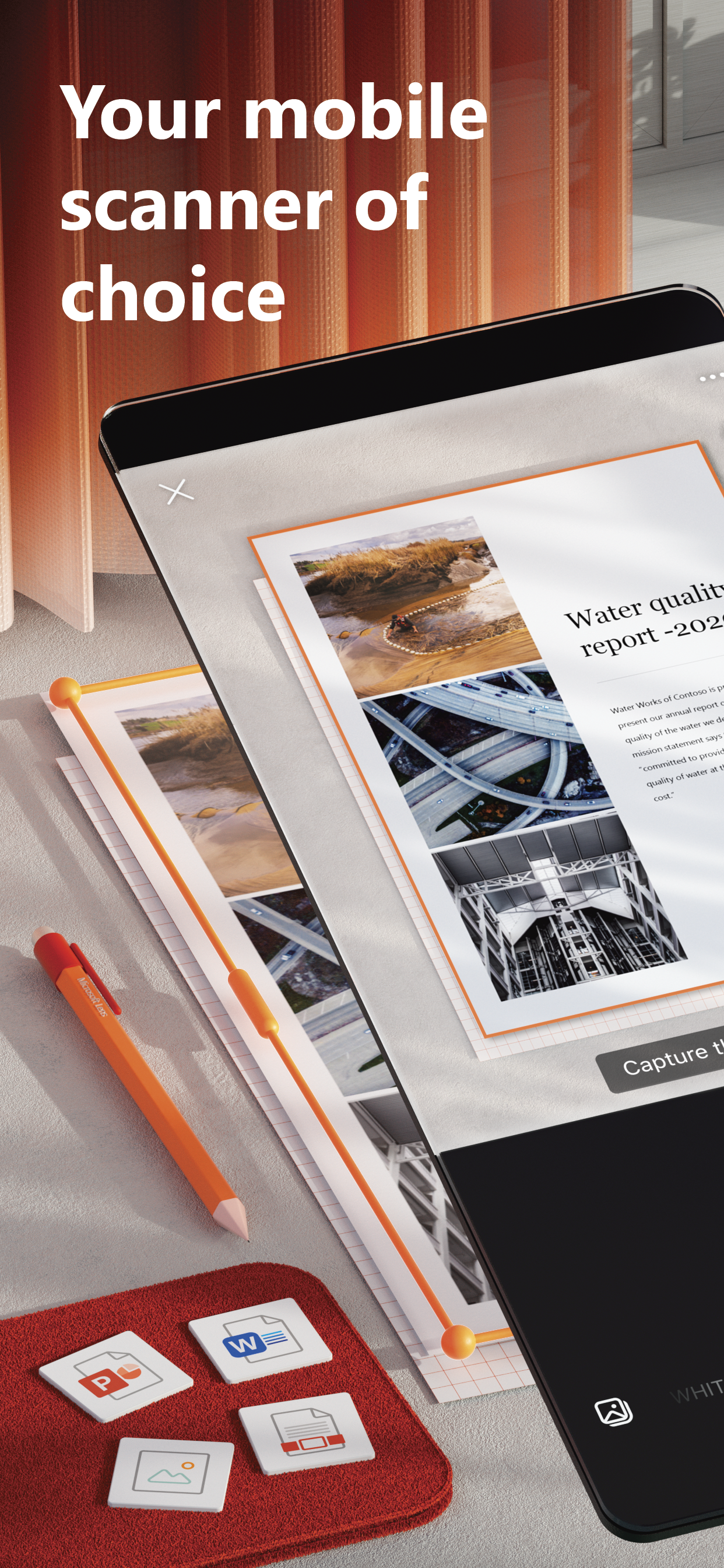
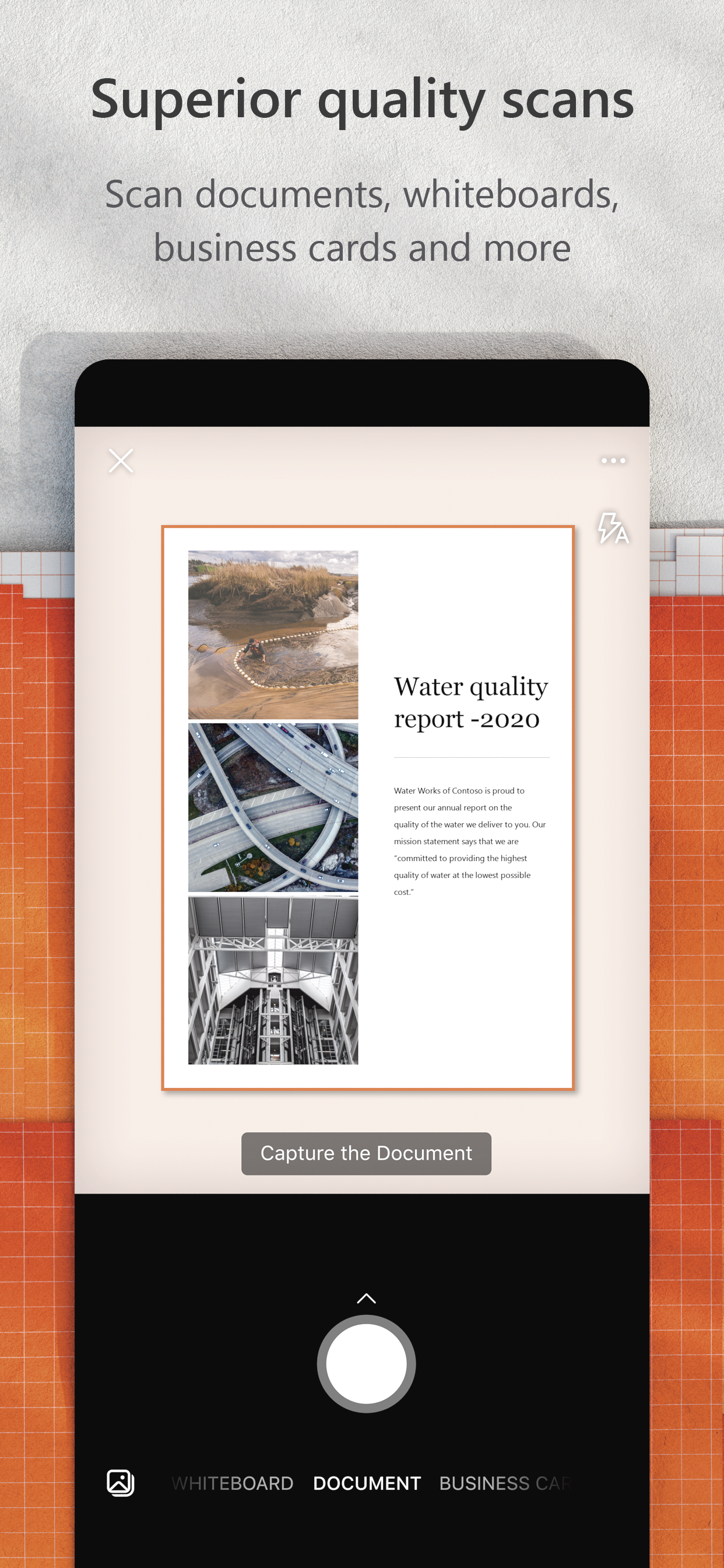
Microsoft Lens trims, enhances, and makes pictures of whiteboards and documents readable.
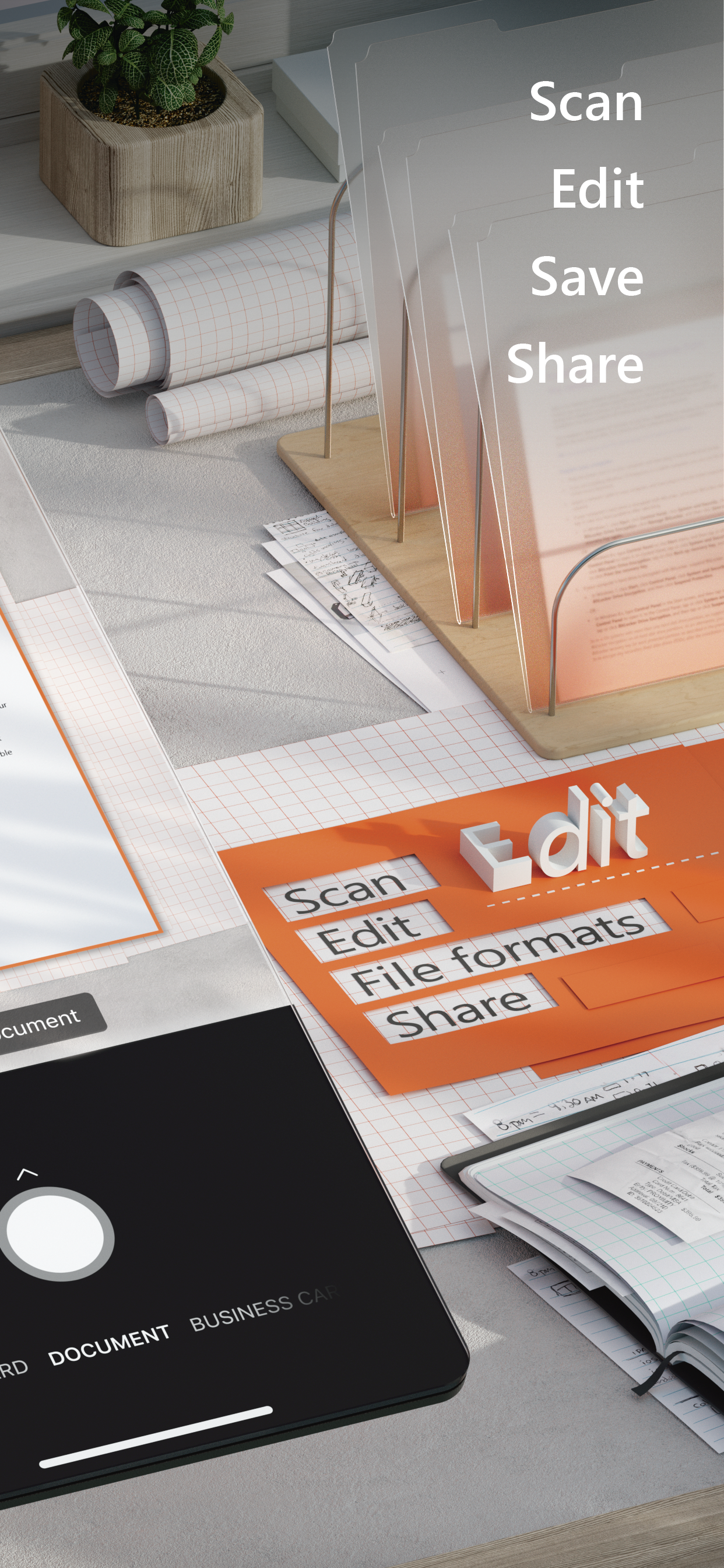
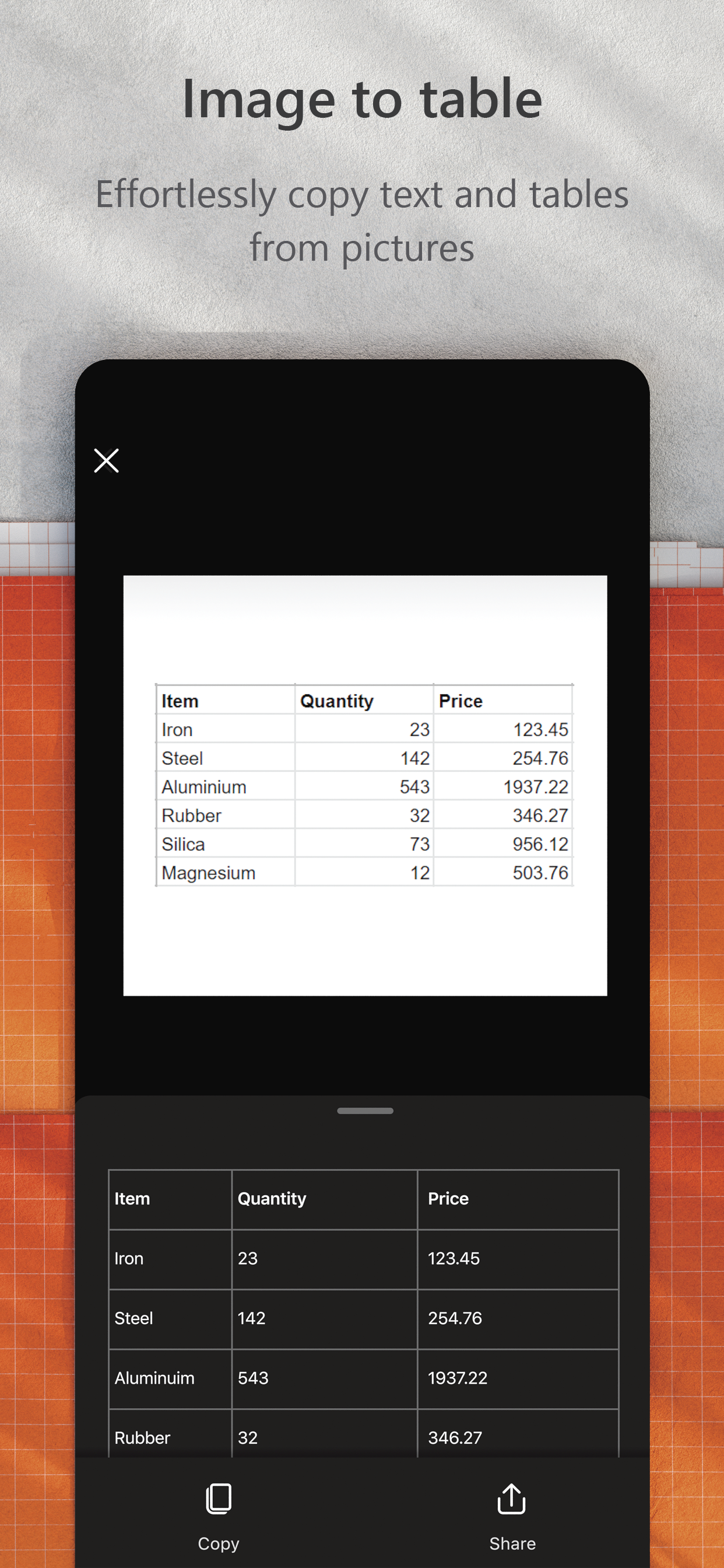
You can use Microsoft Lens to convert images to PDF, Word, PowerPoint, and Excel files, digitize printed or handwritten text, and save to OneNote, OneDrive, or your local device. You can even import images that are already on your device using Gallery.
PRODUCTIVITY AT WORK  
• Scan and upload all your notes, receipts, and documents
• Capture whiteboard at end of the meeting to keep those action items on track
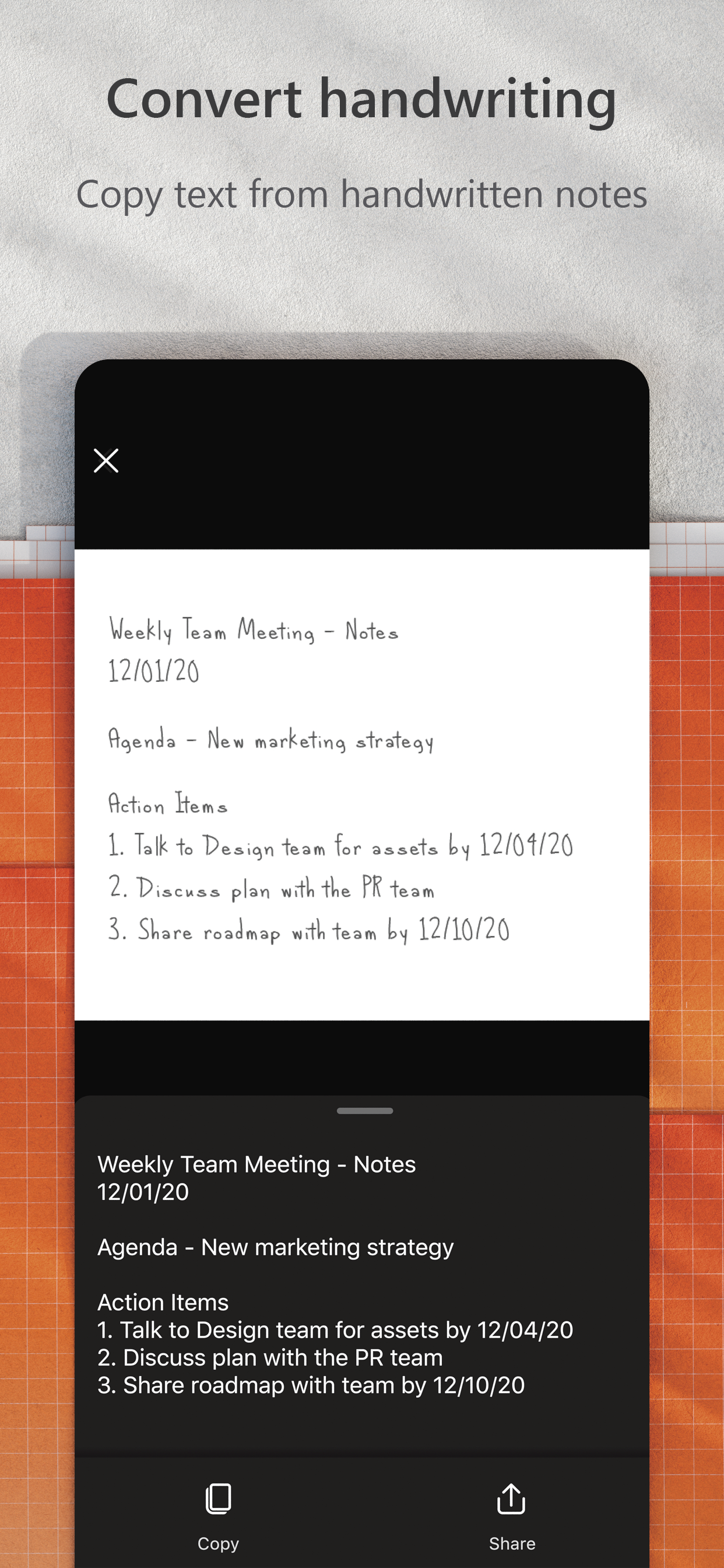
• Scan printed text or handwritten meeting notes to edit and share later
• Keep your business networking contacts handy by scanning business cards and saving them to your contact list
• Choose to save as PDF, Image, Word or PowerPoint formats into OneNote, OneDrive, or local device as location
PRODUCTIVITY AT SCHOOL 
• Scan classroom handouts and annotate them in Word and OneNote
• Scan handwritten notes to digitize and edit later (works with English only)
• Take a picture of the whiteboard or blackboard to reference later, even if you're offline
• Keep class notes and your own research organized with the seamless integration with OneNote
Join the beta program at this link to get an early preview of the next version of Microsoft Lens and help make it better by providing us feedback: https://testflight.apple.com/join/aRahHf00
Hide Show More...

Screenshots

Microsoft Lens FAQ

  • Is Microsoft Lens free?

    Yes, Microsoft Lens is completely free and it doesn't have any in-app purchases or subscriptions.

  • Is Microsoft Lens legit?

    🤔 The Microsoft Lens app's quality is mixed. Some users are satisfied, while others report issues. Consider reading individual reviews for more context.

    Thanks for the vote

  • How much does Microsoft Lens cost?

    Microsoft Lens is free.

  • What is Microsoft Lens revenue?

    To get estimated revenue of Microsoft Lens app and other AppStore insights you can sign up to AppTail Mobile Analytics Platform.

User Rating

4.86 out of 5

632 ratings in Uruguay

5 star
575
4 star
37
3 star
11
2 star
7
1 star
2
Ratings History

Microsoft Lens Reviews

Reseña Roberto Velo - CNS Uruguay

Umitas2016 on

Uruguay

Estimados, quiero felicitar a los creadores y el equipo de soporte de la aplicación, ya que me permite llevar el registro digital de las facturas del laboratorio técnico, de una manera fácil y muy práctica. Muchas gracias!!! Saludos, Roberto.


Mala forma de actualización

Celtrin on

Uruguay

En esta actualización no es posible quitar el filtro automático que pone la app a las cosas escaneadas. Para quien escanea dibujos como yo es imprescindible que pueda escanear con los colores originales. Era mi app de cabecera, ya no podré seguir aquí debido a este detalle tan importante.

Excelente

wuanchankein on

Uruguay

Cumple su función a la perfección

Excelente

Rodesa7 on

Uruguay

Cumple su función de forma excelente

Muy buena App

MarioErramouspe on

Uruguay

Muy recomendable

Excellent App

Joaco860 on

Uruguay

I use it every day for scanning every peace of paper I deal with.

Excelente

Fertwo on

Uruguay

Muy practica herramienta, ideal para documentos, tomar apuntes de pizarra y compartirlos

Excelente

Frrggg1111 on

Uruguay

👍👌

Excelente 👍🏽👍🏽

Klokha on

Uruguay

Muy útil, especialmente para alumnos que nos gusta sacar apuntes de la forma más vaga posible.

Muy buena

José aria on

Uruguay

👍👍

Store Rankings

Ranking History
App Ranking History not available yet
Category Rankings
Chart
Category
Rank
Top Free
33
Top Free
45
Top Free
48
Top Free
49
Top Free
54

Microsoft Lens Installs

Last 30 days

Microsoft Lens Revenue

Last 30 days

Microsoft Lens Revenue and Downloads

Gain valuable insights into Microsoft Lens performance with our analytics.
Sign up now to access downloads, revenue, and more.

App Info

Publisher
Microsoft
Languages
Danish, Russian, Croatian, Catalan, Hungarian, Hindi, Indonesian, Turkish, Norwegian Bokmål, Hebrew (modern), Greek (modern), German, Czech, Slovak, Japanese, French, Polish, Thai, Ukrainian, Swedish, Chinese, Romanian, Italian, Finnish, English, Dutch, Portuguese, Spanish, Vietnamese, Arabic, Korean, Malay
Recent release
2.96.1 (8 months ago )
Released on
Apr 2, 2015 (10 years ago )
Last Updated
2 weeks ago
This page includes copyrighted content from third parties, shared solely for commentary and research in accordance with fair use under applicable copyright laws. All trademarks, including product, service, and company names or logos, remain the property of their respective owners. Their use here falls under nominative fair use as outlined by trademark laws and does not suggest any affiliation with or endorsement by the trademark holders.



