
Can’t upload pics to list column
Help?





Yes, Microsoft Lists is completely free and it doesn't have any in-app purchases or subscriptions.
🤔 The Microsoft Lists app's quality is mixed. Some users are satisfied, while others report issues. Consider reading individual reviews for more context.
Microsoft Lists is free.
To get estimated revenue of Microsoft Lists app and other AppStore insights you can sign up to AppTail Mobile Analytics Platform.

5 out of 5
3 ratings in Argentina
Help?
It is a great app. On my IPhone 14 running iOS 18.2 (and previously on earlier versions), I have to close and restart the app close to 100% of the time after it becomes unresponsive.
I would really like to use this app more but requiring the use of TestFlight to use it is annoying. Seems like it could be made available to all users by this point in time.
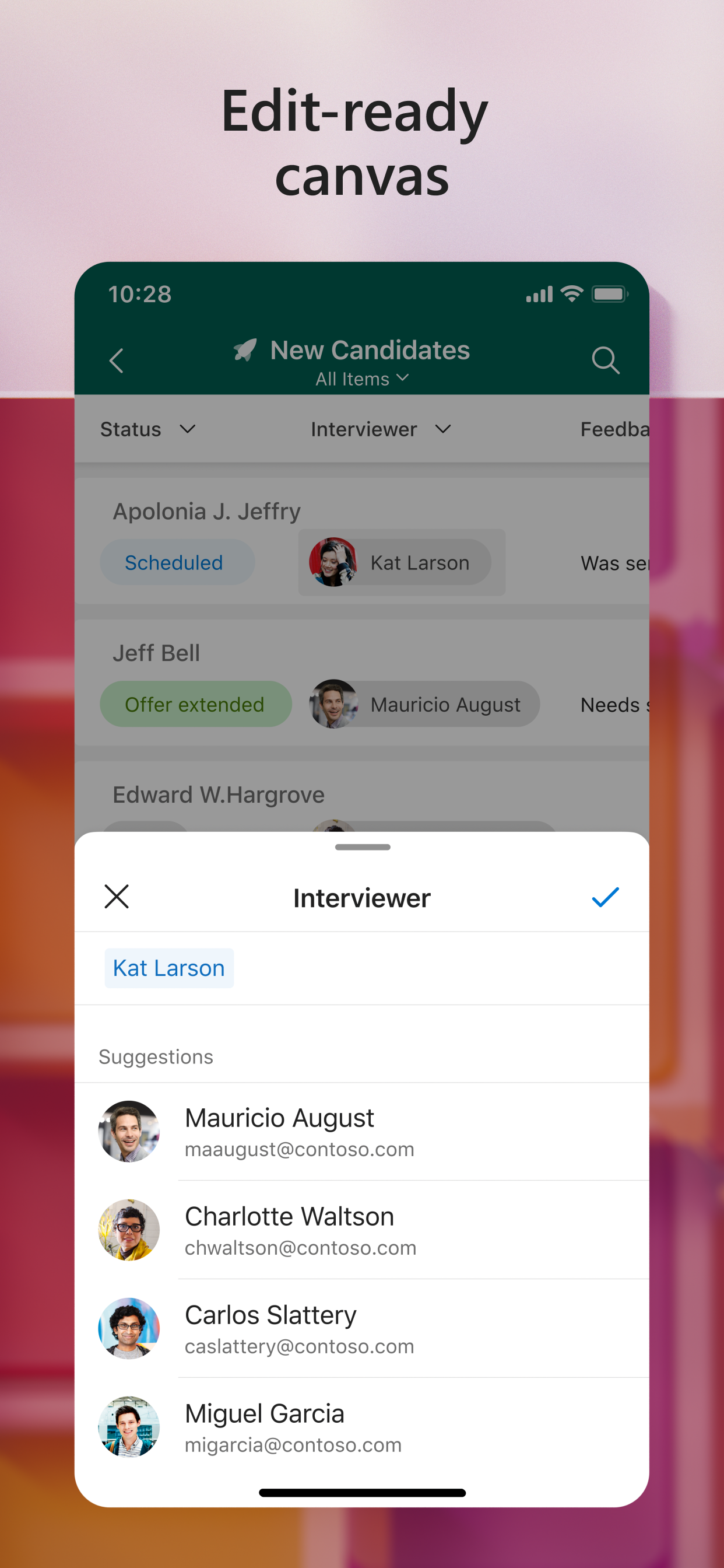
Basic functionalities you would expect in an app like this are missing. My main two disappointments with this app: picture attachment will not show, you have to tap it and follow to open it in a browser; secondly there is no such a thing as Board or Gallery view, they all look the same in this app. Long way to go on it.
It seems as though no one at MS actually uses MS apps. I wanted to like this app. I really did. But I just can’t. It’s too broken and has too many bugs. The app crashes or has to be force closed far too often—at least once per session. When it’s not crashing or freezing, it’s glitching constantly (screen flickering, freezing, and not updating). Just now, I cleared the filter from a view and nothing changed. The filter was still applied, though it showed no filter was applied. I had to force close the app and reopen it to get the list/view to update. The Lists mobile app doesn’t support all column types. Lookup column? Not supported. Calculated column? Not supported. Who thought this was OK? A couple of my biggest gripes with the app—filtering by options in a choice column, rather than being able to select options from the column configuration, it only allows for filtering based on options which have already been selected and which are part of existing list items included in the current view. So, if you have 5 options but only 2 have been selected thus far, you can only filter by those 2 values—because what is planning for the future…? If you add an item with a different status, it will be filtered out of view automatically, which means you will have to change views, clear the filter, and create a new filter. This makes ZERO sense. Formatting between SharePoint lists and the Lists app on desktop and mobile is AWFUL. Columns formatted in SP don’t work in Lists. Quite often I’ll pick colors for options in a choice field, and once I save, all pills are just black. Other times, it’s just 1-2 pills are black and others have color. It’s extremely frustrating. You can’t change the color of the tiles on the gallery screen in the mobile app. Also, if a list is deleted, it will still show on the gallery screen. When you tap it, it will tell you it’s been moved or deleted. Yet it doesn’t remove it from the list. I don’t know how much MS pays their app developers, but whatever it is, it’s too much.
Bug, Cannot create forms in ios and ipad os
Works smoother on mobile for editing list items than viewing in a mobile browser. But I can’t see or leave comments on list items. This is an incredibly important part of our workflow so we don’t be able to implement this app at the moment.
Great app. Rather laggy on mobile, needs improved offline caching, and **really** needs home screen widgets. Review is short to respect the devs time. Social, please pass this up to product team. Thanks.
Love the ability to work from PC to phone to Excel and back to the list and be able to share. But wish there were options to make the list more user interface friendly. Mainly the ability to shrink down the height of the rows and or font size.
Can’t view calendar on the app … it says “Column operations are not supported for this view”.
|
Chart
|
Category
|
Rank
|
|---|---|---|
|
Top Free
|

|
257
|
|
Top Free
|

|
404
|
|
Top Free
|

|
440
|
|
Top Free
|

|
478
|
|
Top Free
|

|
481
|

