Note: This app will be retired soon. For more details, please visit https://aka.ms/listsmobileapp.
Microsoft Lists is a Microsoft 365 app that helps you track information and organize your work. Lists are simple, smart, and flexible, so you can stay on top of what matters most to your team. Track issues, assets, routines, contacts, inventory and more using customizable views to keep everyone in sync. Create, use, and share your information with anyone, anywhere while on the go with a personalized, mobile-first experience.
- Track and manage lists wherever you’re working
- See recent and favorite lists
- View lists even when offline
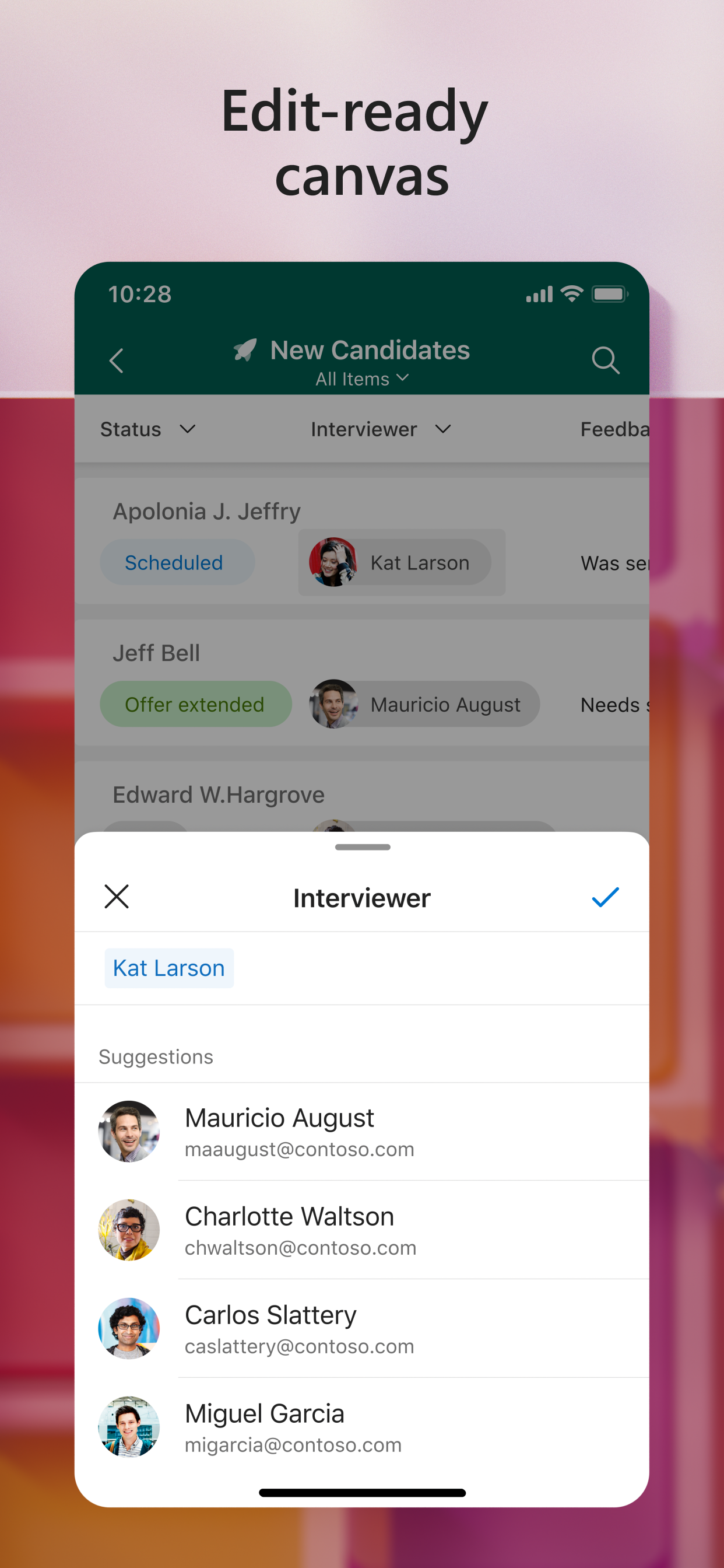
- Edit your lists and list items
- Capture and add photos with QR code support
- Create, share, and track lists with anyone
- Start quickly with ready-made templates
- Customize your views using sort, filter, and group by
- Dark mode and landscape orientation support
- Built-in enterprise-grade data security and compliance
- Intune device management support with MDM and MAM policies"
HideShow More...
Screenshots
Microsoft Lists FAQ
Is Microsoft Lists free?
Yes, Microsoft Lists is completely free and it doesn't have any in-app purchases or subscriptions.
Is Microsoft Lists legit?
⚠️ The Microsoft Lists app has poor ratings and negative feedback. Users seem unsatisfied with its performance or features.
We use ms lists in our hospital for our patients. We put them in different teams.
Whenever I open a diagnosis and procedure field to edit, it does not scroll down to bottom of entry.
Also if I open an entry to overview, it does not scroll down.
I think there is a scrolling issue in ms lists ios app.
I am using ios ms lists app.
There is no reaponse from app feedback section, mocrosoft community and here. Please help.
Pretty poor experience
The web app useful. The rendering and scope for customisation on the iPhone is terrible and makes the app redundant sadly
App is okay
App is okay but needs room for some more improvement
I only use it for basic task such as keeping up with assignments ect..
Also would like to see widgets for ios on iphone/ipad :)
Lookup columns don’t work
Was good until I realised lookup columns don’t work. People have been requesting this for years and years but still nothing. Makes the app useless for me. Really disappointing.
Really poor app
I can’t believe Microsoft churns out this garbage. List layouts are really poor for a mobile app. Hiding the thousands separator from a number column on desktop is not reflected in the app, and the option to hide the thousands separator isn’t present.
Keeps crashing
It keeps freezing and crashing. Very unreliable app. ☹️
Will not allow log in with ms Authenticator
Enter email address linked to ms Authenticator press next. Error 1001.
Great start.
Inexplicably removed from the beta test programme
For some reason I am no longer able to access the app because I no longer enrolled in the beta programme for some reason?
Lookup columns not supported :-(
Some good features, especially the radio buttons for the selection of multiple selection choice fields. But why are lookup columns not currently supported? I see a similar question was asked 1yr ago. Do you have an update on this please?
2023 review - Pretty much useless on iPhone
An iPhone is the perfect handheld device to quickly update list items on the move.
We use lists internally to track customers, deliverables, and internal communications.
Microsoft have completely missed the point with this app. It would’ve been superb to re-define the look and feel / layout of a list to match the iPhone’s form factor.
Lists look ridiculous on the iPhone, they require you to scroll sideways to see more than one or two fields, styling is not supported, comments don’t seem to be available, text in each field is truncated, and if you use automations, then you can forget it!
Think, if you can, about one of the top selling productivity apps for iPhone. Eg to-do apps like Things or Omnifocus, or even Microsoft’s own ToDo app. They’re easy to use and allow you to see a lot of information on the screen at any time.
Also, no review of Microsoft technology is complete without noting the ridiculously bland and most useless comments from Microsoft employees, this reviews section is no exception!
The only reason I gave it two stars was because the basic Microsoft functionality such as switching accounts is supported. Apart from that… huge missed opportunity.
This page includes copyrighted content from third parties, shared solely for commentary and research in accordance with fair use under applicable copyright laws. All trademarks, including product, service, and company names or logos, remain the property of their respective owners. Their use here falls under nominative fair use as outlined by trademark laws and does not suggest any affiliation with or endorsement by the trademark holders.