



Beschreibung

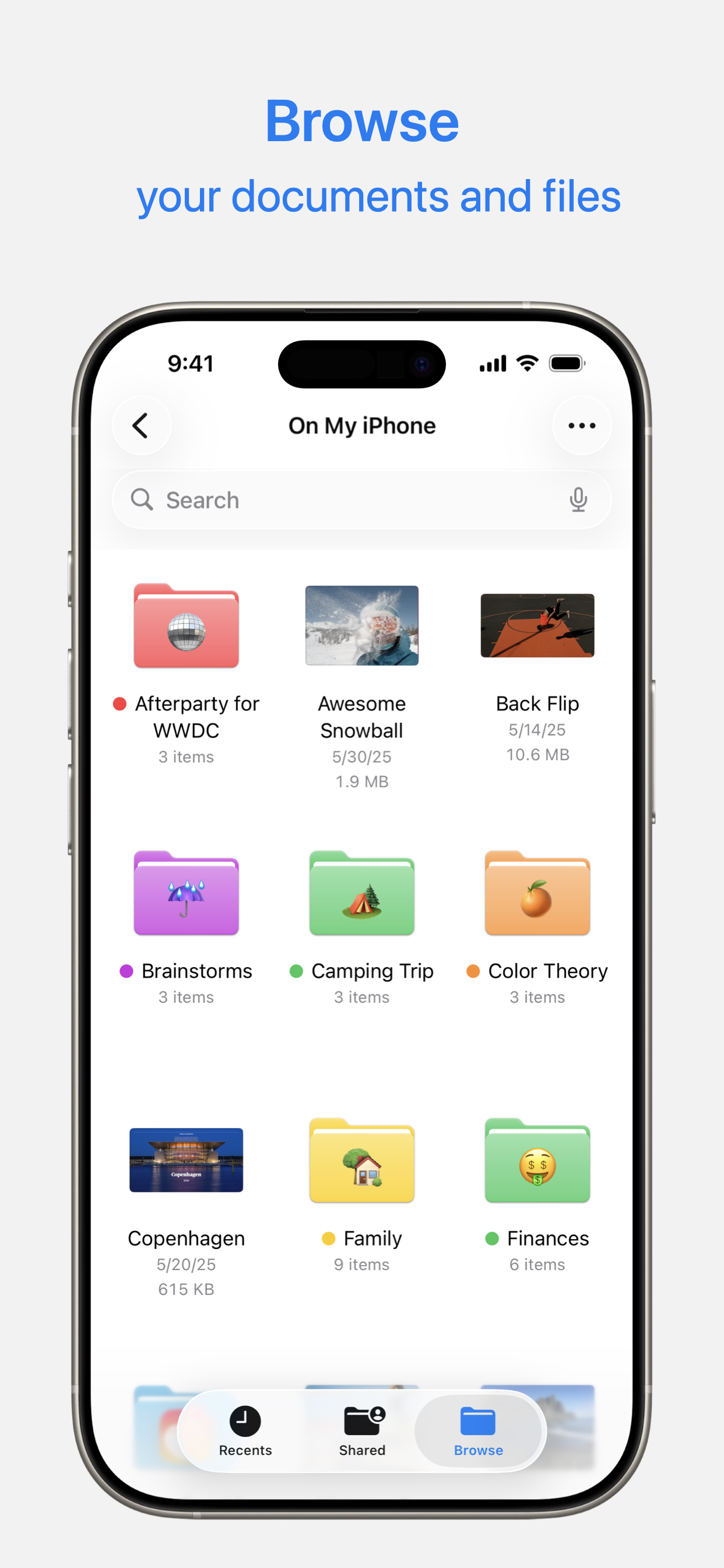
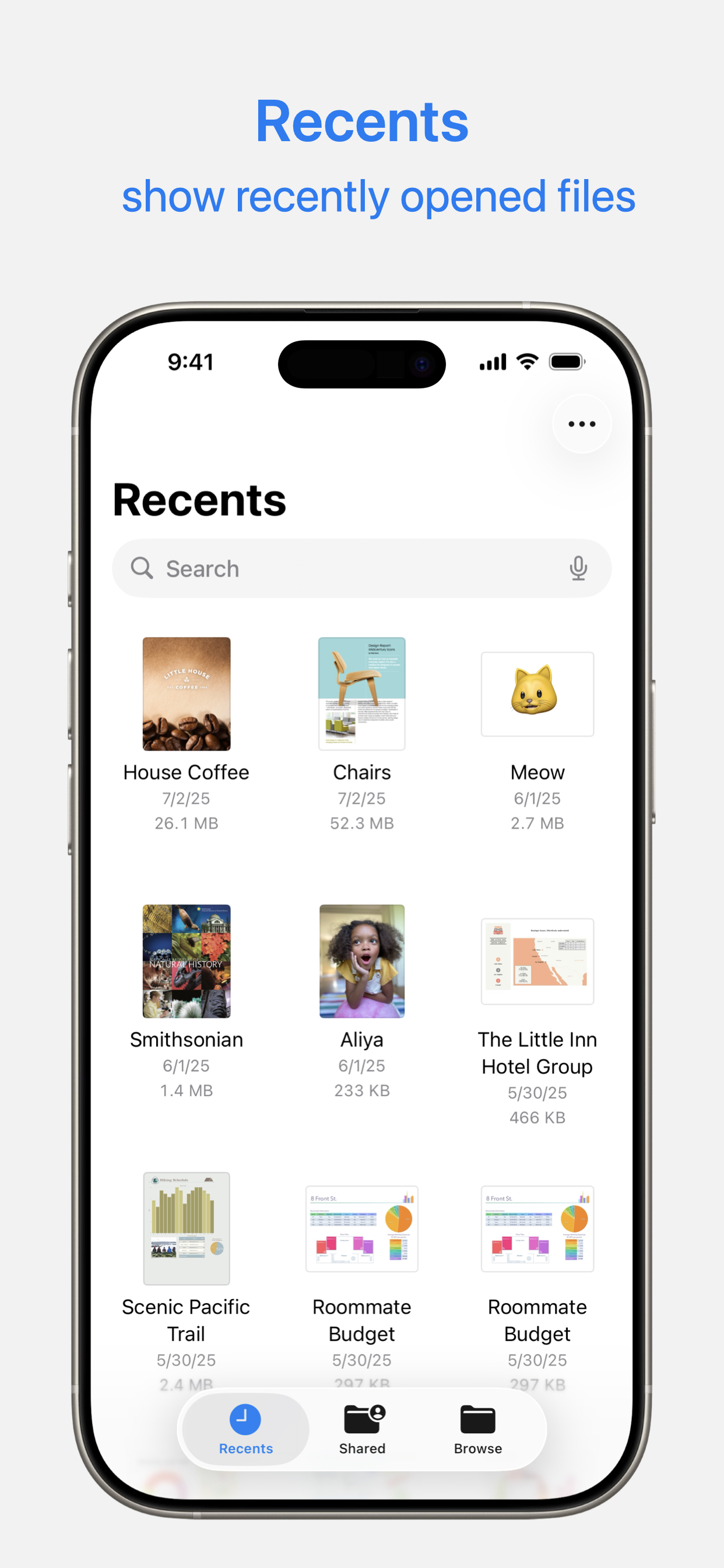
Akses dan atur fail anda tanpa mengira lokasinya — pada peranti anda, dalam awan, pada pemacu luaran atau pelayan fail — dengan Fail. Paparan Terbaru memaparkan fail yang anda usahakan baru-baru ini dalam imej kecil resolusi tinggi. Gunakan paparan Layari yang berkuasa untuk navigasi folder, mengatur fail anda dengan tag, memindahkan fail antara folder dan mencari. Fail juga memudahkan untuk mengakses iCloud Drive dan perkhidmatan storan awan pihak ketiga seperti Dropbox, Box serta OneDrive.
Ciri
• Tekan ikon Fail dalam Dock atau skrin Utama untuk membuka fail daripada mana-mana dengan cepat
• Sambungkan pemacu luaran atau kad SD ke peranti anda untuk mengakses fail
• Sambung ke pelayan fail di tempat kerja atau PC rumah menggunakan SMB daripada Fail.
• Gunakan tag untuk mengatur fail yang disimpan dengan penyedia awan berbeza dan merentas app berbeza.
• Pin folder kegemaran anda dalam paparan Layari untuk akses cepat kepada folder yang anda paling banyak gunakan.
• Berikan akses kepada orang untuk sebarang fail yang disimpan dalam iCloud Drive dengan berkongsi pautan daripada app Fail.
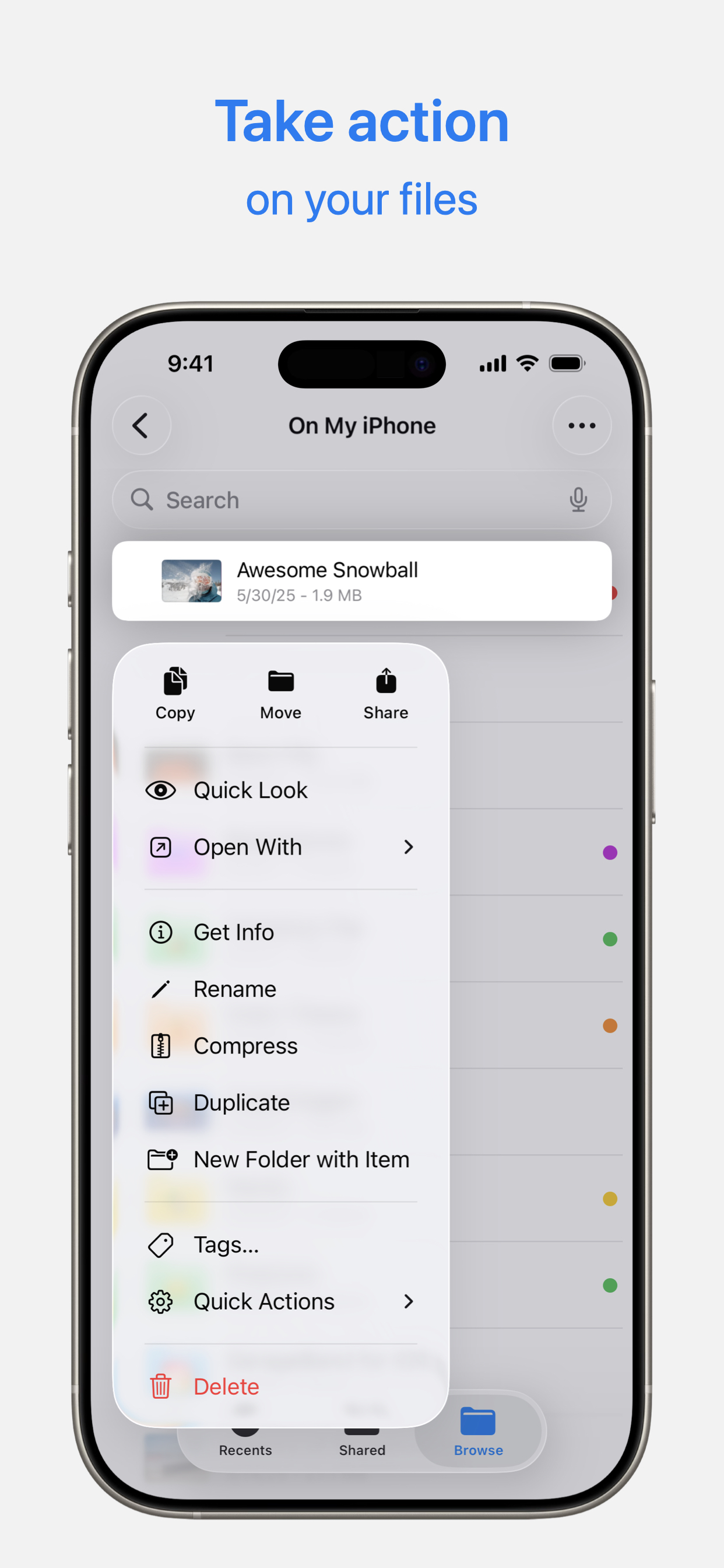
• Seret dan lepas untuk memilih fail dan mengaturnya ke dalam folder.
Ausblenden Mehr anzeigen...

Screenshots

Fail Häufige Fragen

  • Ist Fail kostenlos?

    Ja, Fail ist komplett kostenlos und enthält keine In-App-Käufe oder Abonnements.

  • Ist Fail seriös?

    ⚠️ Die Fail-App hat schlechte Bewertungen und negatives Feedback. Die Nutzer scheinen mit der Leistung oder den Funktionen unzufrieden zu sein.

    Danke für die Stimme

  • Wie viel kostet Fail?

    Fail ist kostenlos.

  • Wie hoch ist der Umsatz von Fail?

    Um geschätzte Einnahmen der Fail-App und weitere AppStore-Einblicke zu erhalten, können Sie sich bei der AppTail Mobile Analytics Platform anmelden.

Benutzerbewertung

2.73 von 5

203 Bewertungen in Malaysia

5 star
68
4 star
10
3 star
13
2 star
24
1 star
88
Bewertungsverlauf

Fail Bewertungen

Extremely unstable and unreliable

Jsonting88 on

Malaysia

It’s been years and Apple still hasn’t fixed this ridiculously unreliable app! I use OneDrive and Google Drive often and this app just always disconnects with them. For instance, I scanned a file using Adobe Scan, and “Saves a Copy” into a folder in Files. The file will get stuck there, not uploading to my cloud service, and I can’t even open the pdf from Files itself! This happens randomly wayyyy too often. It’s very frustrating how badly unreliable this is and it’s a Joke , Apple… how can you not fix till until now?

Bugs

insidetea on

Malaysia

The files keep bugging at random times and all my progress goes missing. I use this for my school work and sometimes I have to rewrite again and again just for it to disappear again.

don’t use this app

molly holly y on

Malaysia

i downloaded my textbook soft copies here (in pdf version) and annotated my files. for my 3 semesters, all the original pdf words in the textbook will just randomly disappear, blank out, leaving only my annotation. even if i annotated something during lectures, i will have to rewrite and rewrite again because the files will suddenly load and disappear (all my annotations were not saved) ! i regret choosing this app for my studies…

Broken

Abbdah:my name on

Malaysia

The app is was there i press instal and it took forever i wonder why

thanks

Synrex87 on

Malaysia

All my notes progress lost thanks to this dumba app

Laggy and not responding

Ruf918 on

Malaysia

Used to be one of the best apps *sigh

Non stop lagging. Won’t even sync with my OneDrive. Cannot even open files in iCloud. Useless

kayyylian on

Malaysia

If I can give negative star, I would

Unable to Customize Display

BC-KUL on

Malaysia

Can’t Hide the “Recents”. Should be more flexible in letting user to customize the display style and method.

hmph.

begula:D on

Malaysia

Laggy. Pls make it less laggy. good for storing stuff but it is very laggy and if you dont have enough icloud it is bad.

Sorry Can’t Open File, Something Went Wrong

D-actioneers on

Malaysia

I have a problem. I cannot open microsoft office files directly from File app both in my iphone pro 16 and my ipad pro m4. The files are only able to open if it is open in Microsoft App ie. Words, OneDrive etc. It was fine before OS 18. I’m guessing it’s apple File app’s or apple mobile OS problem because it works perfectly fine before and it works fine on my mac Sequoia 15.1 Finder app. And recent microsoft app update does not solve this problem.

Store-Rankings

Ranking-Verlauf
App-Ranking-Verlauf noch nicht verfügbar
Kategorien-Rankings
App ist noch nicht gerankt

Fail Konkurrenten

Files Installationen

Letzte 30 Tage

Files Umsatz

Letzte 30 Tage

Fail Einnahmen und Downloads

Gewinnen Sie wertvolle Einblicke in die Leistung von Files mit unserer Analytik.
Melden Sie sich jetzt an, um Zugriff auf Downloads, Einnahmen und mehr zu erhalten.

App-Informationen

Kategorie
Utilities
Sprachen
Portuguese, German, Catalan, Czech, Chinese, Korean, Croatian, Danish, Slovak, Spanish, Finnish, French, Greek (modern), Hebrew (modern), Hindi, Dutch, Hungarian, Indonesian, English, Italian, Japanese, Malay, Norwegian Bokmål, Polish, Romanian, Russian, Swedish, Thai, Turkish, Ukrainian, Vietnamese, Arabic
Letzte Veröffentlichung
1.6 (vor 1 Woche )
Veröffentlicht am
May 18, 2017 (vor 8 Jahren )
Zuletzt aktualisiert
vor 1 Monat
This page includes copyrighted content from third parties, shared solely for commentary and research in accordance with fair use under applicable copyright laws. All trademarks, including product, service, and company names or logos, remain the property of their respective owners. Their use here falls under nominative fair use as outlined by trademark laws and does not suggest any affiliation with or endorsement by the trademark holders.