
Doesn’t support apple’s back gesture
The only major problem I have with this app is that it doesn’t support apples swipe right for back gesture.


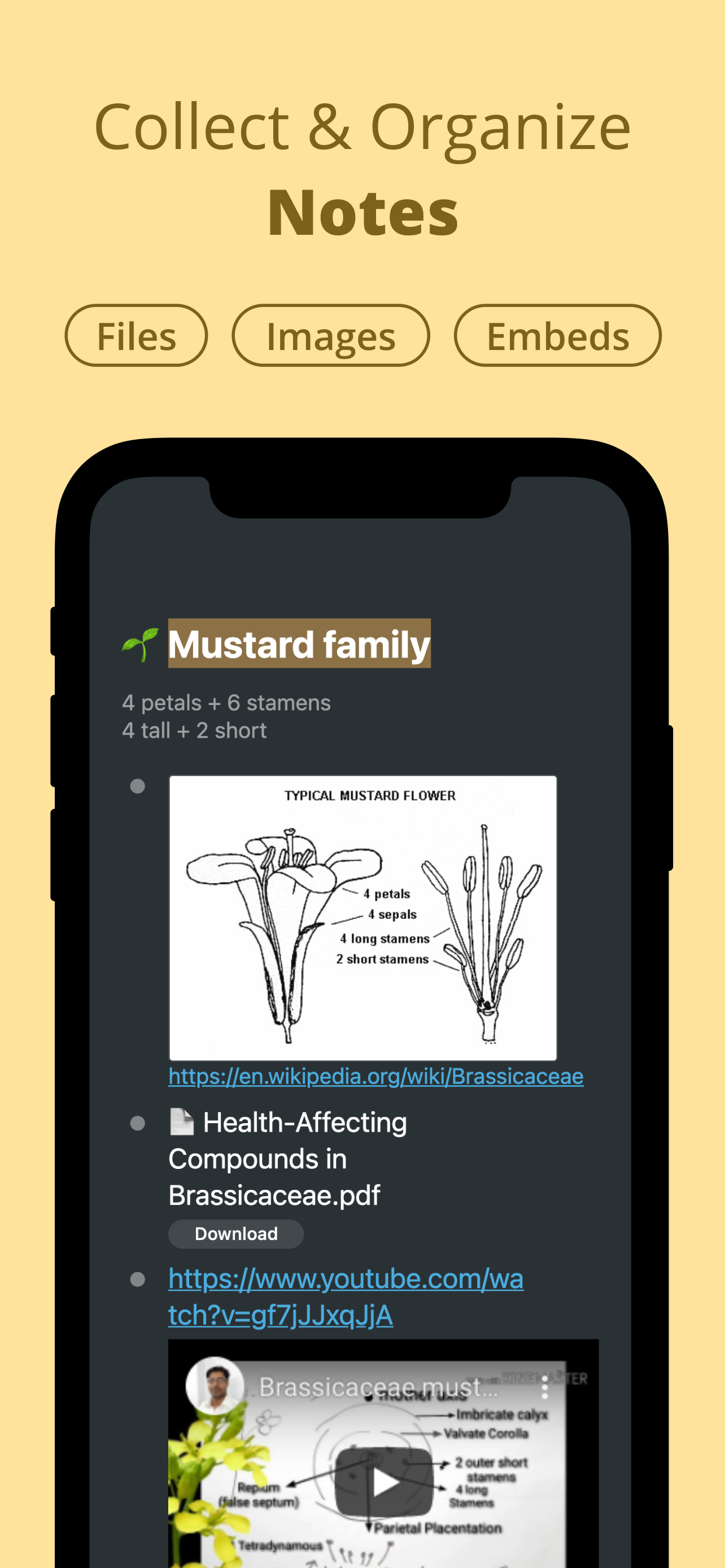

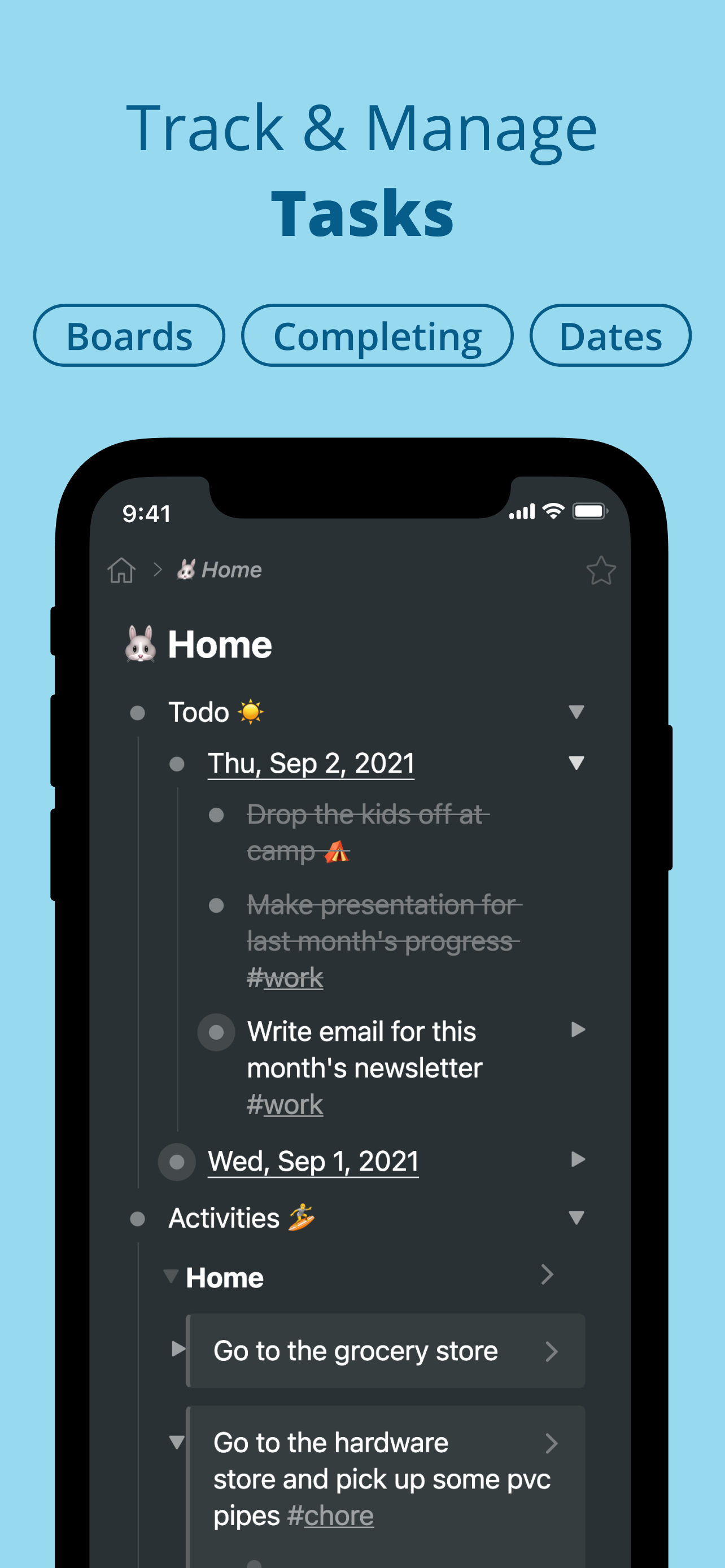

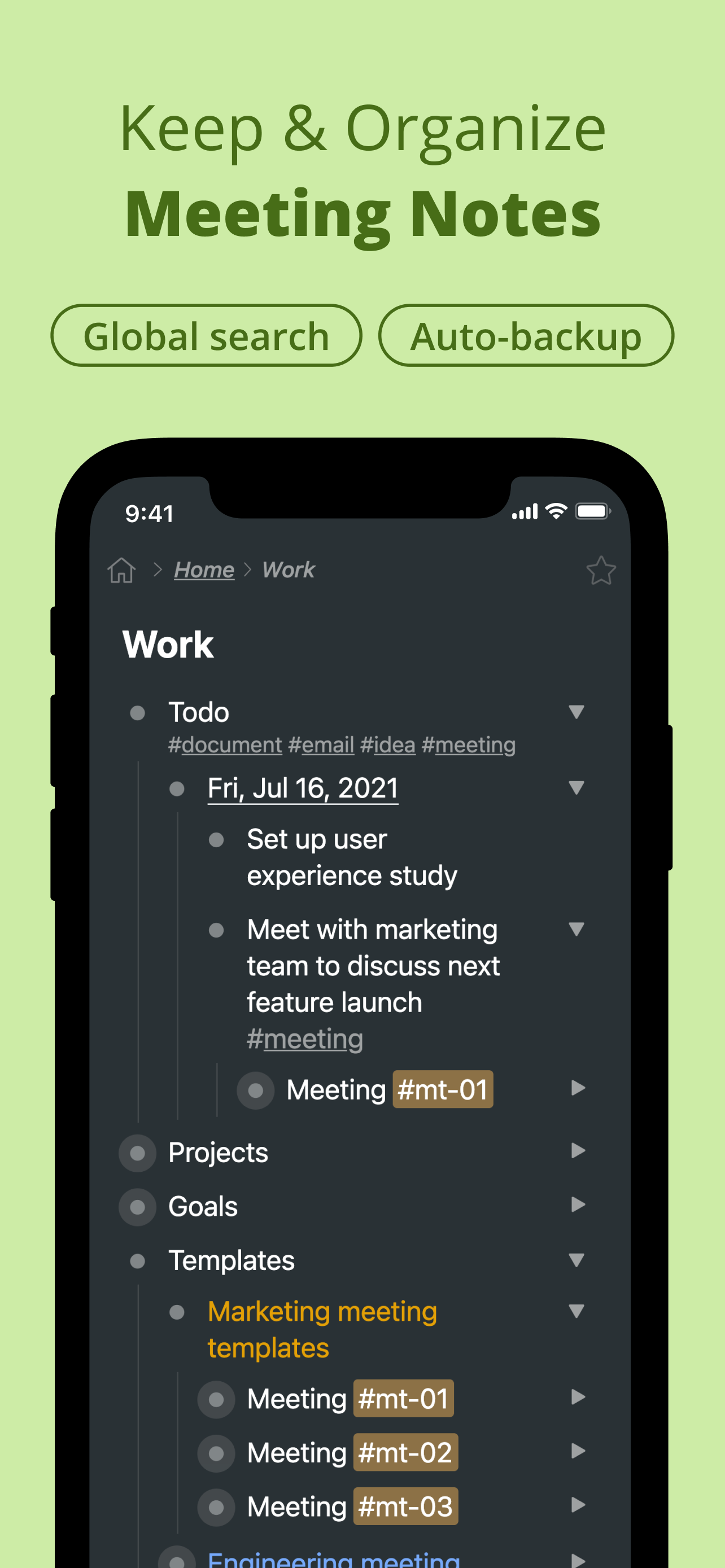
Yes, WorkFlowy is completely free and it doesn't have any in-app purchases or subscriptions.
✅ The WorkFlowy app appears to be high-quality and legitimate. Users are very satisfied.
WorkFlowy is free.
To get estimated revenue of WorkFlowy app and other AppStore insights you can sign up to AppTail Mobile Analytics Platform.

4.81 out of 5
325 ratings in India
The only major problem I have with this app is that it doesn’t support apples swipe right for back gesture.
Clean interface with useful features to slowly make use of the features as and when you need. Workflowy will not overwhelm you, but behind the simple interface, powerful features are present.
They did a great job of making the app work just like the website, I love the way you can note take with the nodes and how much organisation it gives me. It helps me personally a lot more than something like notion.
Great overall experience, but please please launch widgets ... its high time 😭
Hey workflowy can anyone tell how to add images?
WorkFlowy does it all! Blows my mind how intuitive, simple and powerful this app is. It’s so many apps in one. Beautiful design. If there has to be only one app in my life, it’ll be WorkFlowy.
I have tried many apps for note taking and to do; Workflowy is the best. It has the simplicity of infinite bullets and ability to convert them as todo.
Workflowy has a lot of promise. The mobile experience can be a lot better especially with regards to moving bullets around and responsiveness of the mobile design. What I’d really like specifically for mobile is quick capture capabilities (since navigation / moving could be difficult on smaller screens) which allow you to define a bullet under which all new captures should automatically go. Also, like Things, when you share, the Title of website / content should be bullet name and hyperlink as note or sub item. I’m trying to use it as a second brain and quick dumping from everywhere is a bit of a challenge.
It has gotten very very sluggish. I can’t use this. There is a reason I dont use Evernote. And you’re becoming like it.
It’s a pain to move items around on iPad. The moment you try to drag it, the text becomes selected. It needs to be optimised for iPad – not working at all
